- HOME
- On Zoho Learn
- Introducing collapsible sublevels in Zoho Learn
Introducing collapsible sublevels in Zoho Learn
- Last Updated : February 26, 2026
- 129 Views
- 2 Min Read
You've created detailed guides and engaging documentation, yet your teams don't prefer using the knowledge management system. Whether it's information overload or readability concerns, your learners are struggling to make the best use of your knowledge base. To solve these issues, we've introduced collapsible sublevels in Zoho Learn.
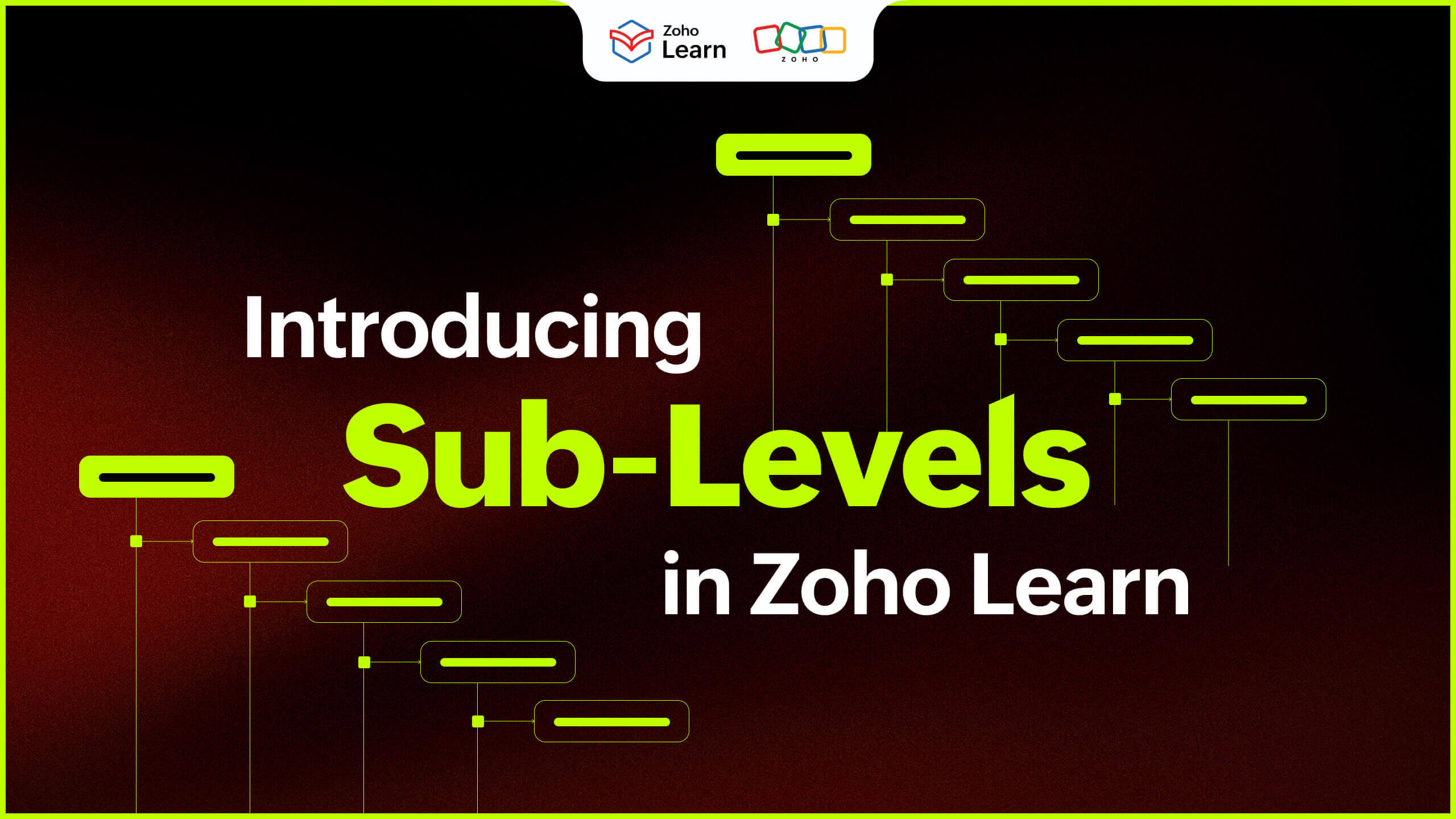
Sublevels are nested articles and chapters that are created under a parent level in our knowledge management system. With collapsible sublevels, readers can navigate to the necessary sections without scrolling through the entire manual to find what they need. Read on to know how this most-awaited feature can enhance your knowledge sharing experience.
What can I do with sublevels in knowledge base?
Knowledge base articles
Knowledge base articles tend to be lengthy because they cover a wide range of topics. With collapsible sublevels, users can choose to expand the sections that they want to know in detail. This helps in preventing information overload for your employees.
Audience-specific information
In organization-wide manuals and guides, it's common for specific information to be relevant to specific employee groups. For example, a fresher will have less relevance to gratuity policy than a manager with 5+ years of experience. Whether it is differences in departments, roles or locations, sublevels are very helpful for audience-specific content.
FAQs or help documentation
Nested articles and chapters play a key role in user experience in FAQs and help documentation. You can collapse unnecessary answers and expand only the relevant questions. This reduces cognitive load and provides clarity for your readers.
Process documentation
In how-to guides and step-by-step processes, your employees can just navigate to the particular step they're struggling with, instead of going through the entire guide to find relevant solutions to their problems.
What should I know about sublevels in Zoho Learn?
In Zoho Learn, sublevels allow you to structure your knowledge base articles exactly the way you want.
You can create up to 10 levels of nesting in your knowledge base.
You can also create multiple articles and chapters under each sublevel.
You can reorder sublevels using the drag and drop functionality easily.
Additionally, you can create new articles and chapters, move, duplicate and rename sublevels right in the left navigation panel.
You can choose to trash an individual sublevel or choose to trash the sublevel along with its nested sublevels.
Getting started with sublevels
Sublevels are available in all the versions and plans of Zoho Learn. For more information on sublevels, check out our help documentation.
Enhance your team's knowledge sharing experience using sublevels in Zoho Learn!
 Kirthana V
A true believer of "The pen is mightier than the sword", Kirthana is a literature lover turned content writer.
With a background in Economics and English, she hopes to bring her analytical and creative side together to deliver authentic pieces of work.