




Accounting automation in Zoho Books
Ensure accurate accounting, save time, and improve overall responsiveness by implementing simple yet powerful automations in your workflow. Focus less on the repetitive and the number-crunching and more on growing your business.
Delegate repetitive tasks to Zoho Books
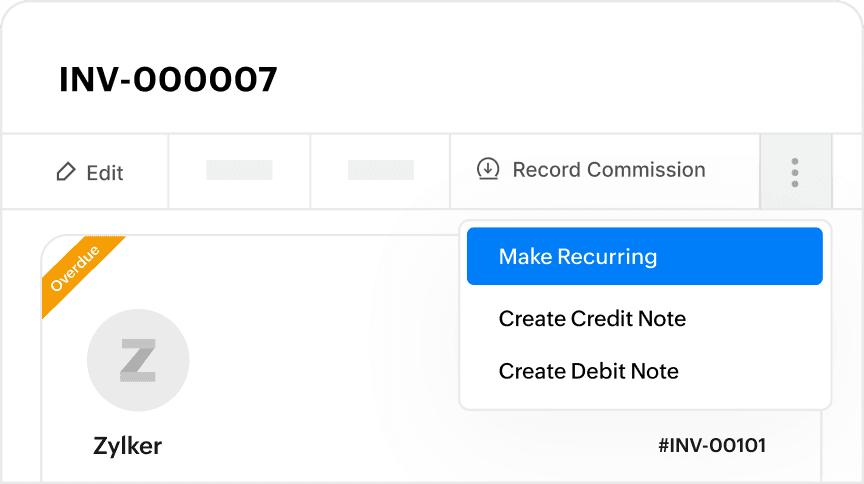
Set recurring expenses and invoices
Got a regular transaction? Leverage recurring expenses, invoices, and journals to automate transactions for you. Get paid on time and pay on time, every time—that’s less time worrying about dues!
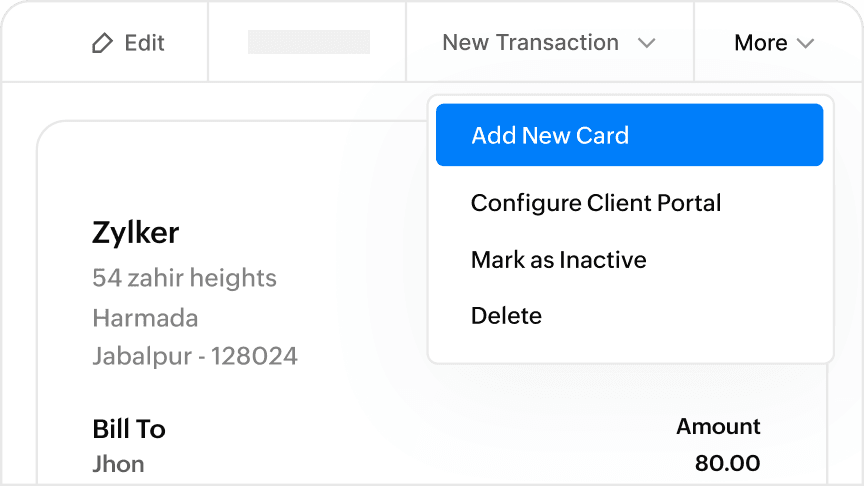
Auto charge invoices
Enable customers to pay automatically on their recurring invoices. Easily setup mandates to debit money from their linked card or bank account. Save efforts and time for yourself and your customer and ensure seamless payments.
Business workflow automation
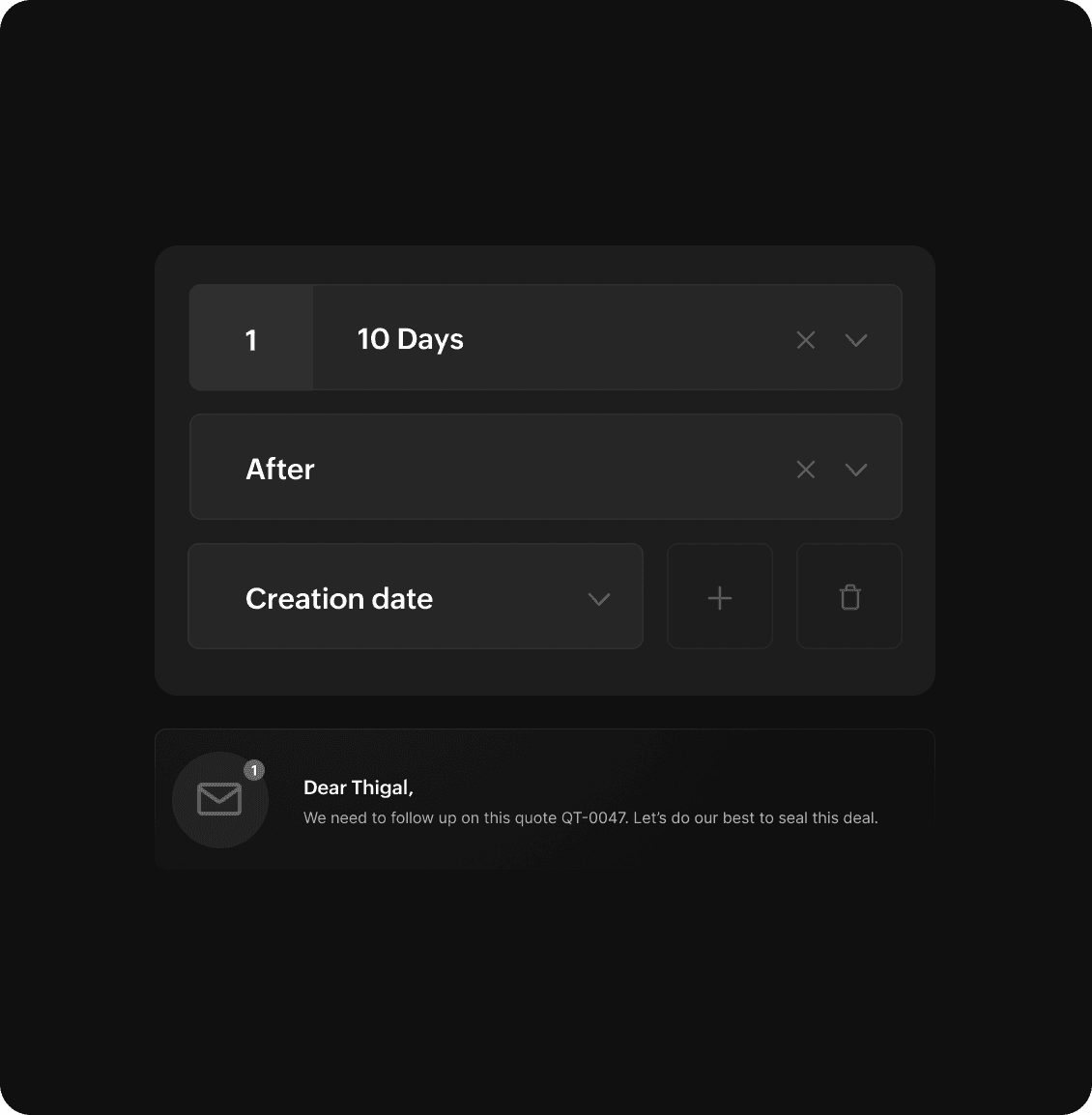
Trigger prompt emails
Automate emails for anything from following important leads and chasing payments to notifying quote expiry and payment dues. Keep your customers and employees informed to set the right expectations and foster better relationships.
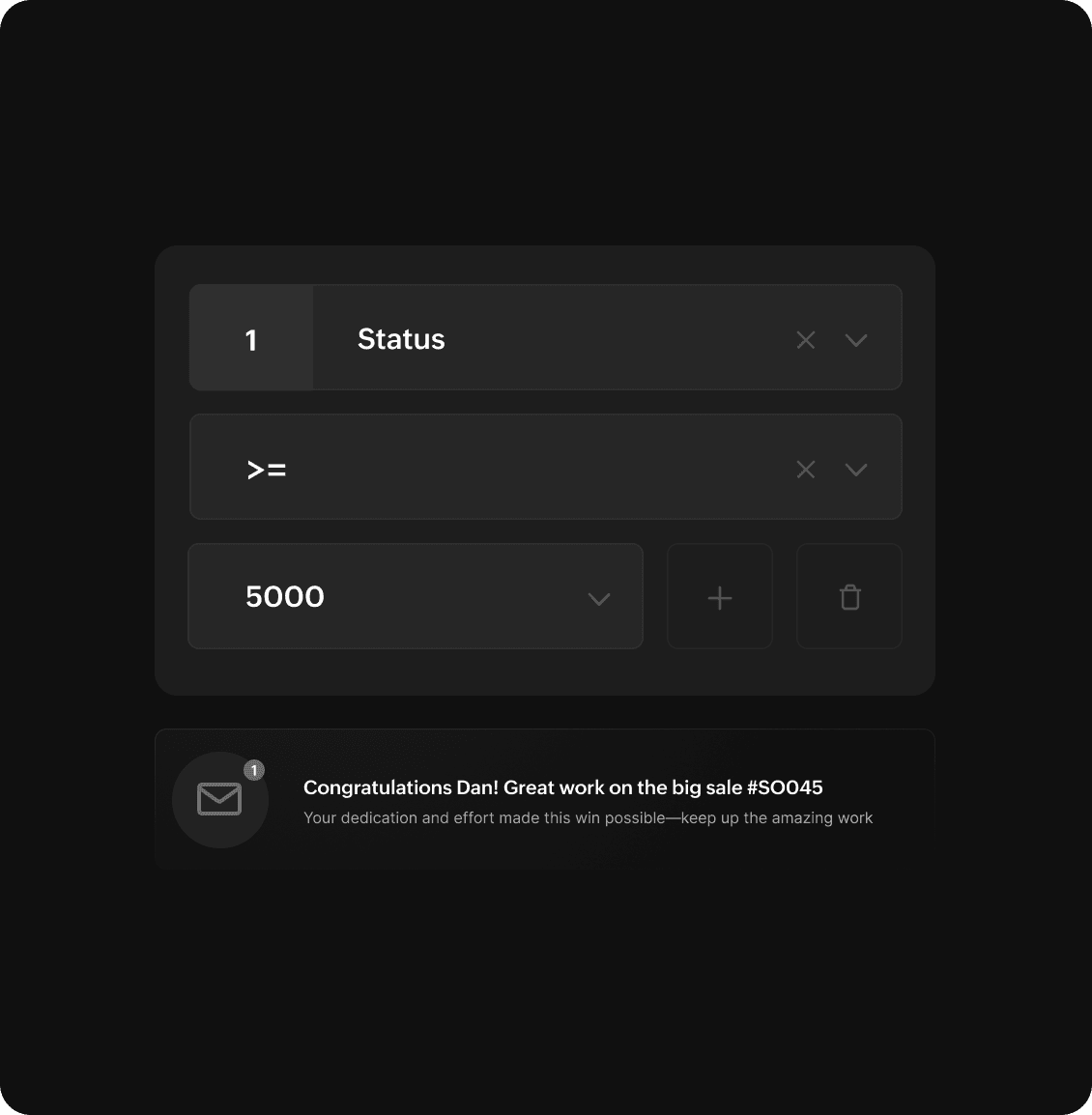
Get relevant notifications
Trigger custom notifications inside the app to alert users and keep them informed of important and relevant activities real-time.
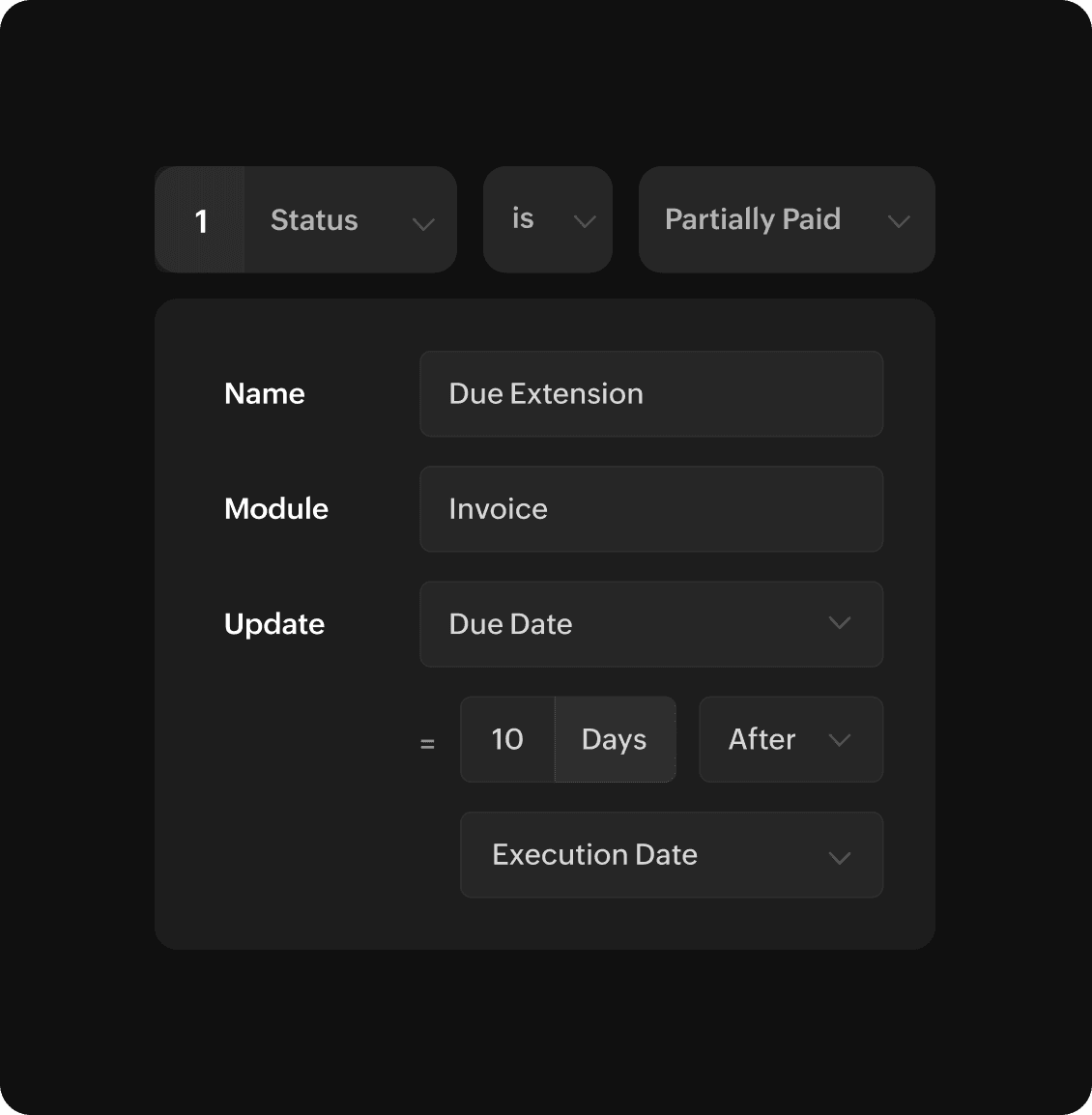
Auto-update information
Update a field with a new value automatically. This could include extending the due date on an invoice or changing the expiry of a quote based on set criteria.
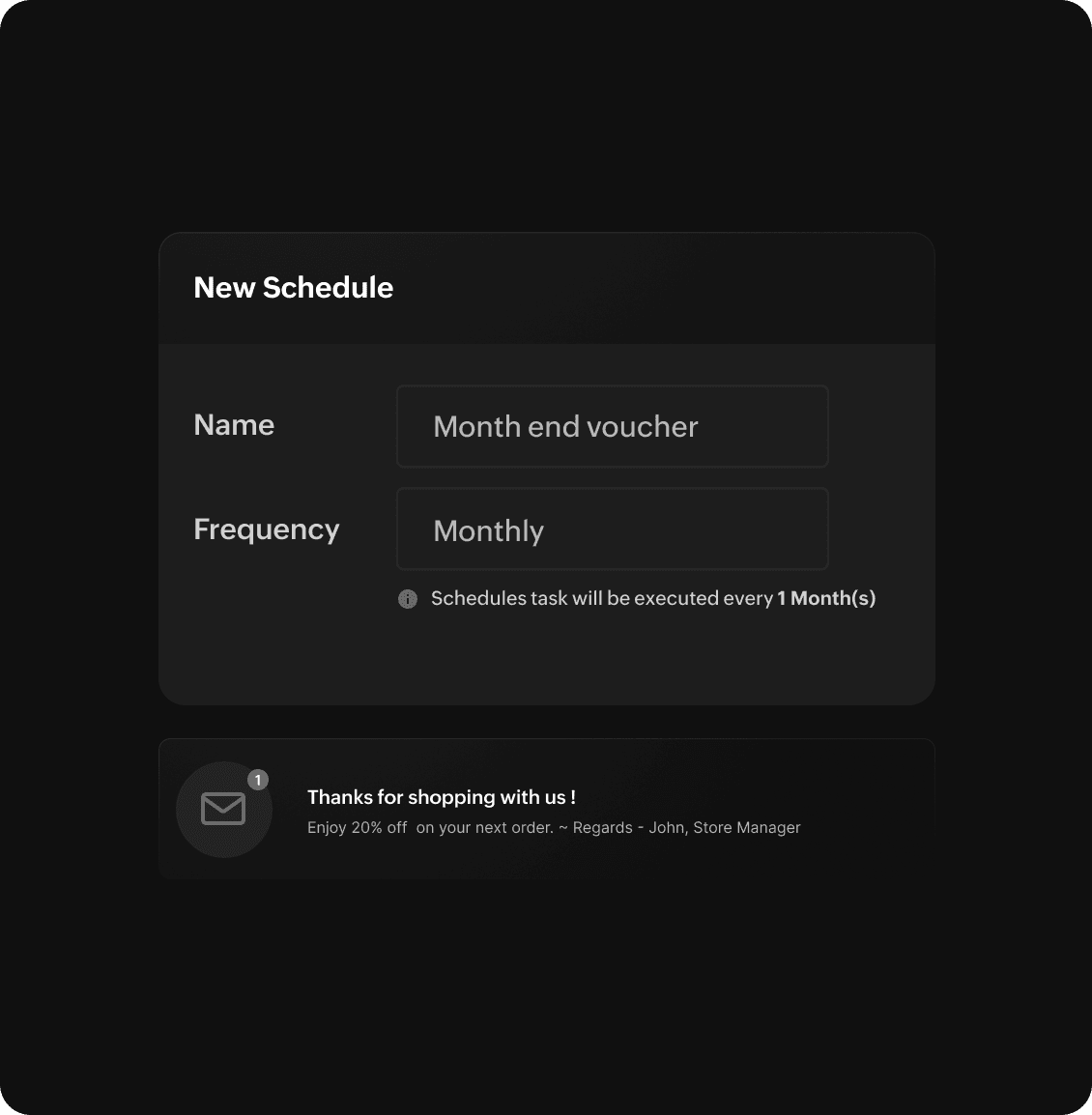
Automate periodic tasks
Schedule tasks to be executed at set intervals; from setting up periodic offers and sending month-end payment reminders to regular data sync and export, do it all! Minimize manual intervention and streamline business operations.
Seamless workflow across apps
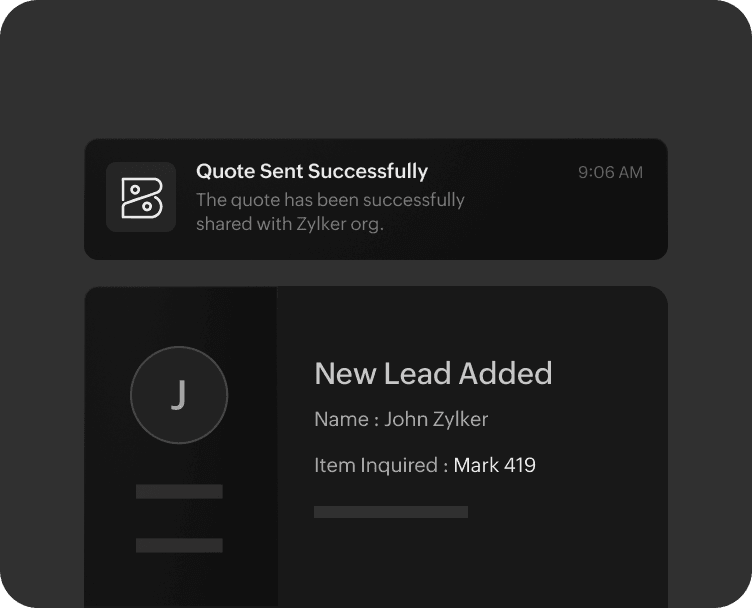
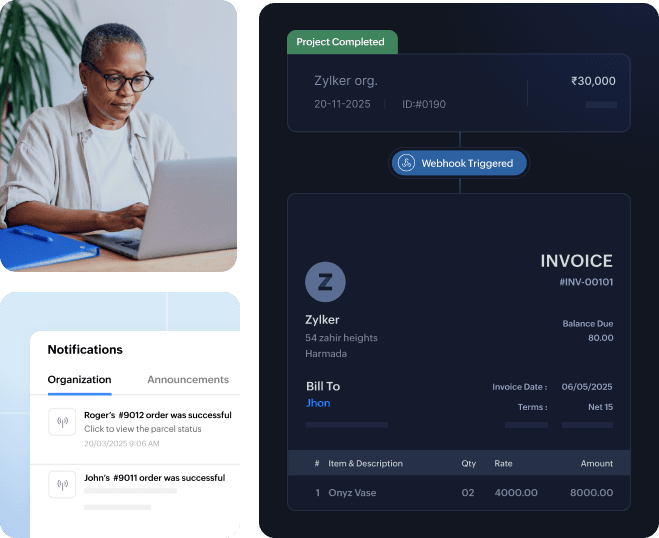
Initiate actions via webhooks
Execute prompt action in external applications based on triggers from Zoho Books using webhooks. Raised a quote? Get the contact stored as a lead in your CRM software.
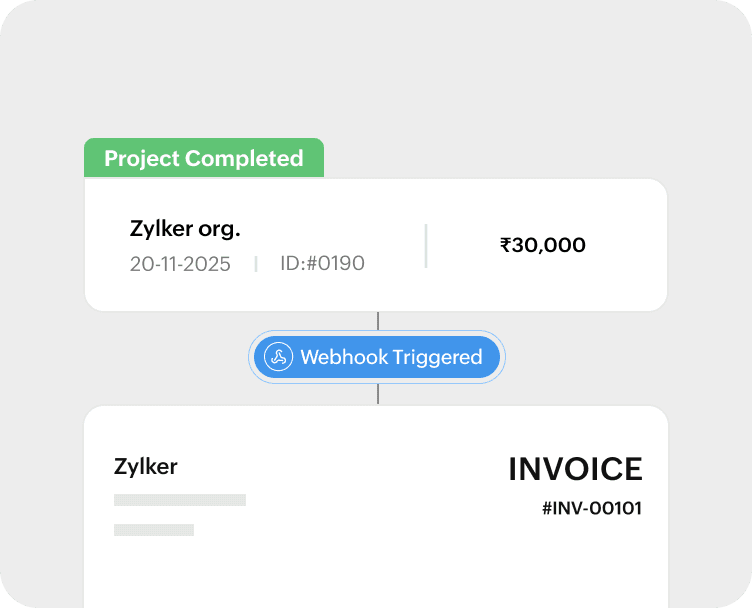
Incoming webhook
Automate actions inside Zoho Books based on triggers from an external application. For instance, generate invoices on Zoho Books based automatically when an item is marked complete on another external project management tool.
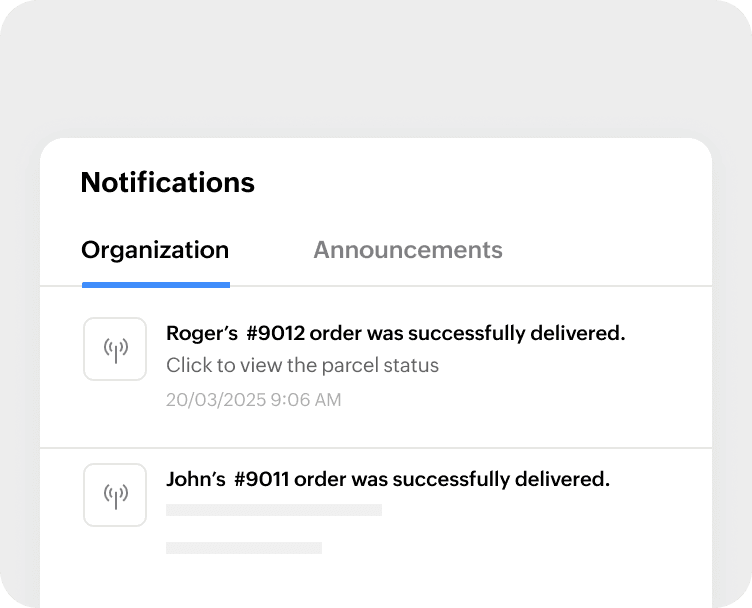
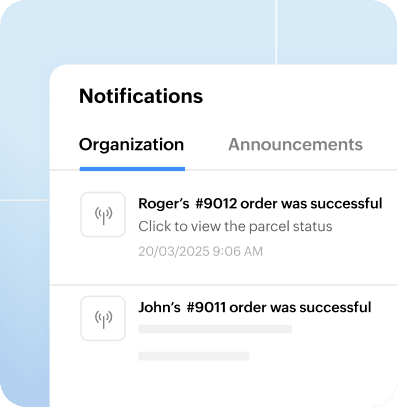
Signals
Set up signals to receive real-time in-app notifications on Zoho Books, triggered by critical and relevant actions in a connected application. You may use it to get notified of a successful order delivery or when a customer raises a service request on an external tool.
Beyond automation
More control and customization
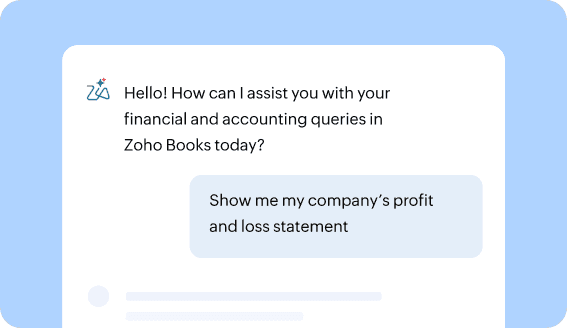
AI in Accounting
Use AI prompts to automate your invoicing, collections, and email workflows—everything from generating bulk payment reminders and personalizing email templates with Zia to building Blueprints for your custom modules that map states, transitions, and ownership automatically.
Learn More
Create tailored custom functions
It is easy to add custom logic into your Zoho Books workflows with Zoho Deluge. Enable seamless automation within Zoho Books and across Zoho apps or other third-party tools with Deluge’s intuitive editor and drag-and-drop scripting.
Learn More
Customization in Zoho Books
In addition to automating routine processes and workflow, Zoho Books allows customization in templates, interface, functions, and processes to suit your business needs. From selecting a theme for your organization or customizing invoice templates to extending the Zoho Books interface with buttons, tabs, and modules, customize Zoho Books to best suit your business and operating needs.
Learn More