

Skip to product menu
"Welcome "+username+
Skip to main content
Book a Demo
Start your free trial

AI built into every billing workflow

Zoho Billing brings practical AI to every billing workflow through Zia. Run billing tasks from a prompt, draft invoices and quotes, catch late-paying customers before invoices age, and forecast revenue from your own data.

What is Zia?

Zia is Zoho's in-house AI, built and run entirely on Zoho's own infrastructure. It powers Ask Zia, CoCreate, Zia Invoice Insights, revenue forecasting, anomaly detection, and AI-generated workflows across Zoho Billing. Your financial data stays within Zoho and is never sent to external AI providers, and you don't pay separate per-seat AI licenses on top of your subscription.

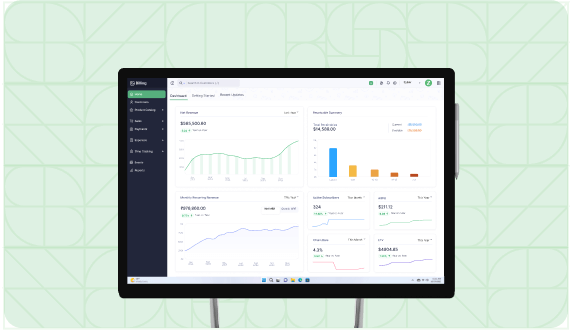
Profit and loss statement is displayed as an area chart. Cursor hovers over an inflection point to view additional details.

Simplify your work with a conversational assistant

Run actions with prompts

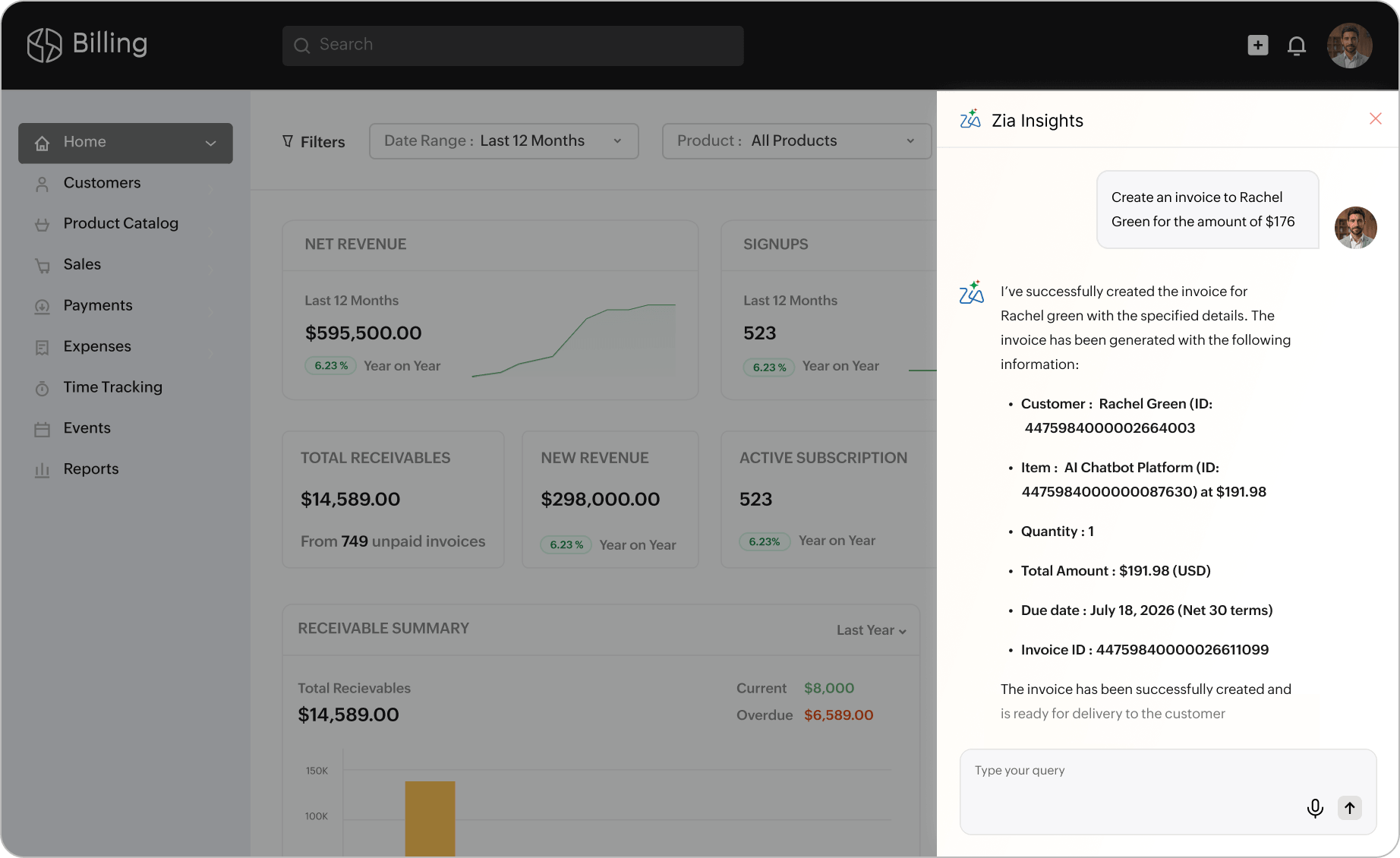
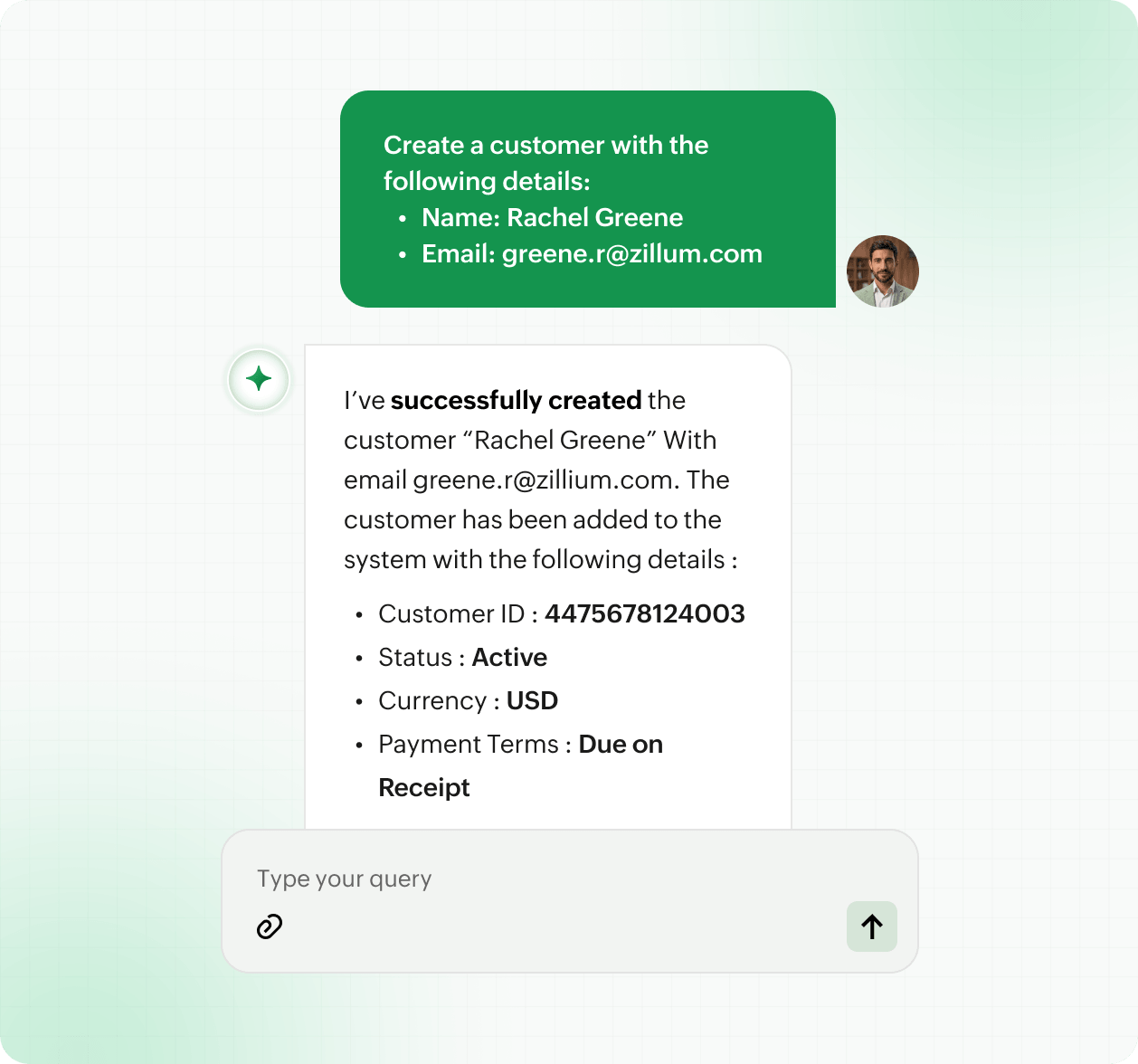
Skip the navigation entirely for routine actions. Create customers, pull invoice lists by status or age, or trigger payment reminders with a single prompt, then confirm before anything goes live.

Run actions with prompts

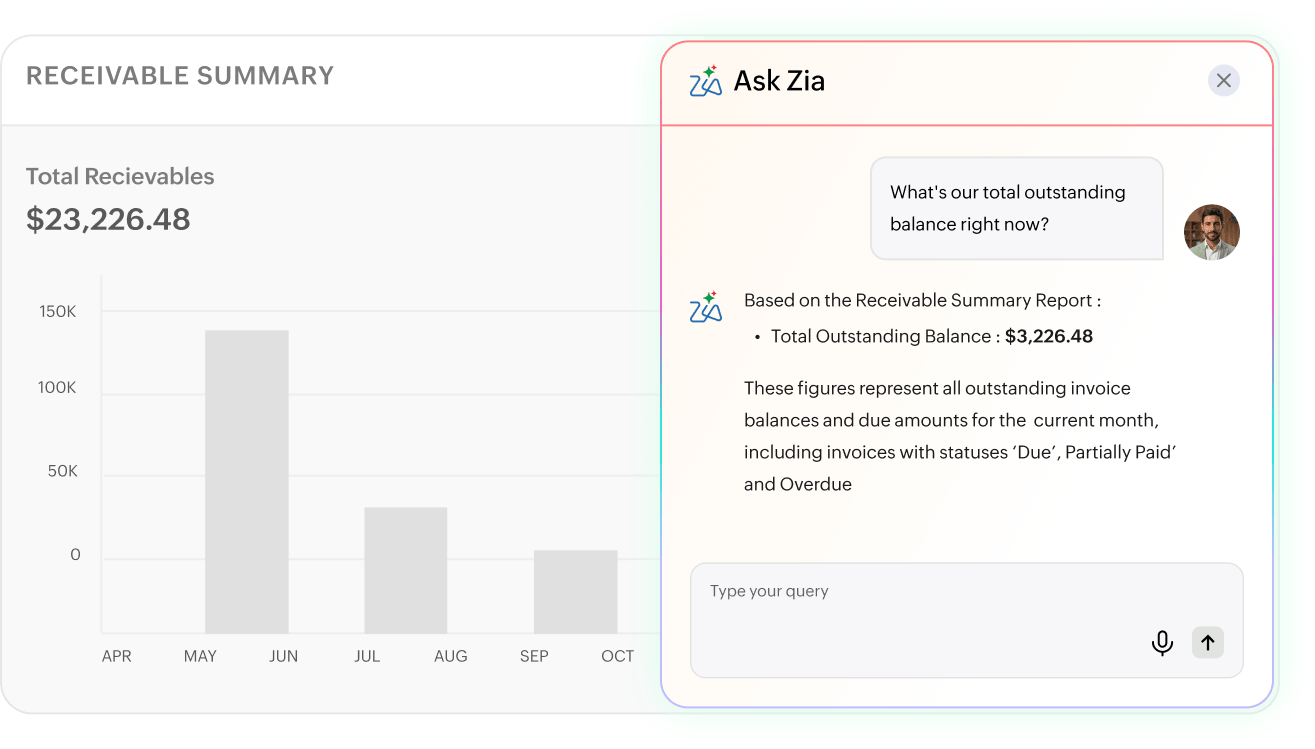
Ask Zia to fetch information

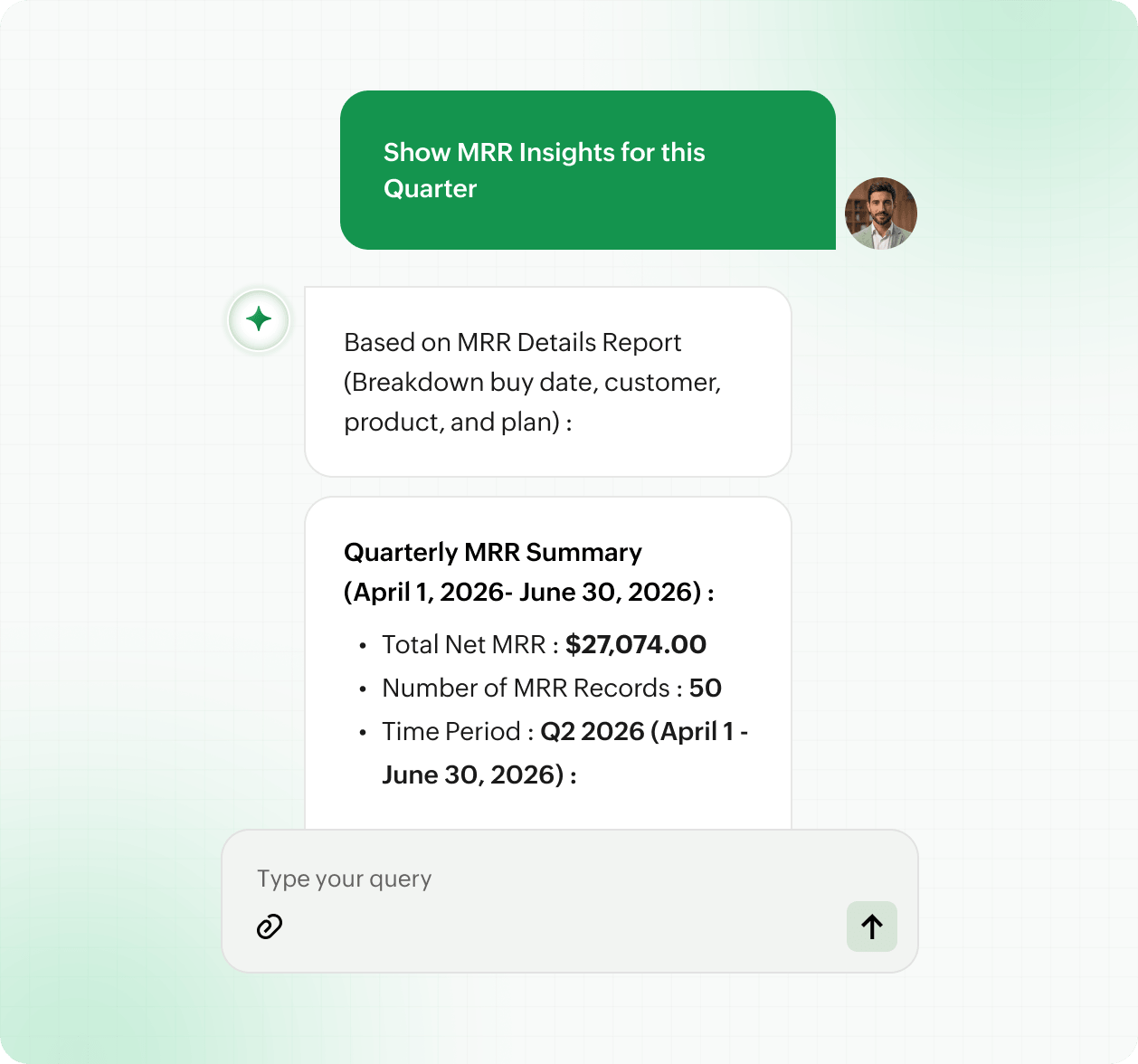
Get answers without running reports. Ask billing questions in plain language such as "how many invoices are overdue?", "what's our P&L this quarter?" and more to get instant results from your live data.

Ask Zia to fetch information

Use voice to work hands-free

Use Speech Assistant to speak your queries or instructions in English, making it easier to check billing status or act on tasks when you are on the move.

Use voice to work hands-free
Run actions with prompts Ask Zia to fetch information Use voice to work hands-free

Move faster with CoCreate

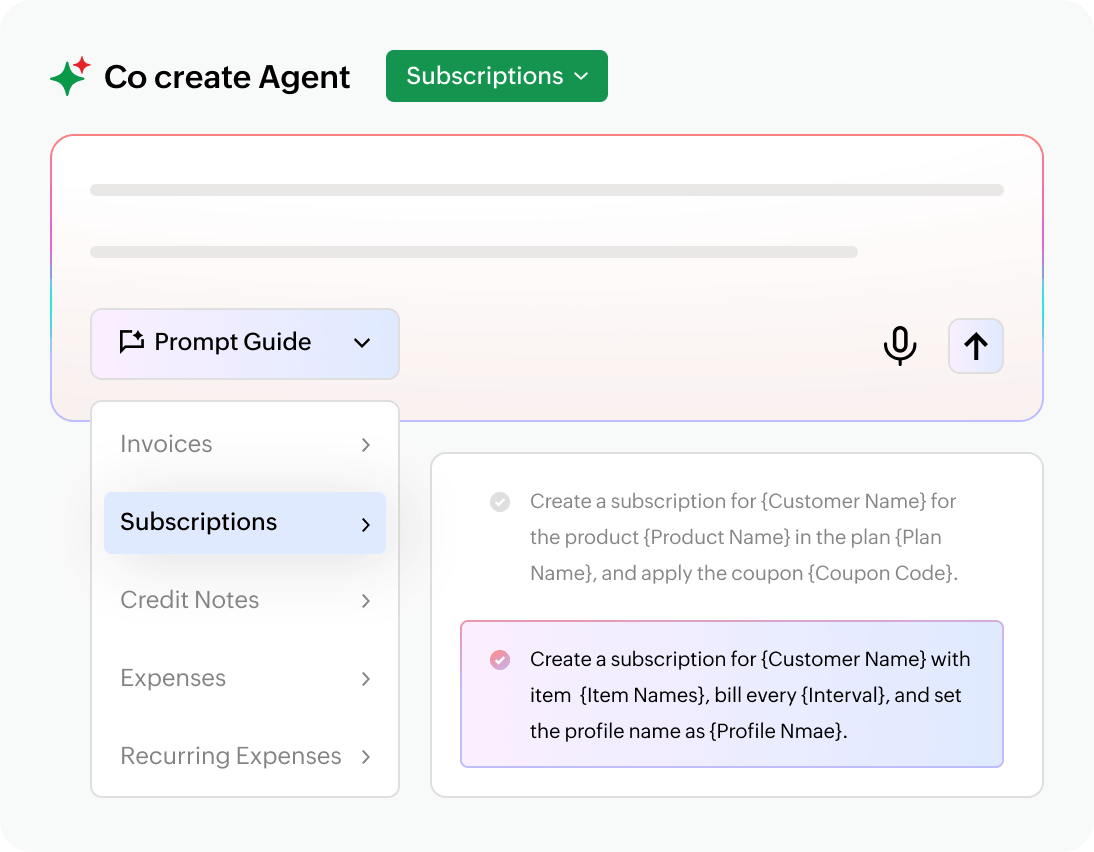
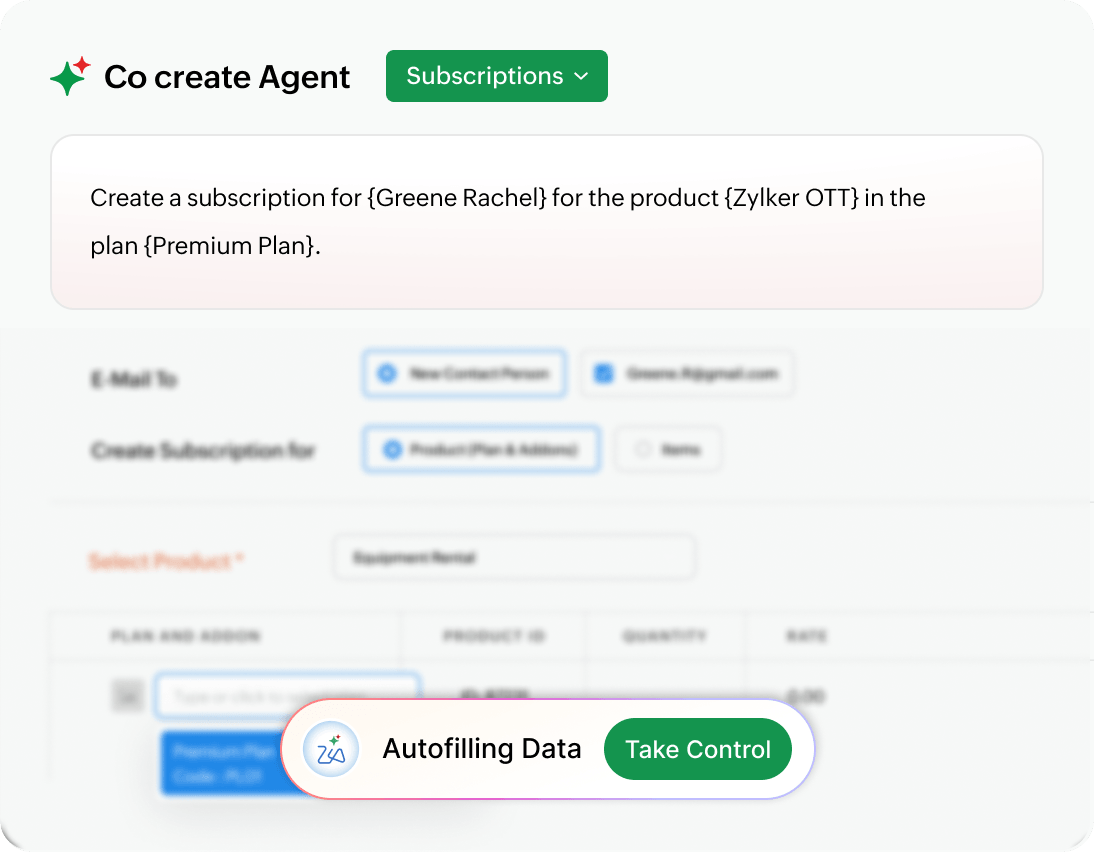
Turn short prompts into fully‑formed billing documents.

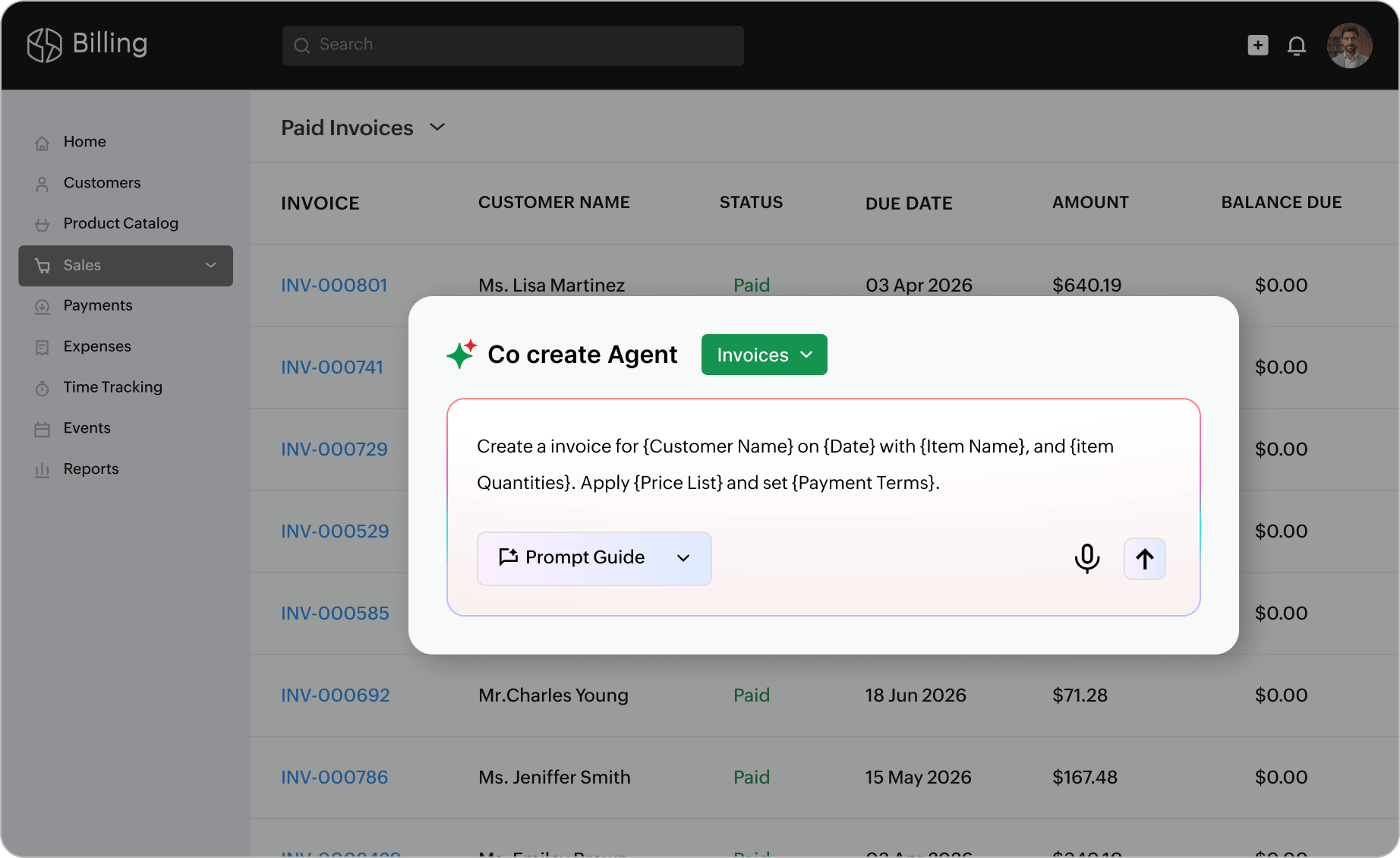
Use CoCreate to draft transactions

A panel in the Invoices module shows bullets generated by Zia with links to take actions like setup reminders, setup email, and view invoices.

Describe the customer, items, quantities, and pricing in plain language, and CoCreate generates quotes, sales orders, invoices, or credit notes that are ready for review.

Keep final control before sending

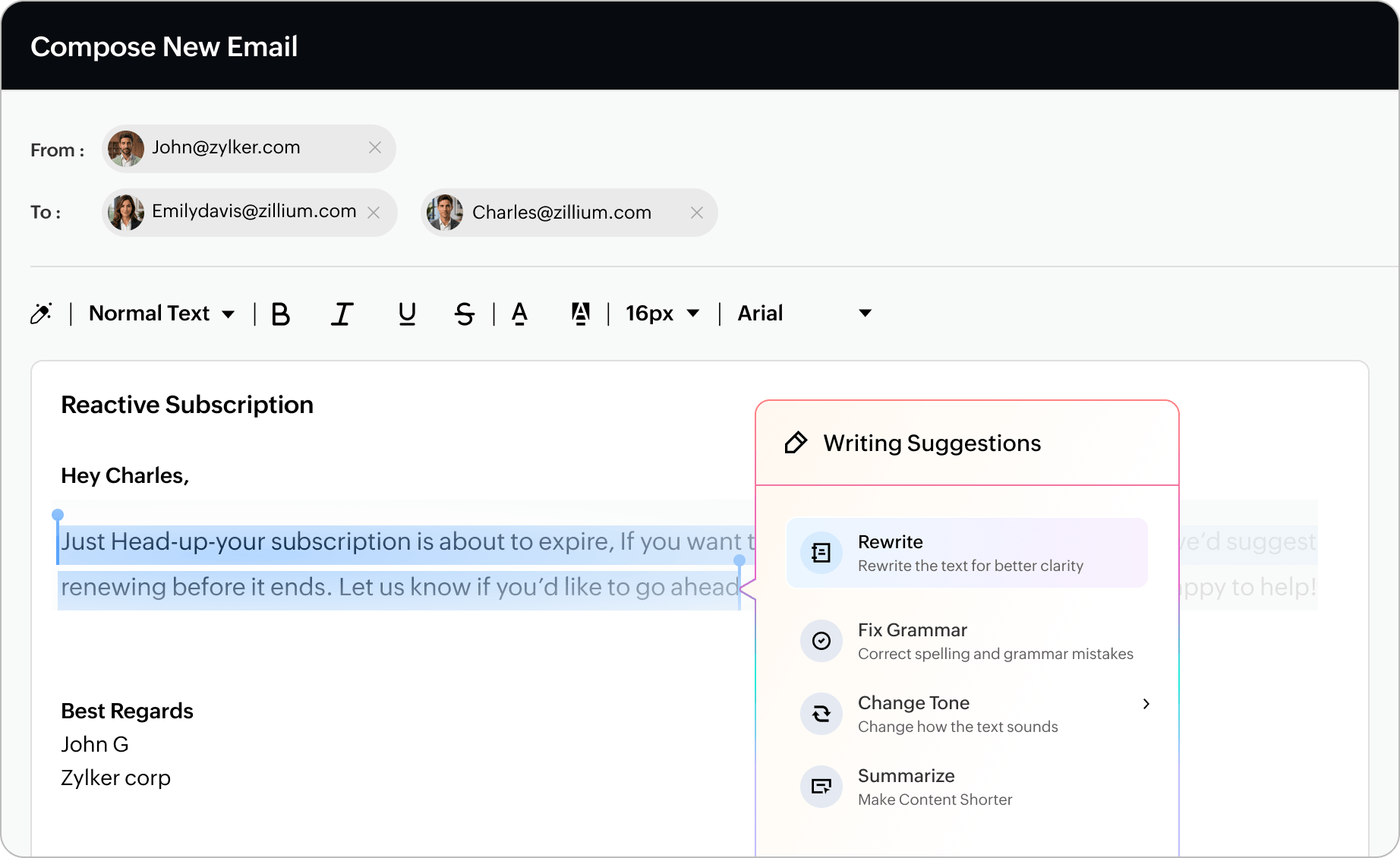
Email template shows writing assistant with options to make changes to the draft and selected text.

Review every AI-generated transaction, adjust fields where needed, and approve it before it reaches your customer.

Improve collections with smarter customer risk signals

View the full receivables picture

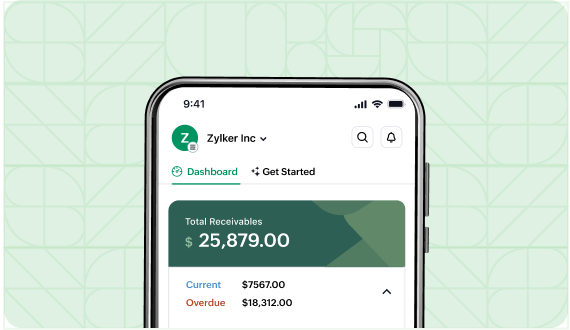
Zia totals every open balance across due, partially paid, and overdue invoices, so your team always knows the size of open receivables.

A screenshot from an AI-assisted custom report creation based on user prompt

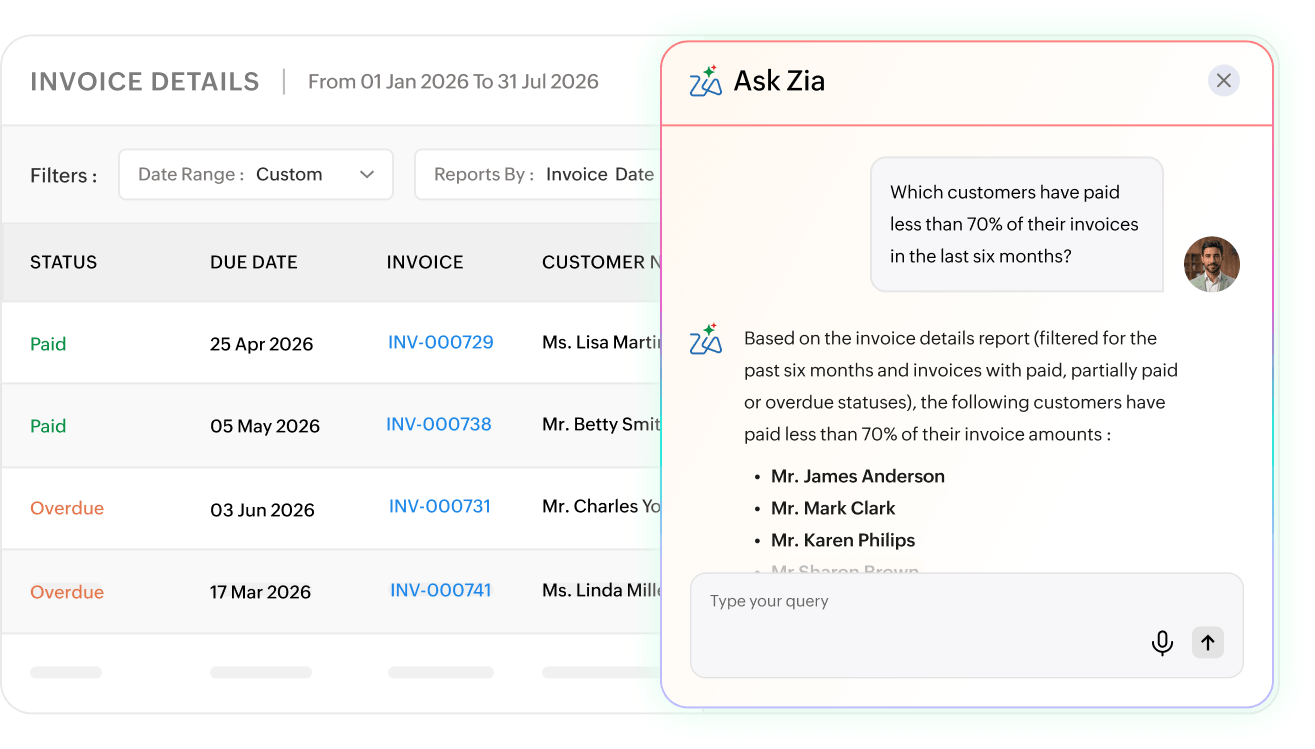
Identify customers with delayed payment behavior

Zia scans your payment history over any period you choose and names the customers settling only part of what they owe, so you can focus outreach where risk is already building.

Zia-generated custom field information like car details, sentiment analysis, and key issues based on uploaded image and issue shared by customer.

Prioritize invoices that need action now

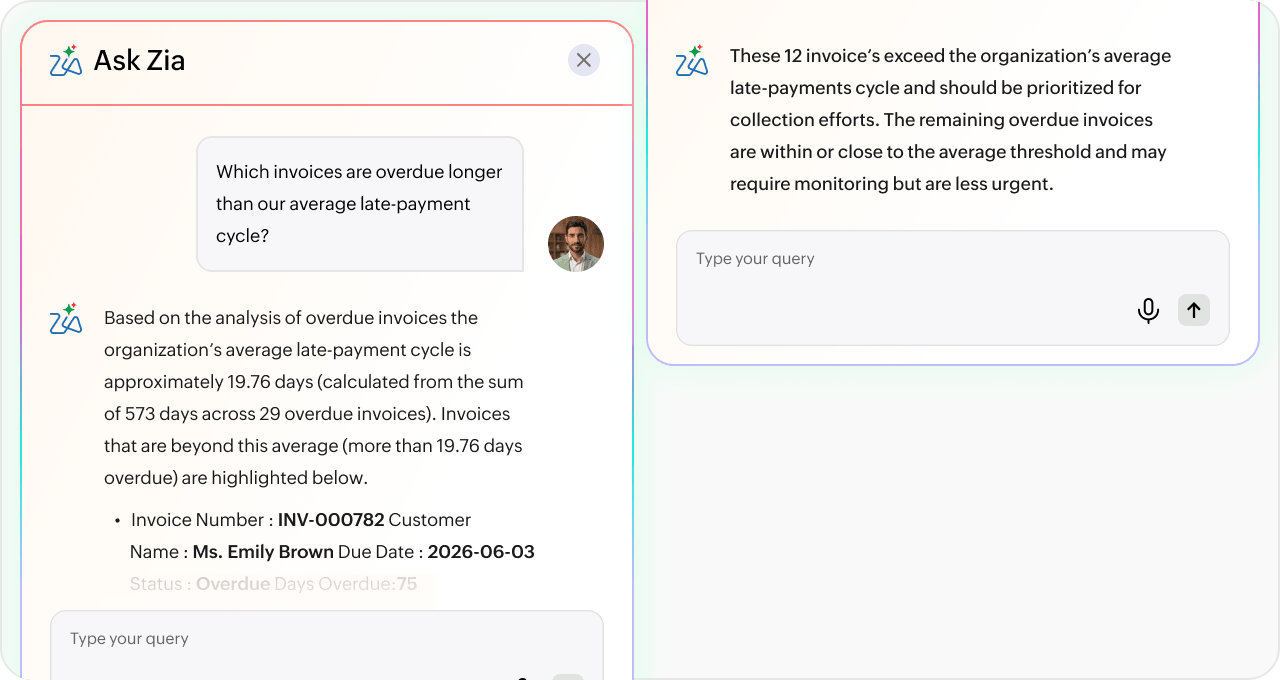
Zia measures each overdue invoice against your organization's own average late-payment cycle and surfaces the ones slipping furthest behind, so collections teams tackle the biggest risks before delays grow.

Blueprint consisting of fields, values, and conditions auto-generates based on user prompt.

Communicate clearly with AI‑assisted writing

Generate email content from prompts

Use Writing Assistant to create email templates and invoice notes based on simple instructions, so your team can draft customer communication faster.

Refine tone and wording easily

Rewrite content, fix grammar, adjust tone, or regenerate alternate versions until the message matches your brand and business context.

Insert, edit, and reuse approved content

Save time on reminders and notifications by inserting AI-generated content into templates, editing where needed, and reusing polished versions across billing workflows.

Make better decisions with smarter analytics

Capture richer context automatically without adding more manual data entry.

Plan ahead with predictive analytics

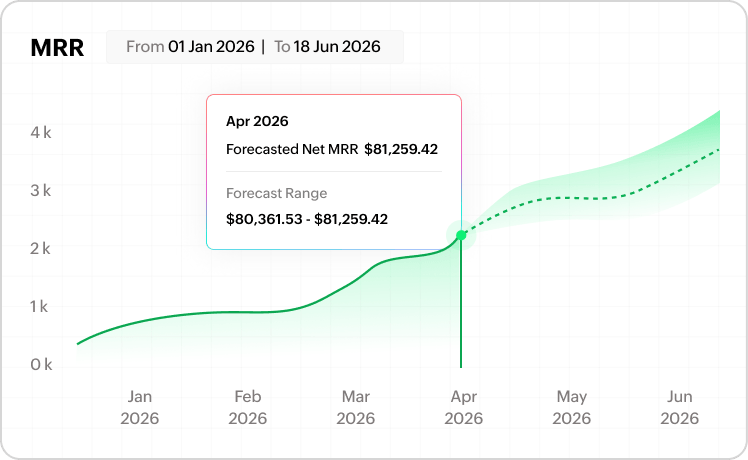
Use Zia Forecasting to project key billing metrics from your historical data, see variance ranges for conservative, expected, and optimistic scenarios, and keep forecasts right inside Zoho Billing reports so finance teams can plan revenue and cash flow without exporting data or relying on guesswork.
Stay in control with anomaly detection

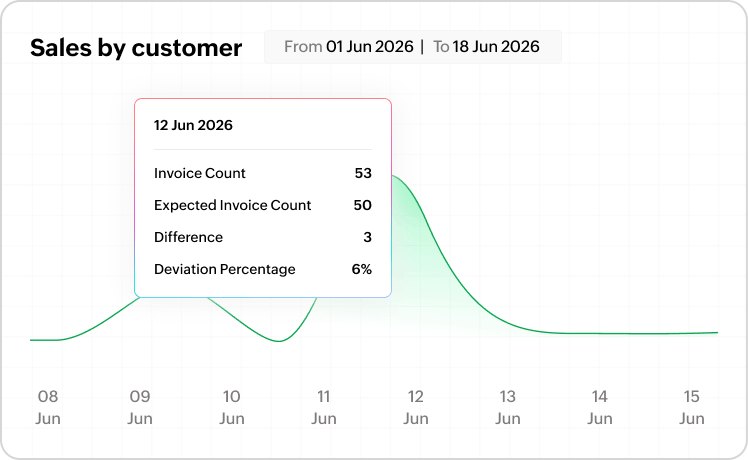
Use Zia Anomaly Detection to automatically flag unusual spikes or drops in your charted billing and receivables data, compare expected and actual values, and spot issues early so you can investigate and respond to billing exceptions before they impact performance.

Understand reports faster

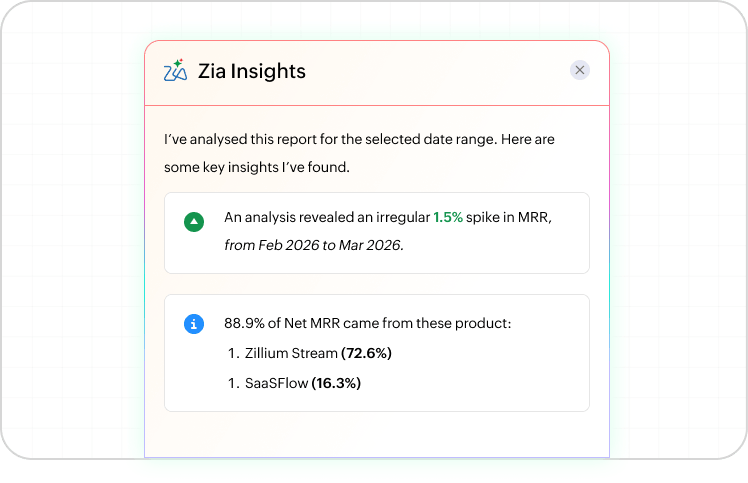
Use Zia Insights to turn complex reports into clear, narrative summaries that highlight key trends and patterns, make billing and receivables data easier for every stakeholder to understand, and pair charts with context so reports guide what to do next—not just what the numbers are.

Don’t just take our word for it

Configure AI
the way your business needs

Enable only the features you need

Choose which AI capabilities to turn on from AI Preferences, based on your business requirements and workflow maturity.

Keep humans in the loop

Review and update anything Zia generates, from content and transactions to workflows and insights, before it is used in your organization.

Your data trains your business, not our AI

Zero. That's how much of your billing data we use to train our models. Fully compliant with GDPR, HIPAA, and CCPA; your data stays yours, always.

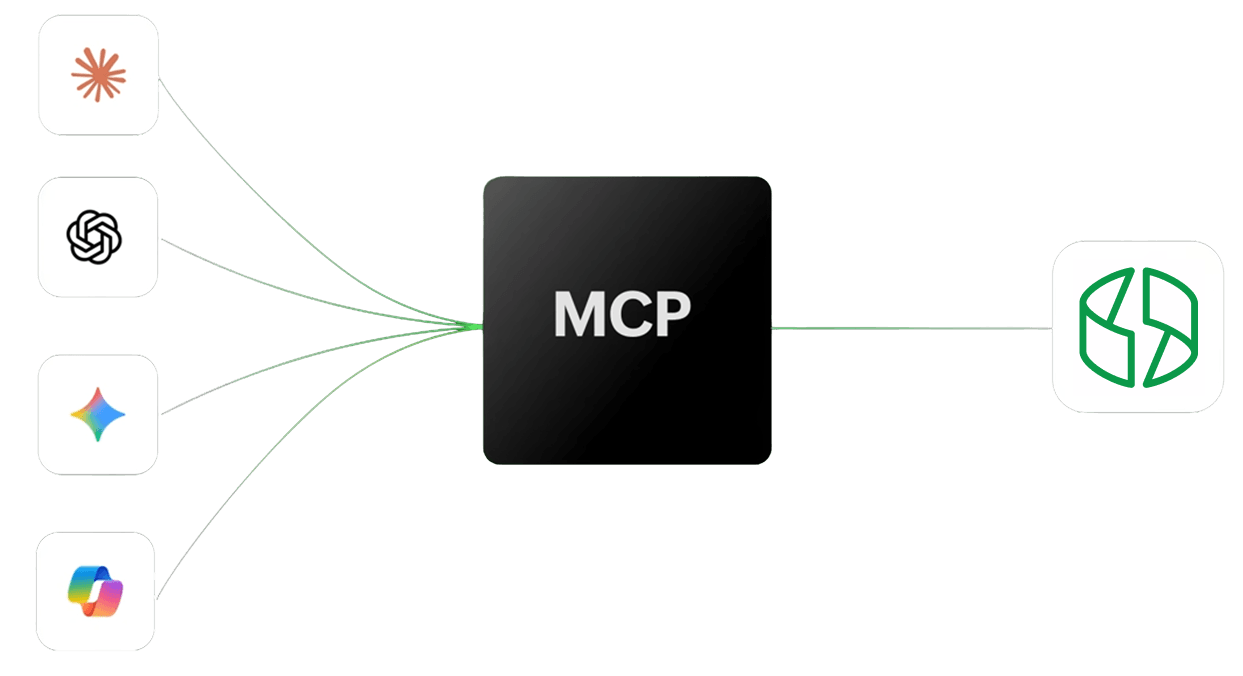
Connect Zoho Billing to AI agents with Zoho MCP

Frequently asked questions about Zoho Billing AI