
Manage inventory at full speed, right from your desktop
Zoho Inventory for Windows is designed to work the way your business operates — with system-level integrations, and a workflow built for speed.

Made for Windows. Optimized for Operations.
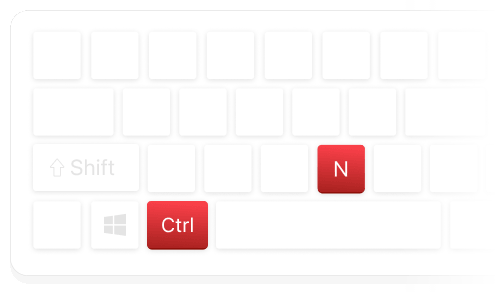
Flexible Window Management
Navigate screens and trigger actions entirely by keyboard.
Windows Hello Authentication
Access using face recognition, fingerprint, or PIN through Windows Hello

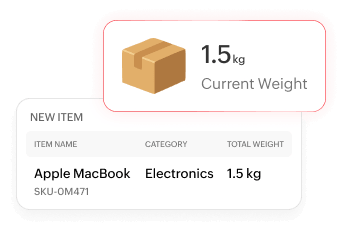
Weighing Scale Integration
Autofill items directly from your weighing scale.
Windows Toast Notifications
Get real-time system alerts.
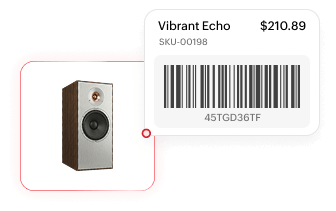
Barcode Scanner and RFID Support
Scan items into transactions.
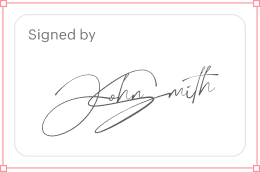
Digital Signature Support
Sign documents and records digitally within the app.
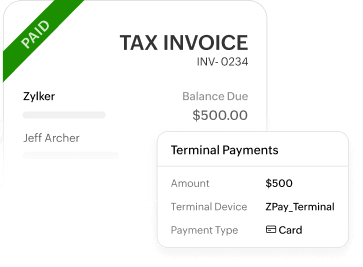
Terminal Payment Support
Initiate and collect payments directly from an open invoice.
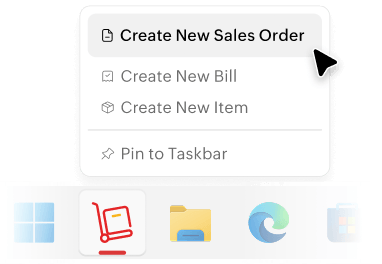
Taskbar Jump List
Open frequently used actions straight from your Windows taskbar.
Everything you need to run inventory, orders, and warehouses — in one place.
Item & Stock Management
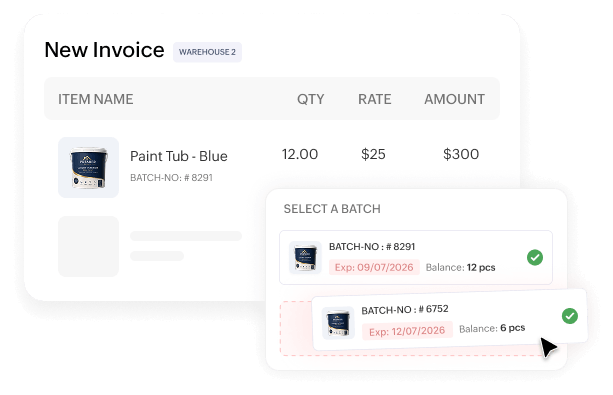
Multi-location tracking
Monitor stock levels across every warehouse or store from one dashboard, with real-time visibility into what's available where.
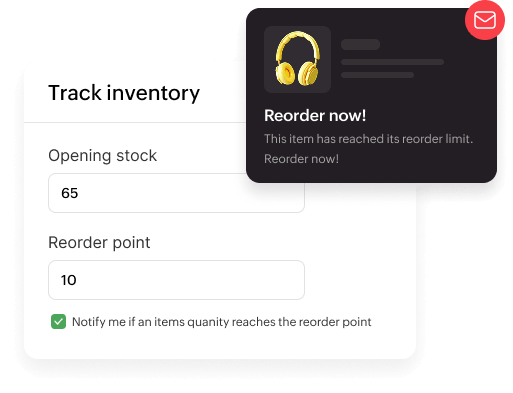
Reorder alerts
Set custom reorder points for each item and get notified before stock runs critically low.
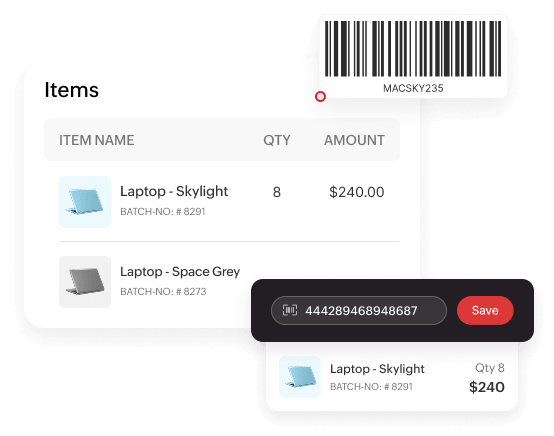
Variant & batch control
Track items by serial numbers, batches, and variants—and scan barcodes right from your desktop workflow.
Warehouse Management
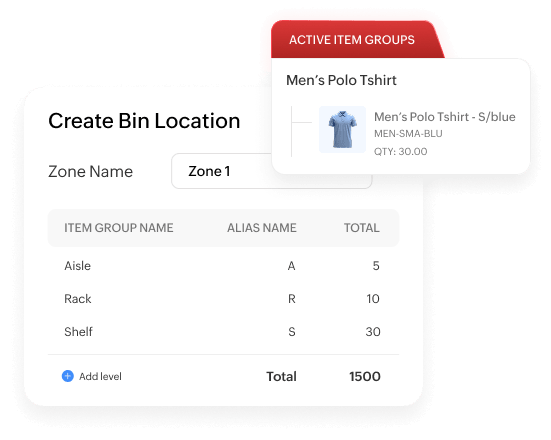
Bin location
Organize your warehouse into structured bin locations for faster, more accurate item retrieval.
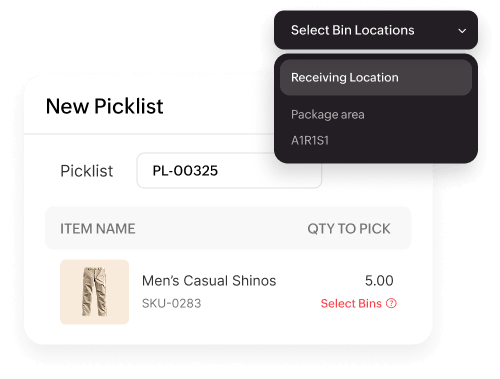
Putaway & picking
Streamline how stock is stored and retrieved with optimized, repeatable workflows.
Purchase Orders
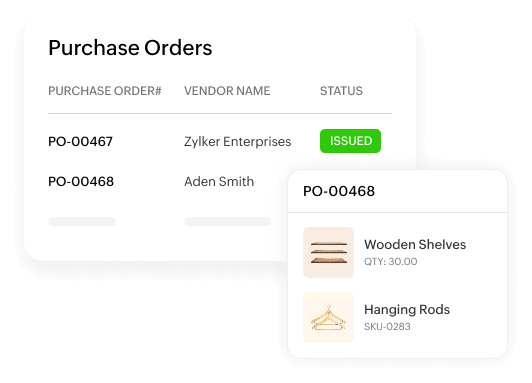
Vendor order creation
Create and send purchase orders directly to vendors in just a few clicks.
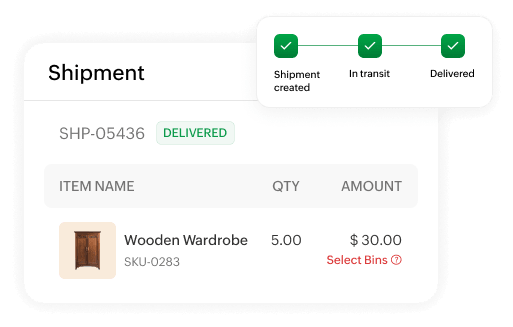
Delivery tracking
Monitor incoming shipments and stay updated on pending order status.
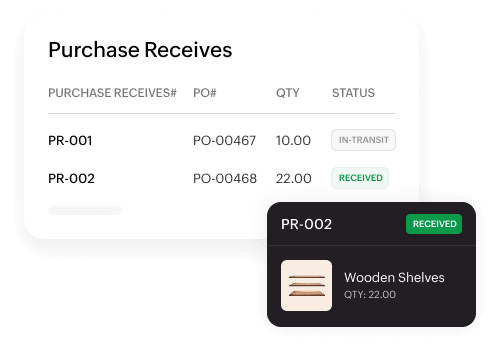
Automatic stock updates
Stock levels update automatically the moment orders are received.
Sales Orders & Fulfillment
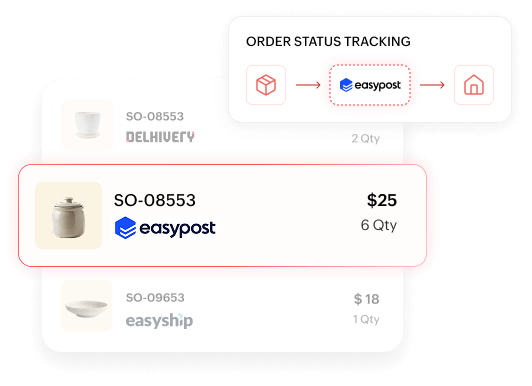
Order processing
Process sales orders quickly and generate packing slips with ease.
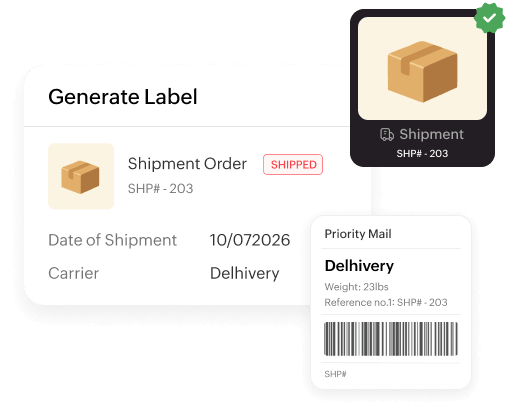
Shipment creation
Create shipments in a few clicks and confirm fulfillment status instantly.
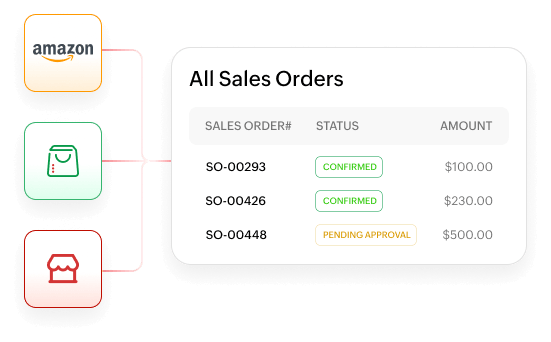
Multichannel selling
Manage orders and inventory across online stores, marketplaces, and offline channel from a single screen.
Reports & Analytics
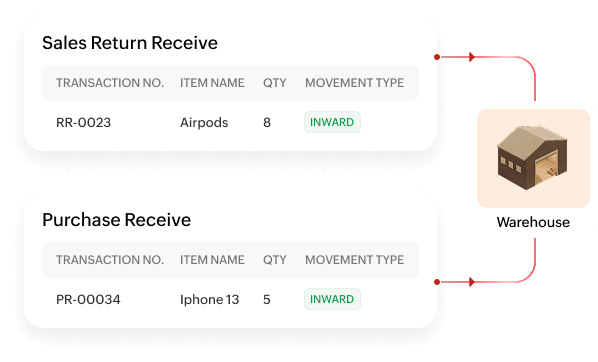
Inventory movement insights
Track stock movement trends to make smarter restocking decisions.
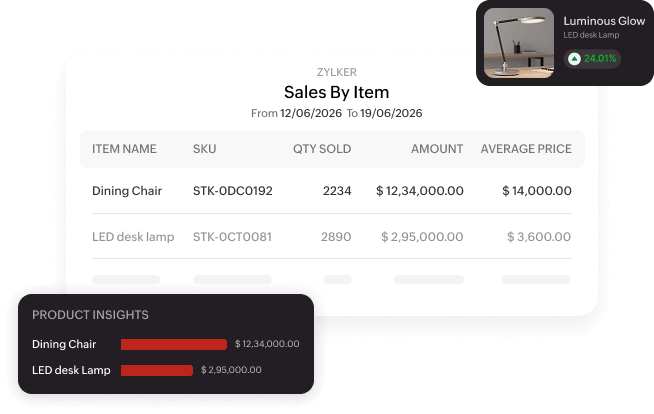
Sales performance reports
Analyze sales trends and order history to guide pricing strategies.
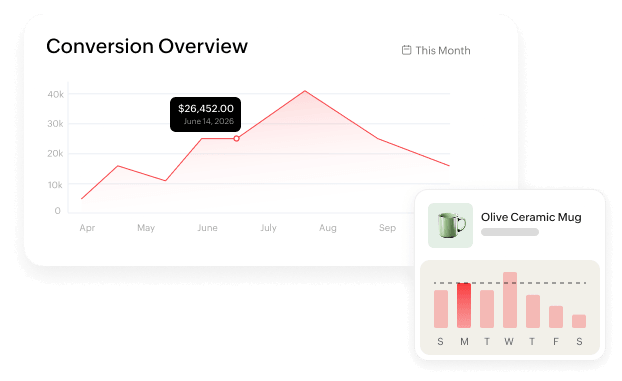
Data-driven decision making
Use built-in reports to make informed fulfillment and inventory decisions.
Inventory management,
designed for the desktop.
