Scaling in the Gulf? Here’s why spreadsheets fail sooner than you think
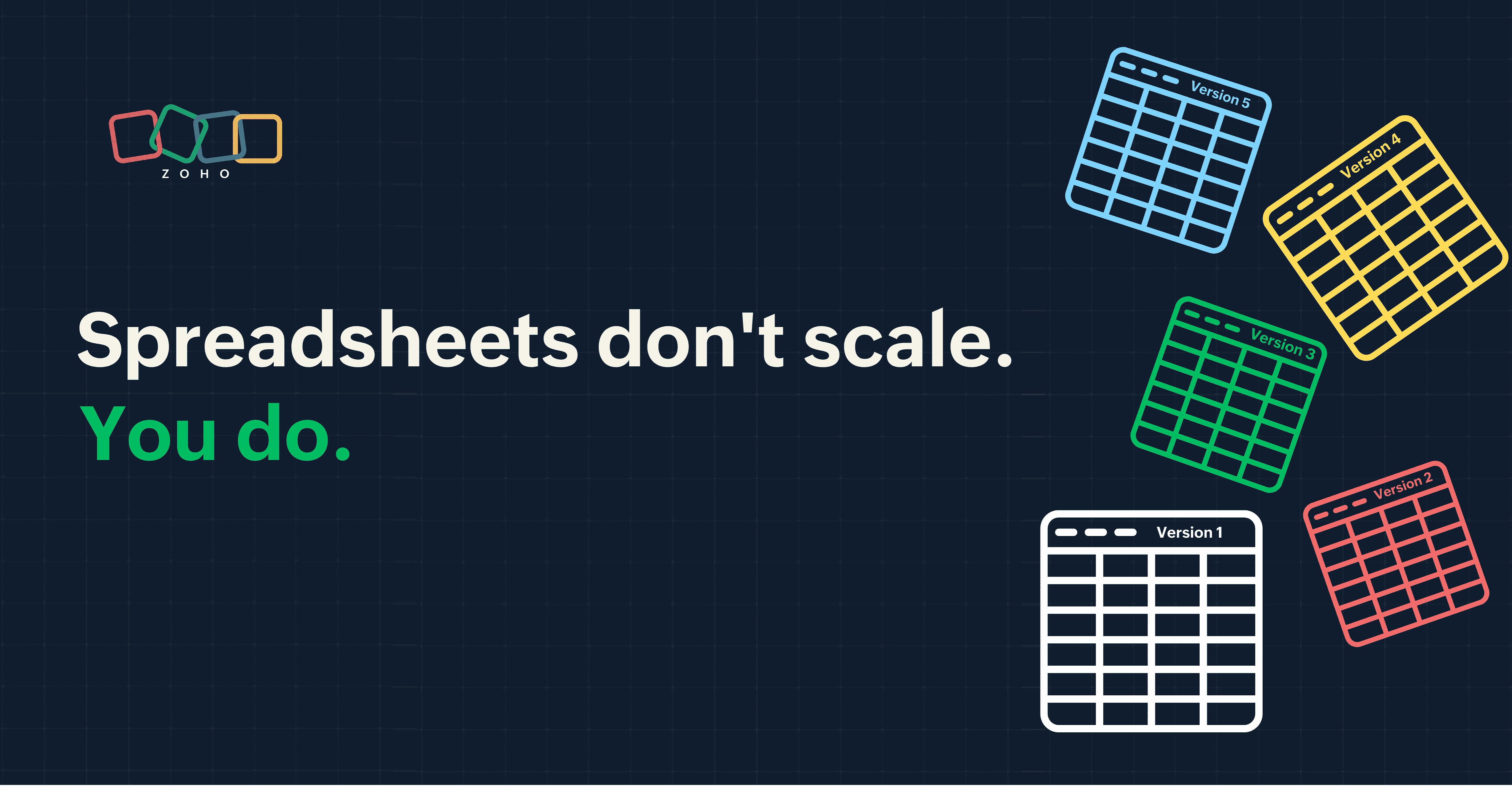
Growth in Saudi Arabia’s retail sector is not a gradual climb; it's fast and often complex. What works smoothly at 50 orders a day can begin to collapse at 200 orders. Usually, the spreadsheet is the first thing to break under the pressure of success.
Quick overview:
- The shift: Spreadsheets don't fail because they're bad tools; they fail because rapid growth changes the operational requirements.
- Early alarms: Issues surface quietly through minor delays and data mismatches.
- Structure vs. tools: The core problem is a lack of a rigid process structure, not the software itself.
- Pivot point: There is a clear moment where manual tracking becomes a liability to your scaling efforts: when different teams report different numbers, reports take too long to generate, and manual tracking starts slowing down decisions. At this stage, spreadsheets stop supporting growth.
Why spreadsheets break earlier than expected in fast-growing Gulf businesses
Spreadsheets often work better with fewer tasks and not at an organisational scale. In the GCC retail sector, the workflow involves:
- Multiple sales channels (POS & online)
- VAT tracking
- Inventory across locations
This leads to an issue in which, as growth increases, the stability of manual processes decreases.
- Operational reality: A single master file inevitably splinters into multiple versions across different departments.
- The hidden workload: As files multiply and versions diverge, teams spend increasing time reconciling numbers instead of acting on them. Finance is often the first to feel this strain, with more time spent on manual reconciliation than on actual financial analysis.
- The threshold: As teams grow and transaction volumes increase, spreadsheets stop behaving predictably. In fact, studies show that 94% of spreadsheets contain errors due to end-user computing.
As files multiply and versions fall out of sync, teams spend more time fixing numbers than using them.
Adding more tabs, more formulas, or more linked files doesn't solve the problem of multiple versions and fragmented data. It only increases complexity within a structure that was never designed to handle organisational scale.
Signs your operations are outgrowing spreadsheets
Most businesses don't break overnight; they slowly drift into inefficiency. Here are some warning signs that you're outgrowing spreadsheets:
- Data is entered multiple times.
- Inventory numbers don’t match reality.
- Reports take days, not hours.
- Approvals happen over WhatsApp or email.
- Teams don’t trust the same data.
Where things start to break
Breakdown usually begins with slower reporting and delayed decisions. As multiple versions of data circulate across teams, trust in the numbers erodes.
At this stage, businesses often introduce tools like Zoho Analytics or Zoho Creator, not immediately to scale operations but to improve understanding of what is actually happening across the business.
Common mistake
A common mistake is treating reporting delays and data inconsistencies as isolated problems rather than signs of a structural gap.
The real cost of free tools
While businesses often introduce new tools to regain understanding, many still continue relying heavily on spreadsheets. The problem is that what appears cost-effective on the surface carries hidden operational costs:
- Error costs: Manual entry mistakes lead to incorrect orders.
- Time costs: Labour hours get wasted on finding and fixing formula errors.
- Compliance risk: Potential inaccuracies in VAT filing can lead to regulatory issues. In Gulf countries such as Saudi Arabia and the UAE, VAT reporting is tightly regulated. Inaccuracies in sales or invoice data can result in penalties, audits, or delays in filings as transaction volumes increase.
Example: Consider a retail business tracking their inventory in Microsoft Excel. If sales
and finance teams aren't looking at a live, unified database, it results in stockouts and over-ordering. Integrated systems like Zoho Inventory eliminate this guesswork by providing real-time data within an intuitive and secure IT setup.
What scalable systems do differently (beyond just automation)
A scalable system, implemented through integrated business software, provides a structural backbone through the CORE model:
- Centralisation: Establishing a single, verified source of truth
- Ownership: Creating clear digital trails and accountability for every entry
- Reporting: Moving to real-time dashboards for immediate insight
- Execution: Implementing automated workflows that reduce manual dependency
The goal is to move from asking "Who updated this?" to asking "Where is the dashboard that automatically reflects the business's current reality?"
"In Saudi Arabia’s retail and services sectors, growth accelerates quickly, and operational gaps surface just as fast. Businesses need more than tools; they need connected systems that preserve control, ensure compliance, and give leaders clear visibility as they expand. Zoho empowers SMEs to move beyond fragmented processes and build a scalable digital backbone for long-term growth.”
- Saran Babu Paramasivam
Regional Director,
Zoho MEA
A practical checklist before moving beyond spreadsheets
Migrating from disconnected spreadsheet-based workflows to an integrated business system shouldn’t be a reactive move. Use the READY checklist to see if you're at the tipping point:
The READY model
- R – Revenue scale: Transaction volume or revenue is increasing at a level that strains current processes (more orders, more invoices, more SKUs).
- E – Errors: There are frequent mismatches.
- A – Access: Multiple teams need data.
- D – Decision speed: There are increased reporting delays.
- Y – Year-on-year growth: The business is expanding structurally, with new branches, markets, and product lines.
If more than three apply, you’re ready.
Migration reality
- Timeline: It varies by scope, but most SME implementations take several weeks, especially when data cleanup is involved.
- Key dependency: Clean, structured data is required to avoid errors post-migration.
- Blockers: Inconsistent processes often surface only during implementation.
Common mistake
Another common mistake is switching tools without defining workflows first.
What works instead
Start by mapping your core processes before introducing a new system. For example, document how a customer order moves from sales to invoicing to inventory updates, who is responsible at each step, what data is captured, and where approvals are required. This exercise often reveals gaps, duplication, or unclear ownership that spreadsheets tend to hide.
Once workflows are clearly defined, the right system can be configured around your processes rather than forcing teams to adjust to rigid structures. As Oladipo Gbolahan, Lead Internal Sales Engineer at Greenpeg, noted: “Zoho gives you autonomous control, which means you have the ability to customize it for your processes.”
Not ready to move beyond spreadsheets? Start here
For many growing businesses, moving away from spreadsheets doesn’t have to be immediate. A more practical first step is to separate where data is stored from how teams interact with it.
Use systems like Zoho CRM as a central source of truth while allowing teams to continue working in familiar spreadsheet environments through tools like Zoho Sheet.Zoho Sheet can integrate directly with Zoho CRM, allowing teams to work in a spreadsheet interface while staying connected to live, centralised data instead of relying on disconnected files and manual updates.
This approach ensures that while teams retain flexibility in their work, the underlying data remains structured and accessible across the business.
FAQs
When should I stop using spreadsheets?
When multiple teams rely on the same data, errors begin to affect decisions. This is a good time to switch.
Are spreadsheets ever enough?
Yes. For early-stage, low-volume operations, spreadsheets are generally enough.
Is migration difficult?
Not technically. The real challenge is defining your workflows clearly—who owns each step, how data flows between teams, and how approvals are handled—before moving into a new system.
What’s the ROI?
ROI comes from reducing costly errors, saving labour hours spent on reconciliation, avoiding compliance penalties, and enabling faster decisions that directly impact revenue.
Can I keep using spreadsheets while moving to Zoho?
Yes. Tools like Zoho Sheet can integrate with Zoho CRM, allowing teams to continue working in a spreadsheet interface while staying connected to live, centralised data.
Which Zoho tools should I start with if I’m moving beyond spreadsheets?
Most organisations begin with a core system like Zoho CRM to centralise customer and sales data then expand into tools like Zoho Inventory or Zoho Analytics based on their operational needs.
Do I need to implement everything at once?
No. Zoho supports a modular approach, so you can start with one application and gradually expand as your processes become more structured and your requirements grow.