Transfer domain from Zoho Domains to another registrar
To transfer your domain away from a Zoho Domains account to another registrar, you will need an authorization code, also known as an EPP code, and the domain should be unlocked.
Note
Before you start the transfer process, make sure your domain is eligible for transfer. Learn more.
To unlock the domain and get the Authorization Code in your current account:
- Log in to the Zoho Domains account using the registered email address for the domain.
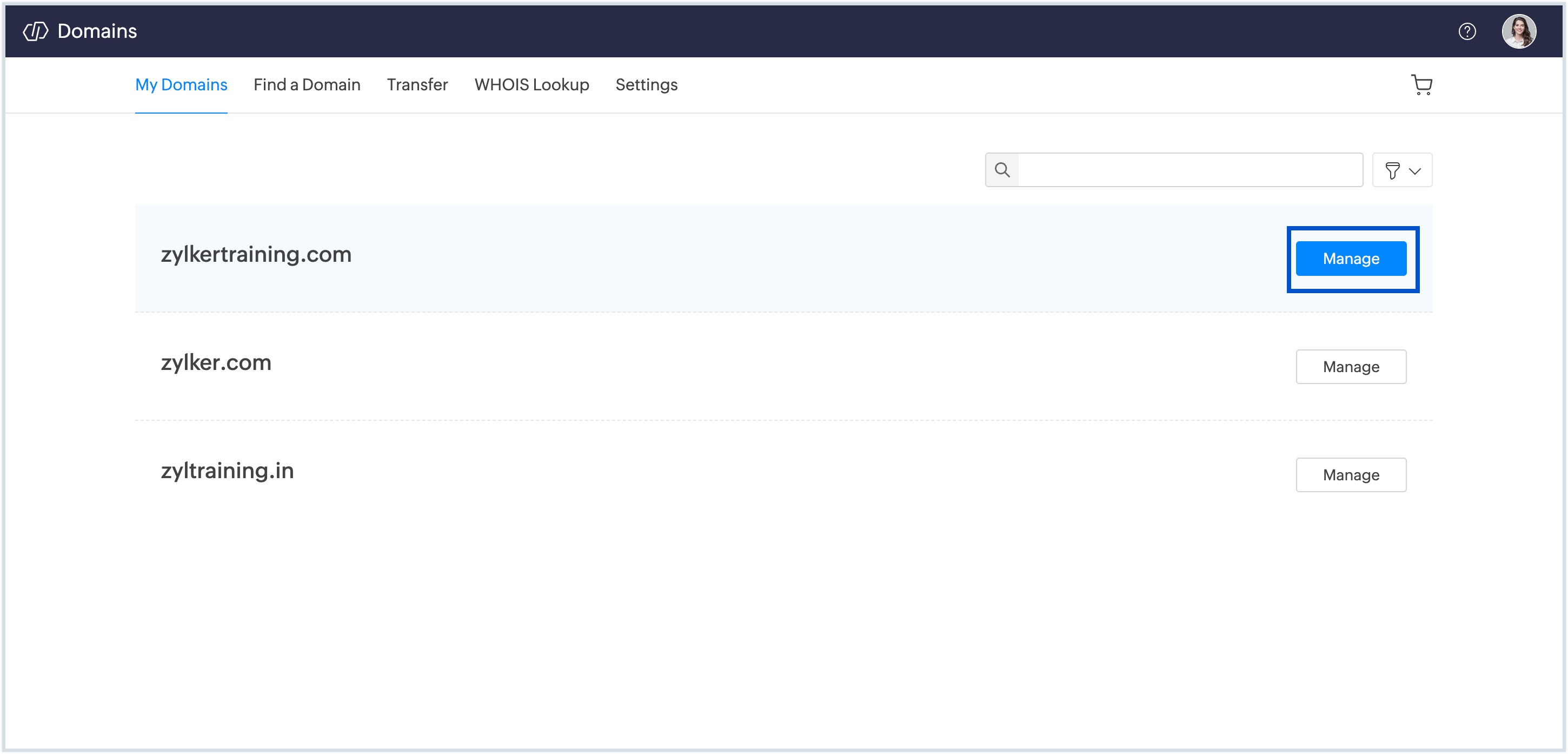
- Next to your domain name, click Manage.
- You can view all domain details, including the domain status, DNS configurations, registrant information, and domain settings.
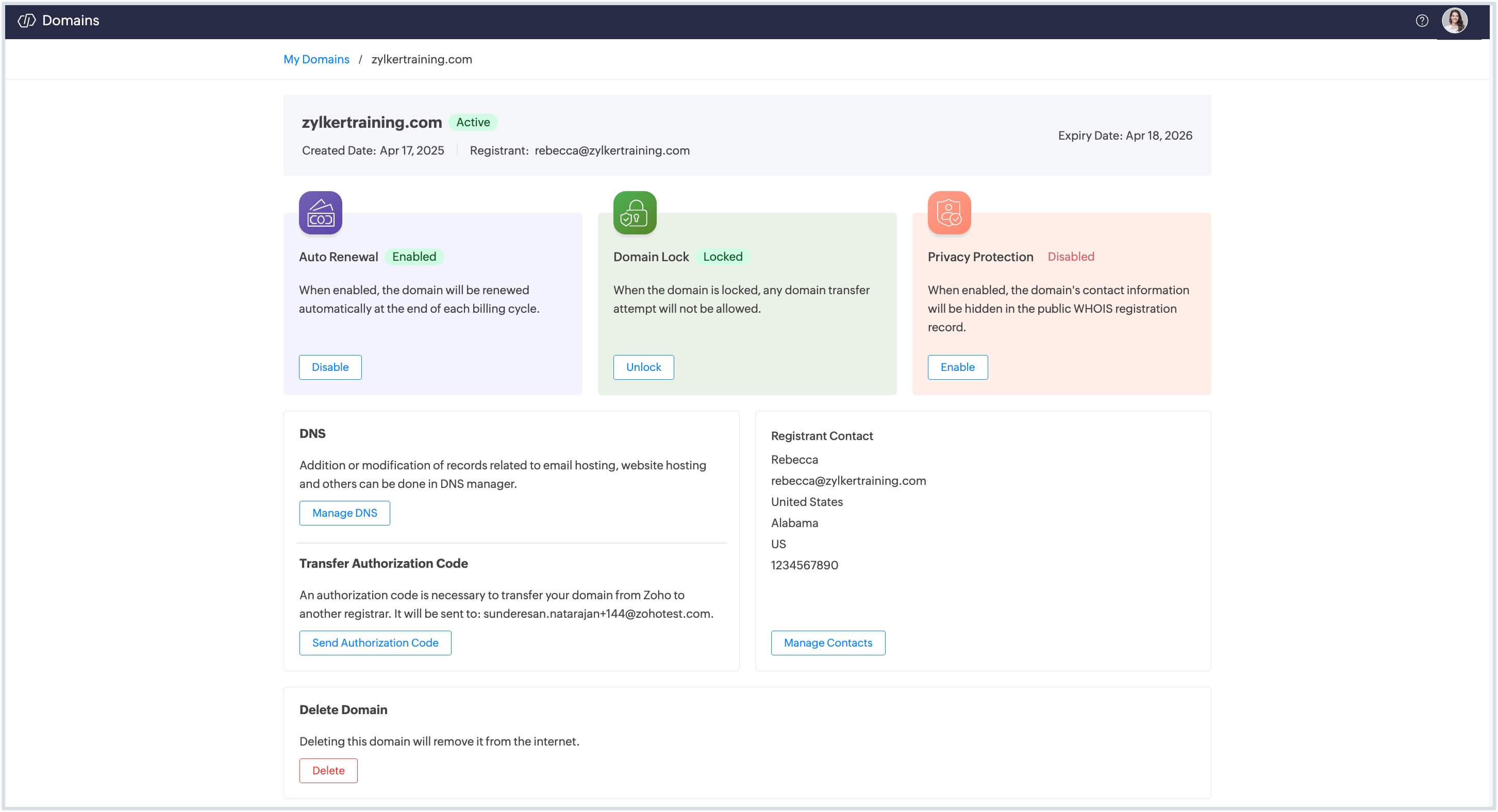
- In the domain management page, do the following steps to make your domain eligible for transfer:
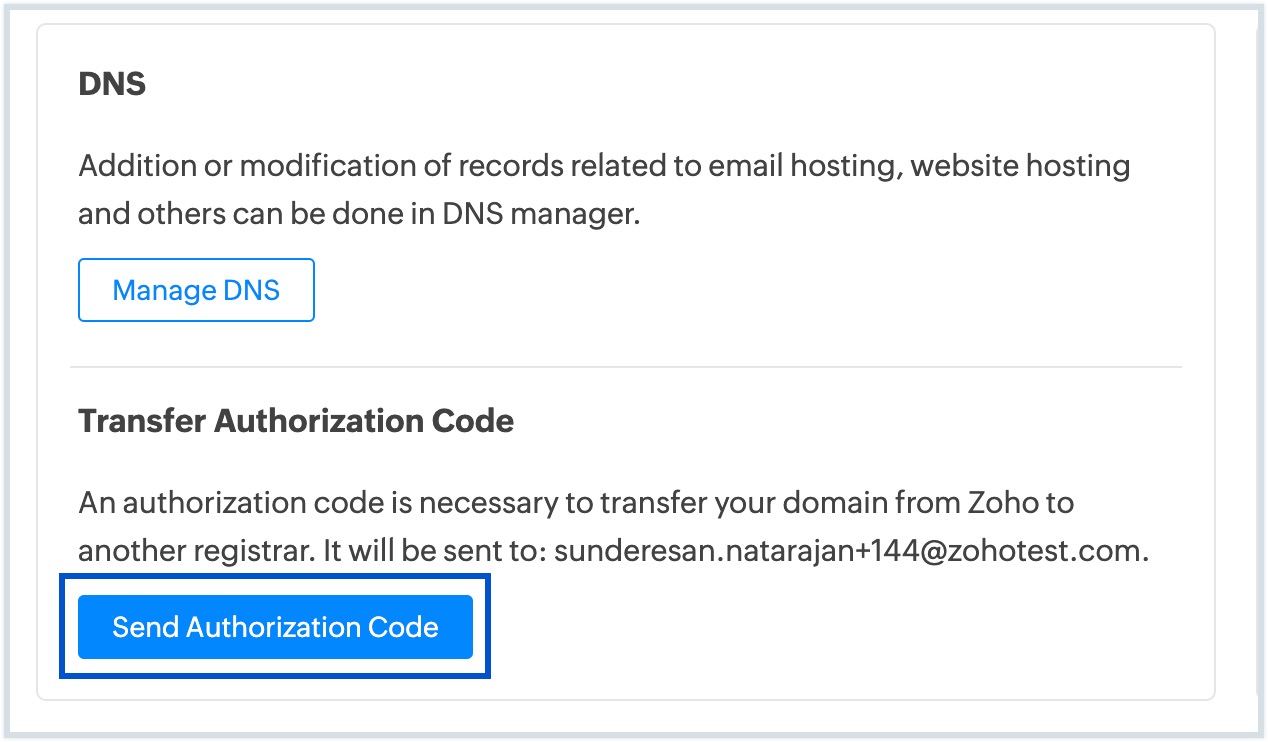
- Click the Send Authorization Code button in the domain management page. This is required for initiating the transfer will be sent to the registered email address.
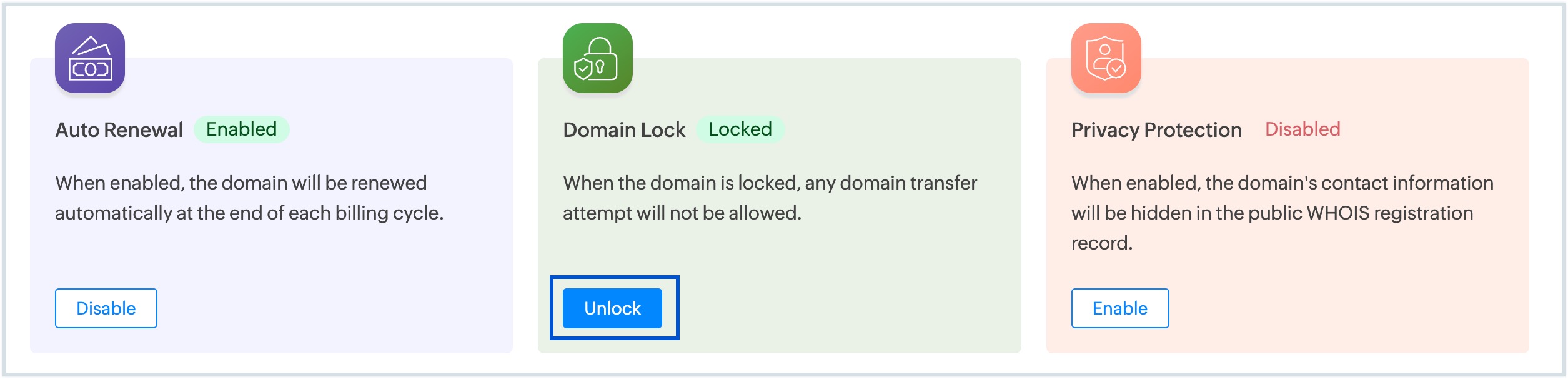
- Click Unlock in the domain management page.
- Click the Send Authorization Code button in the domain management page. This is required for initiating the transfer will be sent to the registered email address.
Your domain is now unlocked, and you can use the authorization code to initiate the transfer to your new registrar.
Note
If your domain was purchased through Zoho Mail Domains, refer to this Zoho Mail’s transfer guide to learn how to transfer it to another domain registrar.