Enabling System Integrations in Creator
Steps to enable integrations with Zoho Checkout
The following are the steps for enabling system integration for Zoho Checkout:
- Navigate to Operations under Manage and click System Integrations.
- You will be able to view the list of System Integration services. You can either click on the Zoho Checkout card or the Enable button in the same card.
- Upon clicking the card, you will be taken to the details page. Upon clicking Enable under the Configuration tab, it takes you to details page and also simultaneously start the service authorization process.
- Choose the country from which you want to operate the payment gateway. Click Configure.
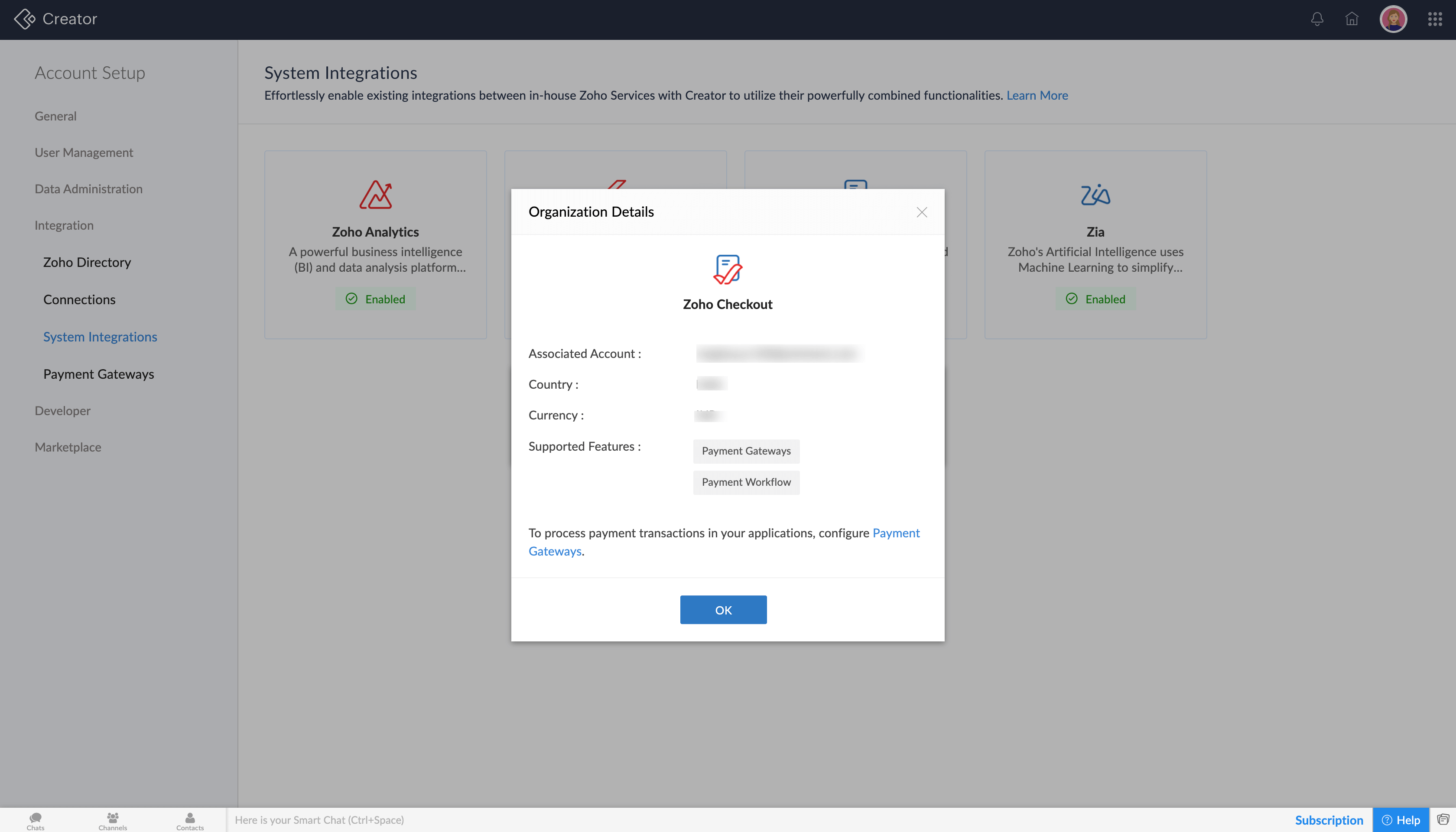
Once the configuration is completed, you can easily create payment workflows to make online payment transactions in your application. Click View on Checkout, to be taken to Zoho Checkout's service page.
Note: When Zoho Checkout is enabled from Zoho Creator, a separate organization is created in Zoho Checkout for the respective Creator account. The organization is automatically assigned the Integration combo plan.
Steps to enable integrations with Zoho Analytics and Cloud functions
The following are the steps to enable Zoho Analytics and Cloud functions:
- Navigate to Operations under Manage and click System Integrations. You will be able to view the list of System Integration services. Click the card of the service you want to choose.
- Click Enable under the Configurations tab and you can using of the features associated with the service.
Steps to enable integrations with Zia
By default, the AI fields will be configured in your account.

Points to Note
Currently, you cannot disable a system integration once it has been enabled.