Why use Broadcast in Zoho CommunitySpaces?
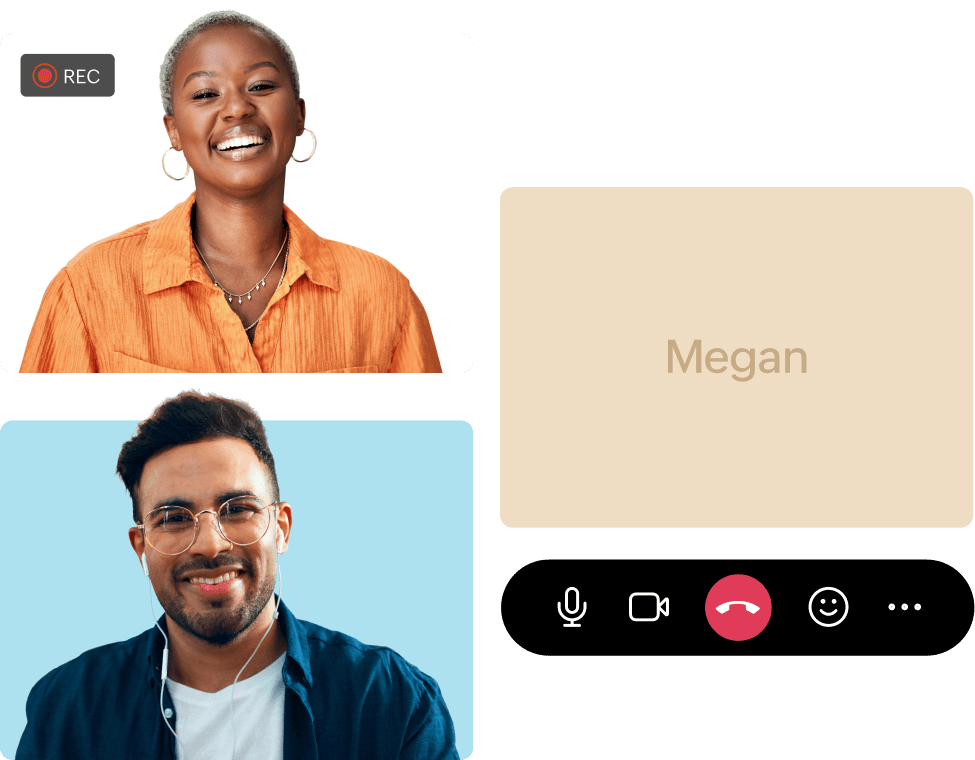
Scalable and secure
Supports large audiences of up to 10,000 with enterprise-grade privacy.
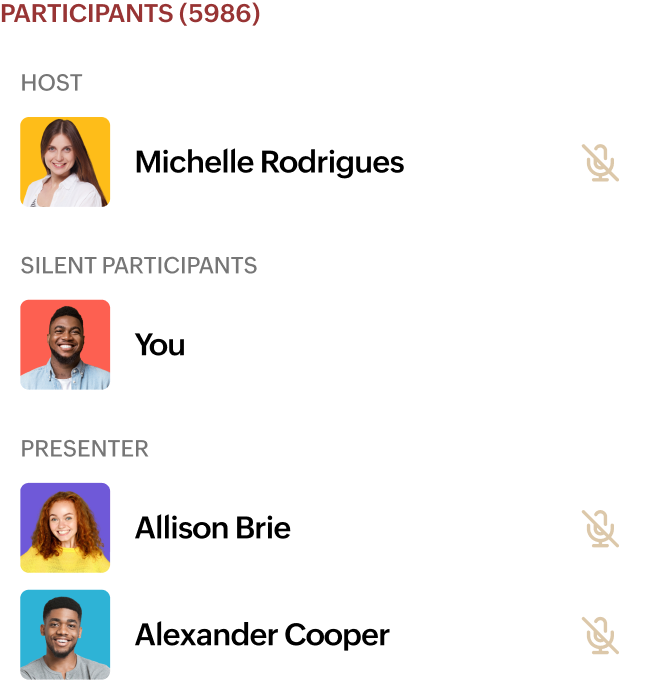
No third-party tools needed
Broadcast directly in your community without any third-party tools.
Live broadcast in action
See how live broadcasting can help you connect, engage, and thrive, whether you're:
A business driving engagement and growth
Conduct impactful training sessions, launch new products, or host engaging Ask Me Anything (AMA) sessions with customers, partners, and vendors.
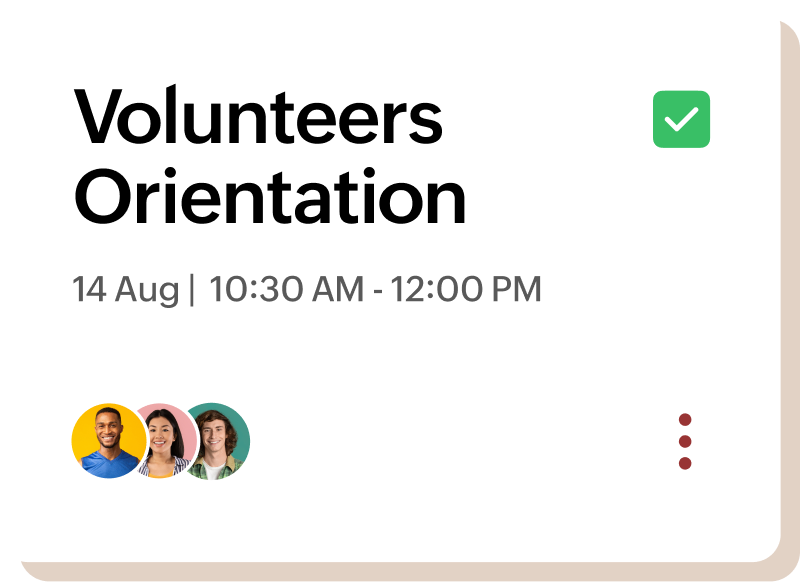
A non-profit expanding reach and impact
Facilitate meaningful donor meetings, onboard new volunteers with interactive orientations, and expand your reach.
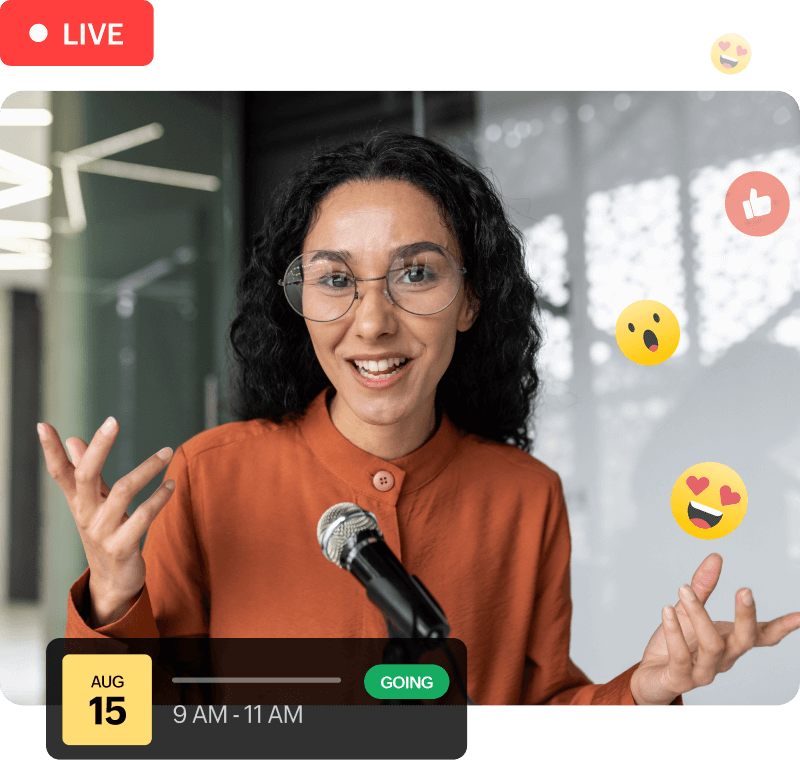
A creator building stronger community connections
Engage your community with live AMAs, share exclusive behind-the-scenes content, and build a stronger network.
An educator delivering immersive learning experiences
Host immersive virtual classes, conduct interactive workshops, or connect with alumni through engaging talks.
- Business
- Non-profit
- Creator
- Educator
Engagement made effortless
Multi-host streaming
Invite presenters for live panel discussions to broadcast to your members.
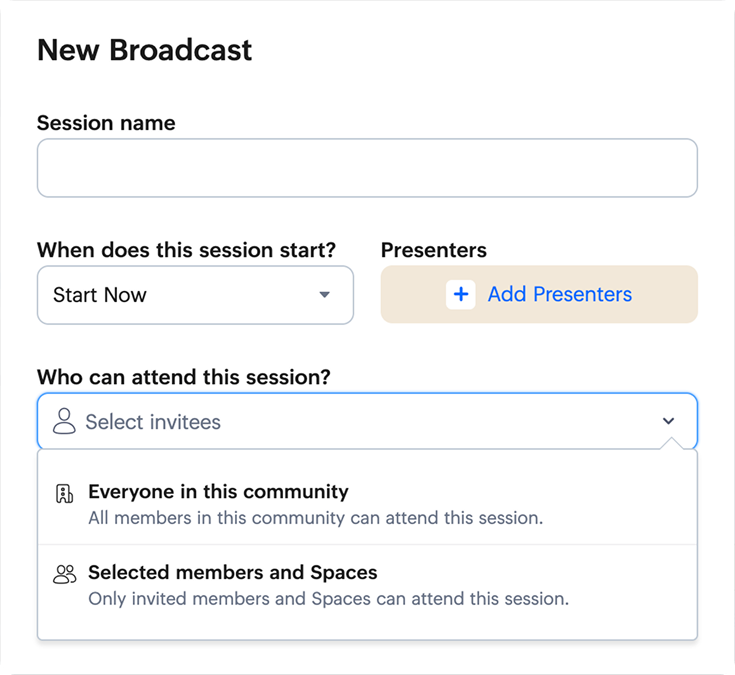
Comprehensive privacy controls
Restrict access to specific members or spaces.
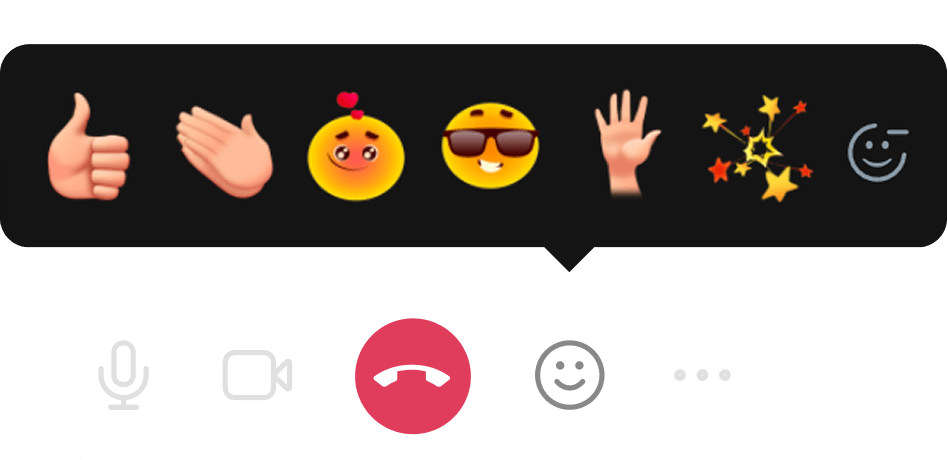
Enhanced audience interaction
Emoji reactions for dynamic participation from members.
Adaptive scaling capabilities
Livestream to up to 10,000 people.
Convenient on-demand access
Record sessions for members who missed the live event.
Frequently Asked Questions
What is the maximum audience size supported for live broadcasting?
Zoho CommunitySpaces supports large audiences of up to 10,000 viewers, and 1,000 participants in your live broadcast, depending on your plan.
Can people watch a broadcast if they miss the live session?
Absolutely! You can record your sessions and make them available for members who were unable to attend the live event.
How can I control who has access to my broadcasts?
Our privacy controls allow you to restrict access to specific members or spaces, and ensure that your content reaches the intended audience.
Do I need any external software to use the live broadcast feature?
No, you don't need any third-party tools. You can broadcast directly within your community.