How do I remove an existing mailing list from my payment page and add a new one?
- Open the Payment Pages tab and select the page you want to remove an existing list from.
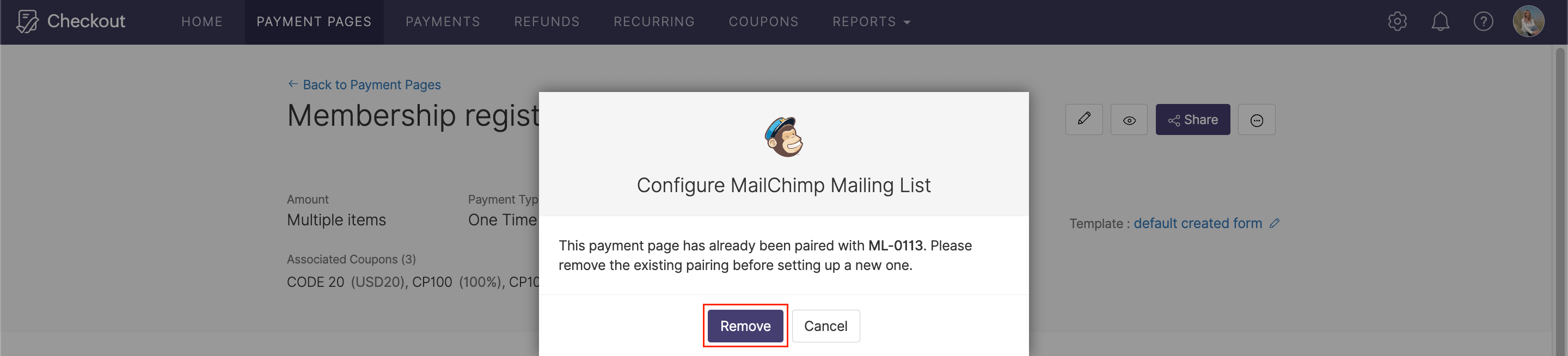
- Click the More Options icon and select Configure Mailchimp.
- Click Remove in the confirmation popup window. Now that you’ve disassociated the page, follow the instructions here to add a new mailing list.