
How do I associate a Mailchimp mailing list with a payment page inside Zoho Checkout?
- Open the Payment Pages tab and select the page you want to associate with the mailing list.
- Click the More Options icon and select Configure Mailchimp.
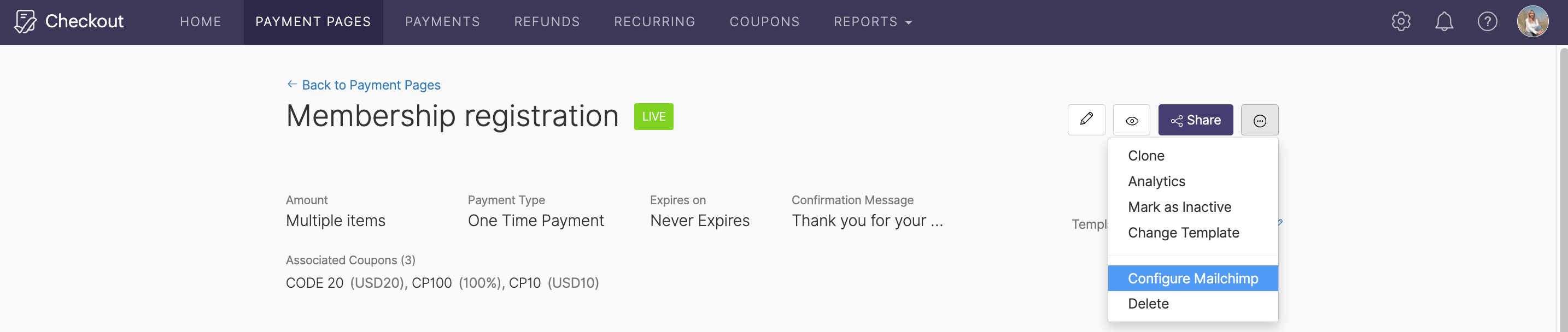
- Choose the mailing list you’d like to configure from the dropdown and click Save.
Your payment page will now be associated with that mailing list.