



Zoho Books enhances
bookkeeping for freelancers
 Customized transactions
Zoho Books supports multiple currencies, and is multilingual, letting you transact in your customer's currency and language. Customize transaction templates and associate them with specific contacts to streamline your process.
 Time-saving automation
Accomplish a lot in a short time. Zoho Books automates tedious tasks through workflows rules, cutting out time-consuming data entry and lets you work on more important tasks.
 Ease of use
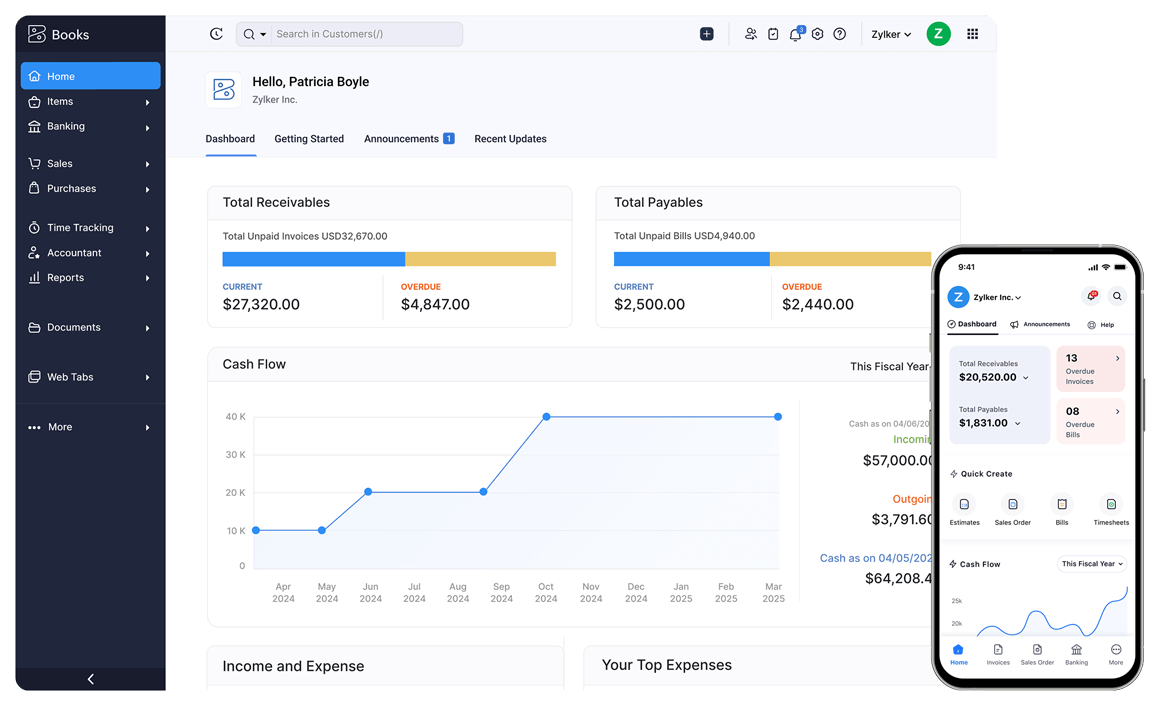
Zoho Books is easy to use, and you can have it running in no time. Its intuitive and clutter-free UI helps freelancers get around easily so you can work effortlessly with your accounts.
Accounting software built for
self-employed businesses
Help customers understand your bids with Quotes
Take the first step toward doing business with your clients using clear Quotes. Send your customers detailed Quotes via email or snail mail, and once they're accepted, convert them into professional invoices.
Get paid quickly through professional invoices
Invoice your customers with professional, top-notch invoices. Set up payment reminders to take the pain out of chasing payments. Automate your invoicing and generate recurring invoices for regular customers to save time.
Stay tax-ready
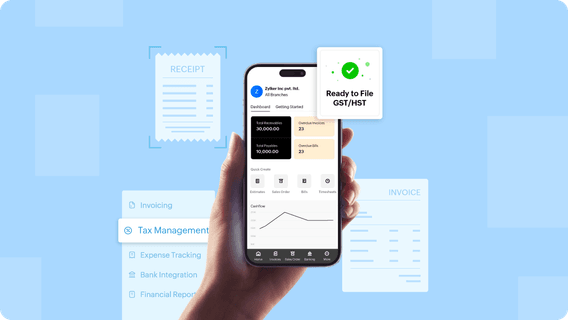
Zoho Books is tax compliant, and compatible with local tax mandates wherever you are selling, allowing you to compute tax in minutes, generate tax reports easily, file tax returns and always be ready for tax season.
Eliminate late payments
Zoho Books can be integrated with various online payment gateways, allowing you to collect online payments from your customers safely and eliminate payment delays.
Manage multiple projects easily
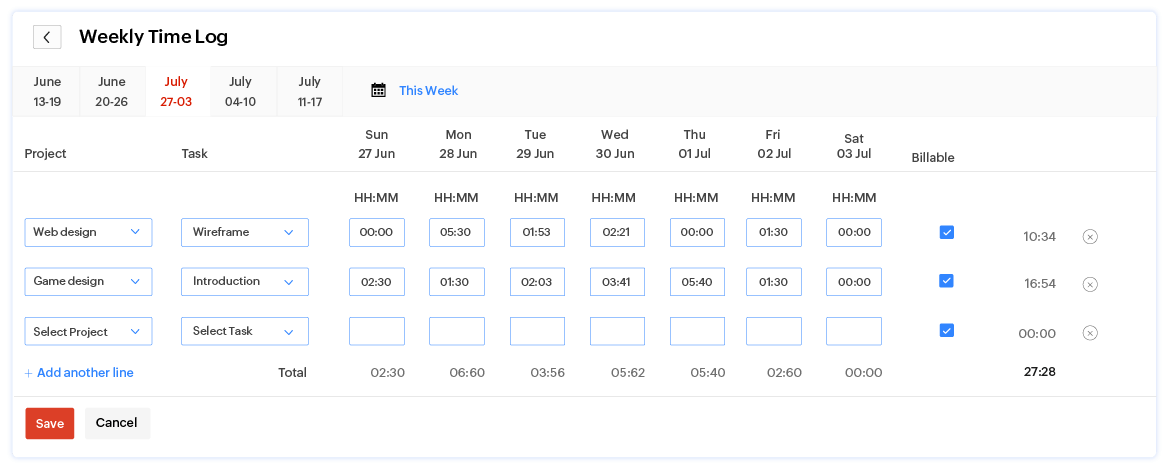
Use timesheets to manage your projects. Track the time you spend on customers' projects. Invoice them based on the tracked time or by fixed cost for project. Manage multiple projects easily by adding tasks and assigning them to specific employees.
Track and simplify expenses
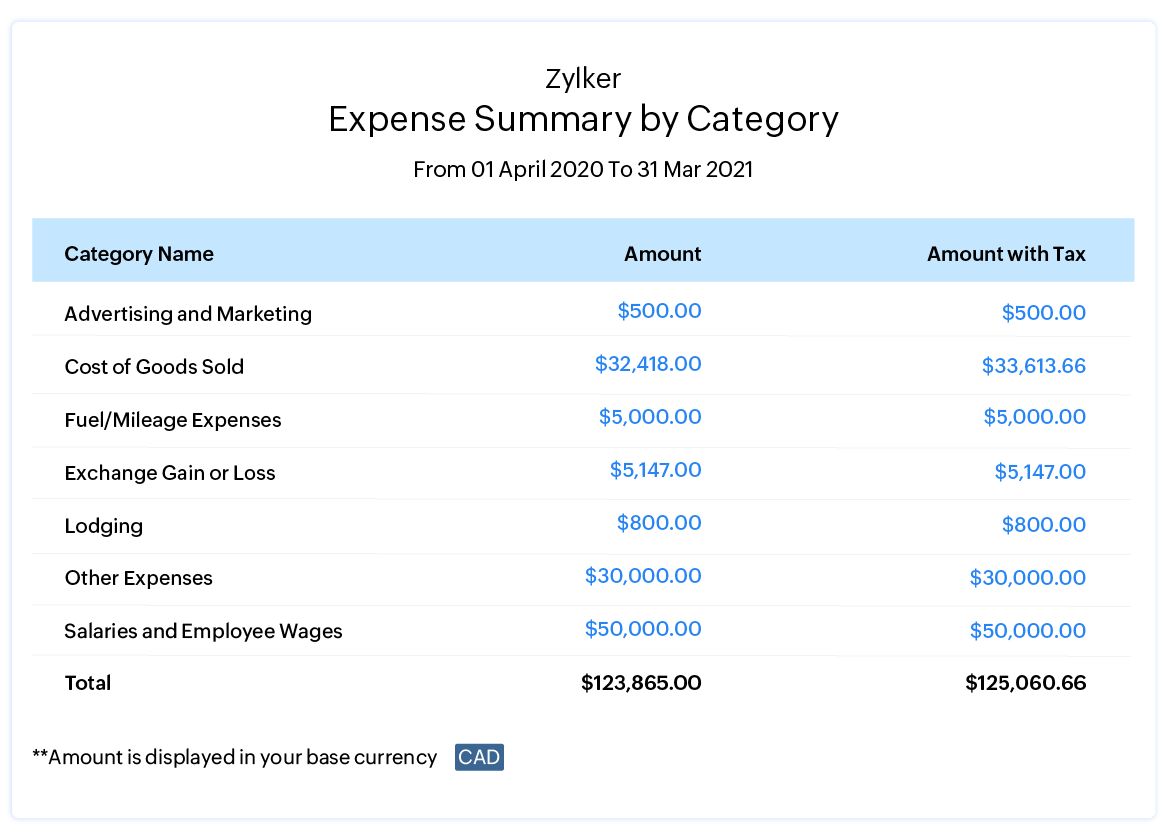
Zoho Books allows you to track and categorize your expenses, generate expense reports, and assess your expenditures so that you are always in control of the money you spend.
Make a brand statement with customization
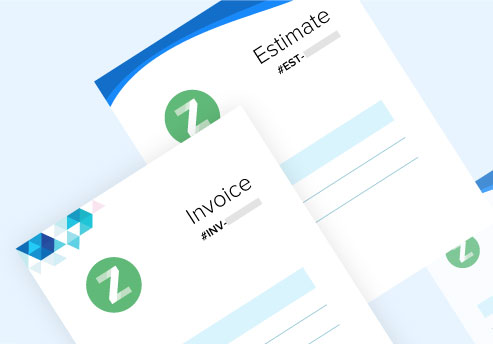
Catch the customer's eye and make a great impression with beautiful branding and template customization in Zoho Books. Add your company's logo to create professional-looking, Quotes, invoices, and bills.
See what our customers
have to say about Zoho Books



I've tried QuickBooks, Quicken, other expense and timeclock apps...Zoho Books is one app that has the ability to integrate with multiple features EASILY! My time is money and Zoho Books saves me money because it saves me time!
Zoho Books is very simple to use and automates most of my business workflows. The dashboard lets me quickly know how my business is performing. You really don't have to be an accountant to use Zoho Books.
Zoho Books does everything its counterparts do but is more customizable. Their customer service team goes above and beyond and is almost always available, all at a fraction of the cost compared to its competitors.
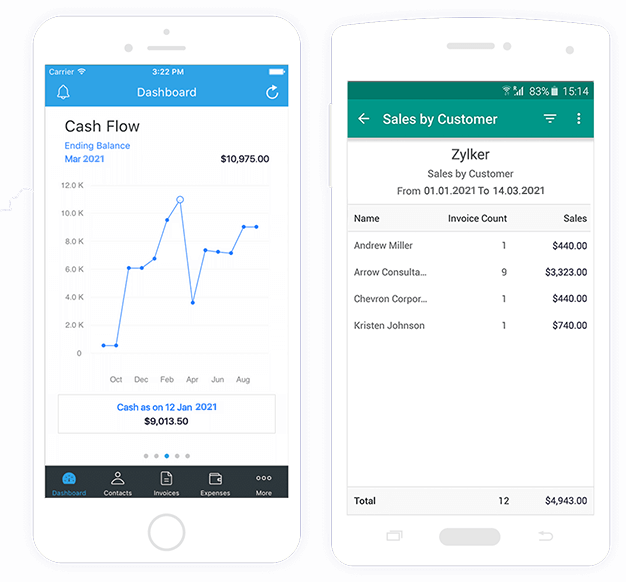
Zoho Books is nowcloser to you than ever
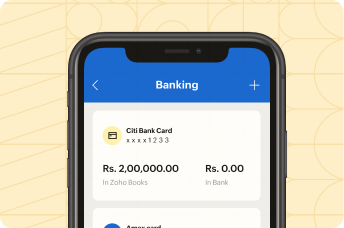
Make your accounting more convenient and portable. Take it wherever you go with the Zoho Books app for Android and iOS.


Simple accounting software for freelancers & sole proprietors
FAQs about Self-Employed Accounting Software
What is accounting software for freelancers?
Accounting software for freelancers is a tool that helps independent professionals manage their finances in one place. Freelancers can use it to track income and expenses, create and send invoices, record payments, and generate financial reports. It simplifies bookkeeping so freelancers can stay organized, save time, and focus more on their work instead of manual accounting tasks.
Why do self-employed professionals need accounting software?
Freelancers and self-employed professionals need accounting software to stay on top of their finances and avoid manual errors. It helps freelancers track income, manage expenses, automate invoicing, and prepare for tax filing. With real-time financial insights, freelancers can make better business decisions while ensuring their records are accurate and up to date.
Is Zoho Books good for self-employed professionals?
Zoho Books is a great choice for freelancers and self-employed professionals looking for an easy-to-use and affordable accounting solution. Freelancers can create professional invoices, automate payment reminders, track expenses, and generate financial reports with ease. With features like automation, mobile access, and integrations, Zoho Books helps freelancers manage their finances efficiently as they grow.
Does Zoho Books support Canadian taxes like GST/HST?
Yes, Zoho Books supports Canadian taxes such as GST and HST, making it easier for freelancers to stay compliant. Freelancers can apply the correct tax rates to invoices, track taxes collected and paid, and generate reports needed for filing. This helps freelancers manage their tax obligations accurately without additional complexity.
How much does accounting software for freelancers cost?
The cost of accounting software for freelancers can vary based on features and business needs. Many tools offer affordable plans, and some—including Zoho Books—provide a free plan that is ideal for freelancers with basic accounting requirements. As freelancers grow, they can upgrade to paid plans that offer advanced automation, reporting, and integrations.
Can freelancers track expenses and mileage using Zoho Books?
Yes, freelancers can easily track both expenses and mileage using Zoho Books. Freelancers can record everyday business expenses, categorize them, and even attach receipts for better organization. For travel, Zoho Books includes built-in mileage tracking, allowing freelancers to log distance manually, use odometer readings, or track trips using GPS through the mobile app. The software automatically calculates mileage expenses based on distance and rates, helping freelancers accurately record travel costs and stay prepared for tax deductions.