





Automate
bank account reconciliation
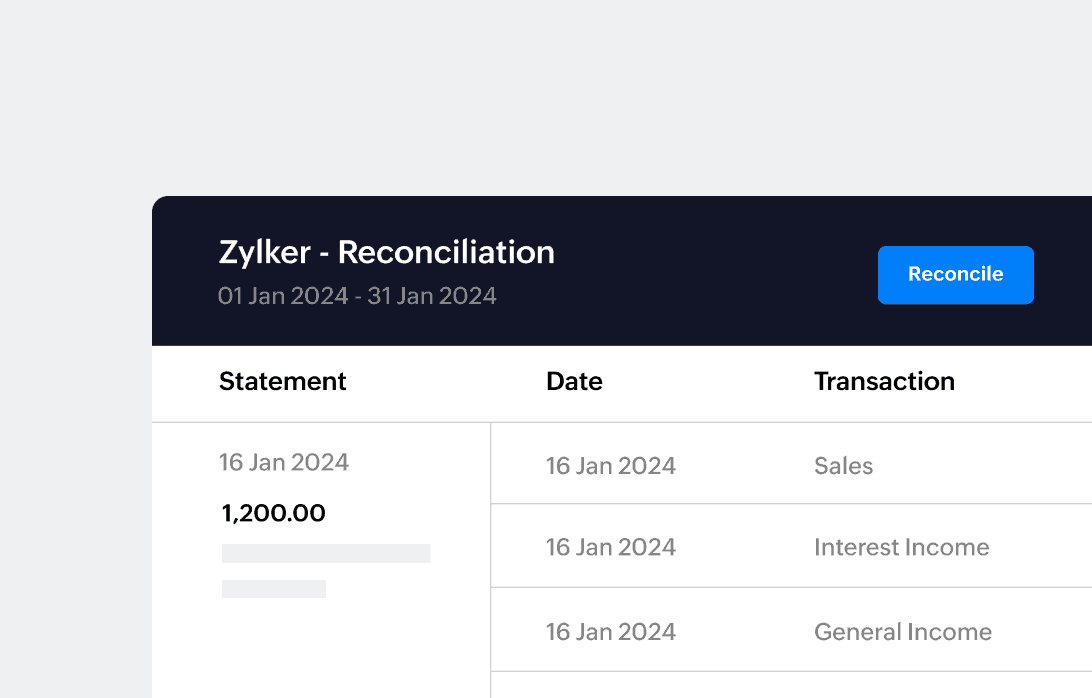
Reconcile bank and credit card statements with ease. Our intelligent matching algorithm lets you precisely identify and match transactions between your bank statement and accounting records.

See your overall banking
and financial picture at a glance
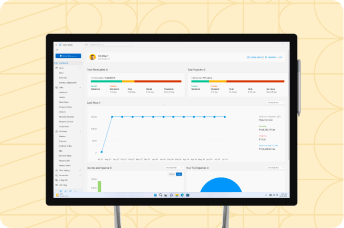
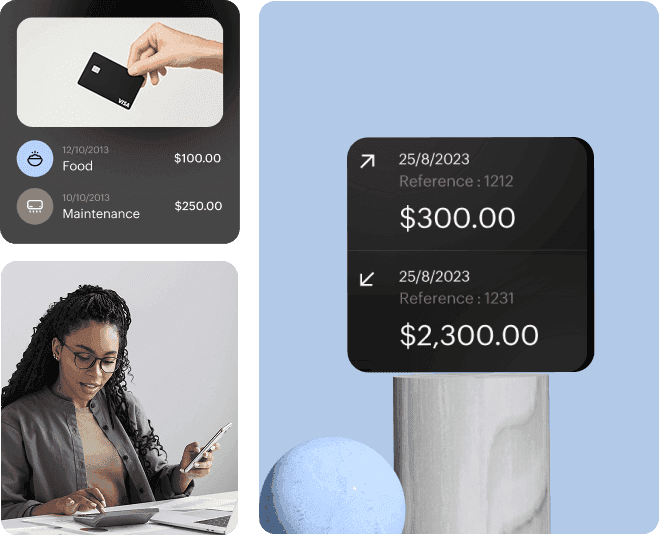
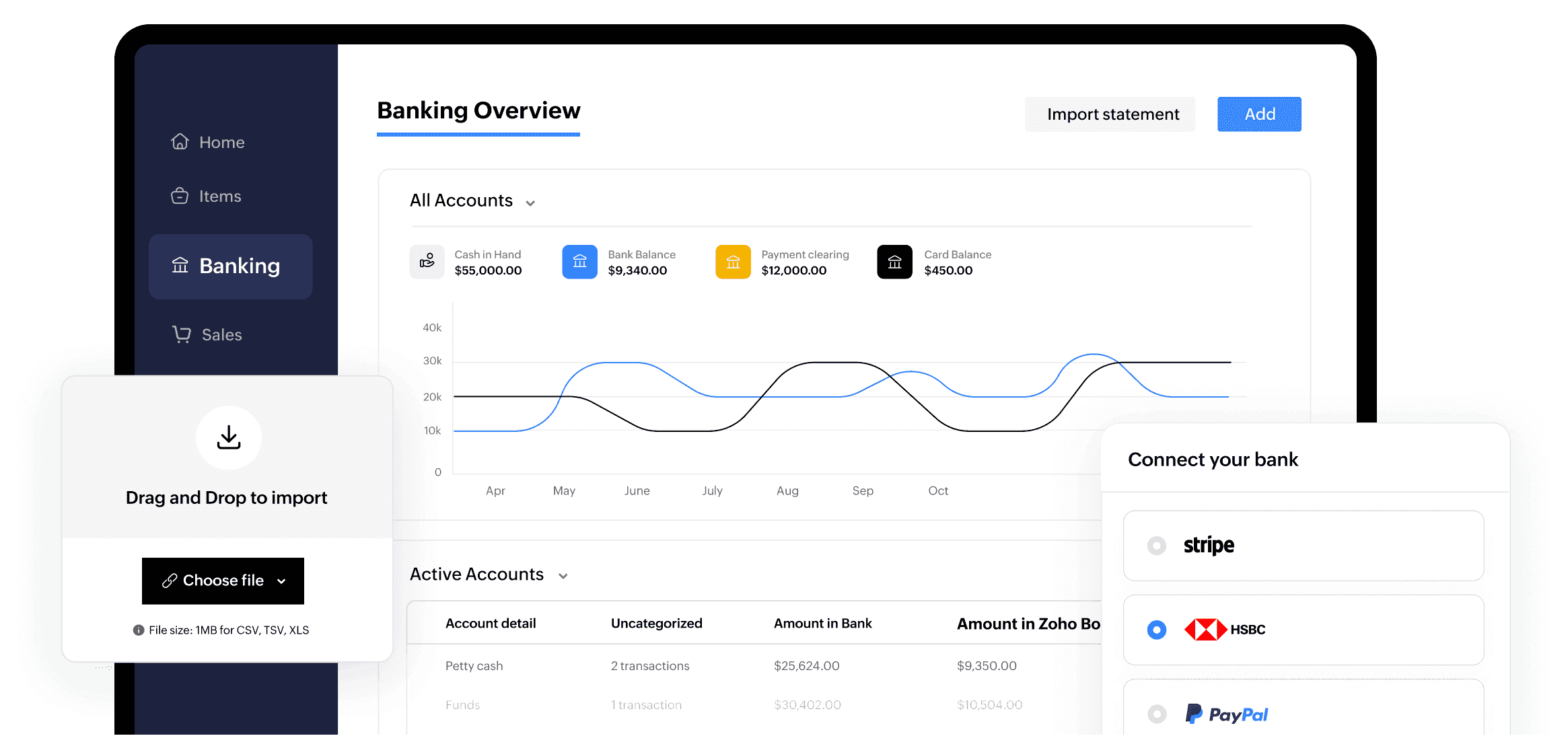
Monitor current cash on hand, balances across accounts (banks and credit cards), uncategorized transactions, matched entries between your bank statement and Zoho Books—all in one place!

Connect banks and
Automatically fetch bank feeds
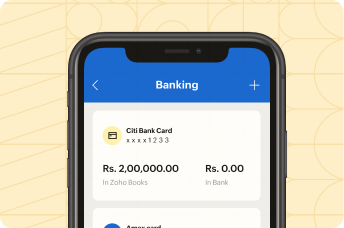
Securely connect multiple bank and credit cards to automatically fetch bank statements periodically through third party partners/providers

Auto-forward bank
statements from your email inbox
Bring your periodic bank statements from the email inbox into Zoho Books directly, for effortless reconciliation. CSV, TSV, XLS, OFX, QIF, and CAMT.053 formats.

Import
bank feeds manually
Not automating? No problem! Easily populate bank transactions in Zoho Books by manually importing statements in CSV, TSV, XLS, OFX, QIF, and CAMT.053 formats.
Simplify matching
Get best matches
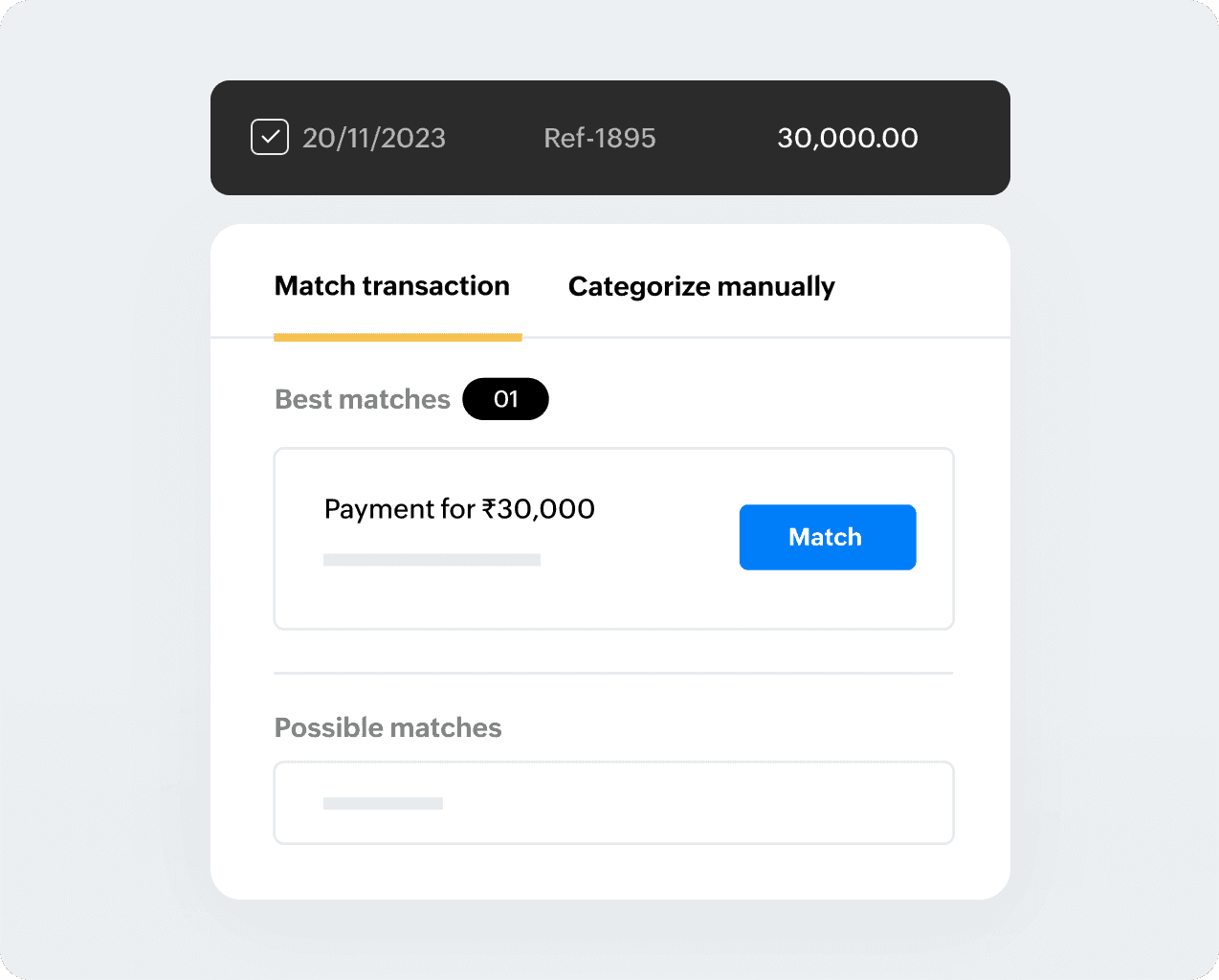
The banking module’s intelligent algorithm instantly fetches you the ‘best match’ and other ‘possible matches’ for every bank statement as available from your Zoho Books transactions, saving you valuable time
Match in bulk
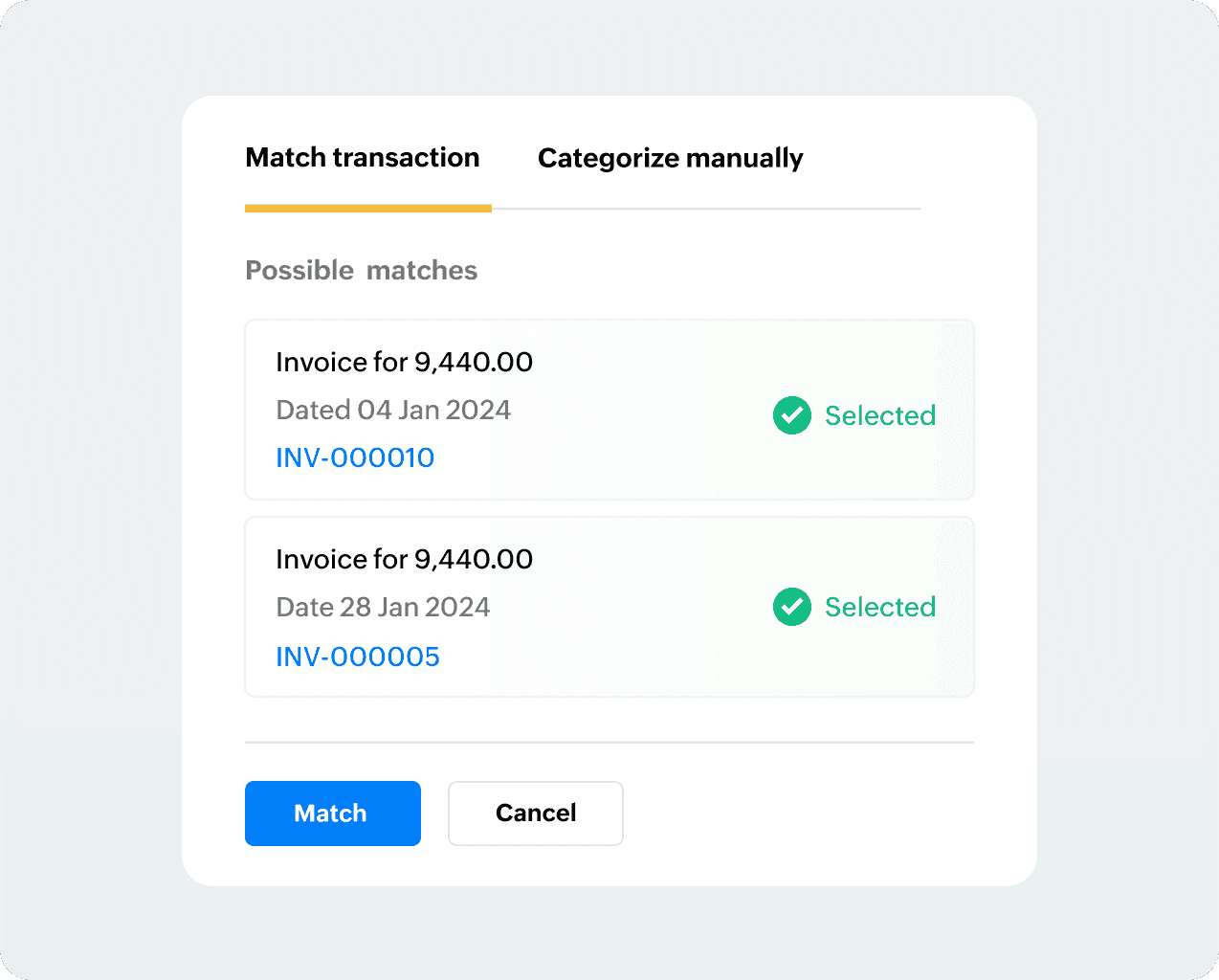
Received or made consolidated payments? Handling partial payments or installments? Fret not! Zoho Books lets you easily match multiple line items from both the bank feed and the transactions in Zoho Books.
Match deposits and withdrawals
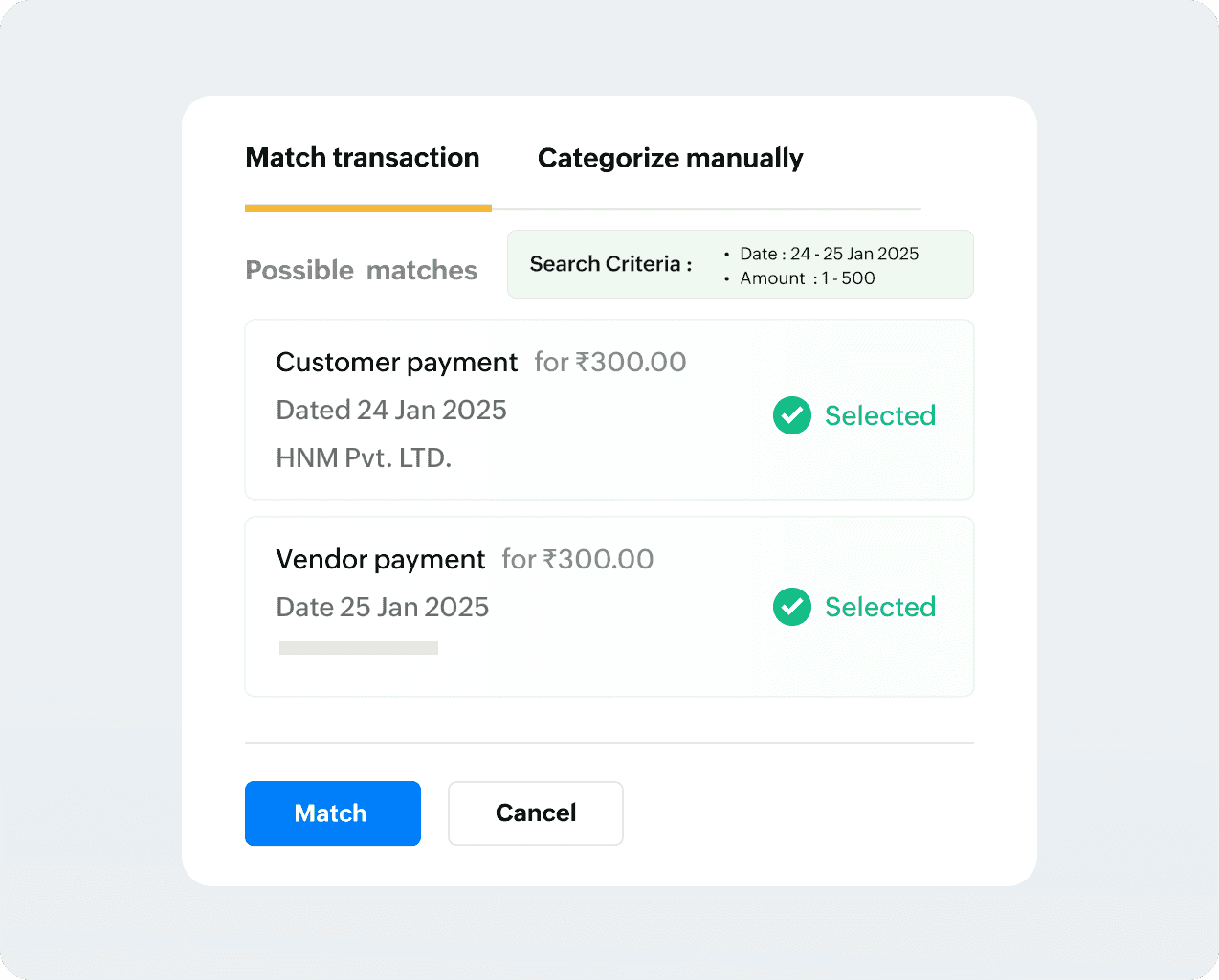
Do you have customers who are also vendors? Easily match a single bank payment that offsets both an incoming customer payment and an outgoing vendor payment—no manual adjustments or workarounds!
Categorize and
create transactions
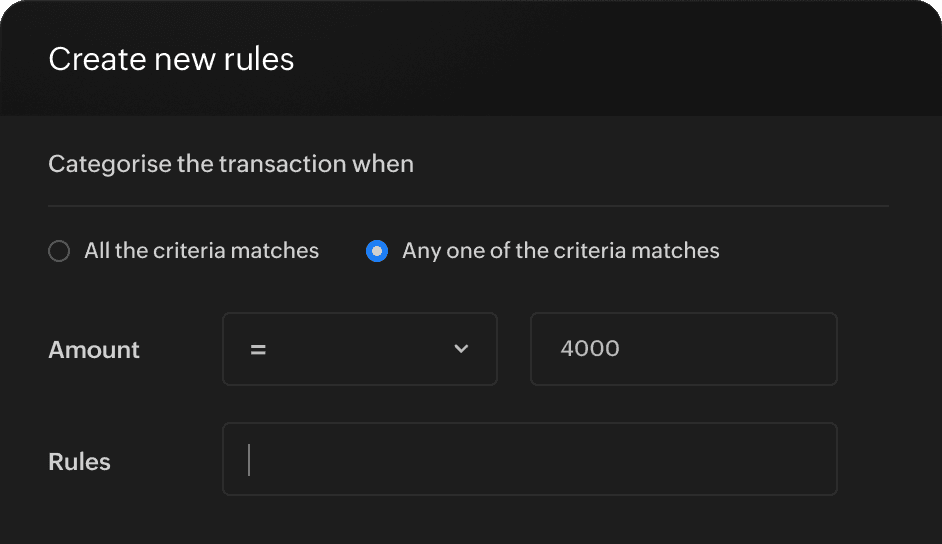
Set Bank transaction rules
identify those repetitive bank charges, utility payments, transfers, or subscriptions. No more manual data entry. Use custom bank rules to even automatically create transactions or entries in Zoho Books. Free up time to focus on what matters most.
Categorize manually
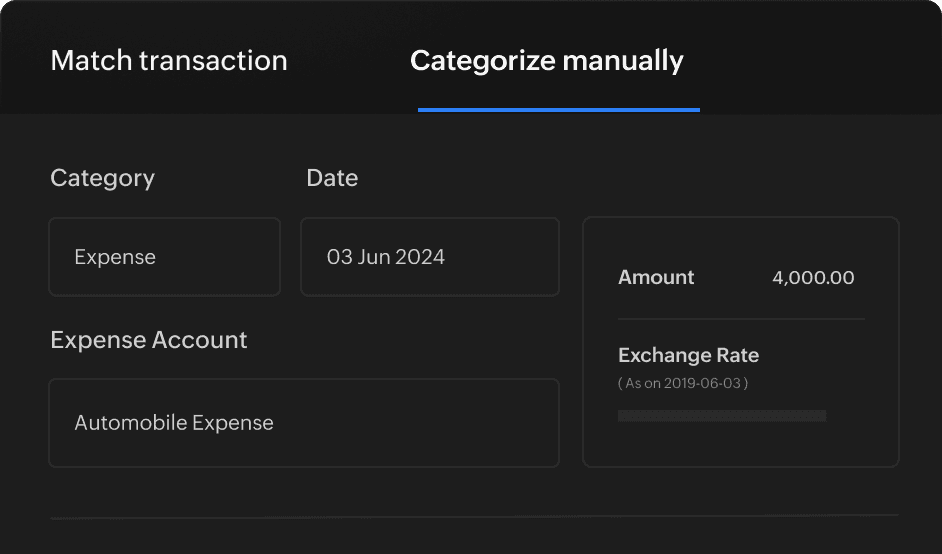
Create a new transaction directly from your bank statement with just a few clicks. No need to worry if there's no matching transaction in Zoho Books or if you don’t have a rule for that transaction. Just pick the line item on your bank feed and create it on the spot – it's that easy!
Perfecting bank reconciliation statements

Add transactions from
the banking module
Record any accounting transactions directly from your credit card or bank feed a cash deposits, transfers, advance or refunds.

Adjust transactions
to balance mismatches
Balance any differences while matching, say from discounts, transaction charges, and other fees to ensure your books are perfectly balanced.

Exclude duplicate and
irrelevant transactions
Zoho Books automatically identifies and eliminates duplicate transactions from your bank statements (or you can personally verify and remove them too).
Secure access
and record keeping
Reconciliation reports
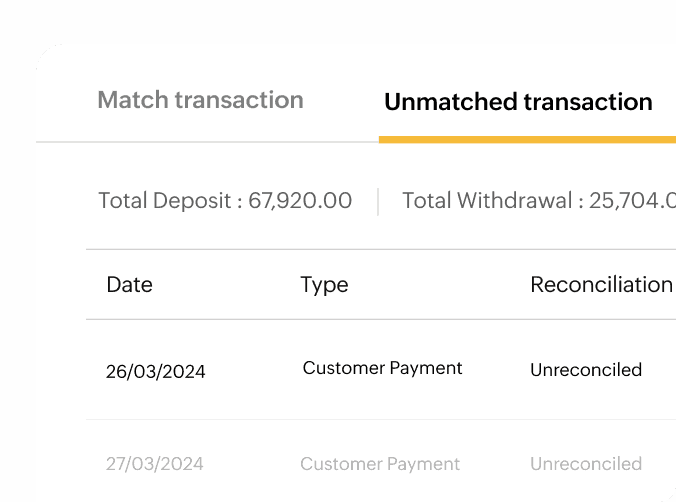
Quickly access bank opening and closing balances, categorized and uncategorized transactions, and those transactions pending matches. Filter by date or bank account and export comprehensive PDF bank reconciliation statements as you need.
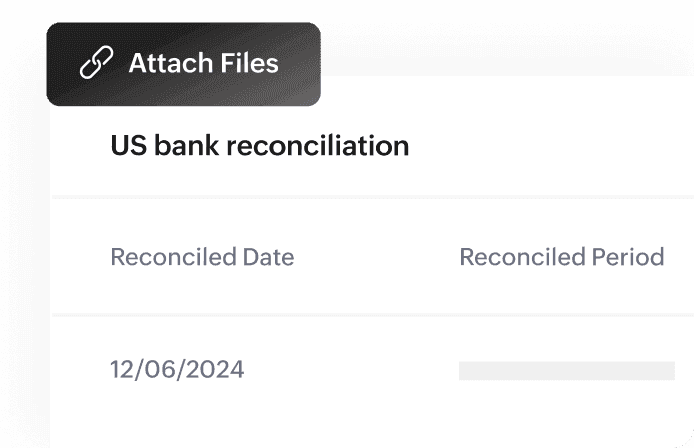
Attach files to reconciliations
Attach essential documents directly to reconciliations. This includes bank statements, check copies, and deposit receipts, keeping everything organized and readily accessible for future reference.
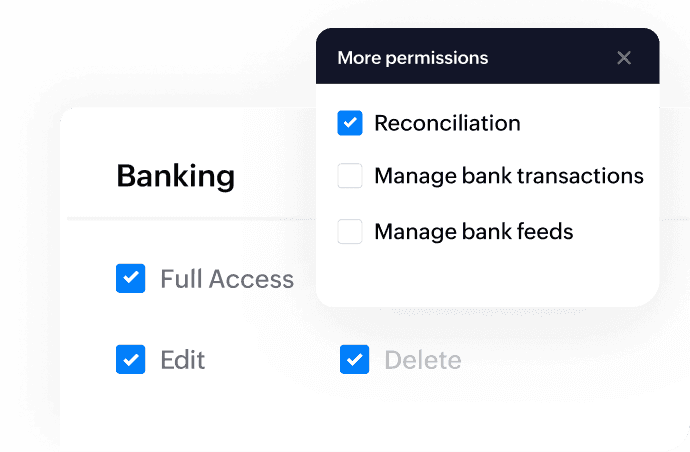
Secure access to banking module
Provide users with secure, role-based access to the banking module. Ensuring unhindered access to authorized users while safeguarding sensitive banking data.
Ensure a smooth financial close
with accurate reconciliation
Close the books with ease! Everything's in order transactions are matched, categorized, and ready for your review. Now you can close the reconciliation process with complete confidence.