
What is the Customer and Technician Survey?
The Customer and Technician Survey feature allows both customers and technicians to provide feedback after a remote session, offering insights into their experience. These surveys help identify areas for improvement, monitor trends, and tailor future support efforts. It ensures that both technicians and customers can give feedback in a structured and user-friendly manner.
What are the benefits of post session Customer & Technician Survey?
Clarity and closure
Provide a clear path for both technicians and end-users, ensuring that both parties know the session is completed.
Instant feedback
Allow the technician to gather feedback from the customer about the session to enable continual service improvement.
Security and privacy
Ensure that any sensitive data and shared files are securely handled after the session ends.
Session reporting
Technicians receive detailed reports so they can review the session’s outcomes and maintain accurate records.
How to set up customer and technician survey
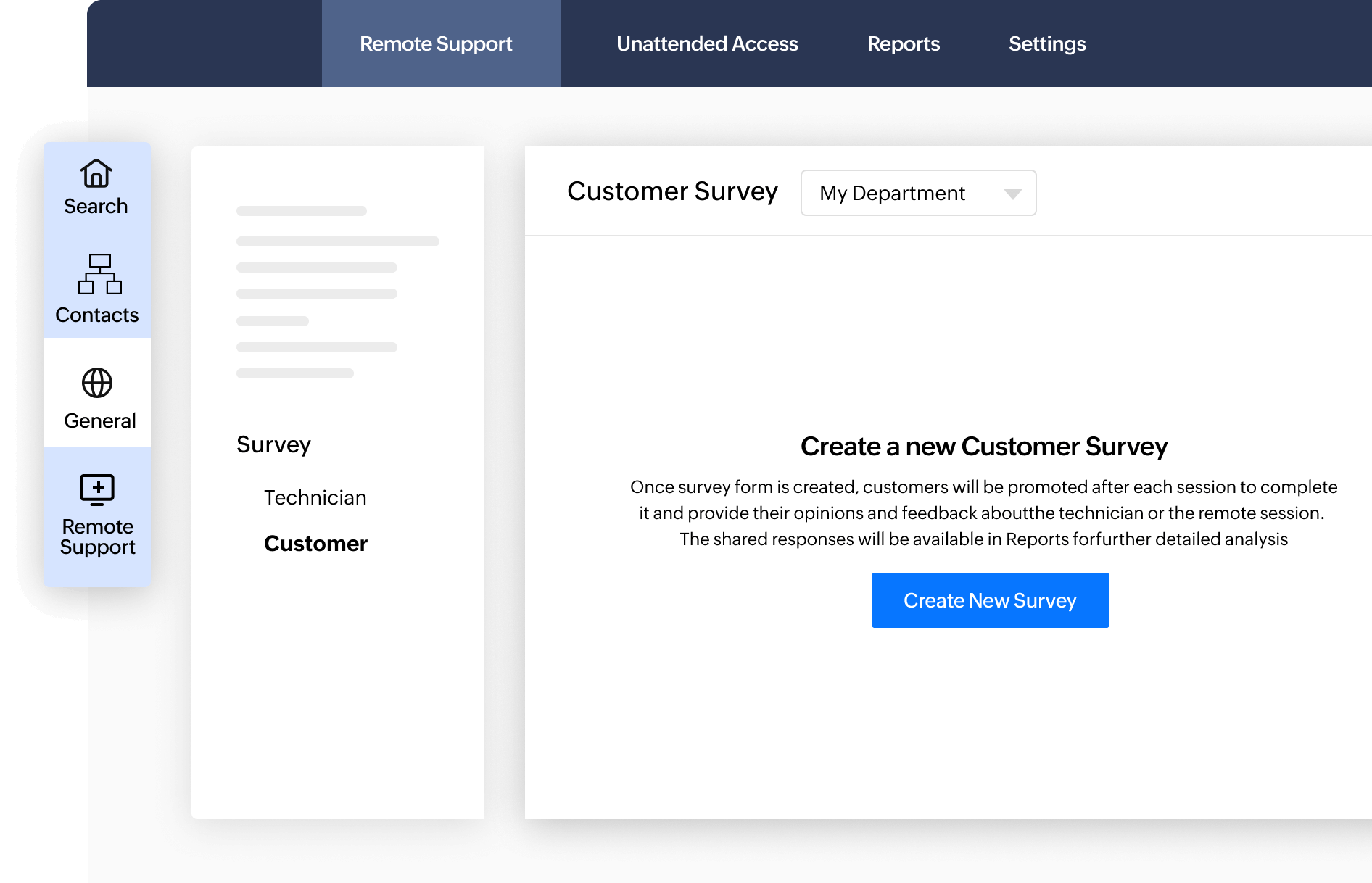
- Navigate to Settings > General > Survey
- Select Technician to create a survey form for technicians at the end of a session or Select Customer to create a post session survey for customers.
- Click Create New Survey and provide details such as the survey name, description, and then add and customize questions with various formats such as single choice, multiple choice, short answers, drop-down or star ratings and mark them as mandatory if needed.
- Click Create Survey to add the newly created survey. You can publish or un-publish it as needed later.
How Customer and Technician Survey helps Zoho Assist users



Session reports
Generate reports for the technician, summarizing key details such as session duration, actions taken, and any files transferred.

Frequently Asked Questions
The survey feature enables both customers and technicians to provide feedback after a session, allowing organizations to gather actionable insights to improve the remote support experience.
The survey when published will automatically be prompted at the end of each session, allowing customers and technicians to rate their experience and provide additional comments.
Yes, these survey forms can be optionally published or un-published based on your organization's needs.
Yes, Zoho Assist ensures that all feedback collection and post-session activities are secure and comply with privacy standards.