
Boost productivity by eliminating on-site visits

Amplify overall efficiency
Fix issues without waiting for device or user availability.
Gain complete visibility
Access diagnostics, processes, and device data before initiating a remote session.
Accelerate troubleshooting
Run system commands and updates seamlessly in the background.
Stay in complete control
Transfer files securely between devices without relying on third-party tools.
Ensure business continuity
Keep every endpoint optimized, regardless of location.
Key features of background access in Zoho Assist
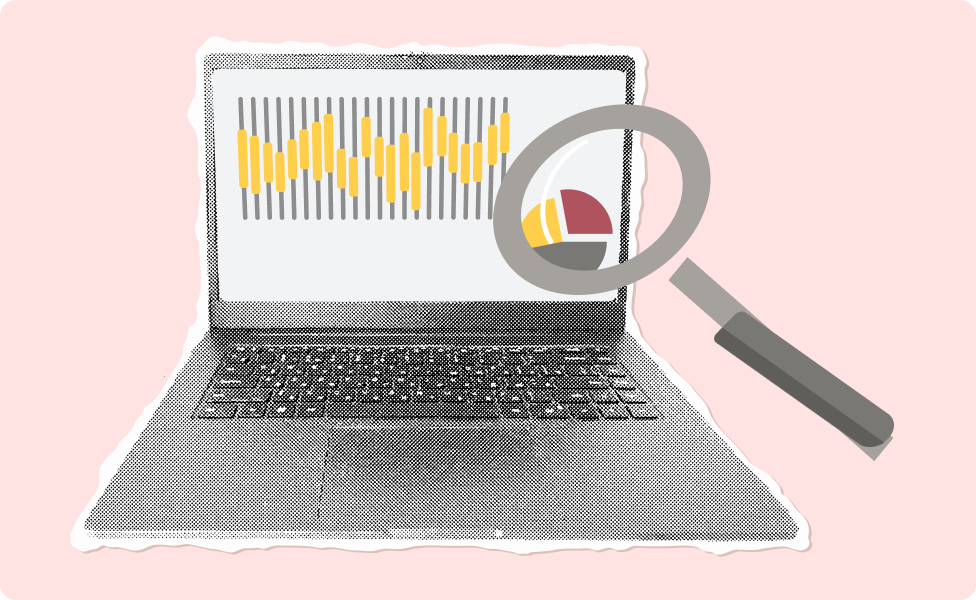
Device overview
Instantly access device details like system information, disk space, and active processes to identify bottlenecks.
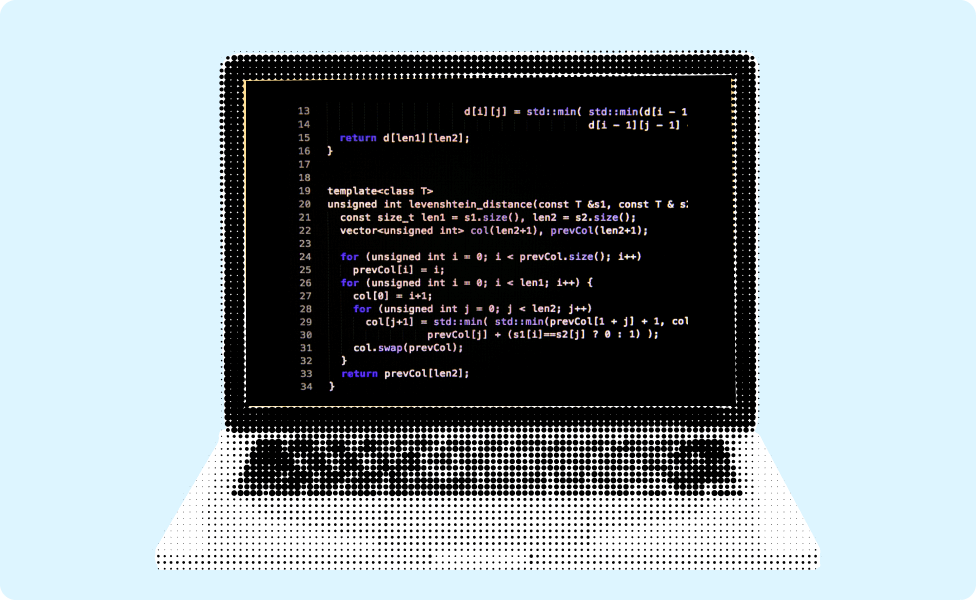
Remote command prompt
Execute system-level commands to resolve issues or make updates without interrupting the user

File transfer
Securely send and receive files between your local and remote devices without starting a full remote session.

Process management
View and terminate processes or applications that are slowing down device performance.

Background diagnostics
Access real-time diagnostics to troubleshoot performance, hardware, or network issues without disturbing workflows.

End-to-end encryption
Ensure data exchanged during background access remains private and secure with robust enterprise-grade AES 256-bit encryption.
Frequently Asked Questions
By resolving issues without waiting for the user's availability or disrupting their workflow, background access minimizes downtime and eliminates the need for on-site visits, which boosts overall efficiency.
Zoho Assist ensures secure background access with end-to-end encryption, multi-factor authentication, and detailed session logs to protect sensitive data and maintain compliance.
You can access system information, transfer files, run commands, and diagnose hardware or network issues—all without starting a full remote session or interrupting users.
Background access is supported on Windows, macOS, and Linux devices. It also supports various browsers, ensuring flexibility for technicians.
The number of devices you can manage depends on your Zoho Assist subscription plan. Check your plan details or contact support to understand the limits and options available.