



Faster sales orders, faster cash flow
Create and manage sales orders effortlessly. Streamline your order processing, avoid delivery errors, and ensure timely invoicing
Setting up
Send professional sales orders
Customize your sales orders
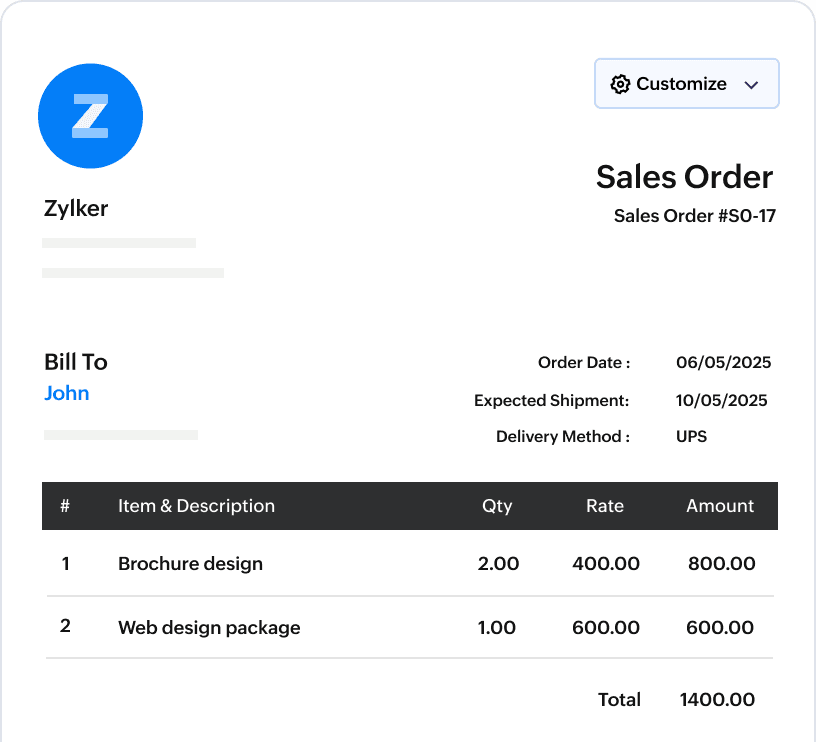
Send professional sales orders for instant approvals. Personalize your sales order to reflect your brand by adding your logo, colors etc.
Minimize human errors
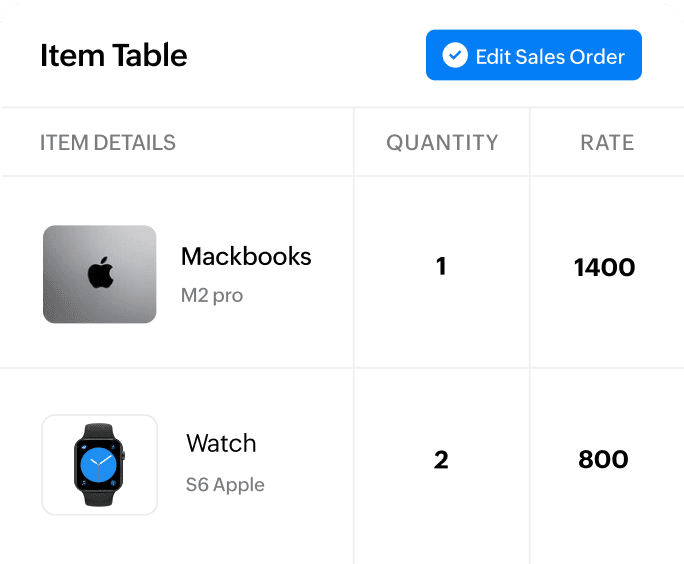
Create sales orders easily by selecting customers and items from your preconfigured list. Corresponding taxes are auto applied, thereby saving you from manual errors.
Set approval workflows
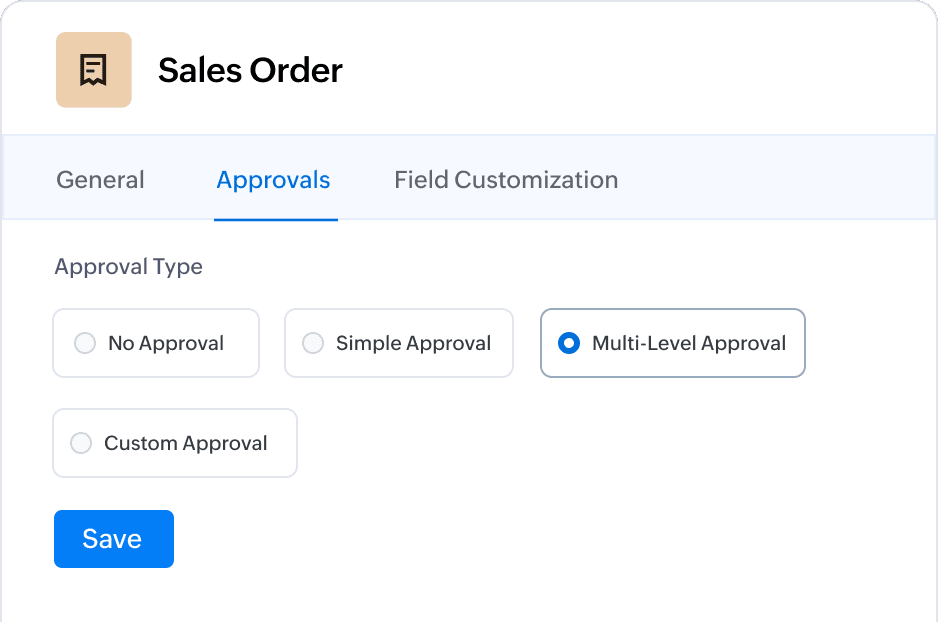
Zoho Books allows you to set up automated approval workflows within your organization to get your sales order signed off.
From sales order to invoice
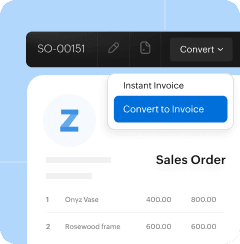
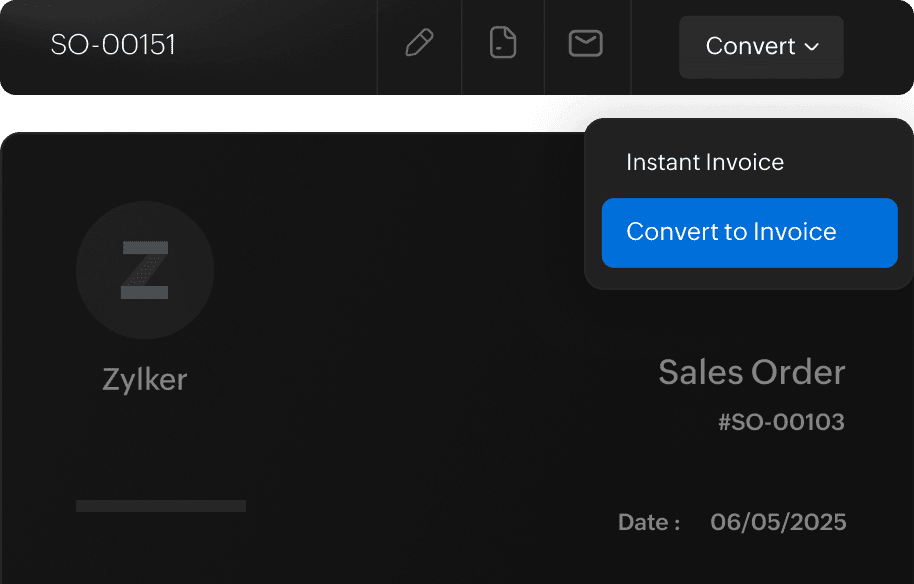
Convert to invoice in a click
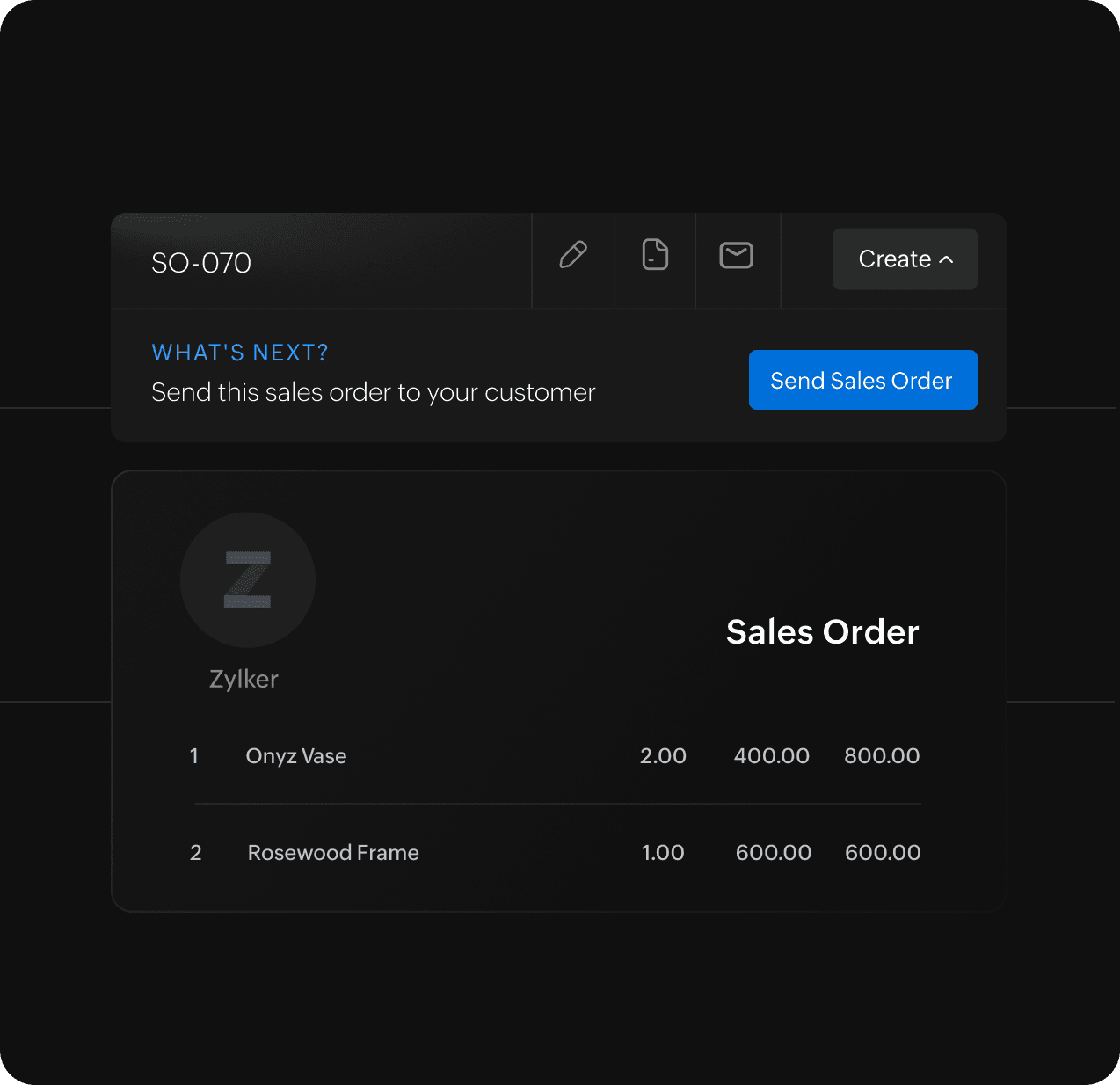
Got the green light from your customer? Convert the approved sales order into an invoice in the same document. Yes, it's that simple with Zoho Books!
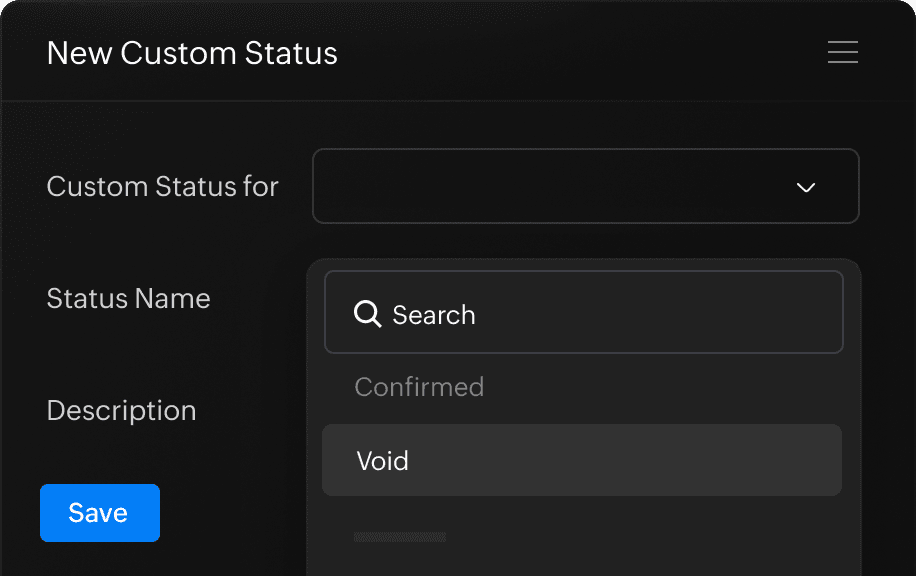
Set custom status
Zoho Books helps you set custom status for when the goods are delivered, dispatched, or when the sales order is invoiced.
Running out of stock?
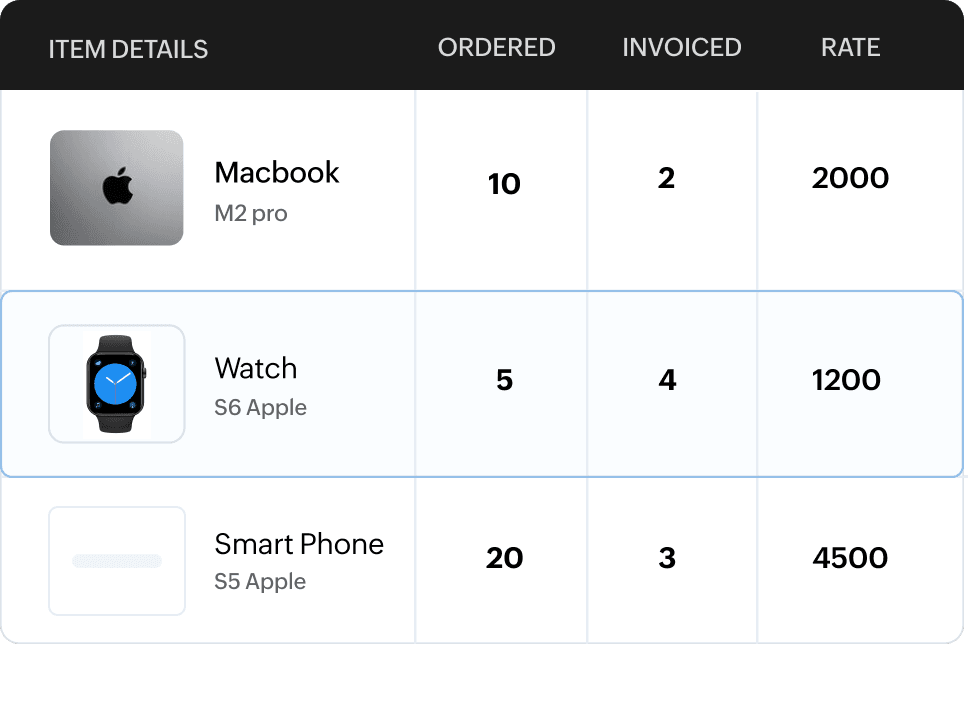
Raise a partial invoice
What happens when your client orders 50 products and you have only 20 ready? With Zoho Books, you'll be able to create a partial invoice for the available products and ship them out directly.
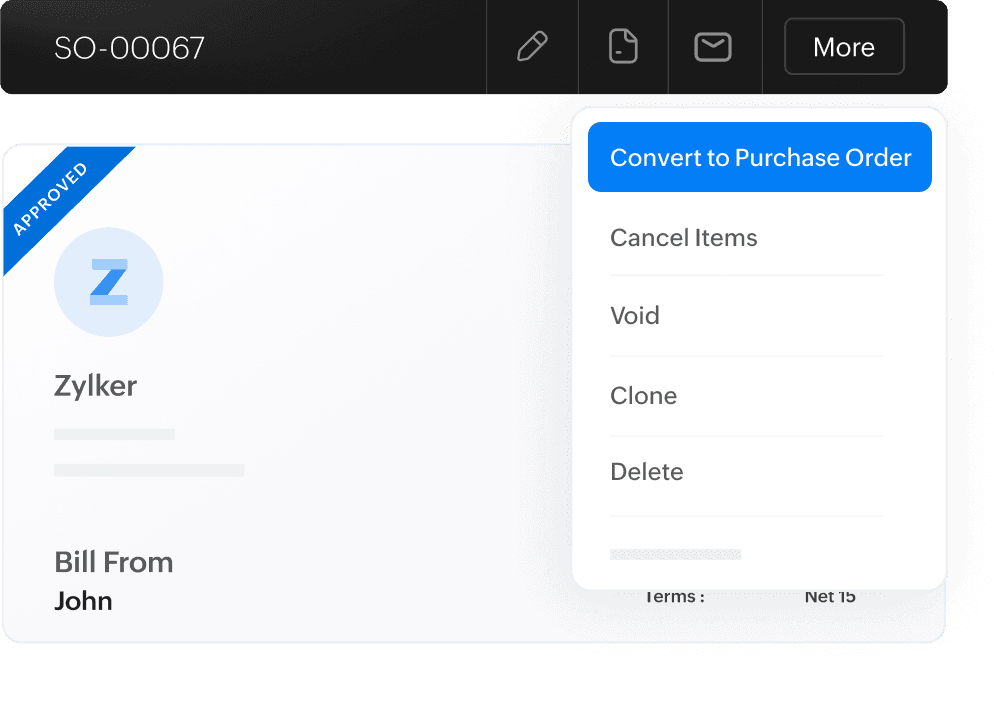
Convert into a purchase order
Short on stock? Not enough time to replenish your inventory? Instantly convert a sales order into a purchase order to send to your vendor.
And some more features for you..
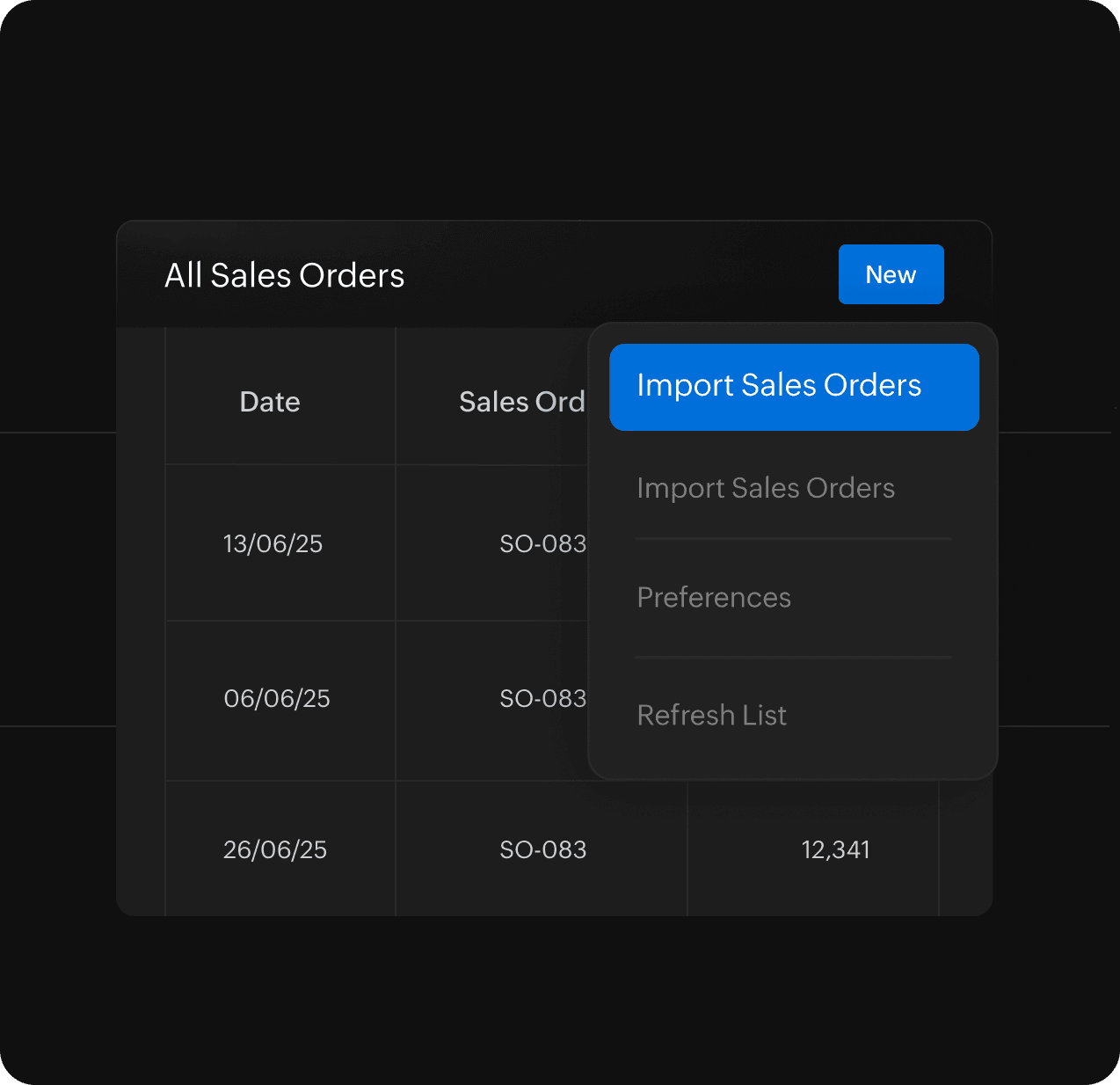
Import sales orders
Buzzing on sales and have a huge volume of sales orders? Worry not as you can easily bulk import them in CSV, TSV, or XLS formats.
Collaborate to get things done
Create clones, print out a copy, or simply share sales orders over email with your team. You may also share with customers on the customer portal.
Quote to sales order
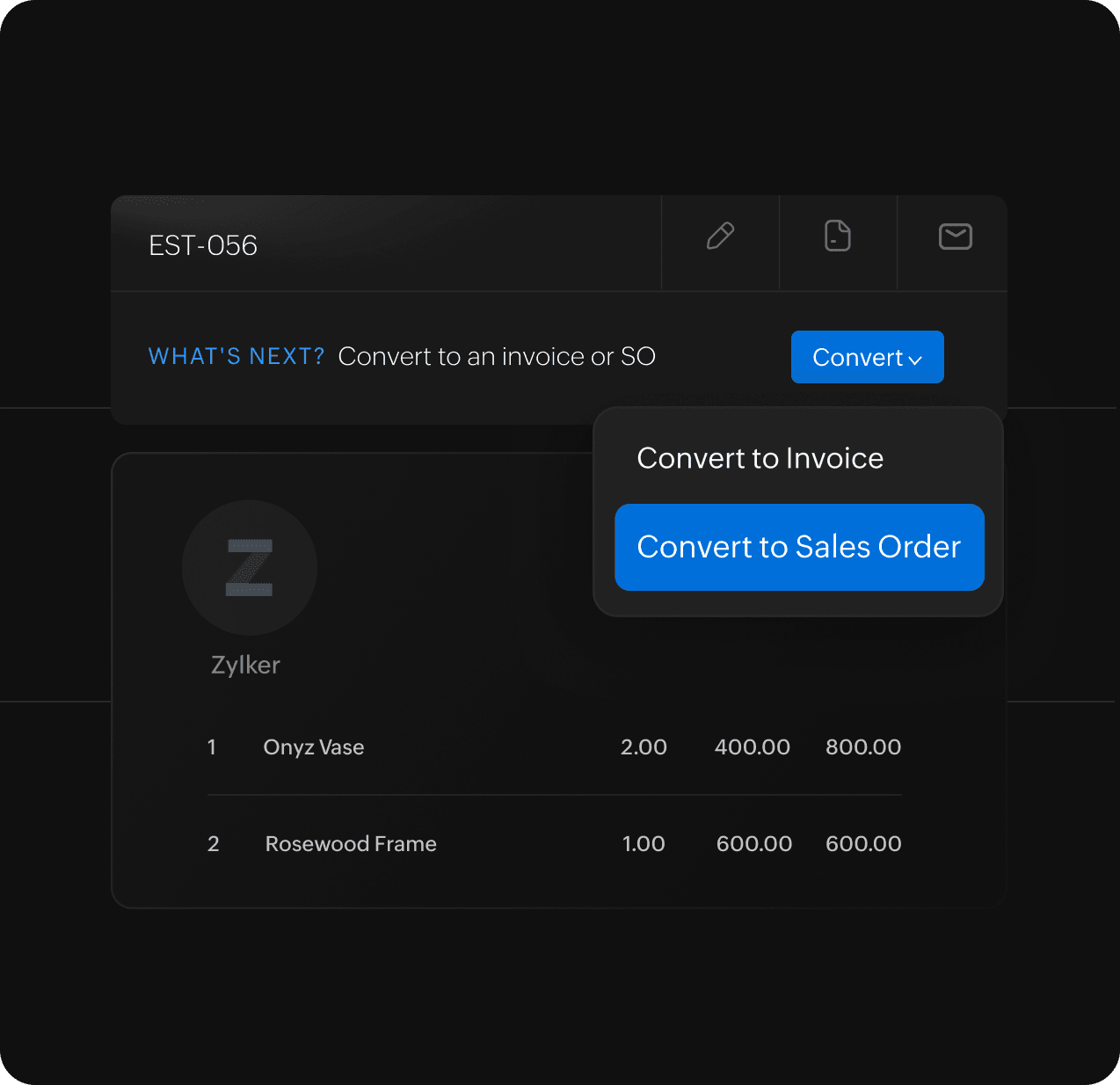
Do you have an approved quote from your customer? Zoho Books helps you convert an Accepted quote into a sales order in just a click.
Get insights on your sales
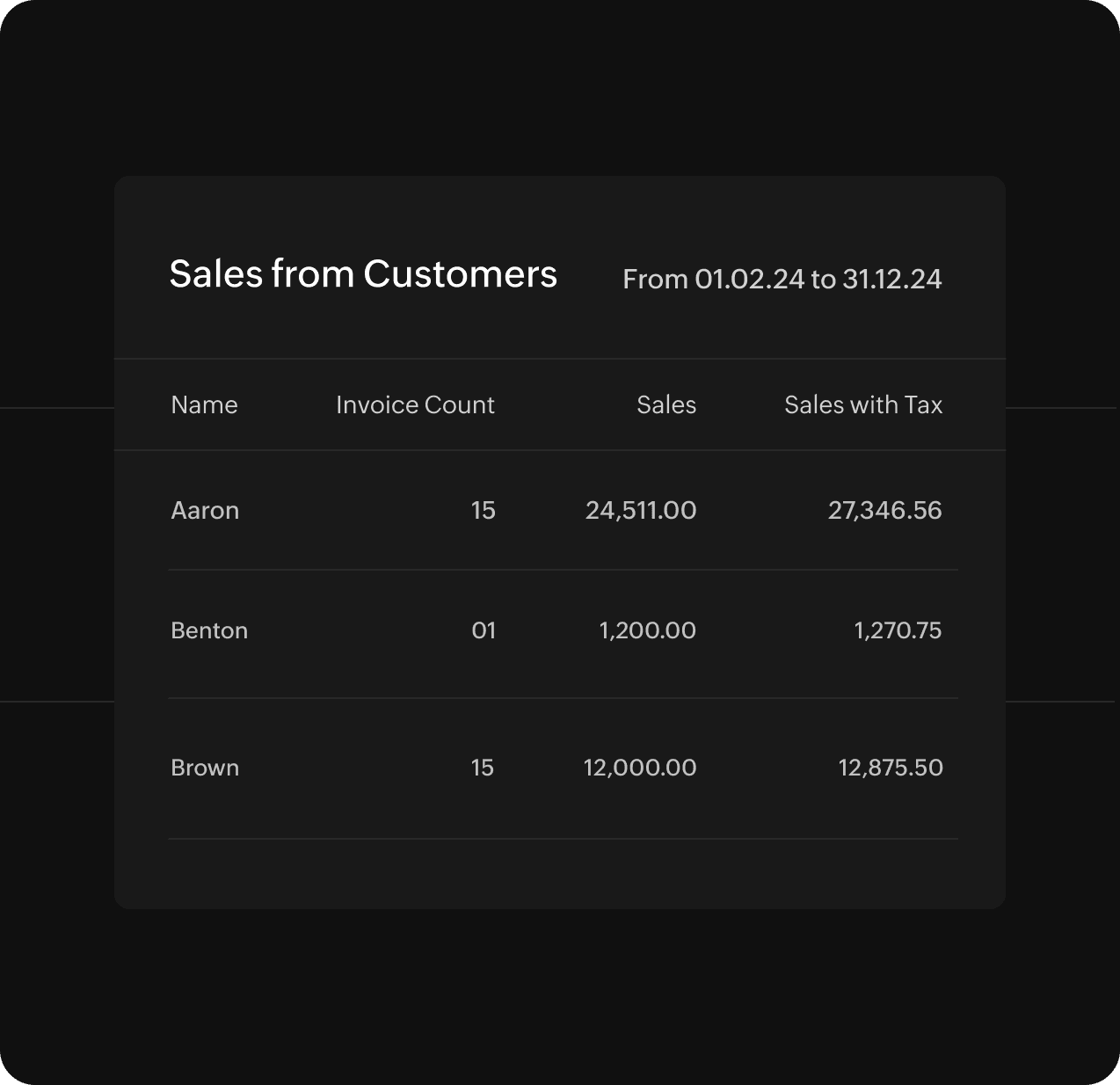
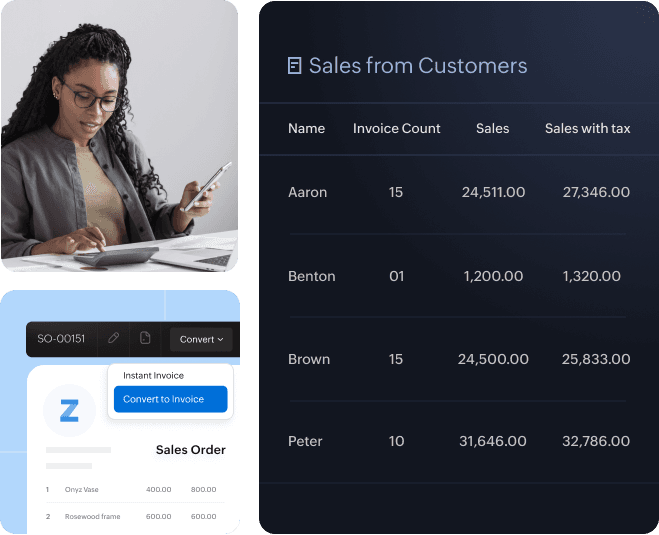
Identify your top customers and your best-selling products with our real-time reports on your transaction history.