Build end-to-end document workflows that scale with your business
Build powerful no-code document workflows that go far beyond simple mail merge. Generate, combine, process, and distribute personalized documents using triggers, filters, and routing rules. Design end-to-end workflows with simple drag-and-drop cards so every document lands exactly where it should.

Fully GUI-based document automation platform
No complex RPA tools or scripting
Easily automate even complex document workflows without the complexity of Microsoft Power Automate, RPA tools, or scripting. Generate and share documents conditionally, using different templates, data routing, and more, with almost zero code.
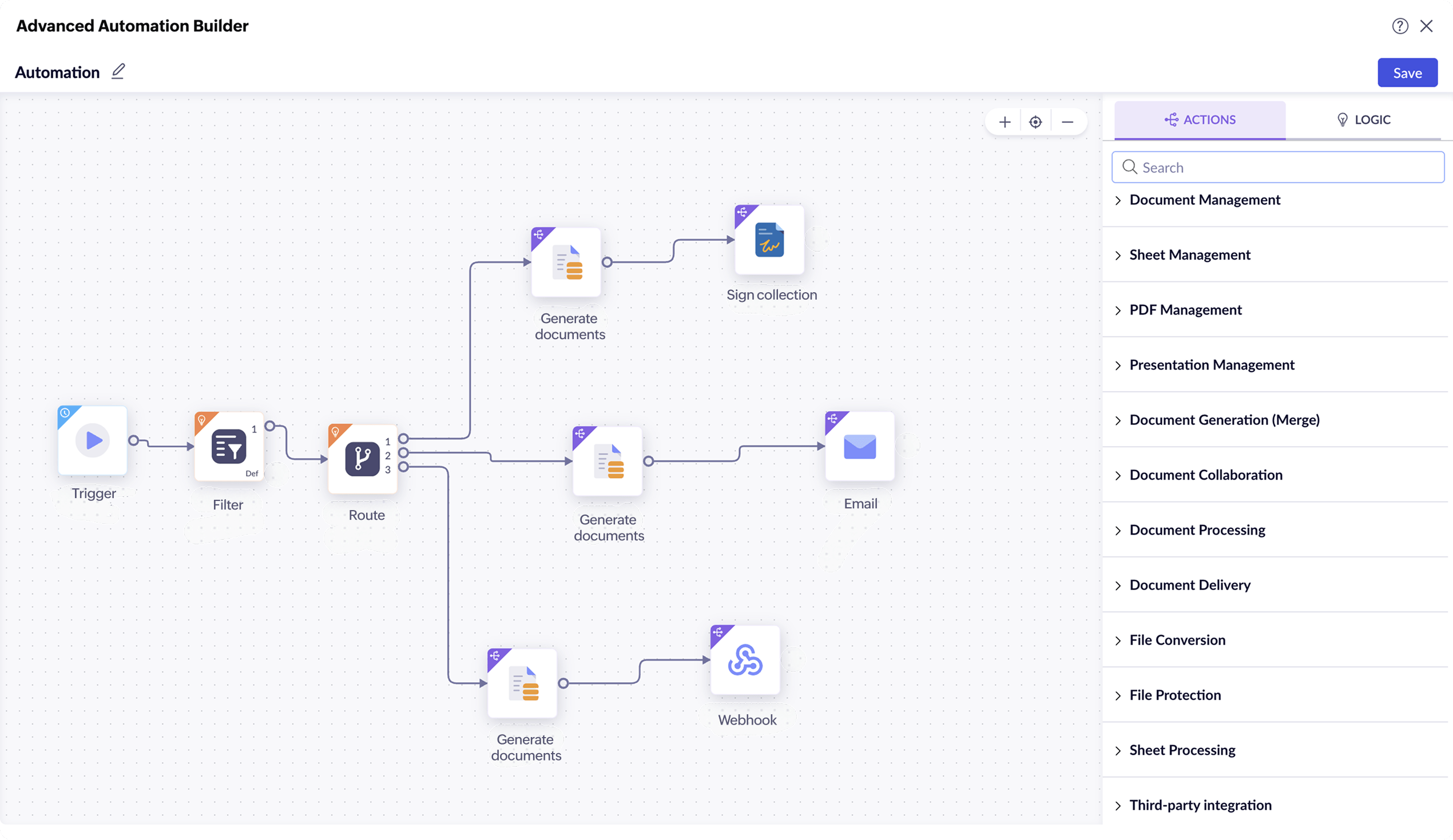
Drag-and-drop, card-based automation configurator
Create fully customized templates, connect to business apps, configure automation flow, and set up rules to select templates, filter or route data, or even choose a distribution mode. Do everything with just simple card-based, drag-and-drop actions.

Customizable, smart templates
Set up templates that adapt to your data using rule-based logic, grouped and repeating regions, and dynamic formulas. Work with one template or many, or let workflow conditions decide. Reuse the same template across multiple workflows, or let workflow conditions select the right template automatically at runtime.

Built-in and extensible integrations
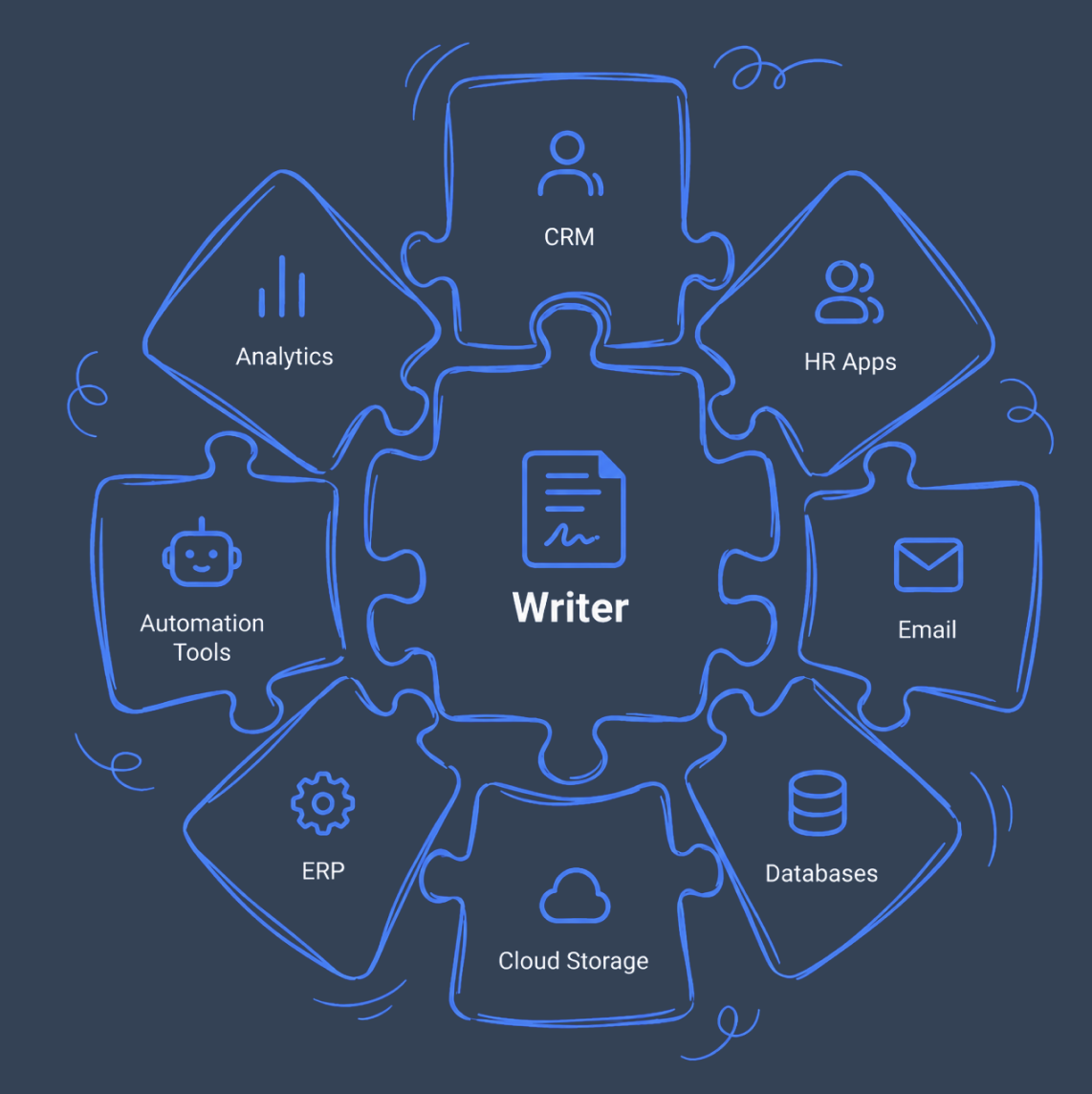
Instantly connect to other apps within the Zoho ecosystem, third-party business apps or databases, or easily plug document generation into workflows built in Zapier, Zoho Flow, or other orchestration tools via webhooks to include extensive document generation capabilities.
Intelligent data handling
Configure data-handling rules to meet the needs of your business processes. Set rules to filter data along different paths or route the entire dataset along multiple paths, as required.

Secured document sharing and storage
Protect documents generated with automation by requiring passwords to open, copy, or print them. Add password protection before documents are sent to users or stored.

Multi-channel document delivery and distribution
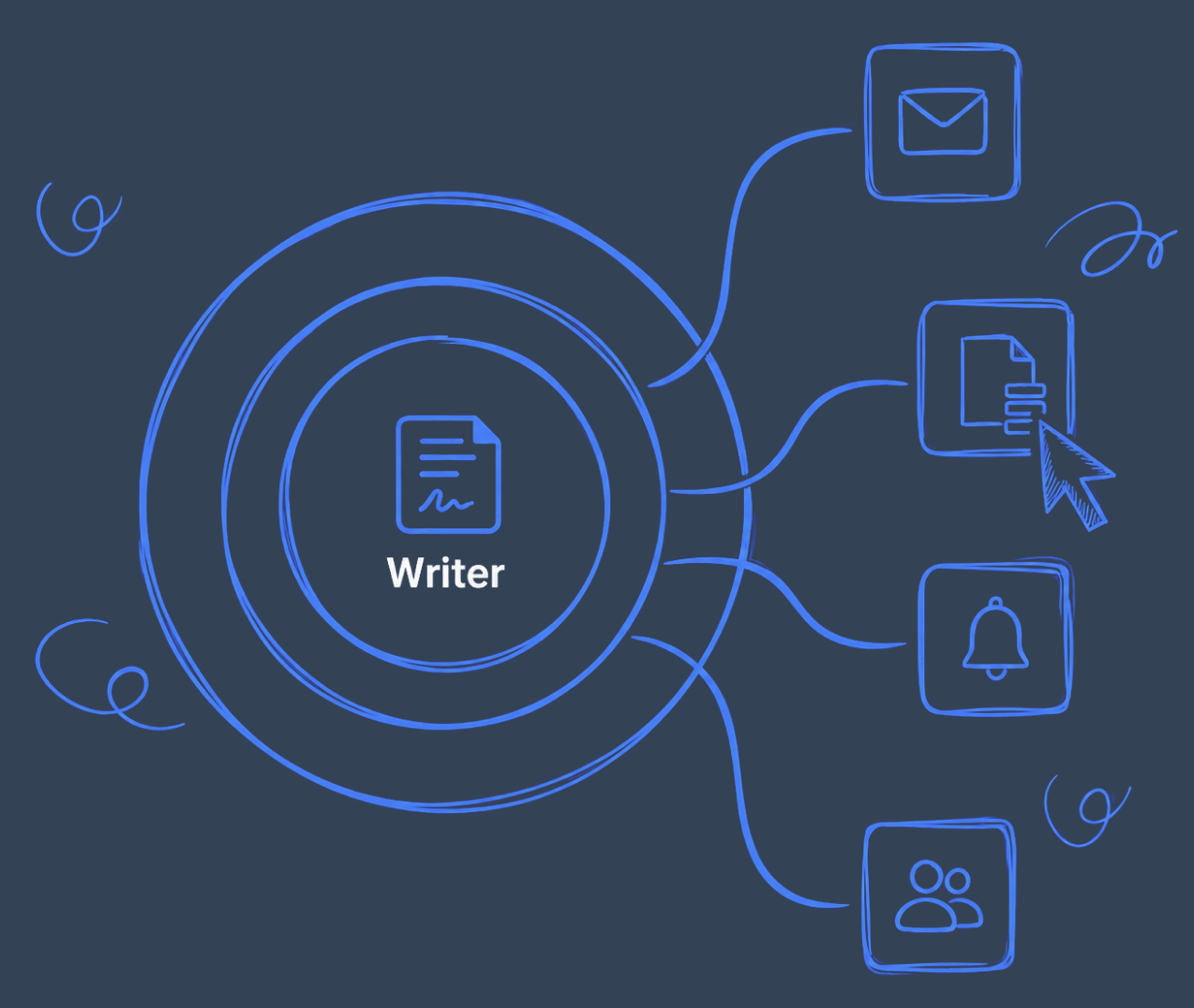
Generate and send documents via email as an attachment or link, store them at any specific location, send them for approval or digital signature collection, or publish them as required.
Unique advantages of Writer's automation flow designer
No-code automation
From templates and triggers to delivery modes, configure the entire document generation workflow with simple drag-n-drop actions. You don't have to struggle with scripting, or other complex options.
Delegate document generation
Share the templates with your team to collaboratively build templates, and also grant the permission to your team to execute automation, as and when required, instead of waiting for any specific person to trigger it.
Seamless connectivity within Zoho ecosystem
Easily connect to popular Zoho applications like CRM, Invoice, Books, and Bigin, to generate personalized business documents en masse.
Workflows that move businesses forward
| Sales teamHelp your sales team close more deals | OperationsEmpower your operations team to process orders quickly | HRReduce the turnaround time for hiring | Compliance teamsSimplify compliance by being audit-ready |
|---|---|---|---|
TriggerOpportunity marked as “Won” in CRM | TriggerA purchase request is submitted | TriggerHR submits a new hire form | TriggerQuarterly or yearly compliance cycle |
Actions
| Actions
| Actions
| Actions
|
Outcome
| Outcome
| Outcome
| Outcome
|
Frequently Asked Questions
Writer's automation builder helps you completely automate and digitize your organization's document processes and workflows, with a simple graphical user interface (GUI). You can retrieve data from your business apps, dynamically select templates, conditionally filter or route data, generate documents in different formats including PDF, and combine, publish, store, email, send them for signature collection, and more.
Yes. Flows can include steps that run only when certain conditions are met, such as department, region, deal size, or document type. This allows you to apply logic like “If Department = Sales, use Template A.”
Yes. Flows can generate documents from several templates and combine them into a single PDF before sending or storing it.
Yes. It works with CRM, Books, Creator, Forms, and has webhook support for external apps.