Auto-transcribe your webinars with Rev AI integration in Zoho Webinar.
With the integration of Zoho Webinar and Rev AI, you can bring real-time, AI-powered transcription to your webinars. As your sessions unfold, Rev AI generates live transcripts, offering accurate captions and subtitles. Rev AI sets the standard for accuracy in video and voice applications, using advanced speech recognition technology to transcribe audio quickly and efficiently.
TRY ZOHO WEBINAR
Automatically generate real-time webinar transcripts
- You can improve accessibility for every attendee by providing closed captions throughout your webinar.
- Enhance the viewing experience for hearing-impaired participants by displaying real-time closed captions during your webinars.
Simplify real-time live transcripts for Webinars today.
To set up the integration:
- Log in to your Zoho Webinar account.
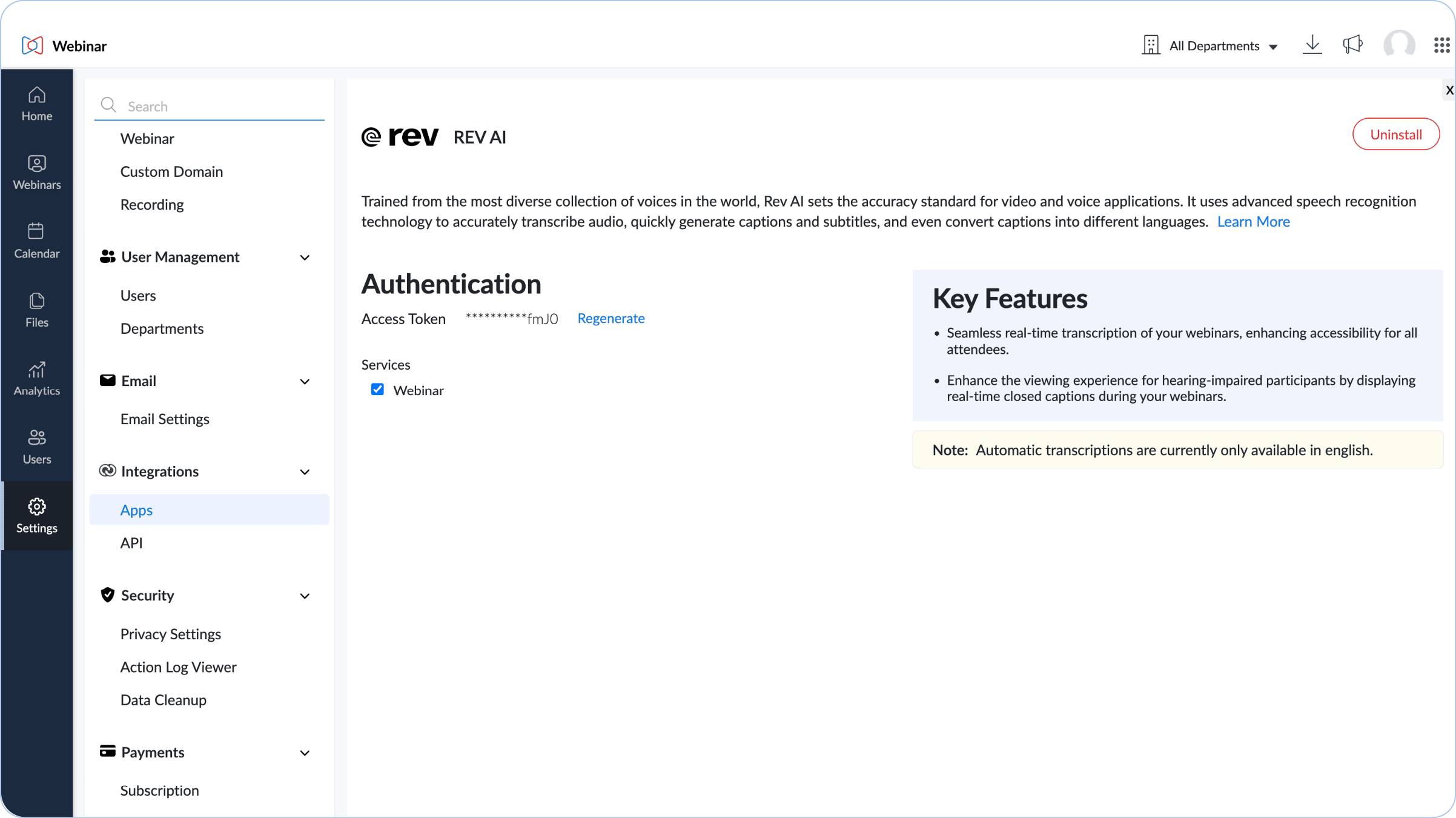
- Navigate to Settings > Integrations > Apps > Rev AI.
- Select “Click here to know to obtain Rev AI Access token” to learn how to get your Rev AI API access token.
- Get your access token to proceed with the integration.
- Go back to the Zoho Webinar’s Rev AI integration page to paste the access token.
- Click Save to enable integration.
Empower your webinars with live transcription
Deliver instant, precise captions with Rev AI integration to ensure every participant can engage effortlessly. Elevate accessibility and create an inclusive viewing experience for all attendees.
Frequently Asked Questions
Rev AI is a powerful AI platform that uses advanced speech recognition, trained on a diverse range of voices, to deliver real-time speech-to-text transcriptions and captions. When integrated with Zoho Webinar, it generates live transcripts that enhance accessibility and save you valuable time.
Webinar transcriptions are currently only available in English.
Rev AI is available in the Professional and Enterprise editions of Webinar.
To enable or disable live transcripts during your webinar, navigate to the control panel and then click More > Settings > Live Transcripts, and check Enable live transcription for this webinar and Show live transcript options to turn the feature on or off.