
Why Zoho Tables?
- Views
- Automate
- Reports
- Collaborate
- Mobile App
- Zia
View your data your way
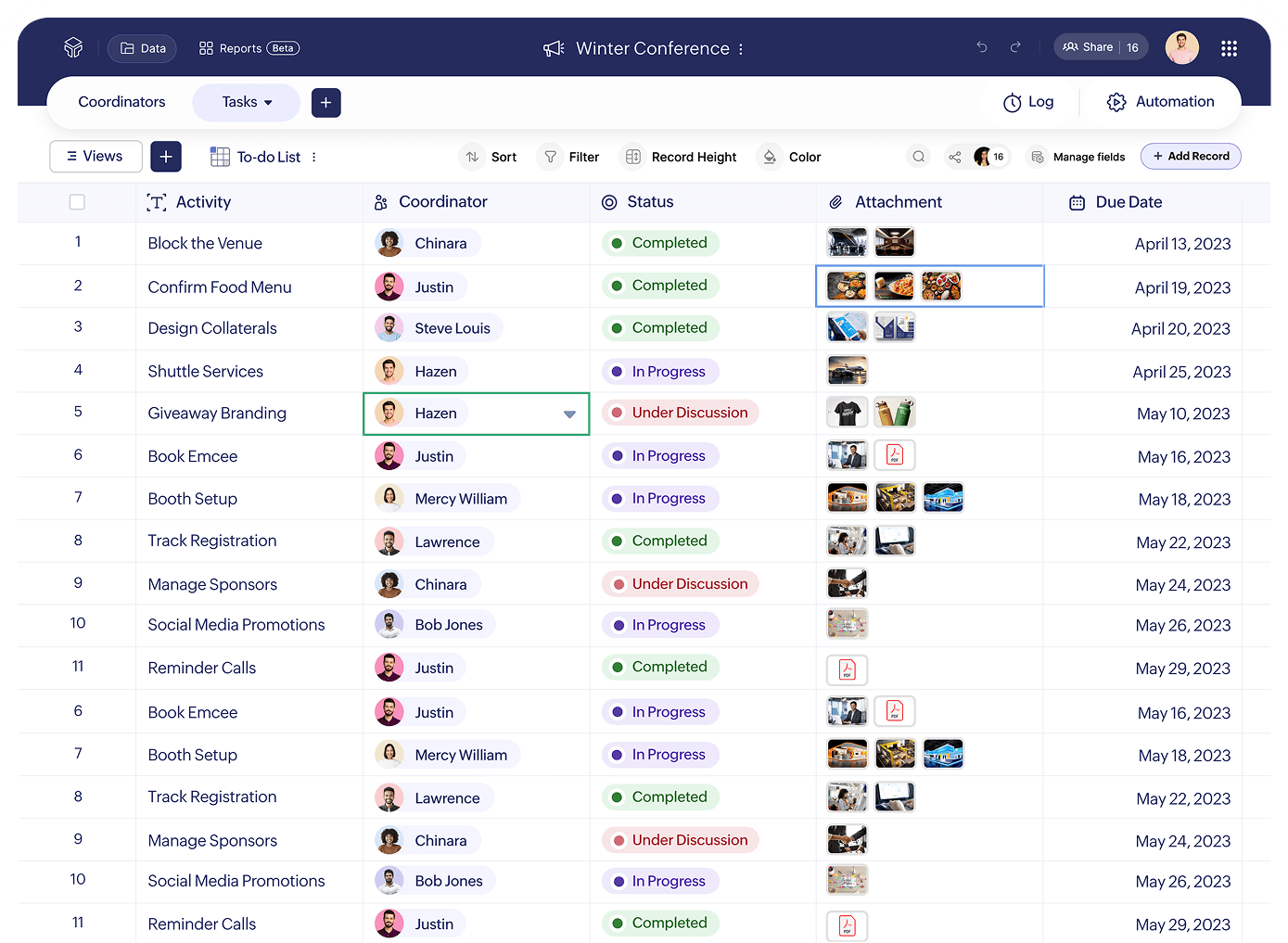
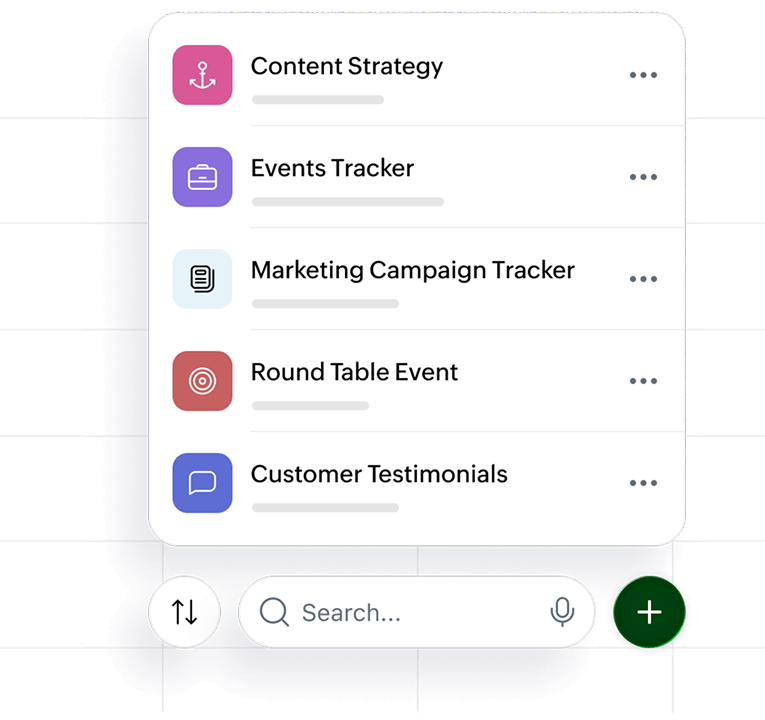
Different types of work need different ways of viewing data. Zoho Tables lets you switch between Grid, Kanban, Calendar, Gallery, Gantt and Form views to organize and manage work your way.
Automate the work that slows you down
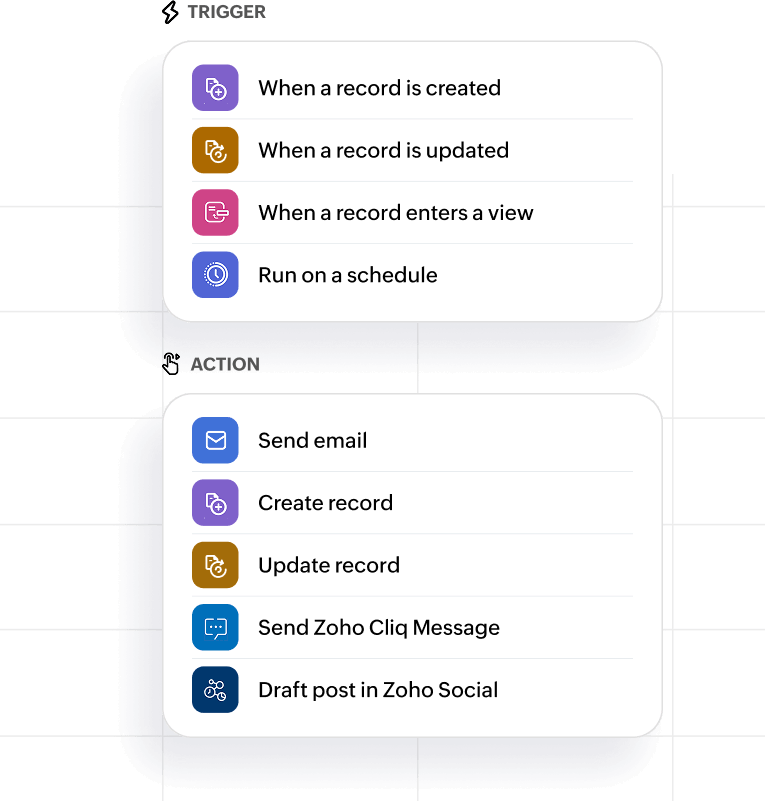
Set up automations to trigger actions when data changes, conditions are met, or on a schedule, so routine tasks like updates, reminders, and syncs happen automatically.
For example, when a new high-priority record is added, you can instantly notify your team in a Zoho Cliq channel, ensuring everyone is aligned without manual follow-ups—or when campaign data is finalized, you can automatically create a post in the draft section of Zoho Social so your marketing team can review and publish faster.
With built-in integrations and smart triggers, work keeps moving without constant manual effort.
Make sense of your data faster with reports
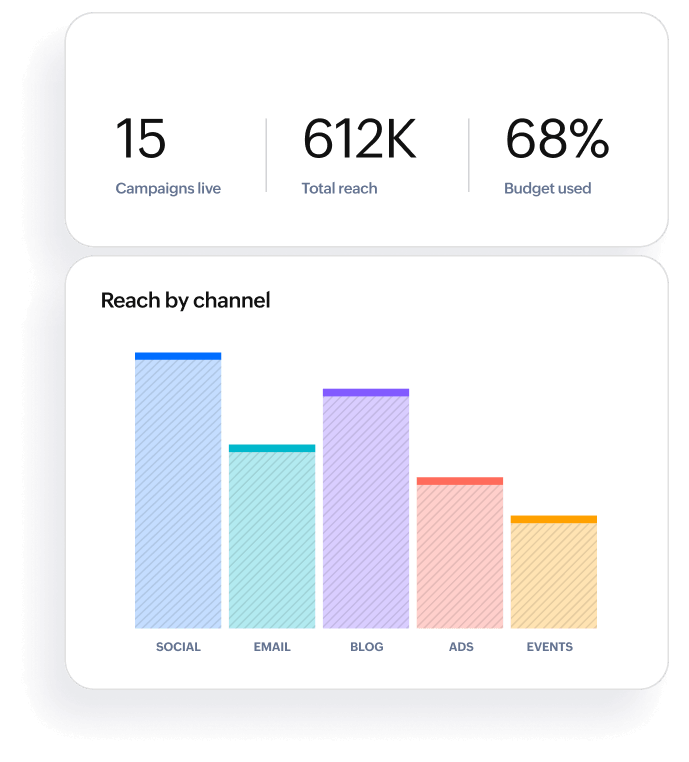
With interactive reports built on your live database via a simple no-code interface, you can turn everyday data into decisions that drive results.
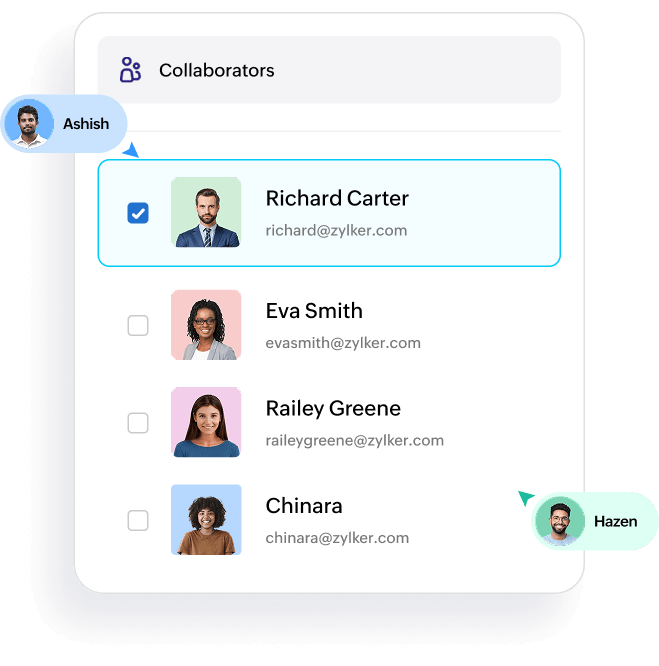
Collaborate without chaos
Share tables, views, and reports with the right people to avoid confusion. Control who can view, edit, or manage data with flexible permissions. You can also share reports publicly when needed or collect inputs from external stakeholders via Form view. Everyone works on the same live database, so updates are instant and visible.
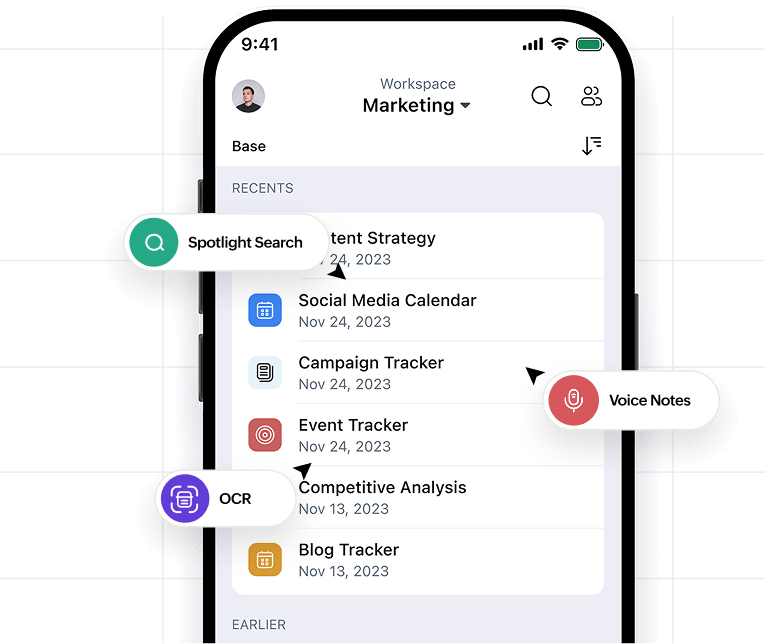
Stay connected with mobile access
With Zoho Tables on mobile, you can track, update, and manage work from anywhere. Quickly edit records on the go, capture data using forms, voice notes, images, or OCR, and get real-time notifications so nothing slips through the cracks.
Create new bases instantly with Zia on iPhone or iPad using voice or text, find anything quickly with Spotlight search, and upload files or images directly into records. You can also add notes, collaborate with your team, and update statuses in real time, all from your phone.
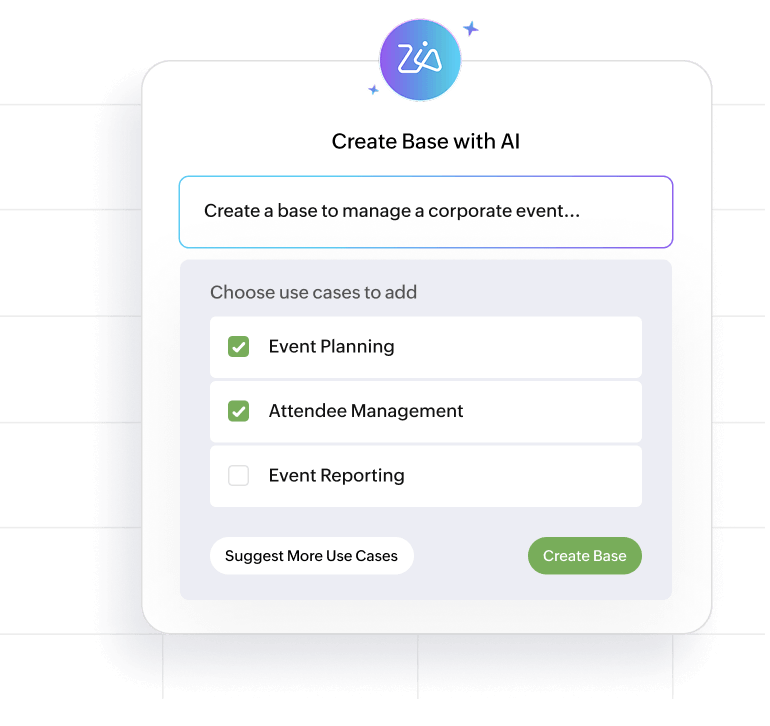
Zia
Skip the manual setup and get started faster with Zia, Zoho’s AI assistant built into Zoho Tables. Simply describe what you want to organize and Zia will generate a ready-to-use base with the right tables, fields, and structure.
You can also take advantage of AI-powered field types to enrich your data automatically. Use AI fields for analyzing customer sentiment, extracting key information, or detecting language used, all without writing a single line of code.
Who uses Zoho Tables?
Zoho Tables is for you if you fall in one of these categories:

You want a spreadsheet-styled tool with easy automation, real-time collaboration, versatile views, and dynamic relationships.
You need a visually appealing, user-friendly relational database without coding and queries.
You use expensive, sophisticated software for streamlining workflows and use only a fraction of its features.
Marketing teams
Plan campaigns, manage content calendars, track performance, and connect all your data in one place. Move beyond disconnected spreadsheets to a system that gives you a clear view of what’s working.

Operations and project teams
Track tasks, manage workflows, and keep processes organized. From internal operations to cross-team projects, Zoho Tables helps you structure work and reduce manual coordination.
Sales and account teams
Manage leads, track deals, and build simple CRM-style workflows using a flexible, no-code database. Keep all your customer data organized and easy to update.

HR and admin teams
Organize employee data, hiring pipelines, and internal requests in a structured way. Replace static spreadsheets with a system that grows with your processes.

Small businesses and growing teams
If you’re outgrowing spreadsheets but don’t want complex software, Zoho Tables gives you a no-code way to organize, automate, and scale your work and data.


How to build a complete workflow in Zoho Tables
Let's walk you through a real-world marketing use case and show how a complete content marketing workflow comes to life inside Zoho Tables:
Zoho Tables templates

Product Roadmap

Marketing Campaign Tracker

Simple Budget Tracker

Quarterly Performance Review

Lead Management

Meeting Minutes
Benefits of using Zoho Tables
Combines spreadsheet ease with database structure
Work with familiar rows and columns while organizing and connecting data like a database, so your system scales as your work grows.
No-code way to organize work and workflows
Build and manage processes without technical skills, making it easy for teams to track, update, and automate work in one place.
Connected data with flexibility
Link data across tables, switch between views, and keep everything in sync so your work stays organized without scattered spreadsheets.
Pricing
Frequently Asked Questions
What is Zoho Tables used for?
Zoho Tables helps teams organize work and manage data in one place. It's commonly used for tracking workflows, managing projects, planning campaigns, and connecting related data without relying on multiple spreadsheets.
Is Zoho Tables a spreadsheet or a database?
Zoho Tables is a spreadsheet-database hybrid. It combines the simplicity of a spreadsheet with the structure of a database, so you can organize and connect data more effectively.
Do I need coding skills to use Zoho Tables?
No, Zoho Tables is a no-code tool. You can build workflows, structure your data, and automate processes without any programming knowledge.
How is Zoho Tables different from traditional spreadsheets?
Unlike spreadsheets, Zoho Tables lets you link data across tables, automate tasks, and manage workflows in a more structured and scalable way.