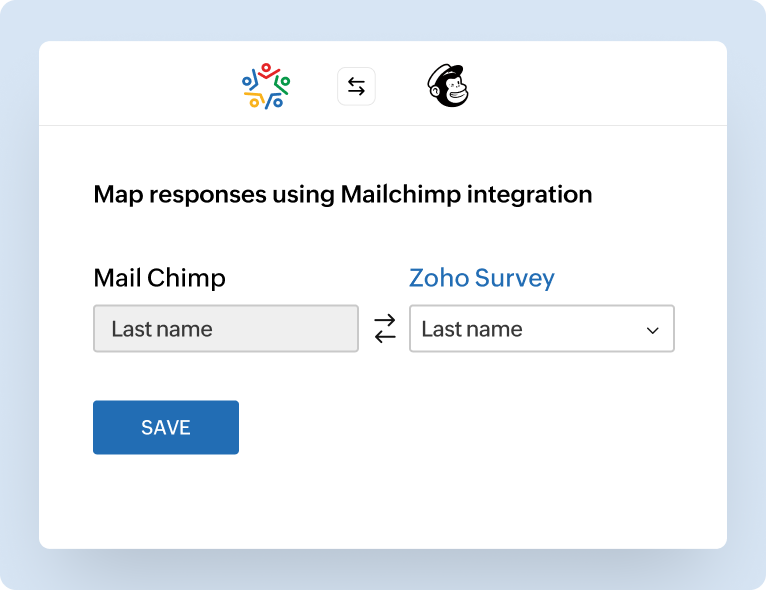
Connect with Mailchimp
Survey insights shouldn't just sit in a spreadsheet. There are two main reasons to connect Zoho Survey with Mailchimp. Whether you're gathering feedback or acting on it, this integration has both ends covered.


Whether you're sending surveys in bulk, launching an email campaign, or sending follow-up messages to specific audience segments, Zoho Survey and Mailchimp work together to help you distribute your surveys and send personalized follow-ups at scale with zero manual effort.
Sign up for freeSurvey insights shouldn't just sit in a spreadsheet. There are two main reasons to connect Zoho Survey with Mailchimp. Whether you're gathering feedback or acting on it, this integration has both ends covered.
Once the responses start coming in, you can segment your audience, trigger personalized follow-ups, and launch targeted automations based on how people answer. Whether you're gathering feedback or acting on it, this integration has both ends covered.
When responses flow directly into Mailchimp, you can automate your email follow-ups and kickstart workflows instantly. Whether you're welcoming a new lead, nurturing a curious prospect, or following up after a purchase, your email campaigns keep moving without manual intervention.
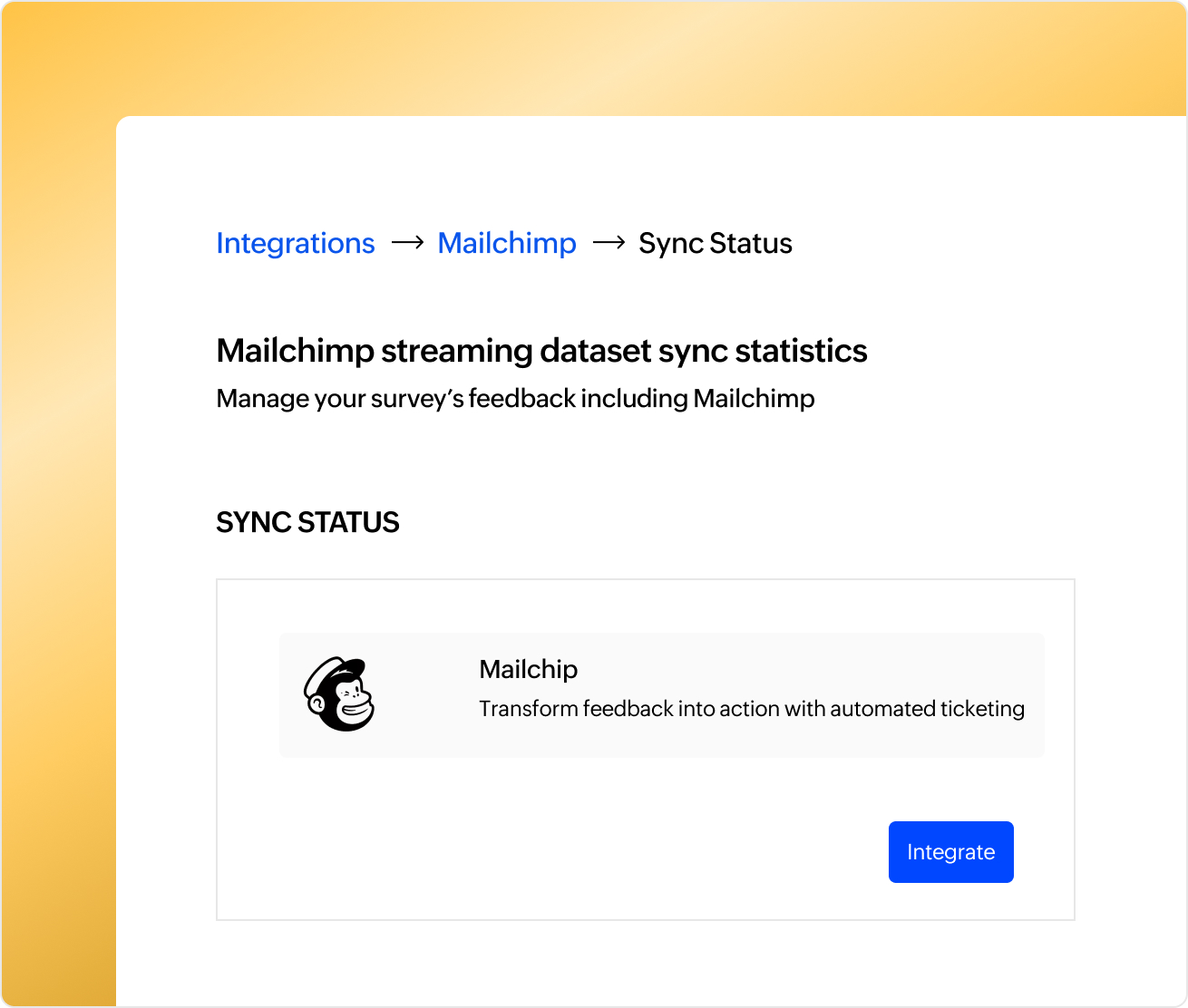
Already managing your email audience in Mailchimp? Send Zoho Survey links directly to specific contact groups from Mailchimp itself. This is especially useful when you need to initiate a survey campaign to hundreds or even thousands of contacts at once, such as for post-event polls, customer satisfaction checks, or broad research studies. You can also take advantage of Mailchimp's design tools, A/B testing, and delivery scheduling to maximize reach and response rates, all without leaving the platform.
Every survey response tells you something. Why not act on it? Automatically segment your Mailchimp audience based on how people answer your surveys; send promotional offers to interested buyers, follow up with dissatisfied customers, or re-engage users showing low intent.
By eliminating manual exports and list updates, this integration gives your marketing team more time to focus on strategy. You can run drip campaigns, personalize emails, and trigger multi-stage journeys, all based on real survey feedback.
With survey data flowing into your Mailchimp ecosystem, collaboration is easier, faster, and far more actionable, making it ideal for product announcements, event follow-ups, and customer onboarding journeys.
This integration goes beyond exporting data, it makes your surveys part of your email campaign engine. Here's what you can do:
Connect Zoho Survey with Mailchimp and send survey invitations directly to your existing Mailchimp subscriber lists. Use Mailchimp's subscriber profile data to refine your send timing. You can boost response rates by reaching people when they're most likely to engage.
With the integration, you can merge email metrics from Mailchimp (opens, clicks, delivery rates) into your Zoho Survey reports. This helps you draw connections between engagement and feedback by providing a fuller view of how your email campaign performed and how respondents answered.
Because you're combining data points, you can analyze conversion rates (email → survey response) by region, by campaign, or by content variant using A/B testing. Use these results to refine future email flows and survey designs.
Set up rules to assign tags or segments in Mailchimp based on responses. For example:
This makes your campaigns more responsive, relevant, and personalized without manual tagging.