Every survey response contributes fresh insight
Send surveys with personalized invites at the perfect time to get more responses.

You can share your survey on social media, embed it on your website, email it to respondents, send it via text message, or use QR codes. Automate survey distribution in a few clicks, schedule reminders, and track responses from any device.
Send surveys with personalized invites at the perfect time to get more responses.
Customize your survey invitations to reflect your brand and capture attention for better participation.
Send bulk invitations instantly. Import your contact list and distribute your survey in one go.
Customize survey links with your brand name and send them when your audience is most likely to respond.
Collect responses on mobile, tablet, or desktop. You can even gather responses offline and sync later.
Smarter ways to collect insights.
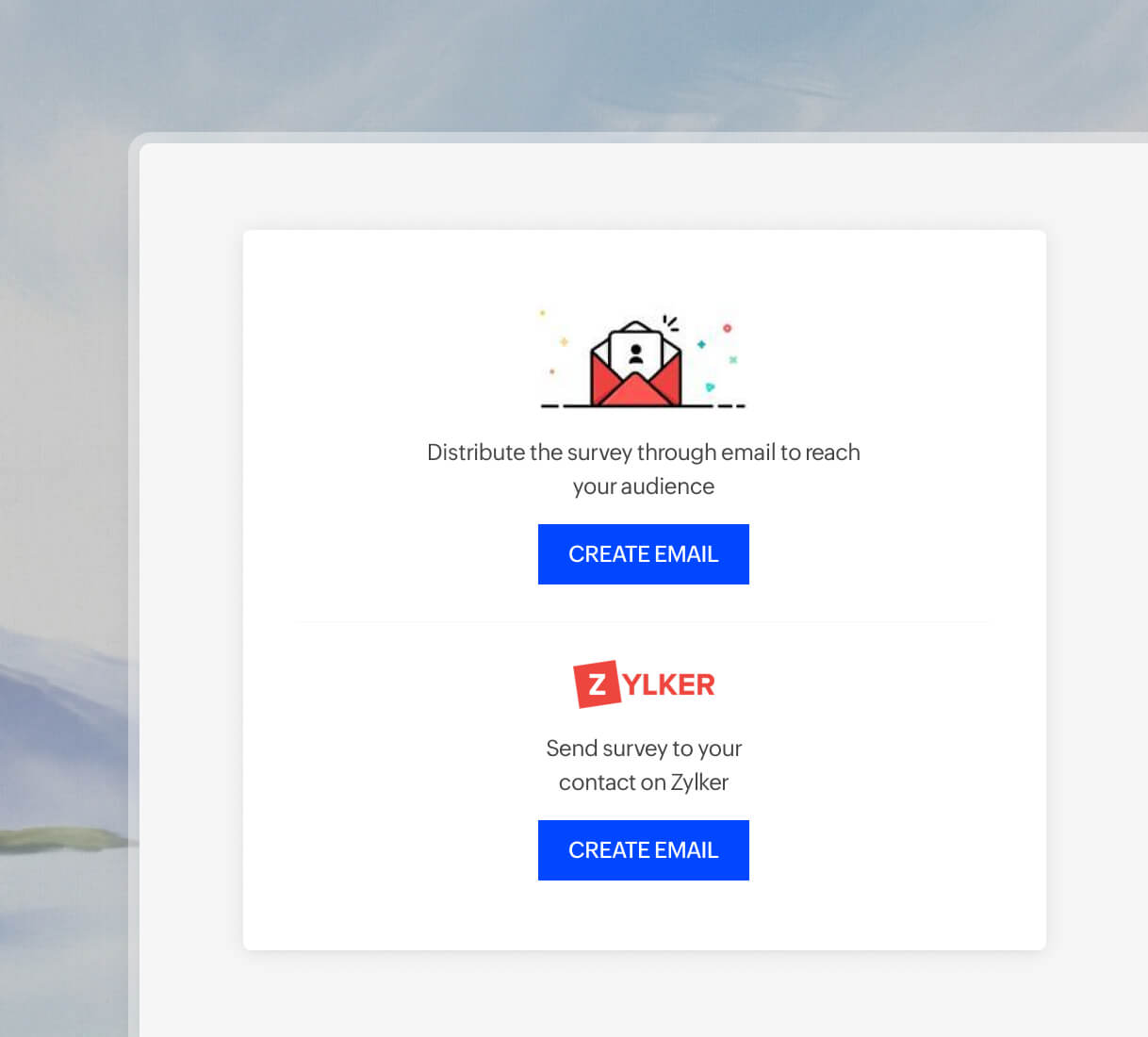
Customize the email invitation, automate the send, schedule follow-ups, and even embed surveys in emails. You can also track responses in real time; it is super easy and efficient!
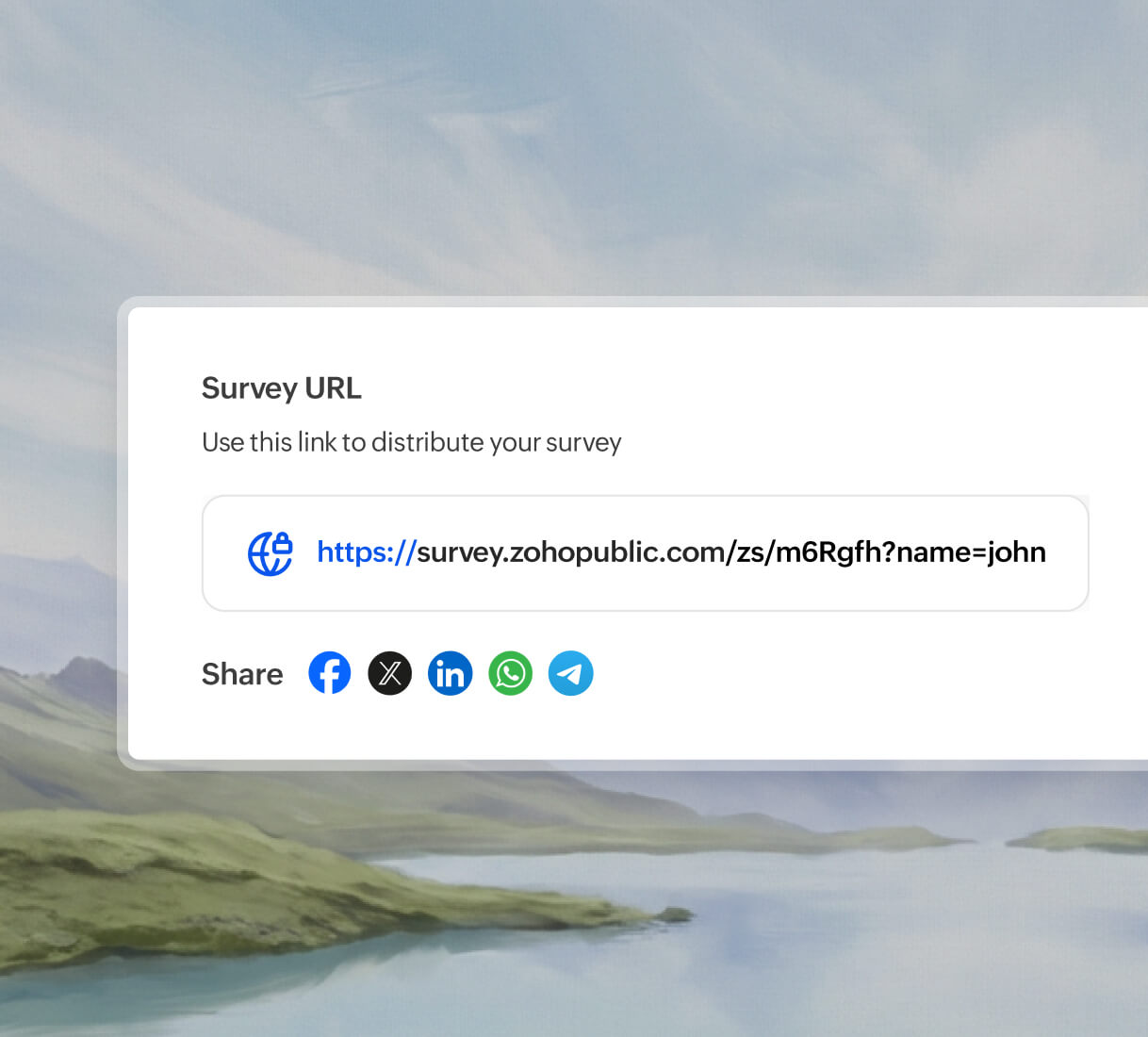
Share surveys links instantly across platforms like Facebook, LinkedIn, WhatsApp, and more. Reach a global audience, engage new respondents, and collect insights by posting survey links in posts, stories, bios, or direct messages.
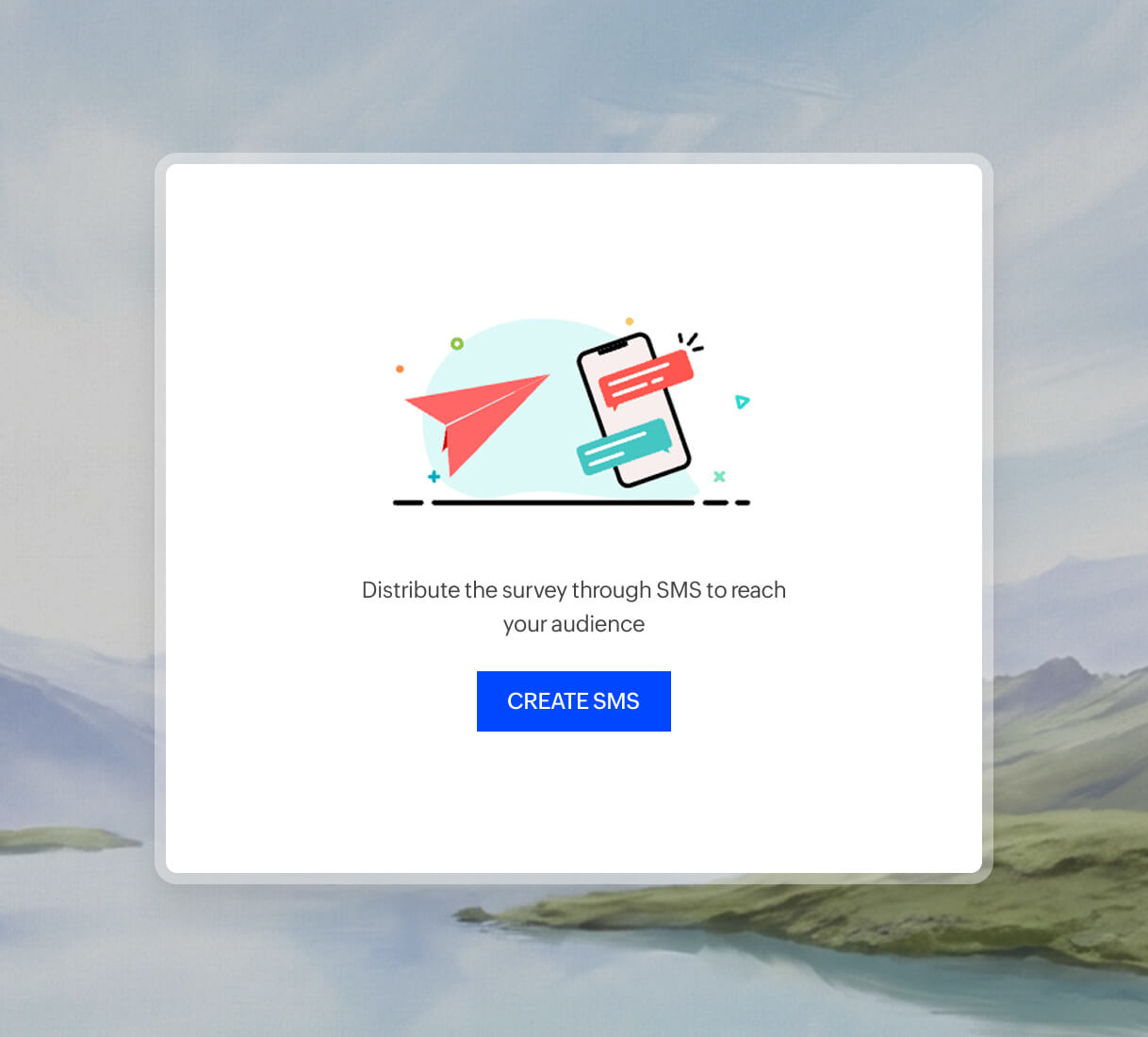
Send your survey link via SMS and let respondents answer instantly from their mobile devices. You can integrate easily with Twilio, SMS Magic, and Clickatell to make mobile surveys quick, easy, and convenient!
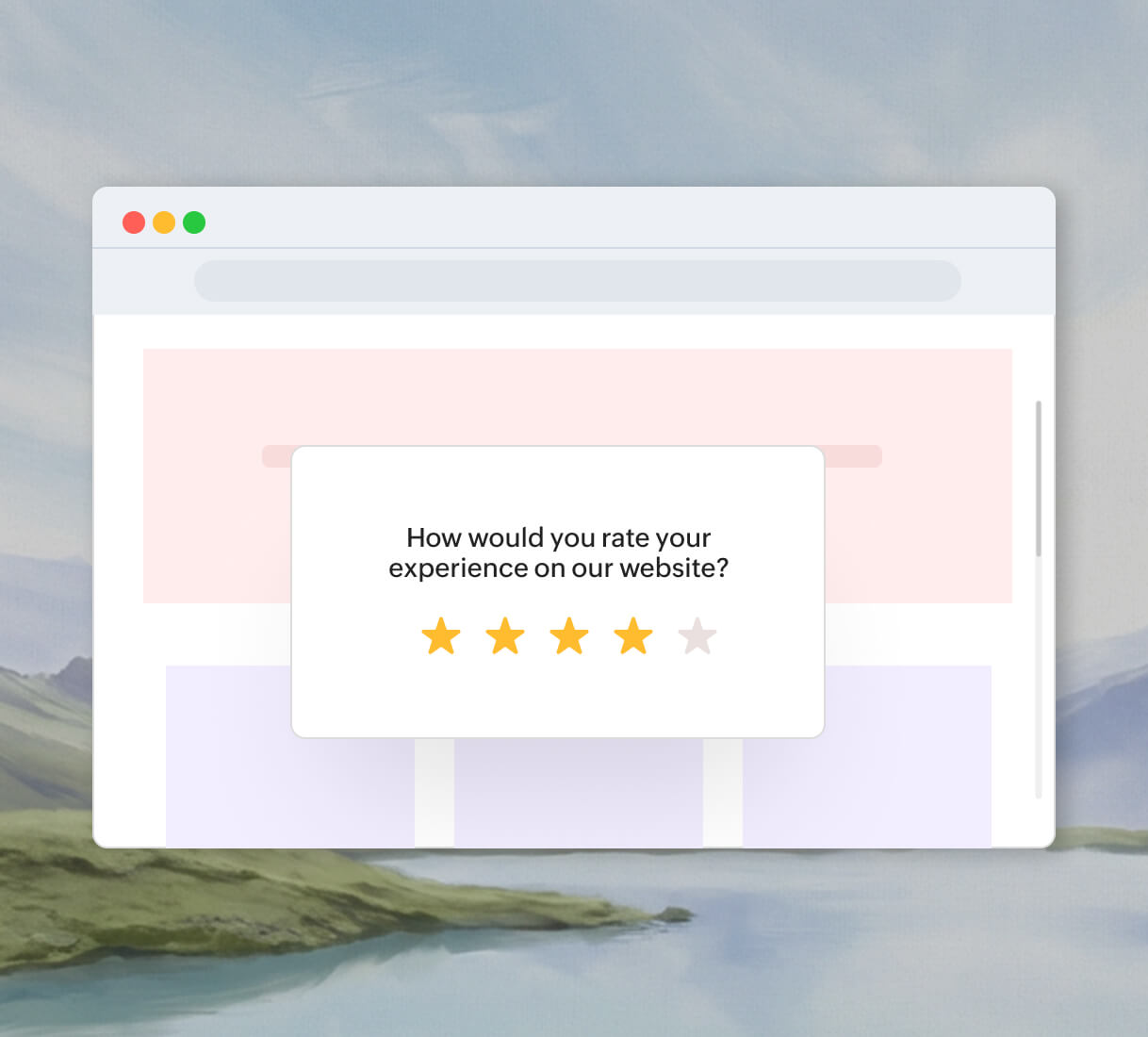
Use a pop-up survey to connect with visitors when they are engaged on your website. You can also easily embed survey links to your website or to a blog of your choice.
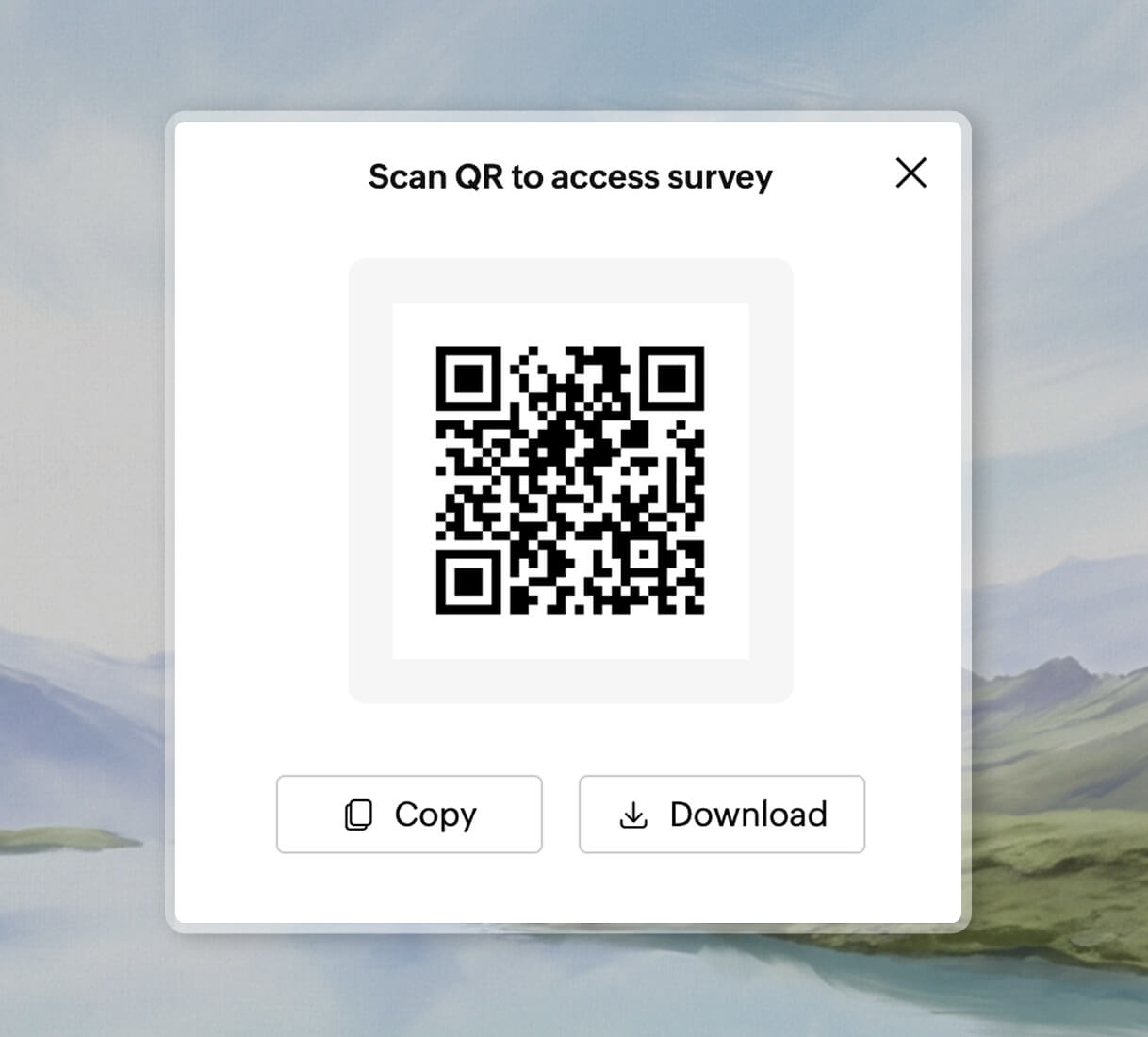
Generate a QR code in Zoho Survey and place it on brochures, posters, flyers, menus, receipts, or digital screens. Respondents can scan and answer instantly. You can also view and analyze the results in real time as the responses keep coming.
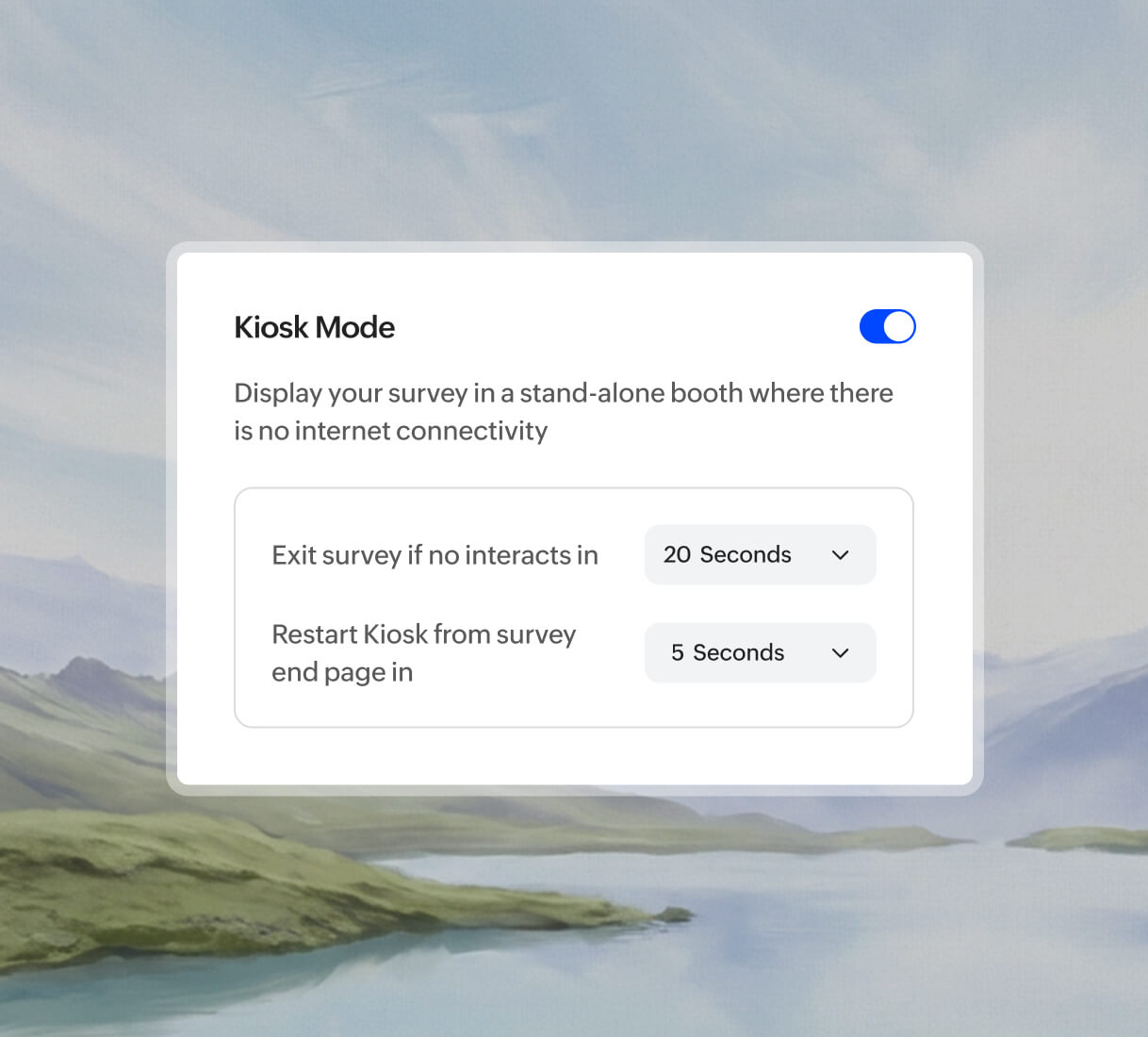
Enable offline mode and collect responses even when the internet goes off. Use kiosk surveys for seamless, uninterrupted data collection. Responses sync automatically once you're back online.
Start by adding or simply import your survey questions in Zoho Survey, apply logic, customize themes, and launch your survey. Then, choose the QR Code option and download it instantly for easy distribution.
Launch your survey, then simply share the survey link with your WhatsApp contacts, groups, or status. you can track and analyze the responses in Zoho Survey Reports.
You can insert a survey link or question in the email body. Your recipients can click and respond directly.
You can send surveys for free using Zoho Survey’s free plan, which allows you to create surveys, share them via links, QR codes, or social media, and collect and analyze responses. Try it for yourself: Free signup!
To maximize responses, post your survey on social media platforms, such as Facebook, LinkedIn, and Instagram, and share on online forums and communities like Reddit and Quora. If you need more reliable and accurate responses, you can access Zoho Survey's research panel to get responses from qualified respondents without breaking your budget.