Create surveys effortlessly
Zoho Survey lets you quickly build surveys to gather feedback after resolving tickets or measure customer satisfaction. It's fast, easy, and helps you collect the insights you need.


Every survey tells a story, and every support ticket seeks a solution. With Zoho Desk and Zoho Survey integration, these two worlds come together effortlessly. Collect feedback, measure satisfaction, and turn insights into actions that enhance your customer service. It's the perfect way to let your customers know their voices truly matter.
Sign up for freeZoho Survey lets you quickly build surveys to gather feedback after resolving tickets or measure customer satisfaction. It's fast, easy, and helps you collect the insights you need.
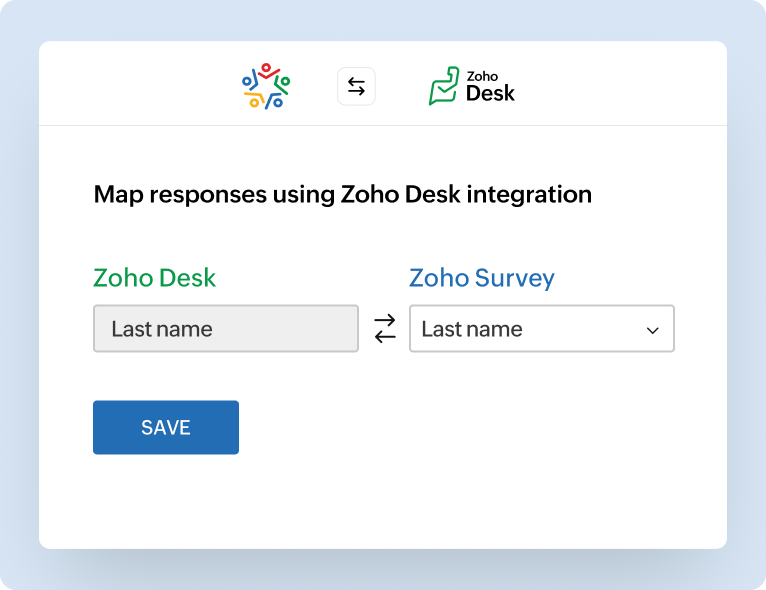
Once Zoho Survey is linked with Zoho Desk, survey responses automatically sync with your tickets. There's no manual work or extra steps—everything flows seamlessly.
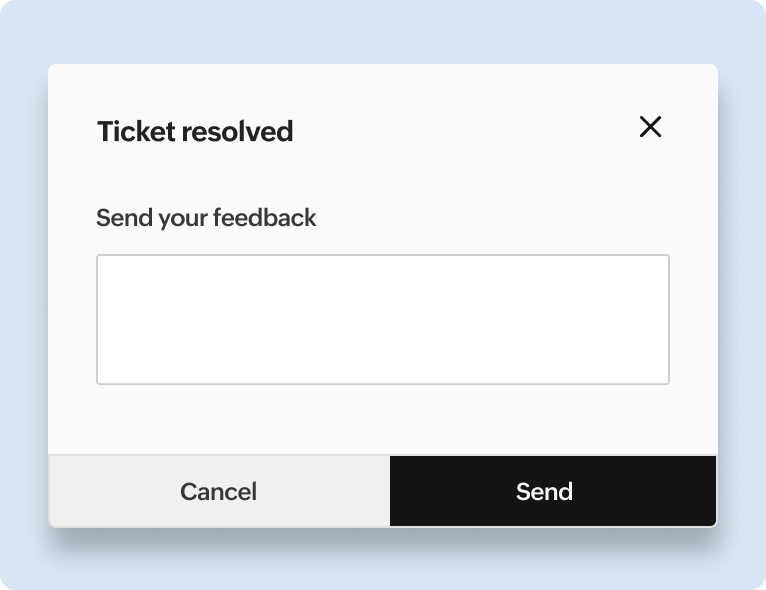
When a customer fills out a survey, their feedback is instantly tied to their ticket in Zoho Desk. Your team has all the details they need in one place without any additional effort.
You can set it up to send surveys right after a support ticket is closed. This way, you get feedback while the experience is still fresh in the customer's mind.
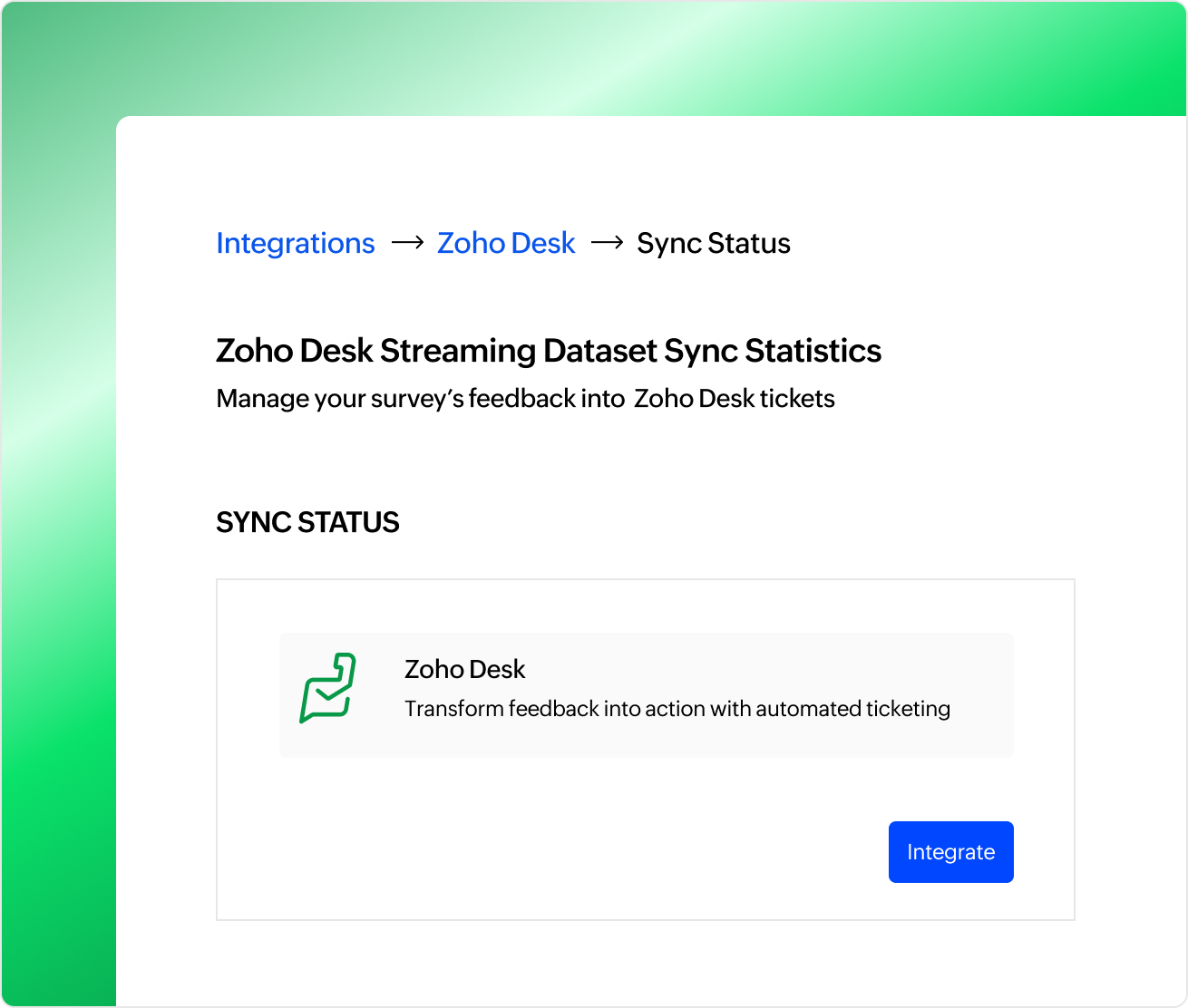
Survey responses are tied directly to the tickets they're about. It's super convenient to see feedback in context without having to hunt for it elsewhere.
Survey results show up right in Zoho Desk, so your team doesn't have to jump between tools. It's all in one place, ready to review.
After resolving a technical issue for a customer, the survey can ask questions about response time, agent professionalism, and whether the issue was resolved to their satisfaction. This helps you track performance metrics like CSAT and NPS (Net Promoter Score).
If a ticket involves onboarding a new customer, the survey can focus on how smooth the process was, clarity of instructions, and overall experience. For billing tickets, the survey could ask about clarity of charges or ease of resolution.
Gauge customer satisfaction for tickets involving technical troubleshooting. If a customer contacts support for product installation or bug fixes, the survey can ask about the clarity of instructions, the agent's expertise, and the resolution quality.
During holiday sales or product launches, collect feedback on how well support handled the increased demand, helping improve for future events.
If a customer reopens a ticket due to unresolved issues, send a survey to understand why and how the resolution process could be improved and find out how effectively you can solve their issue quickly.
If an agent remotely accesses the customer's system to resolve a technical issue, send a survey to measure how helpful and efficient the session was.
Want to know how happy your customers are with a specific service you provided? This survey is perfect for spotting what's working great and figuring out what could use a little tweaking.
This is your go-to template for collecting general feedback about your product, service, or overall brand experience. It gives you a broad understanding of how customers perceive your business and highlights areas where you can enhance their experience.
If you work with B2B clients or handle specific projects, this one's for you. Use it to understand how happy your clients are with your service and figure out ways to deliver even better results.
After a support interaction, this template helps you check in with customers to see how satisfied they are with the help they received. It's a great way to make sure your support team is doing their best and meeting expectations.
Yes, you can tailor surveys to match ticket types or categories. For instance, you can design separate surveys for technical support, billing issues, or product feedback, ensuring relevant questions for each scenario.
You can set up automation rules in Zoho Desk to send surveys based on specific triggers, like when a ticket is resolved or escalated.
Survey responses are linked to their respective tickets and can be viewed directly in Zoho Desk. This keeps all customer feedback and support data in one place for easy reference.
Yes, surveys can be created in multiple languages, and you can send them to customers based on their language preferences.
If you have any queries or looking for a personalized demo, write to us at support@zohosurvey.com.


