Customers now have the flexibility to split invoices, allowing them to receive separate invoices for each service instead of a consolidated invoice. This feature is useful for businesses that require detailed invoicing for accounting, tax purposes, or internal record-keeping.
By splitting an invoice, each selected service will generate its own invoice, ensuring better clarity and organization in financial records.
Steps to Split an Invoice
Access the Manage Invoices feature
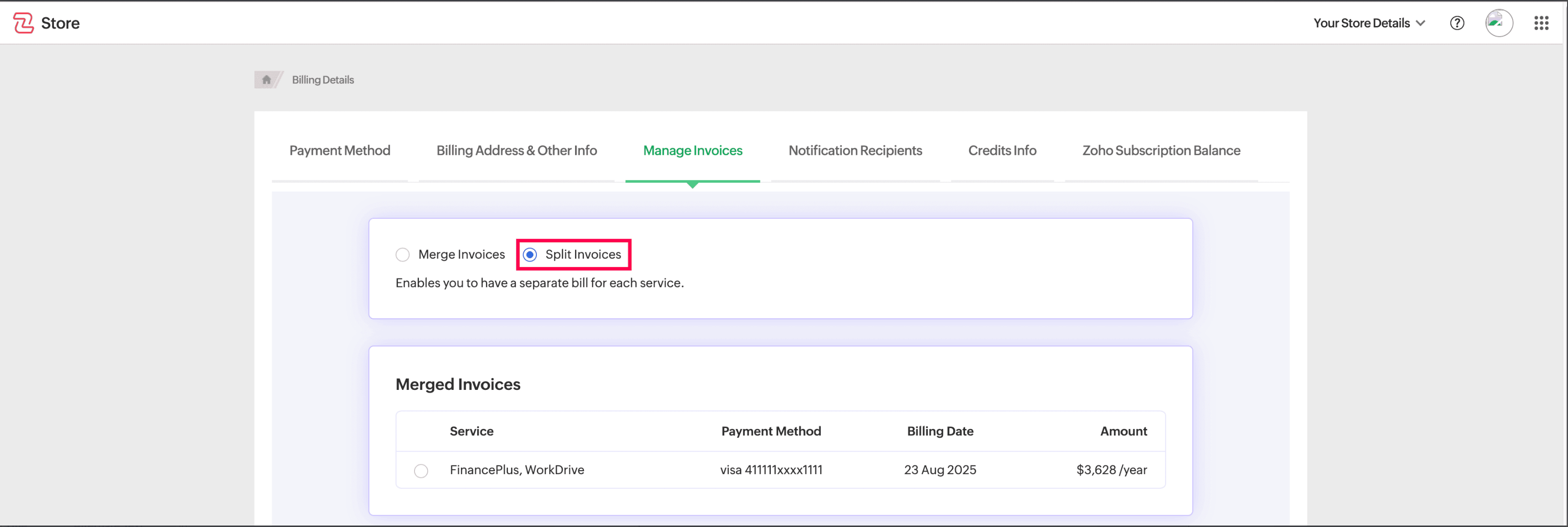
Open the Manage Invoices page.
Click on Split Invoices option.
Select the Services to Split
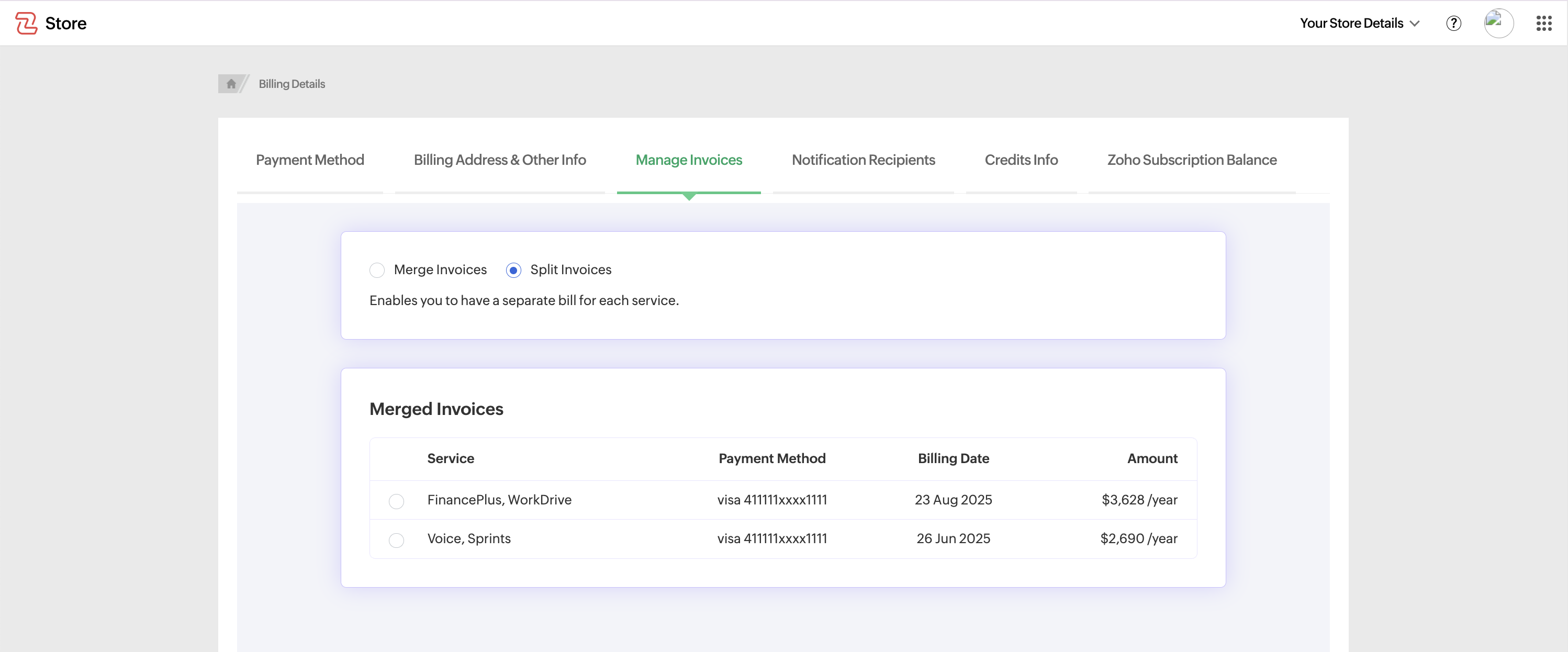
A list of all eligible invoices will be displayed.
Choose the specific services you want to generate separate invoices for.
Confirm Your Selection
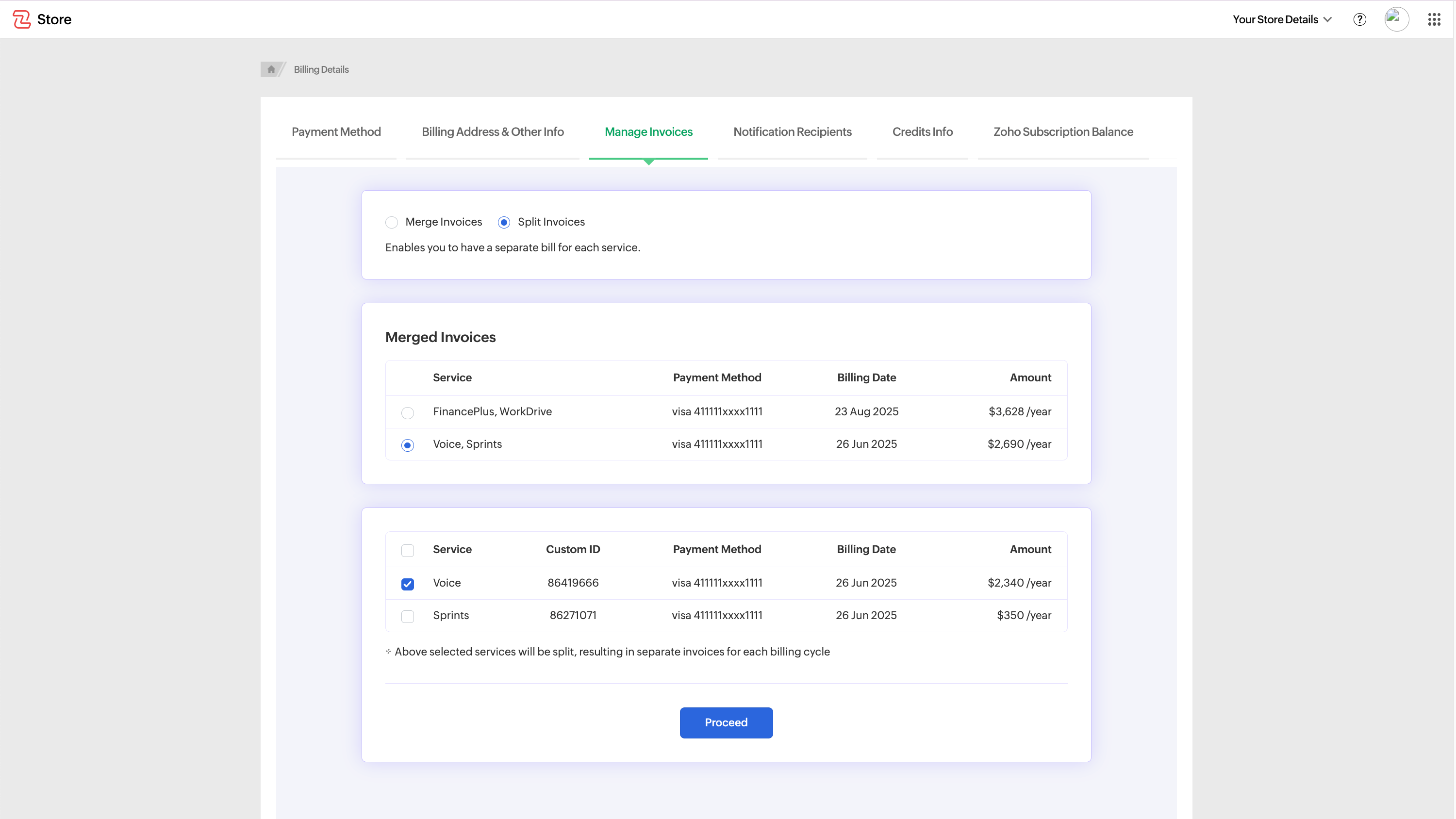
Review the selected services and click on Proceed.
Ensure that the correct services are chosen for the split.
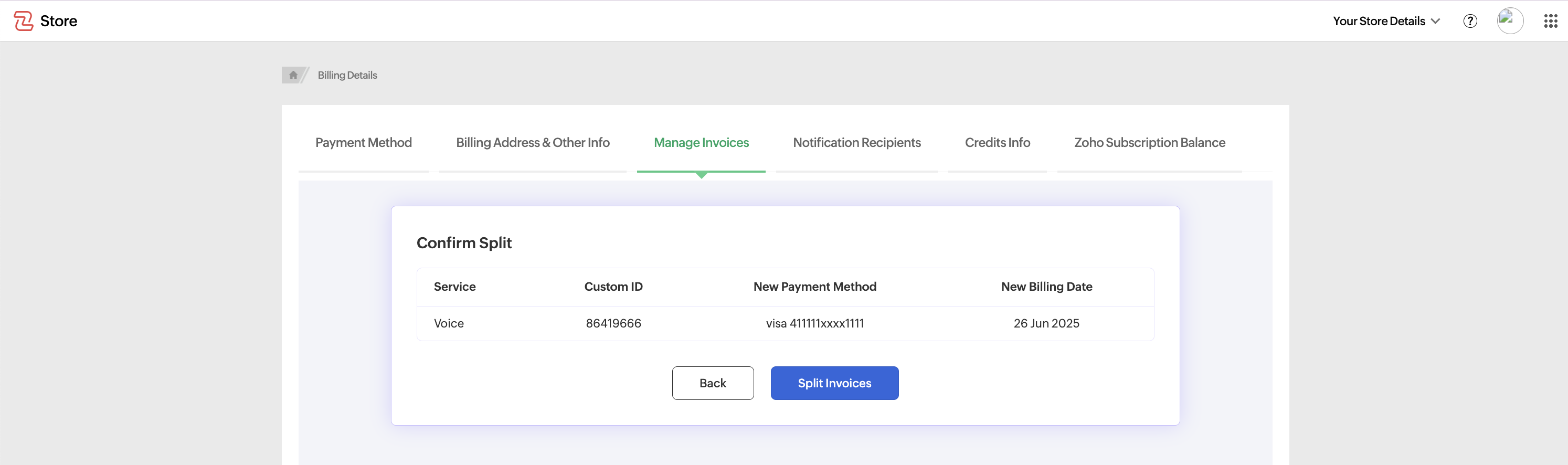
Click on "Split Invoices"
Once you confirm your selection, click the "Split Invoices" button to intiate the process.
Receive Confirmation
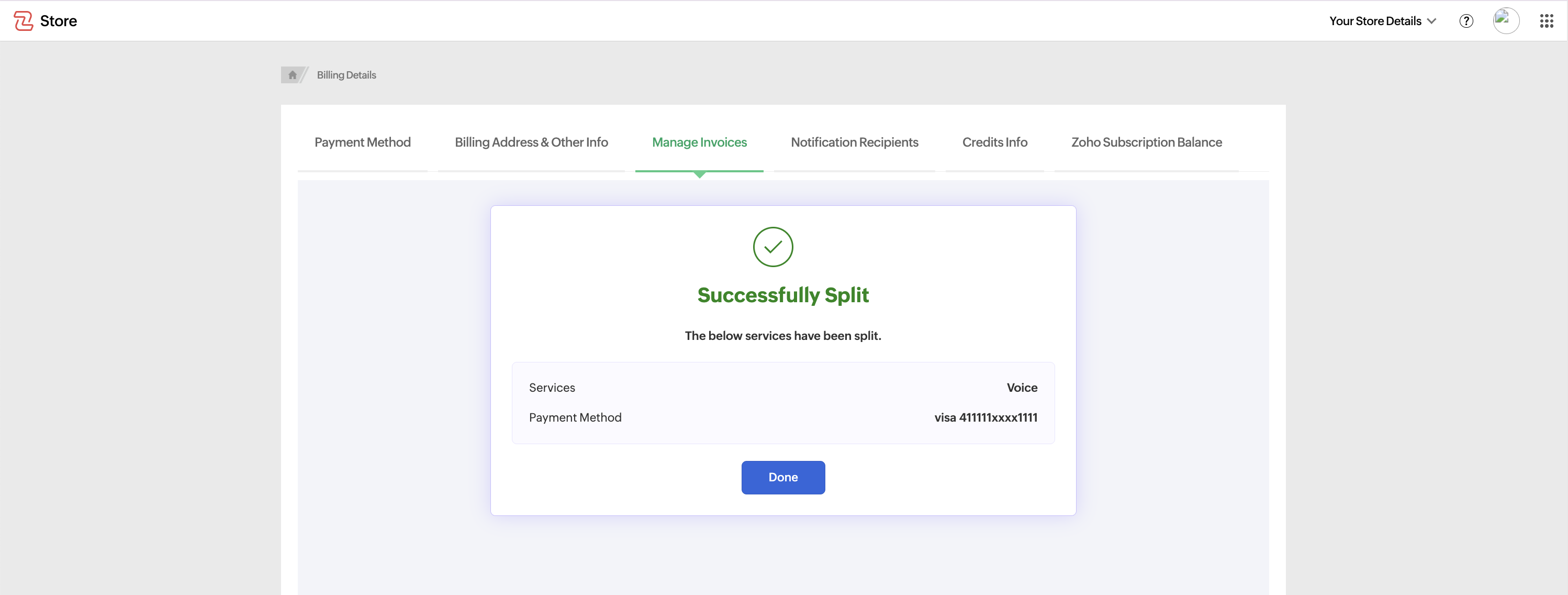
A success message will appear confirming that your invoices have been successfully split.
Click on "Done" to finalize the process.