Customers can review and take action on license modifications directly from the Zoho Store - Manage Subscription page. This can be accessed in two ways:
- Via the link sent in the email notification
- Or by visiting the Zoho Store home page and navigating manually
How to access the Manage Subscription Page
- Go to the Zoho Store home page
- Navigate to the Subscribed Services tab.
- Select the corresponding service for which license modifications have been requested.
Once the service is selected, a banner will appear displaying relevant information about the requested modifications.

Approve or Decline the Request
- Click Proceed to view a detailed summary of the license changes made by the salesperson.
- Carefully review the modifications.
- Choose one of the following actions:
- Approve
- Decline
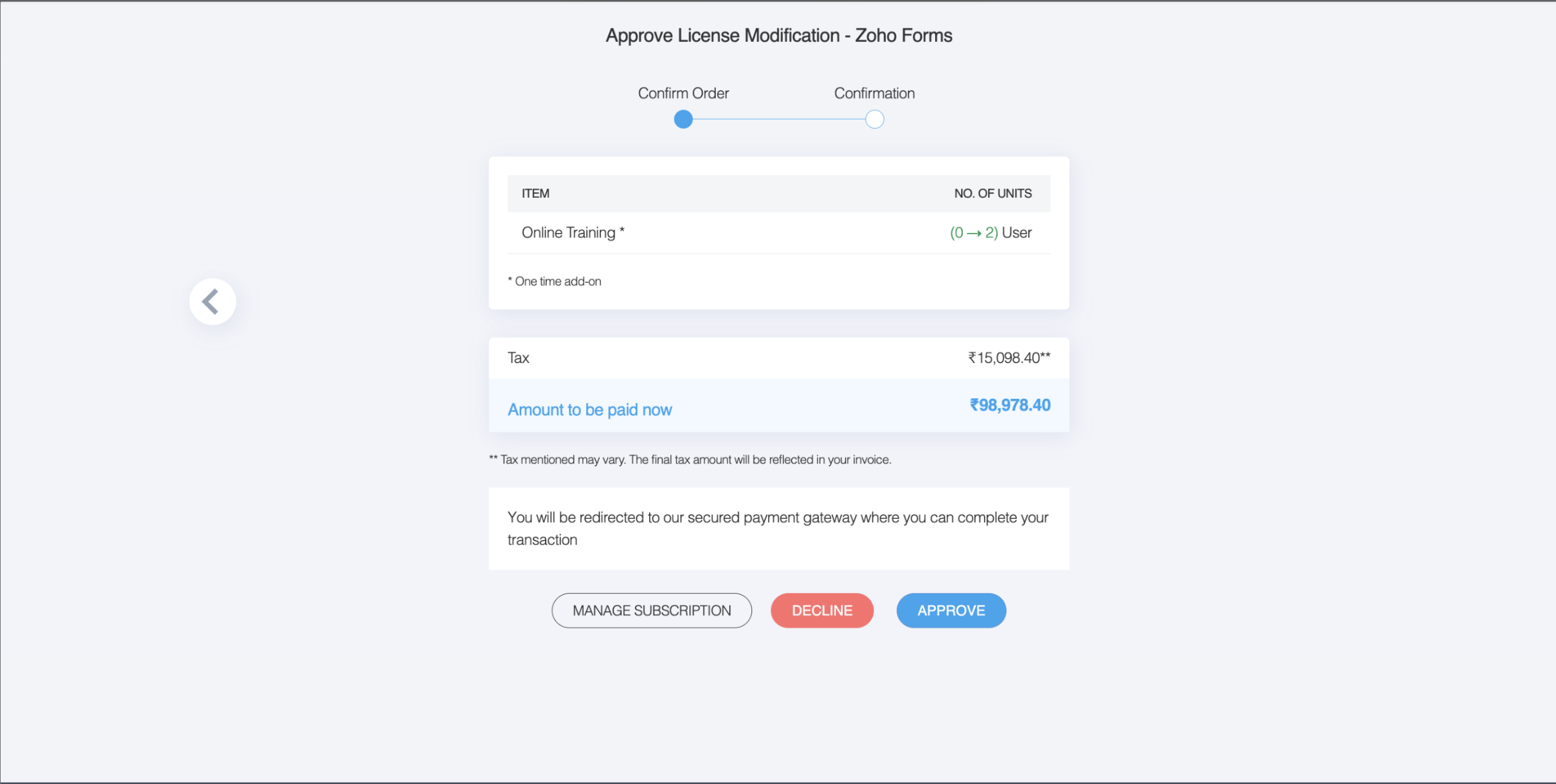
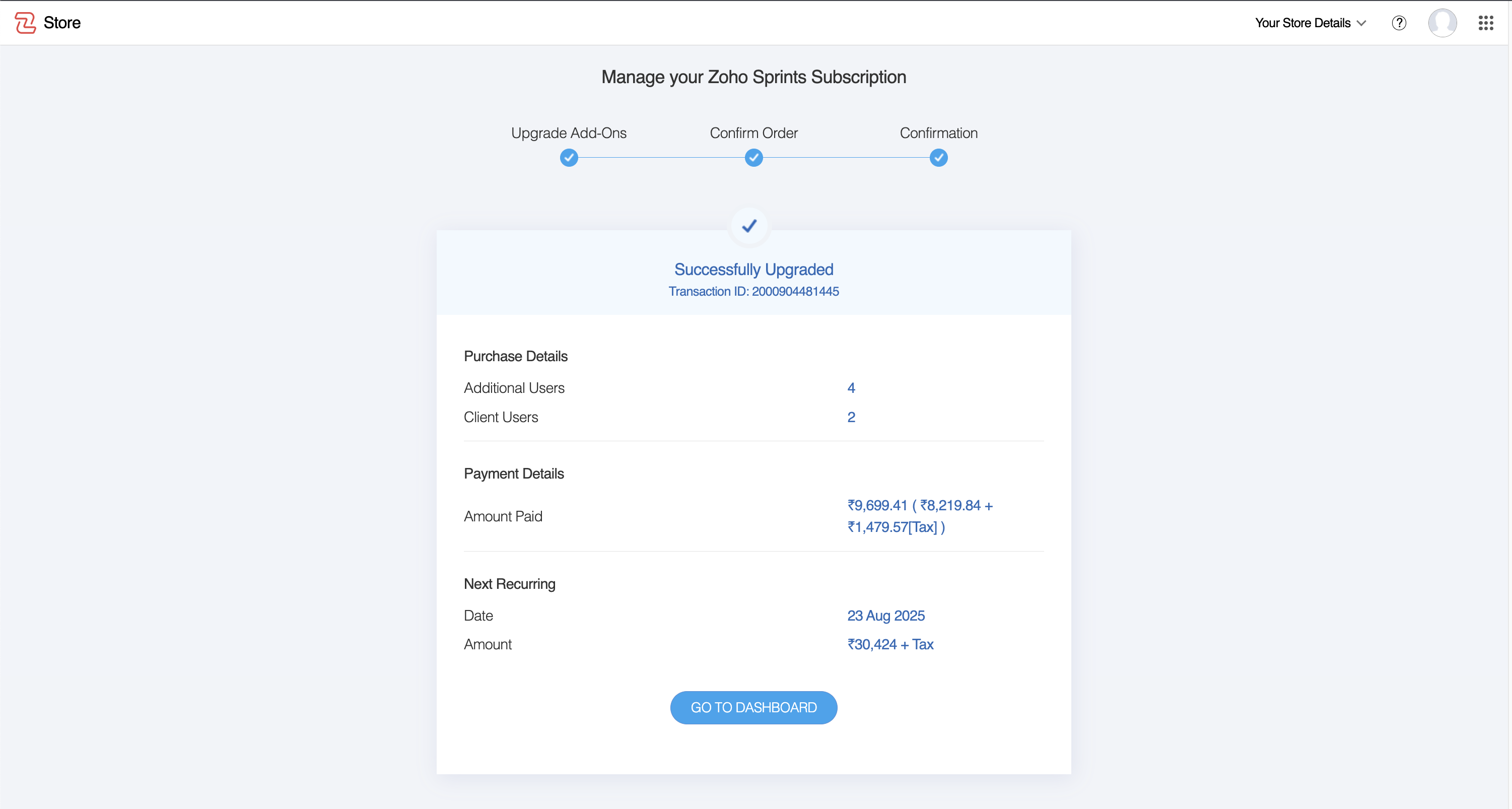
Approve - If you agree with the changes and wish to move forward.
Upon approval, the payment will be processed automatically, and the license will be provisioned.
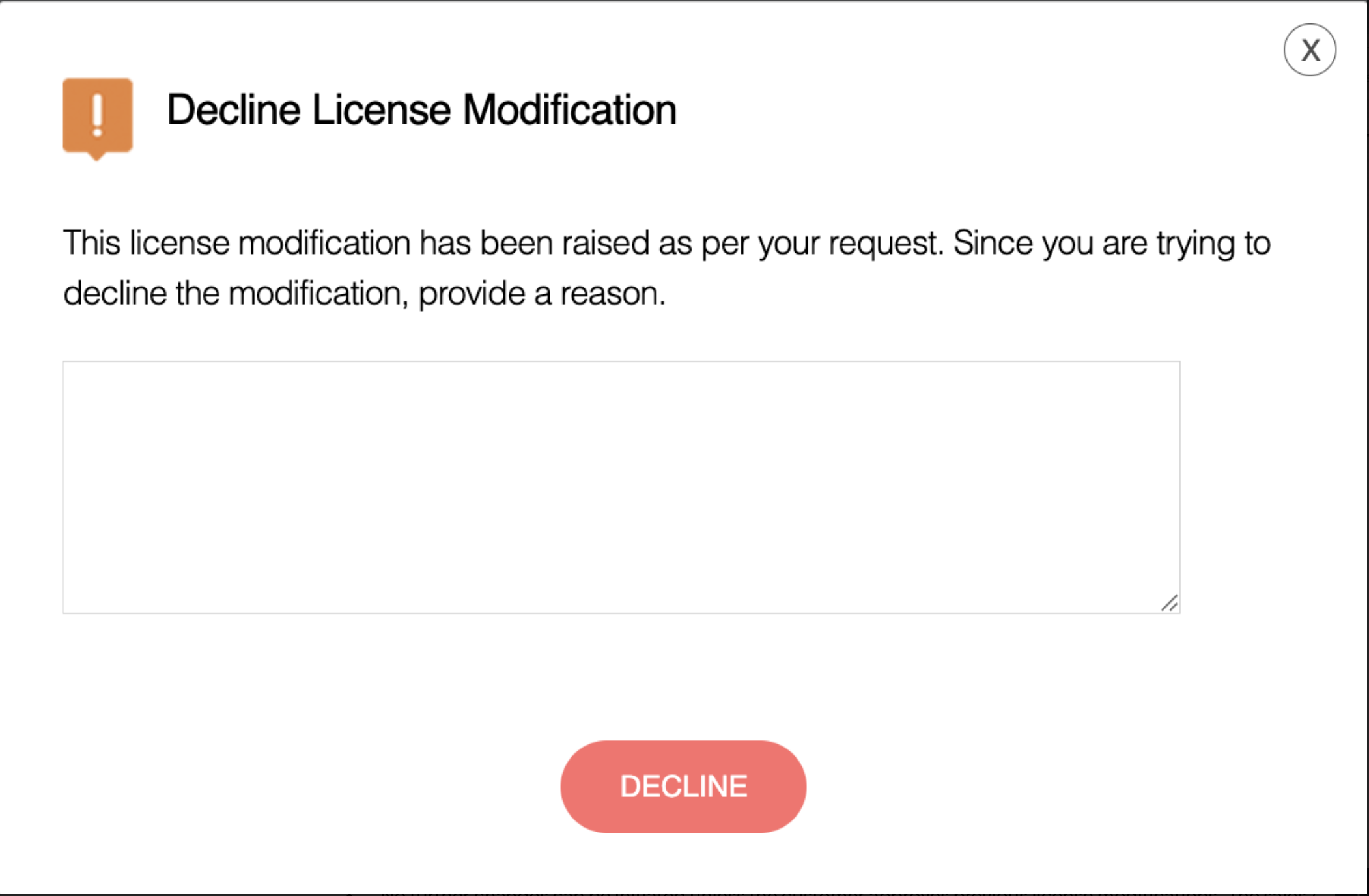
Decline - If you do not agree with the changes.
- You will be required to provide a reason for declining.
- Your response will be sent directly to the salesperson who made the changes.