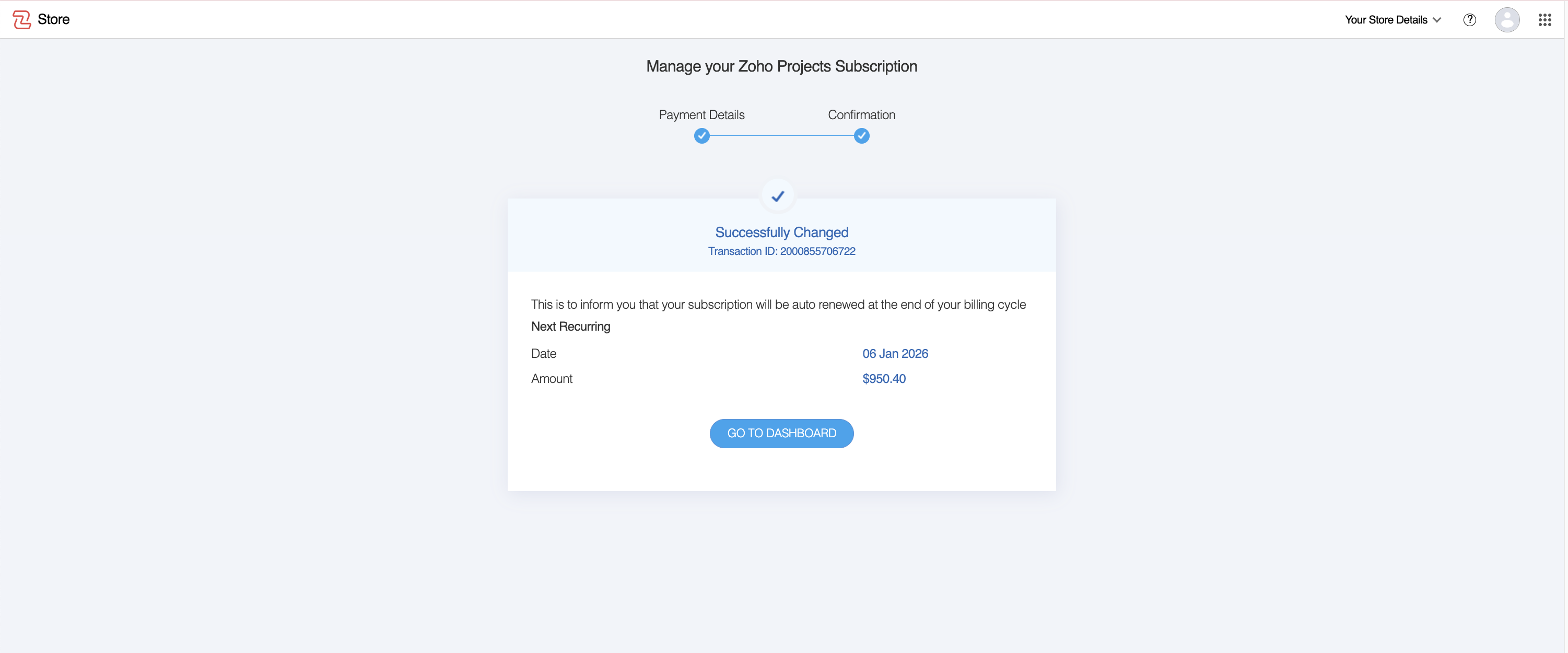
Switching to an online profile allows you to manage your subscription digitally, make instant payments using available online payment methods, and access automated billing and renewal options. If you need to transition your profile from an offline payment online mode, you can do so easily by following these steps.
Navigate to the Manage Subscription Page
Open the product page: Navigate to the product page you wish to convert to online profile.
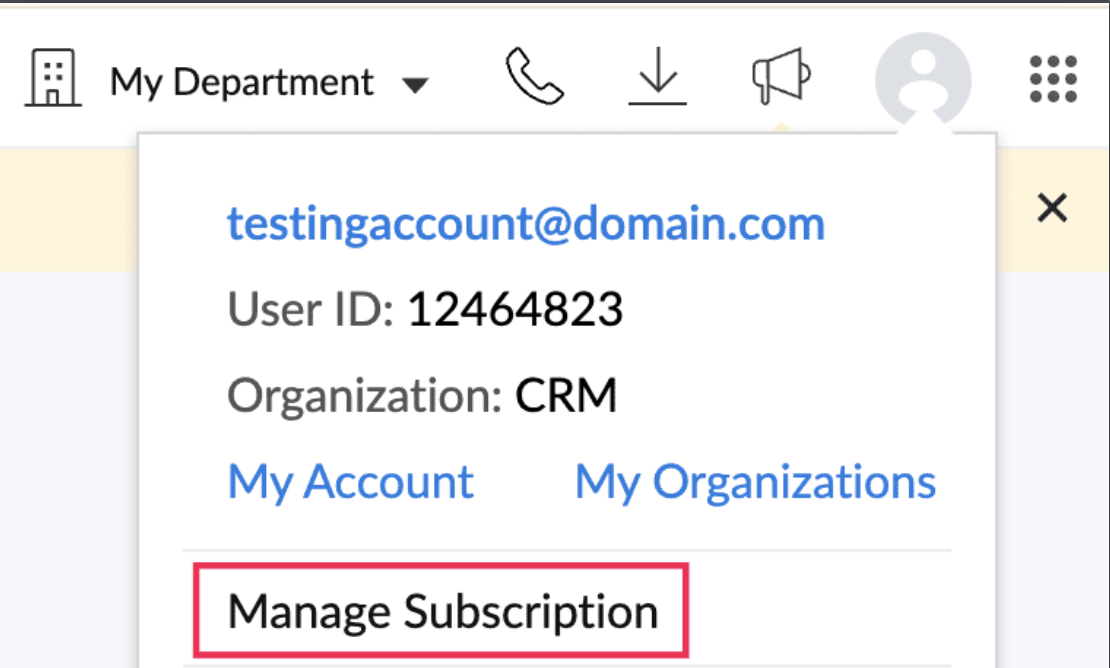
Access Subscription Option: Click on your profile icon in the top-right corner of the page.
Select Manage Subscription: Click the Upgrade/Manage Subscription located below your profile details.
Review the Banner Notification
A banner will be displayed at the top of the subscription page, indicating the option to switch to an online profile.

Update Payment Method
Click on Update Payment Method to proceed.
Enter your Billing Details and Payment Information to transition to an online payment method.

Switch to Online Mode
- Click the Update button to complete the process.
- Your service will be successfully switched from an offline to an online profile.
- Once switched, you can manage your subscription and payments directly through your online profile.