Navigating Zoho Social
Kickstart your social media marketing journey
Navigating Zoho Social is your go-to guide if you're just about to get started using Zoho Social to manage all your social media activities. Learn about everything from setting up your account to publishing, scheduling, and managing interactions, from right here.
Initial setup of your Zoho Social account
Get a complete idea of how you can use Zoho Social for your business. Start by understanding what brands and portals are, and connect your social media channels to Zoho Social to manage them effortlessly from a single place.
Creating roles and assigning permissions
Onboard your team and clients to your Social account. Understand roles, permissions and approvals in detail. Secure your data by creating specific roles for users and assigning permissions accordingly.
Publishing and scheduling on social media
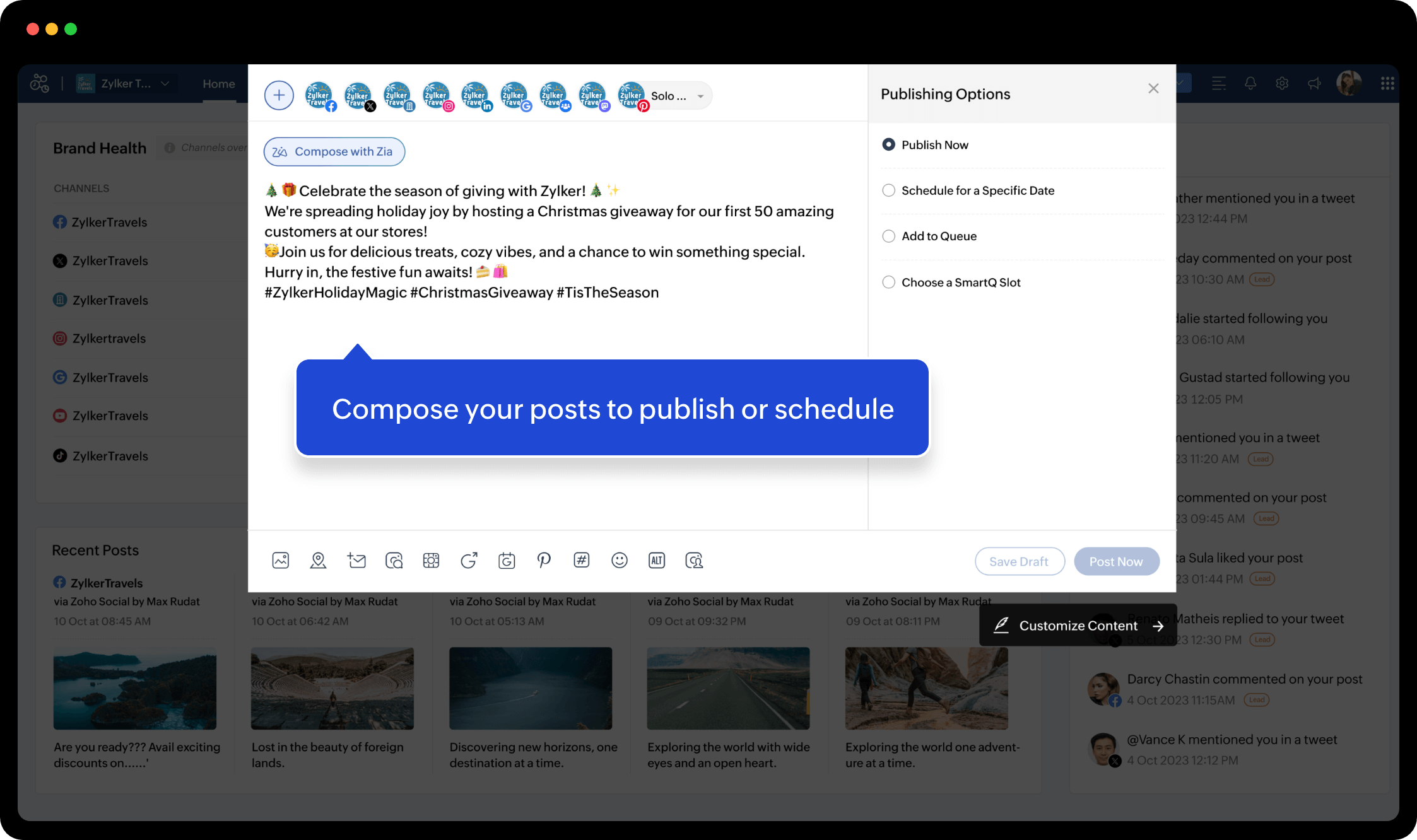
Explore the compose window and its various options to scale up your posts. Preview, draft, publish, or schedule content on all your social channels across your brands.
Tracking post performance
Analyze and monitor how your published posts are performing. Try the different modules in your Social account—Home, Posts, Monitor, and Reports—to understand different metrics for individual posts and networks.
Managing account settings
Learn to access different settings and preferences related to publishing, brands and portals, and your account, and modify them according to your needs.
Let's take a quick glance through Social
Home and PostsMessages and InboxMonitorReportsCollaborateNew Posts


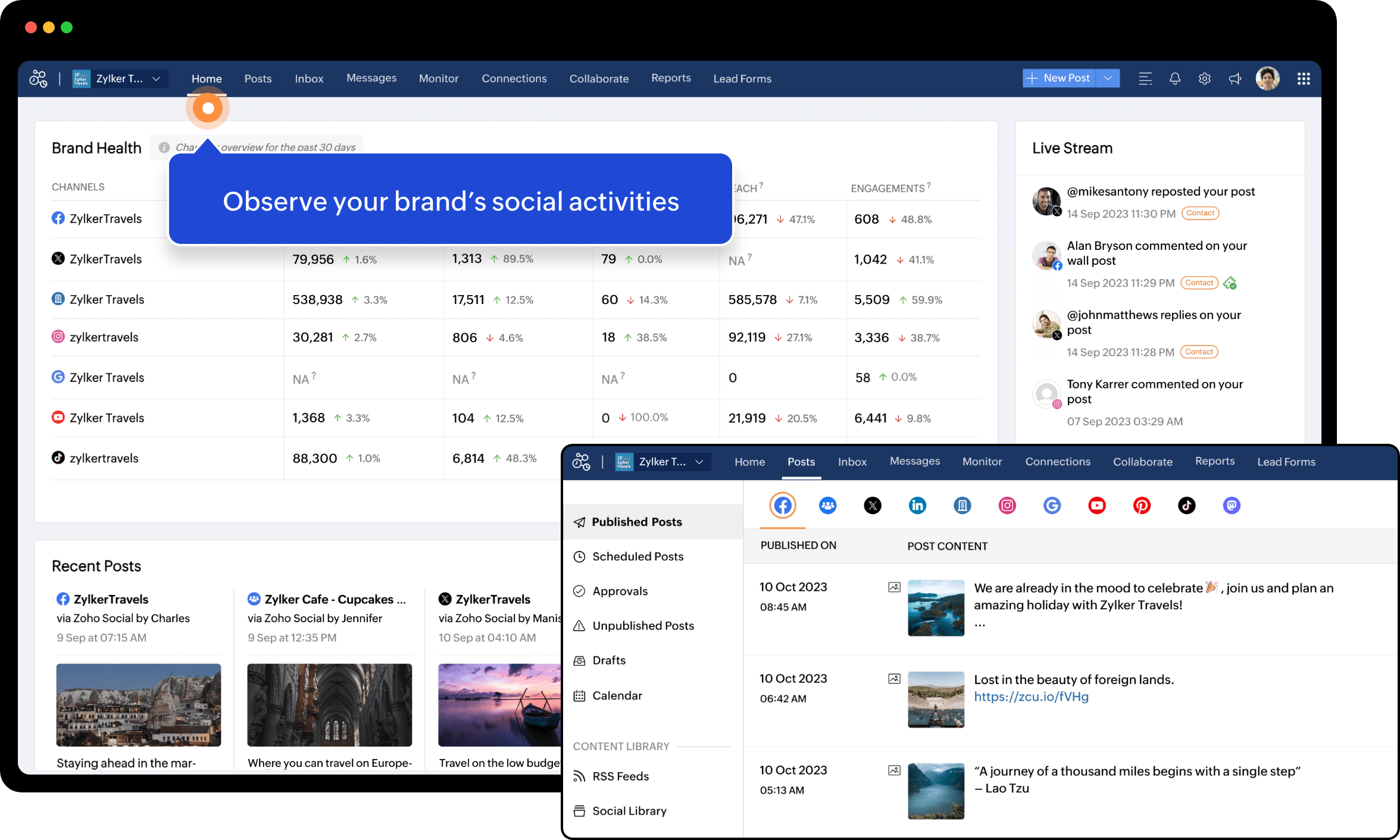
Observe your brand's social activities


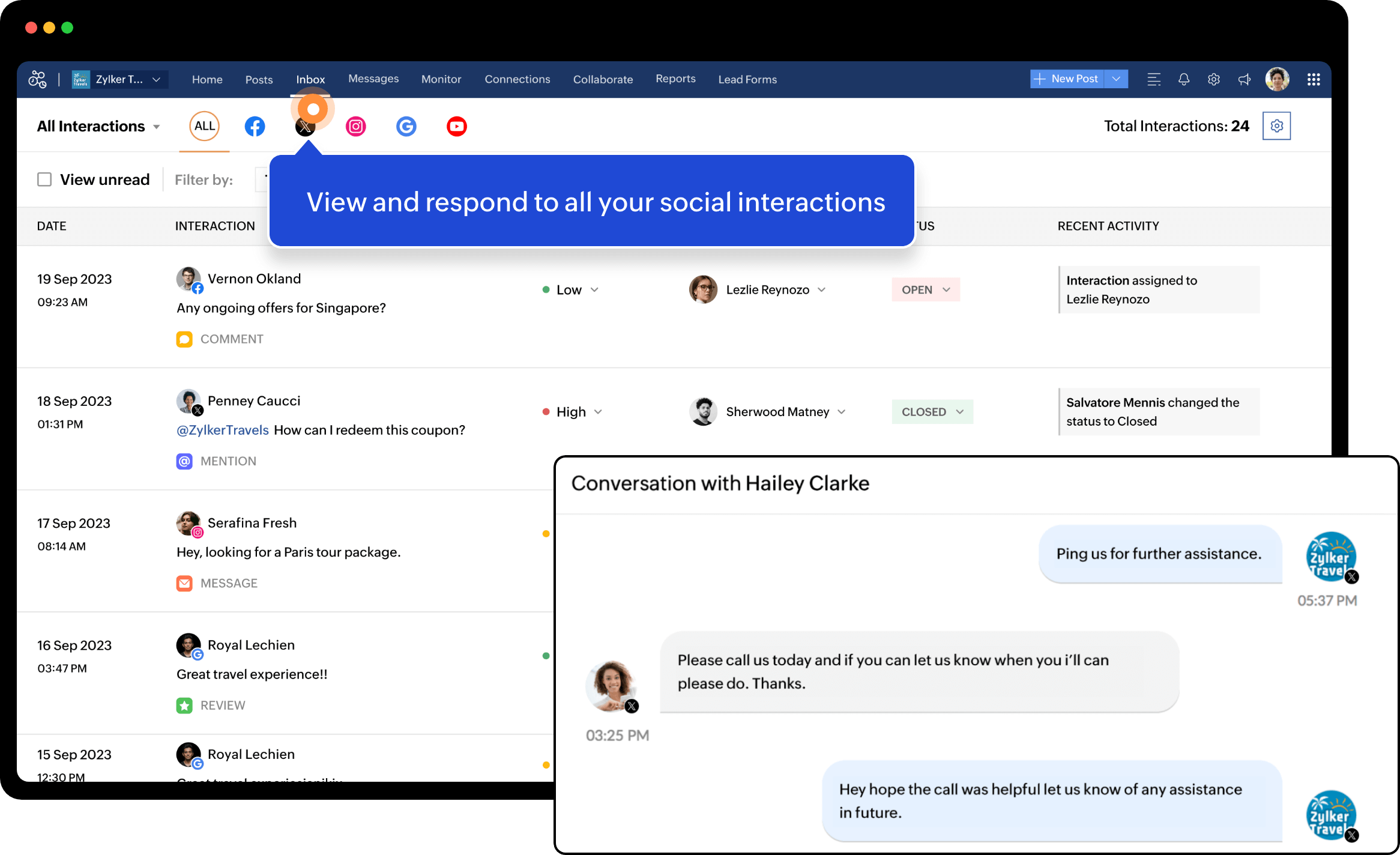
View and respond to all your social interactions

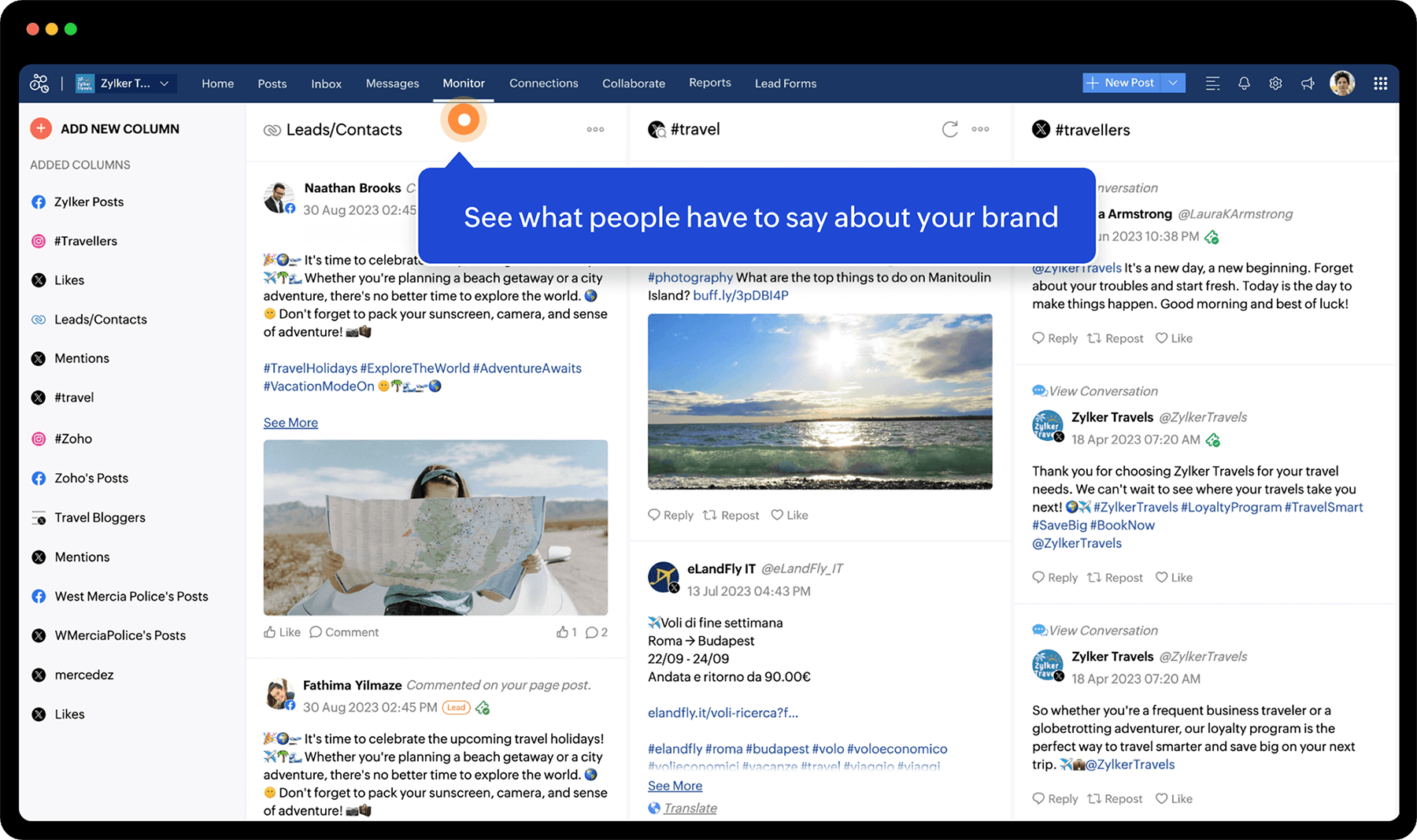
See what people have to say about your brand

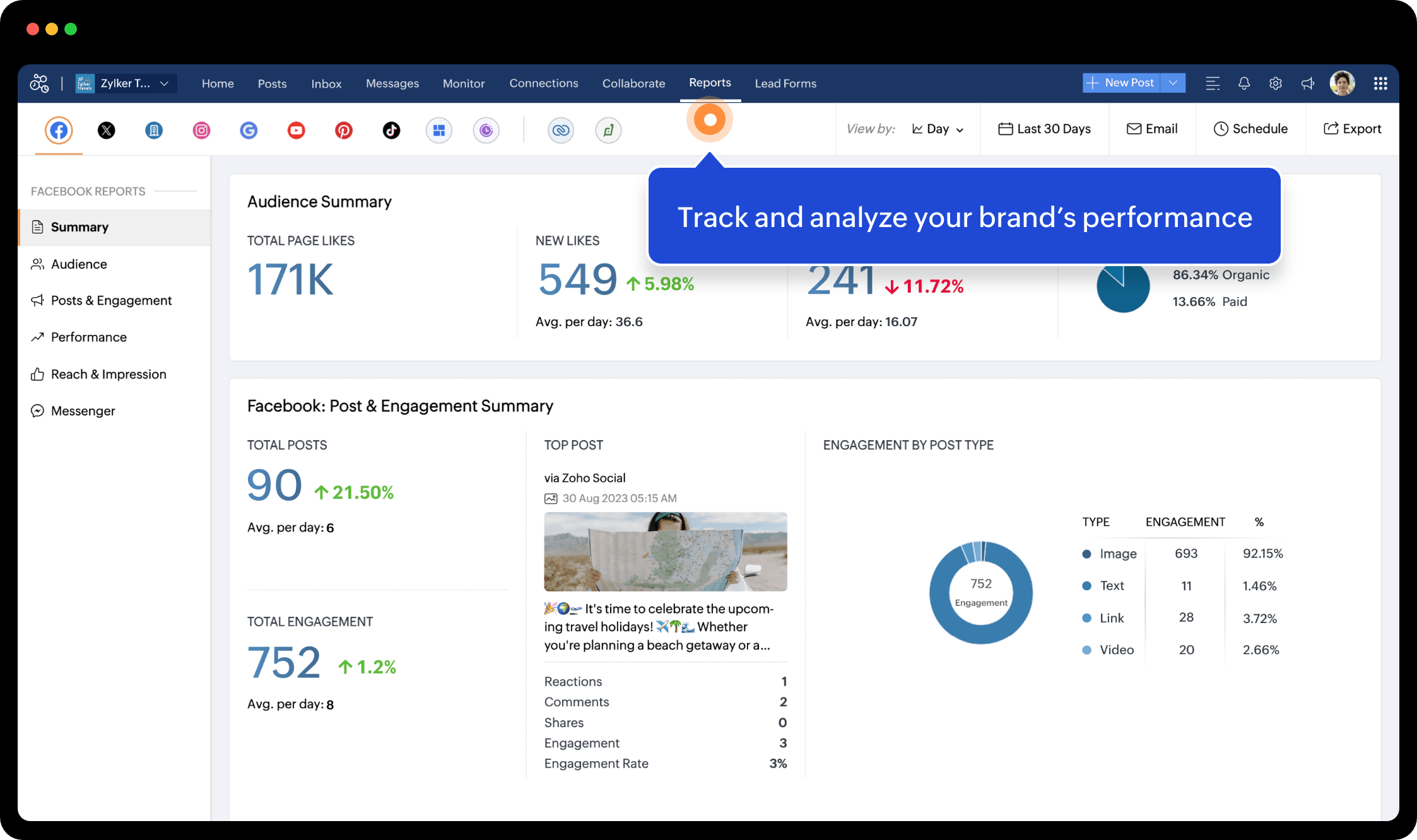
Track and analyze your brand's performance

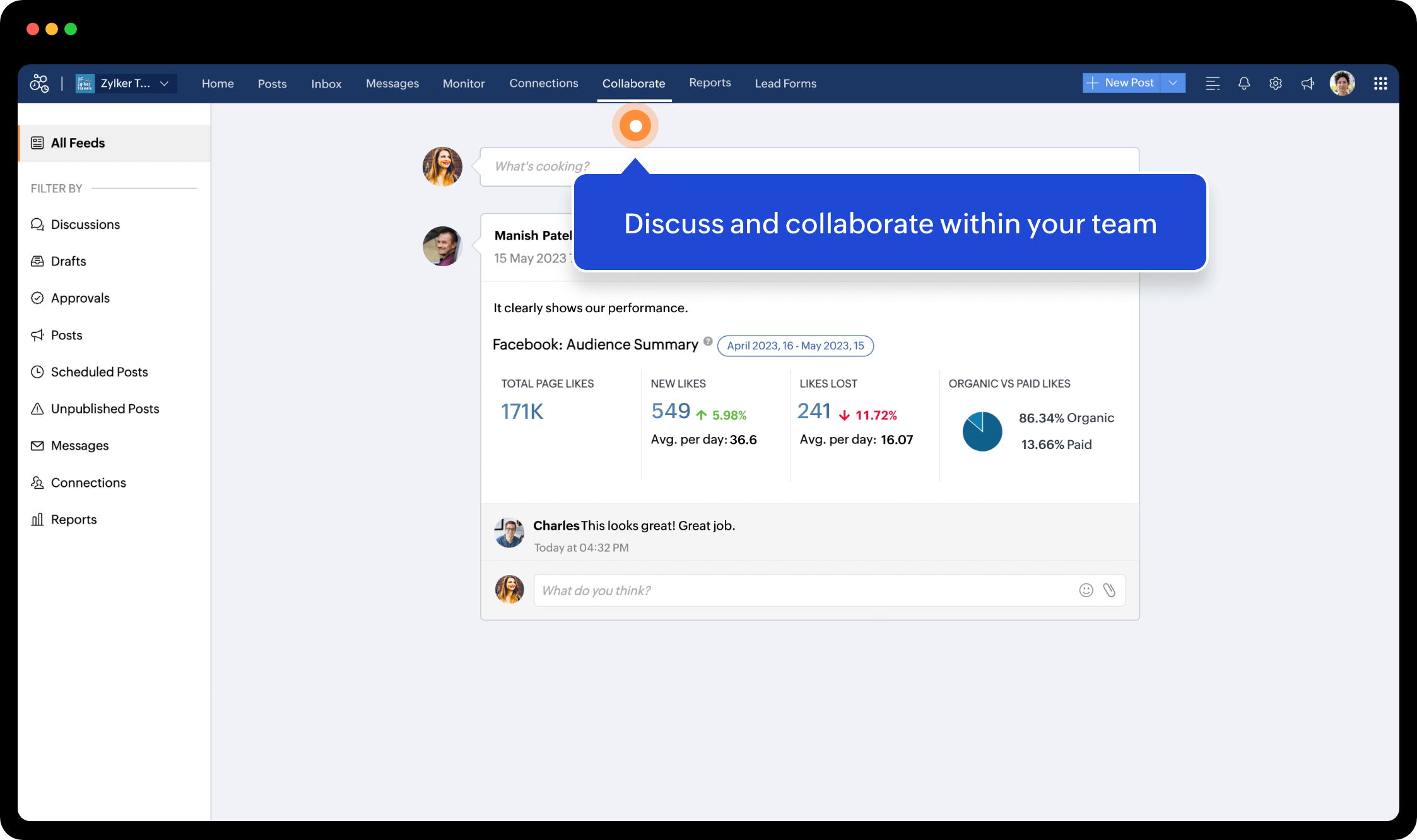
Discuss and collaborate within your team

Compose your posts to publish or schedule
Home and Posts
Messages and Inbox
Monitor
Reports
Collaborate
New Post