Zoho Social MCP banner
 

Let your AI agent run your social calendar

Zoho Social's MCP integration gives AI agents secure, scoped access to draft, schedule, publish, and monitor posts — across every connected network — straight from a prompt.

GET STARTED FREE

Core capabilities

Everything your agent needs to manage social

Four distinct capability areas, each scoped to a specific job. Connect one or connect all — your agent handles the orchestration.

Publish & schedule content

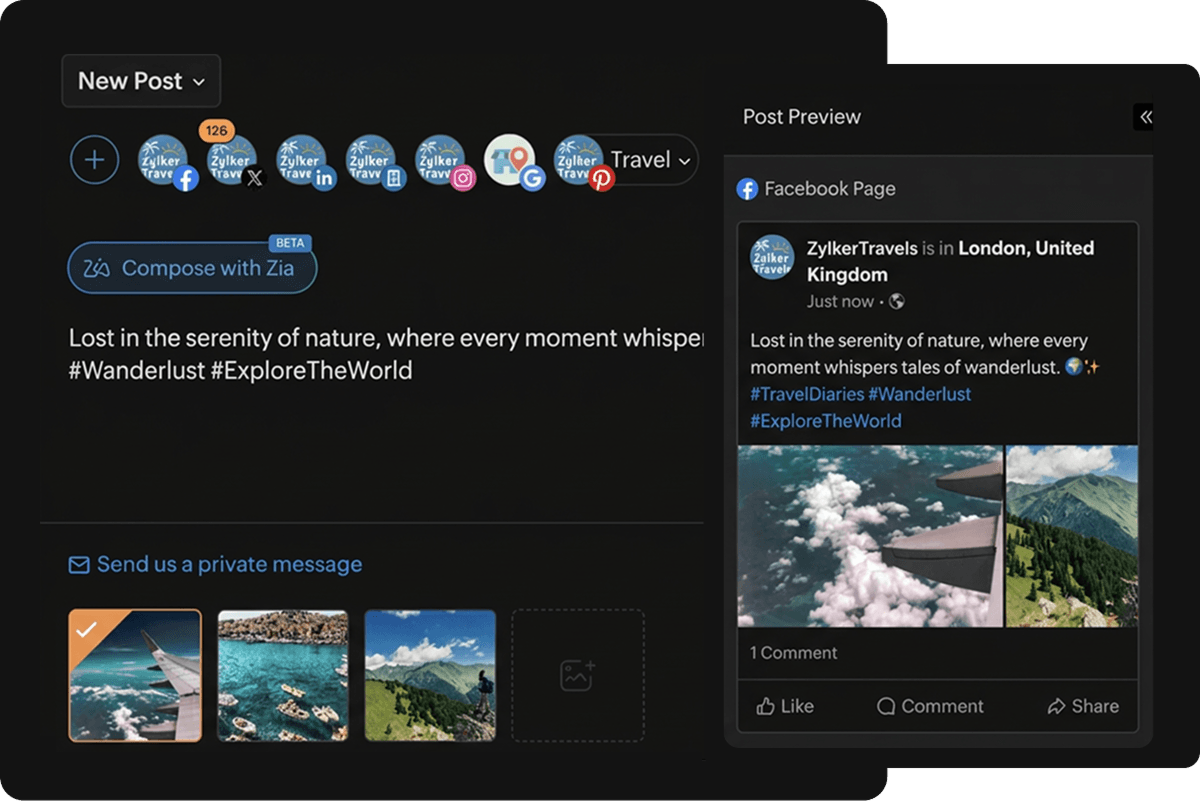
Your agent can publish immediately or schedule posts across Facebook, Instagram, LinkedIn, X, TikTok, Pinterest, and more.

Prompt

Post our product launch announcement on LinkedIn and Instagram now, then schedule the Twitter version for peak engagement time tomorrow.

Publish and schedule content

Build a content calendar

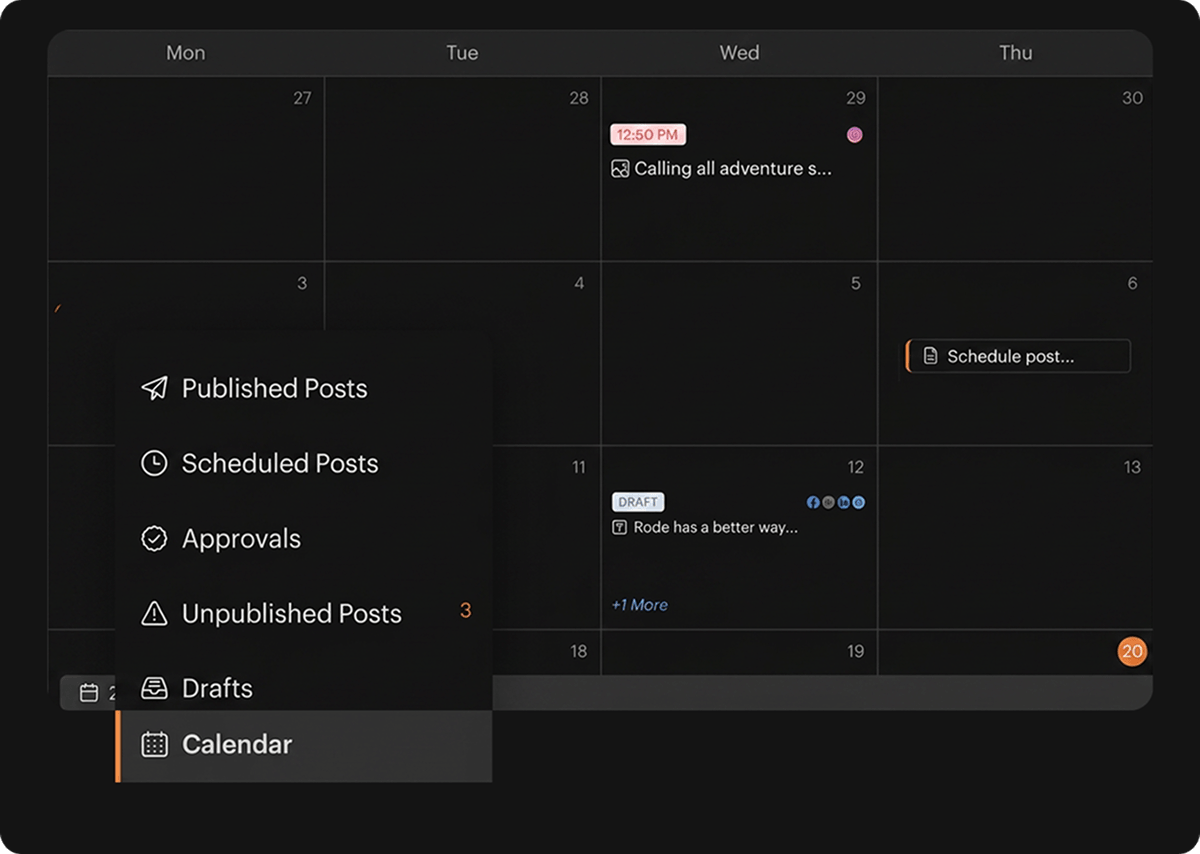
Save drafts, query the schedule queue, update timing, and manage the full content pipeline across all networks — without opening a browser.

Prompt

Show me all scheduled posts for this week and move the Tuesday Instagram post to Thursday at 6 PM.

Build a content calendar

Manage media & assets

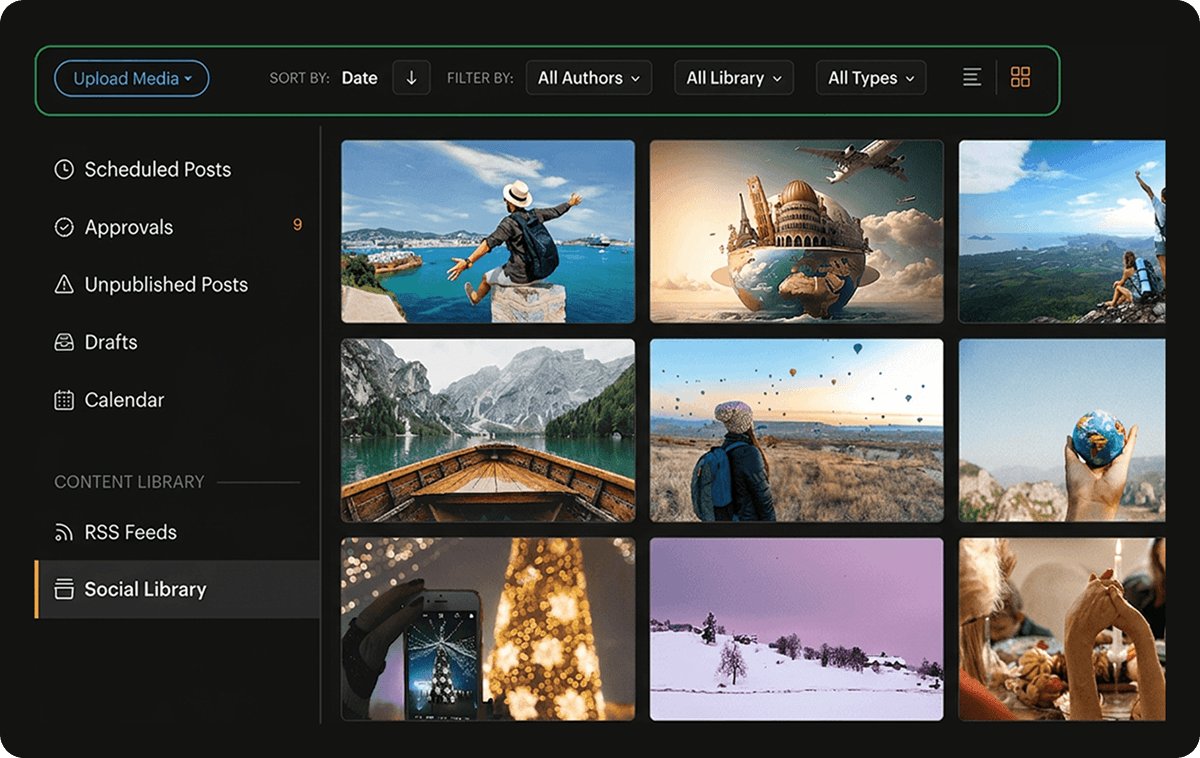
Browse the brand media library, upload images from URLs or local files, and attach assets directly to posts — all without manual uploads.

Prompt

Upload the hero image from our campaign folder and use it in this week's Pinterest pin.

Manage media and assets

Validate before publishing

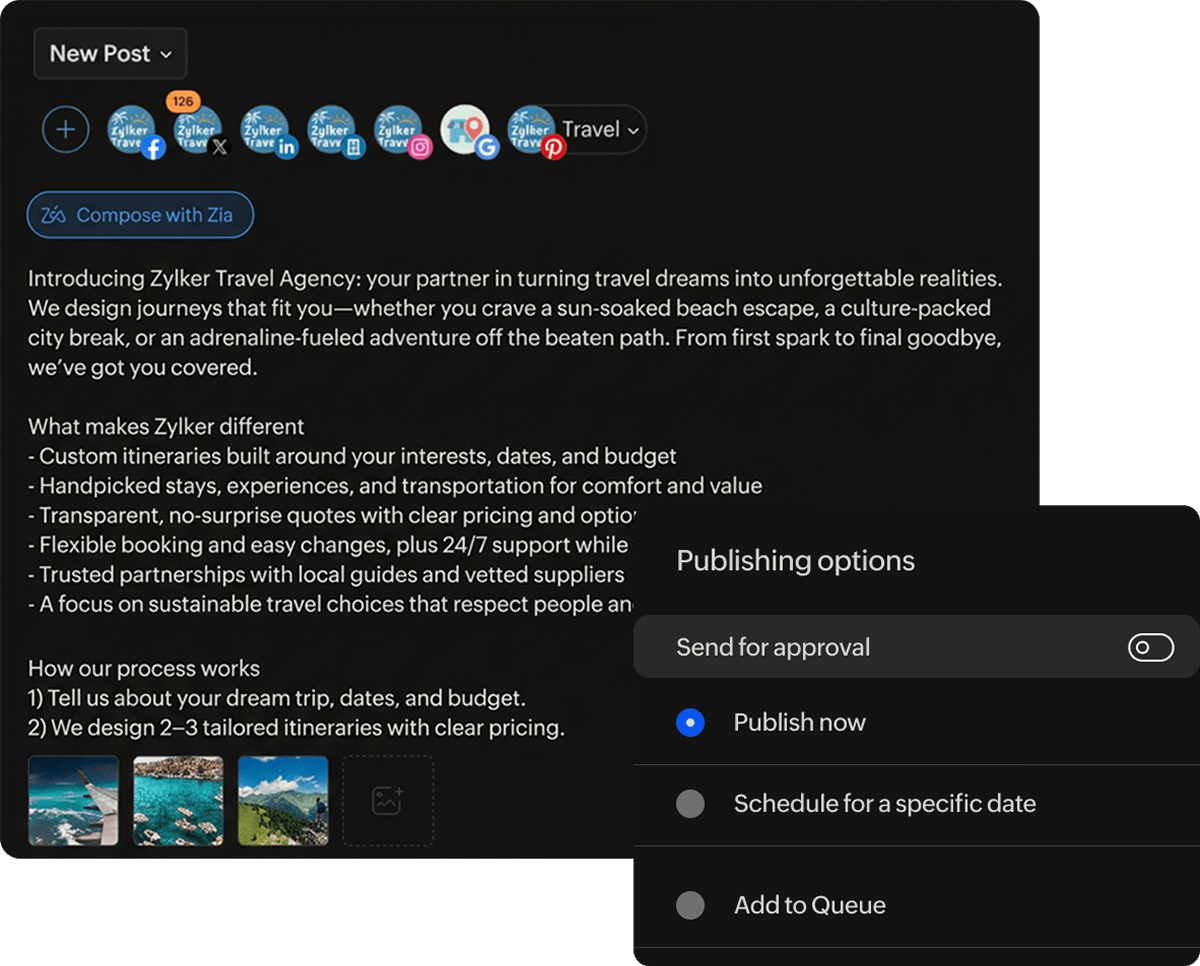
Every post is validated against per-network character limits, media constraints, and feature support before it's published — zero surprises at post time.

Prompt

Validate this post for all connected channels and flag any issues before scheduling.

Validate before publishing

Tool registry

31 tools. One unified social API.

Each MCP tool is scoped to a specific action. Your agent picks exactly what it needs and nothing more.

  • Publish
  • Read & fetch
  • Manage
  • Validate
  • Media
  • ALL TOOLS

From zero to publishing in minutes

No complex setup or custom integrations required. If you have an active Zoho Social account, you can connect your AI assistant in just a few steps and start managing your social media with natural language.

Before you begin : You'll need an active Zoho Social account to authenticate and use Zoho Social MCP.

Step 01
 

Create your MCP server

Head to mcp.zoho.com and create a new Zoho Social MCP server.

 
Step 03
 

Connect your AI client

Copy the configuration into your MCP-compatible client, authenticate your Zoho Social account, and grant the required permissions.

Works with your favorite AI clients

  •  

    Claude Desktop

  •  

    Cursor

  •  

    Visual Studio Code

  •  

    Windsurf

  •  

    Any MCP-compatible client

 
Step 02
 

Choose your tools

Select the Zoho Social tools your AI assistant should have access to, based on the workflows you want to automate.

 
Step 04
 

Start prompting

Your AI assistant is now connected. Ask it to create drafts, schedule posts, upload media, manage Pinterest boards, retrieve publishing schedules, and more.


Zoho Social is MCP ready.

Start managing your social presence with AI agents today.

GET STARTED FREE