Switch to TrainerCentral
Zoho ShowTime reached end of life on December 31, 2025, and will shut down on May 30, 2026. Migrate to TrainerCentral—our advanced training platform—in just a few clicks to continue without interruption.
For training agencies.
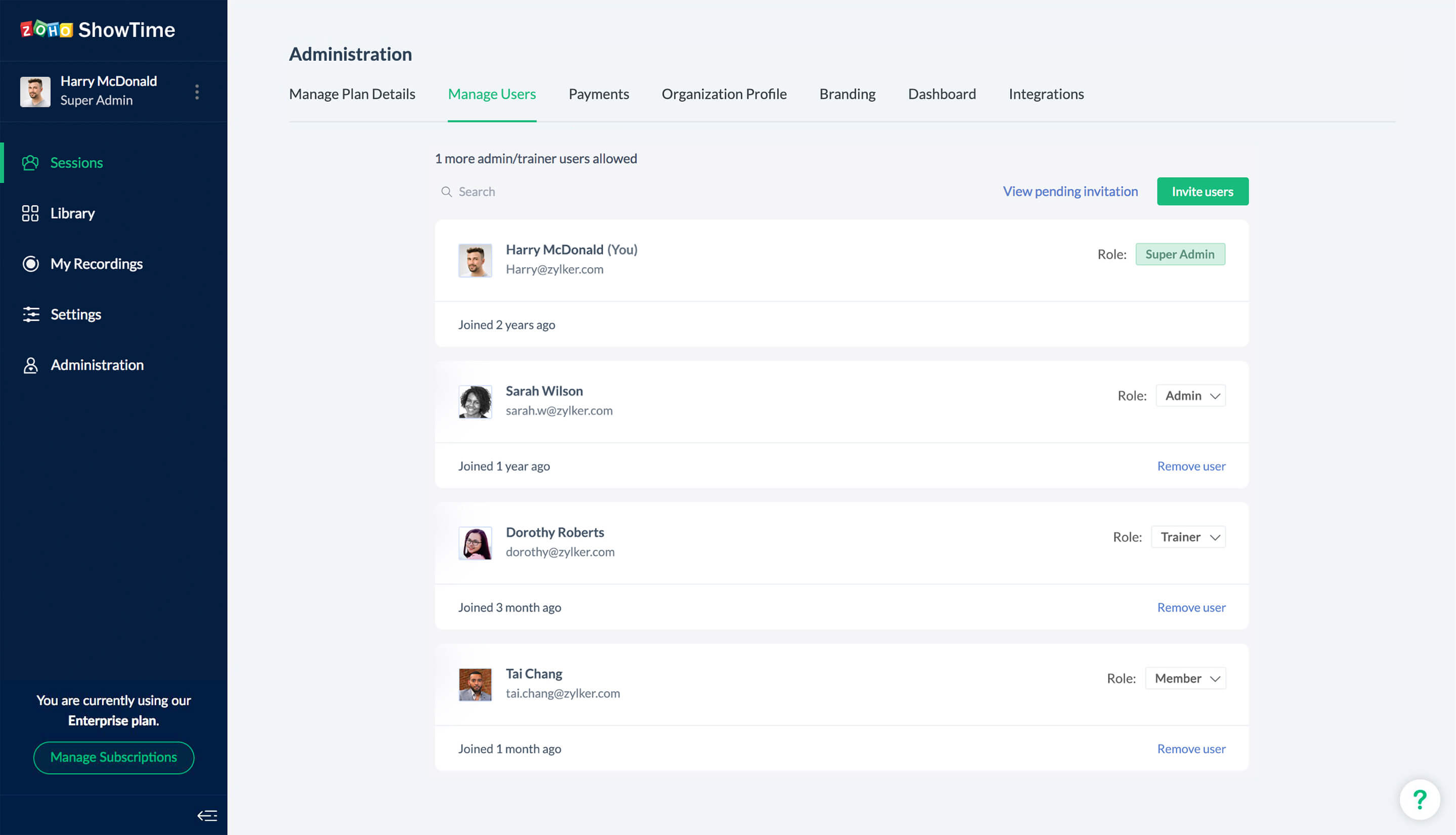
Monetise your training programs and expand your business. Manage your trainers through an admin console.
For HR and training departments.
Run cost-effective learning programs for a global workforce. Onboard your new hires or run product training and measure its effectiveness.
For independent trainers.
Qualify leads through CRM, host impactful sessions and convert them into your clients.
Focus on building powerful content—we'll take care of the rest.
Give shape to your brand
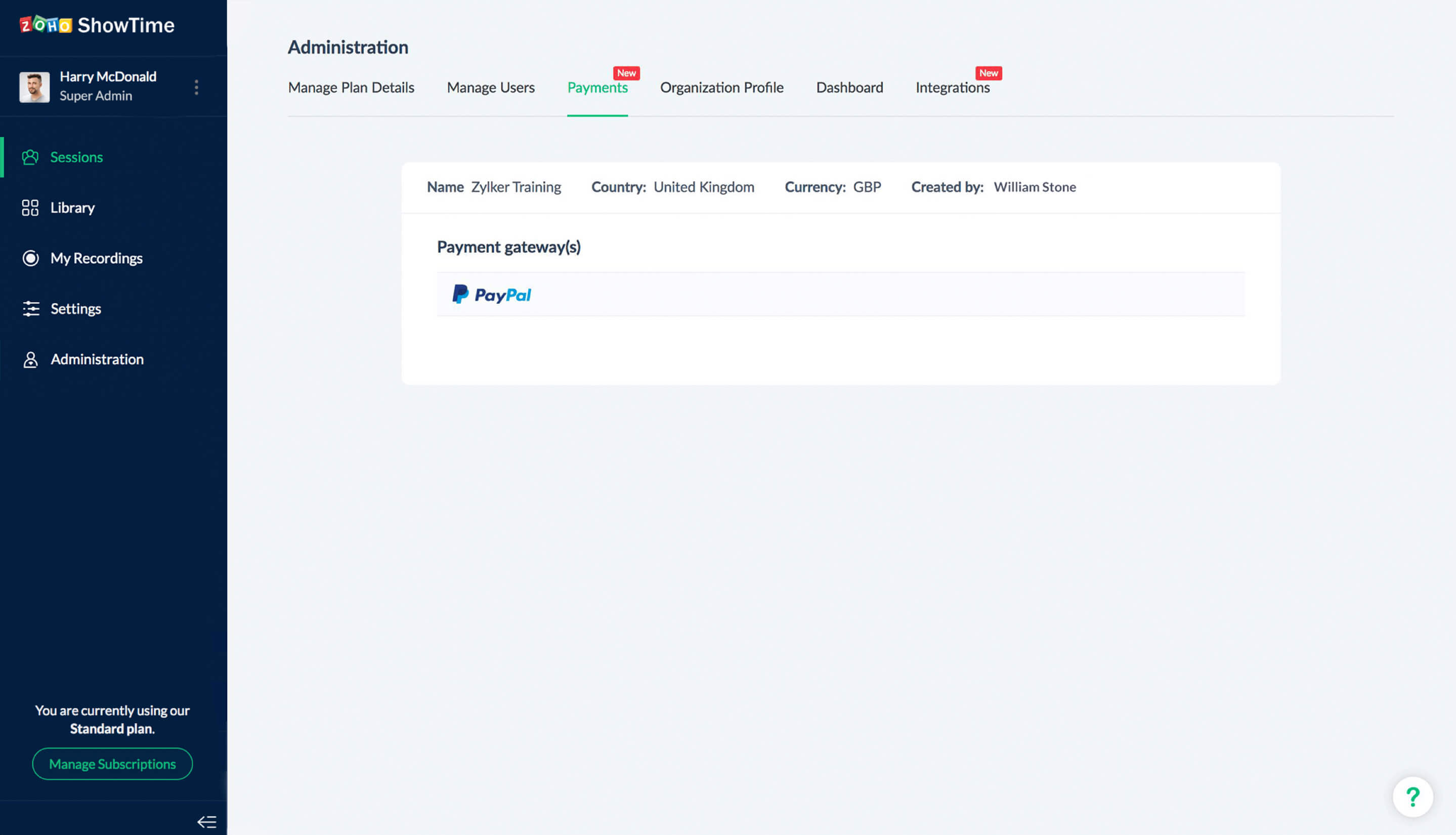
Use ShowTime's variety of branding options to offer a white-label solution. Take your business international with the help of ShowTime's Zoho CRM integration and payment configuration.
Own your sessions
From customizing registration forms and tracking campaign success to assigning a trainer and shortlisting attendees, you control every aspect of your session.
Enhance learner engagement
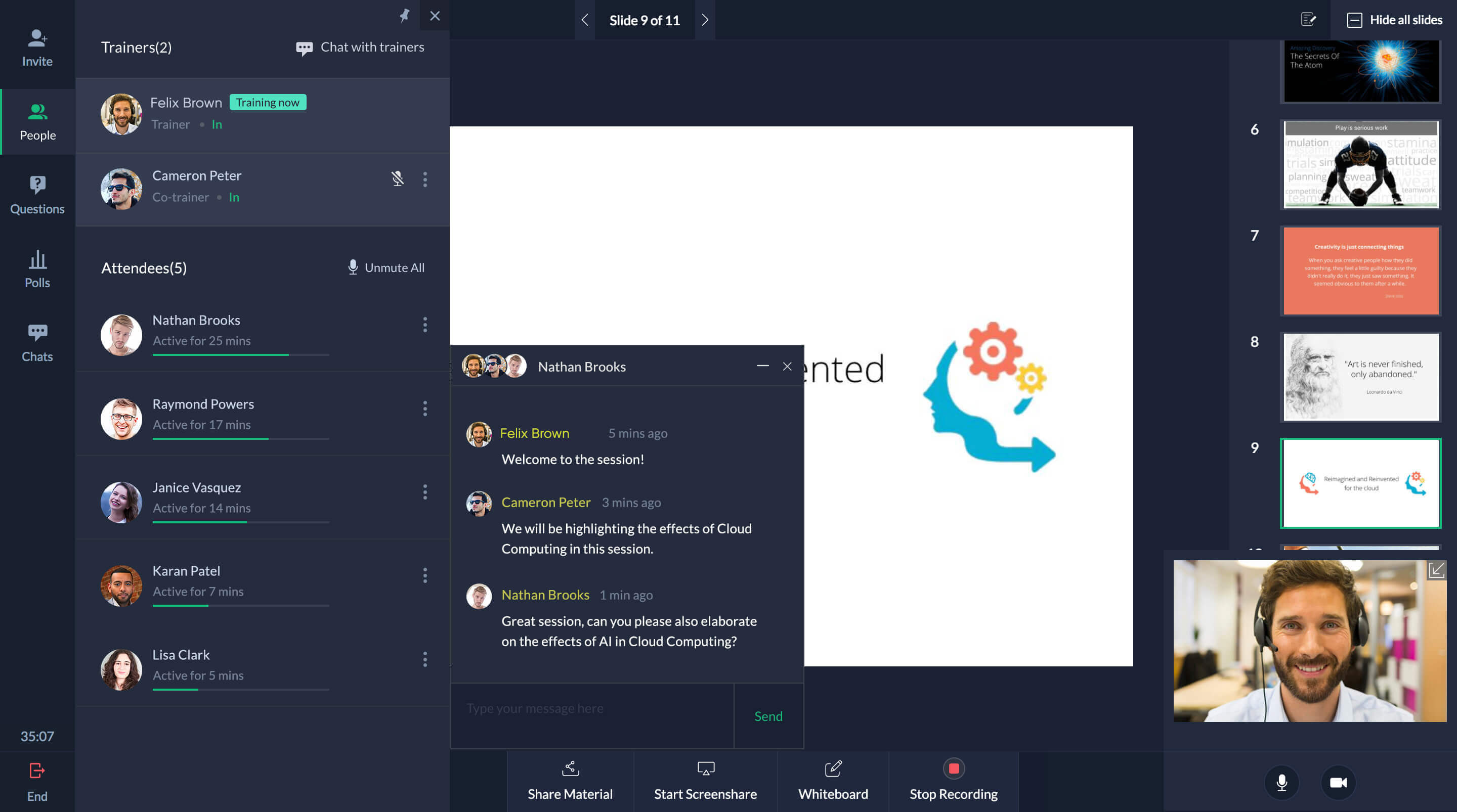
Facilitate collaborative learning in your virtual classroom through Q&As, polls, screen sharing, whiteboard, and more. Add and manage co-trainers to offer diverse perspectives on a subject.
Make data-driven decisions
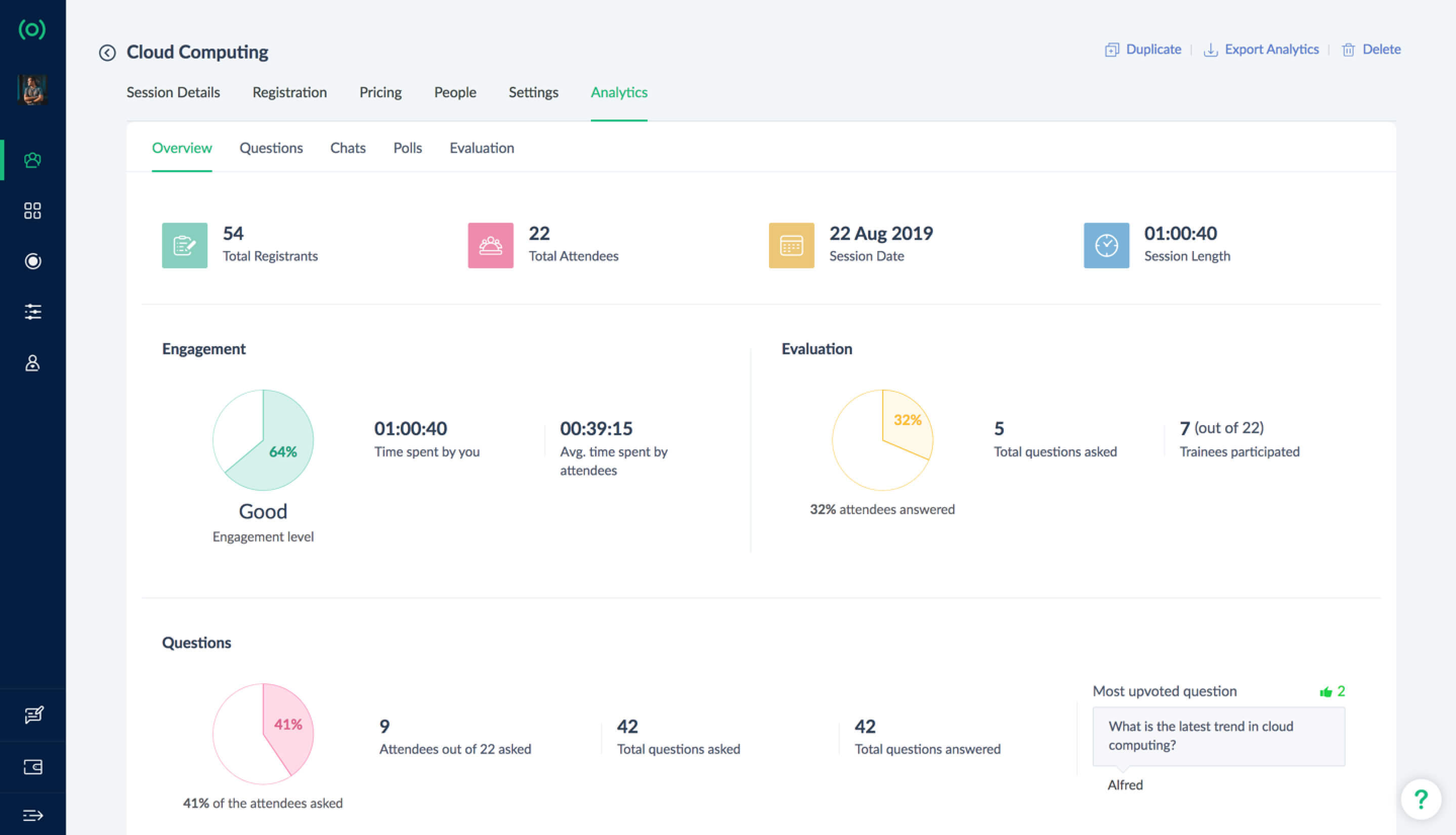
Easily analyze your results with ShowTime's intuitive graphs. Gather insights into audience engagement and trainer performance to build and improve training programs.
Offer self-paced courses
Upload videos, recordings, and other content so trainees can learn at their convenience. You can then evaluate their comprehension and retention through a test or quiz.
Manage easily. Train more.
You can concentrate on your organization's core competency of training while ShowTime takes care of the administrative burden. Streamline responsibilities so your organization works more efficiently.
"The best thing about ShowTime is that the tool is simple and easy to use: both for the teachers and the students. We could have a lot of interaction in our virtual classroom. ShowTime's engagement features are better than Zoom."

Carl LynchRevise- After School, Ireland
"ShowTime has all the features we needed to connect and engage with our audience. It is very user friendly. The number of participants for each session has been increasing consistently- which proves we are on the right track."

Latha VenkitachalamExec. Director, IIT Madras Alumni Assn
"ShowTime is an interactive training tool. We love the ease of accessibility the product offers. There are interesting features in ShowTime that we could not find in other solutions. Our participants found it easy to use, too."

Dr. Hadi Mohamad Abu RasheedQatar Cancer Society
"ShowTime is very easy to use and perfectly meets the needs of participants and trainers. The tool offers a lot of flexibility and anyone from our pre-sales team could become a trainer in no time."

Jose PerezCEO of Woztell
Make learning convenient with Zoho ShowTime.
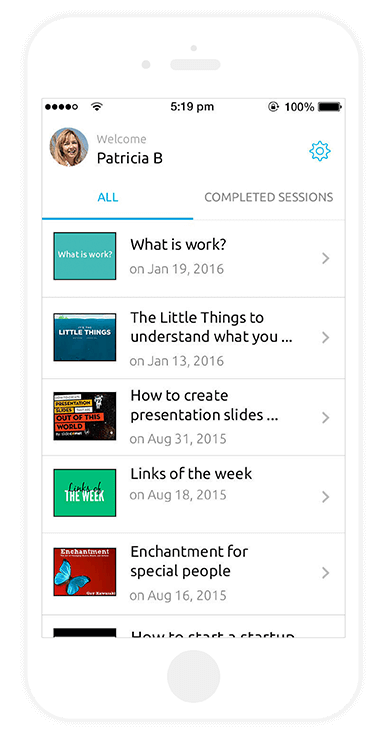
Reach your learners wherever they are with Zoho ShowTime's mobile apps. Download ShowTime's Presenter and Viewer apps for iOS and Android.