Take presentationsbeyond the room
From team updates to product launches, reach remote audiences worldwide with Zoho Show's Broadcast feature. Stream slides live, engage audiences in real time, and present seamlessly from one unified space.
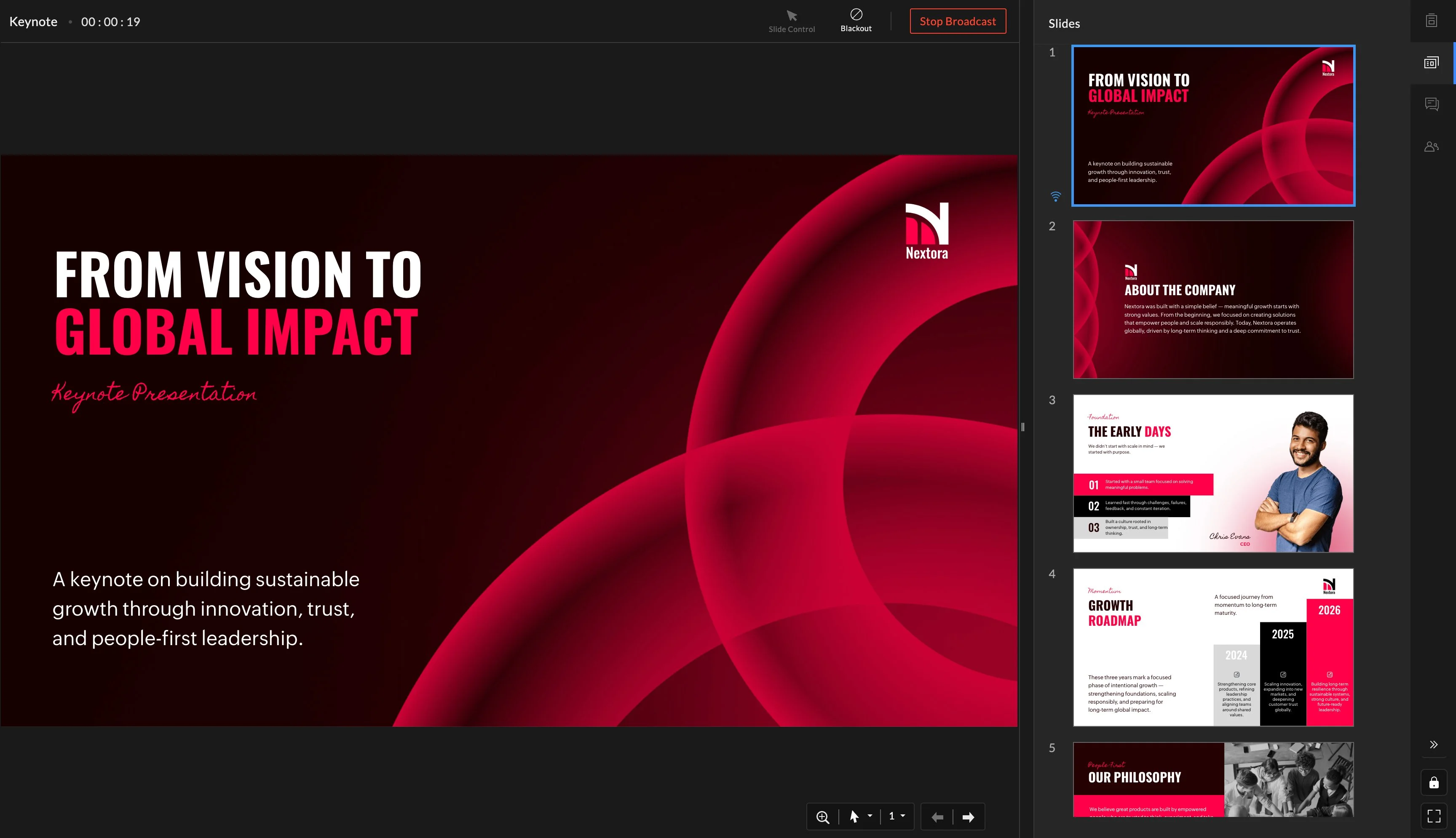
Present to your teamthe world
Conduct an internal training session or pitching to an investor. Broadcast is built for both internal teams and external audiences to deliver the same live experience, no matter who you're presenting to.
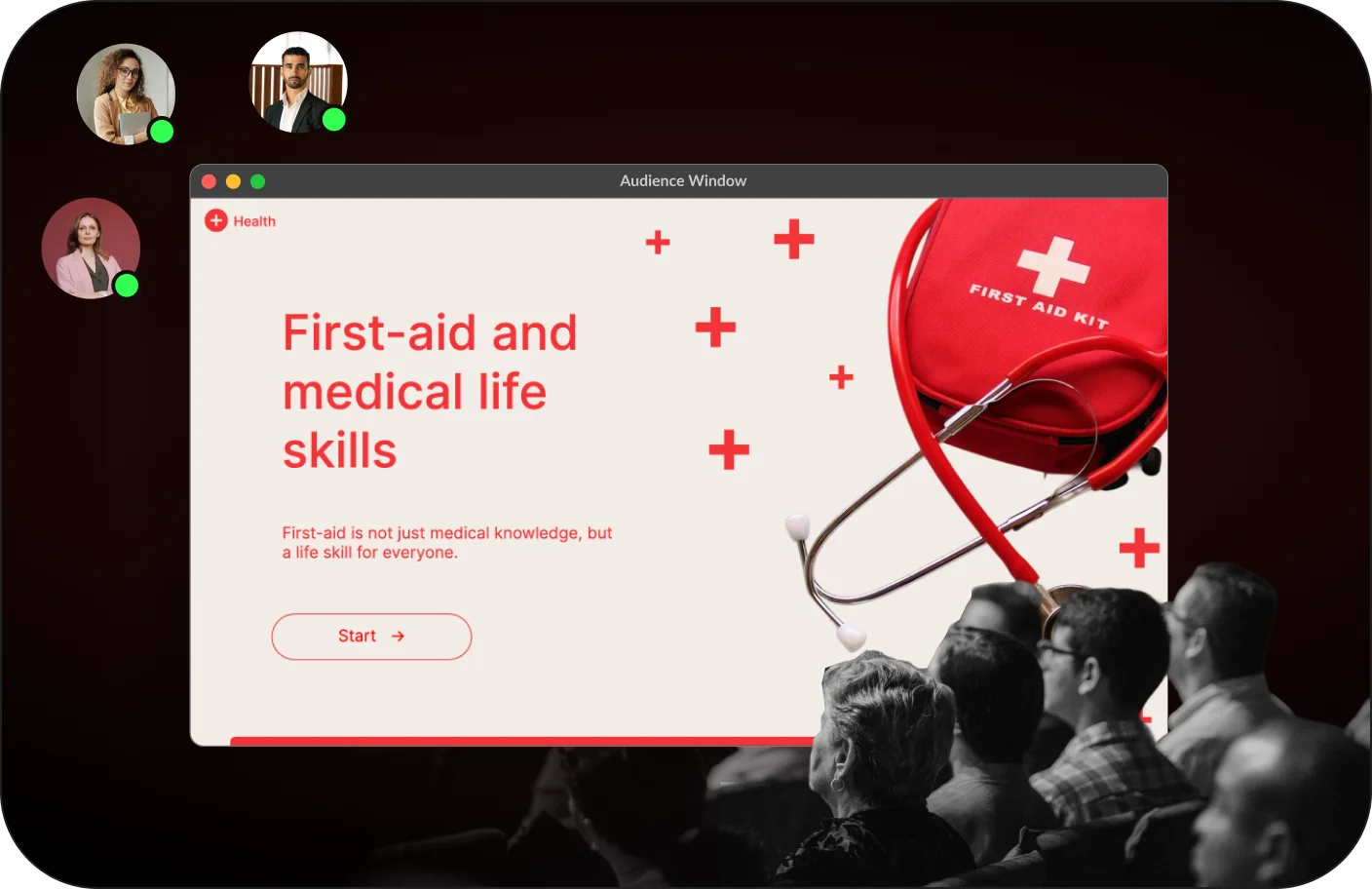




Power seamless hybrid sessions with Audience window
Project your slides on a bigger screen for in-room audiences, while remote viewers follow along through the broadcast. Manage it all from a single presenter view.
Co-present with
quick control transfer
Take collaboration to the next level. Co-present with your collaborators and transfer control instantly to let each presenter take the lead at the right moment. Multiple voices form one presentation with each moment perfectly coordinated.


Engage your audience
every step of the way
Comes with tools that support smarter presenting
Keep an eye on the timer as you present, so each part of your session stays on track. It helps you move smoothly without rushing or running over.
Hide the slides for a moment to pause the visuals. This gives you space to explain, emphasize, or reset before moving on.
Pause before the numbers.
Don't read the chart.
Access presenter notes during the presentation to guide your flow. They stay private to help you present smoothly and naturally.
Use pointers and markers to draw attention to specific parts of a slide as you speak. It helps the audience follow along without guessing where to look.
Broadcast in Zoho Show
Ready when you are.
No setup or installation required.
Forget paying a premium to download and install a screen sharing software. Start your broadcast session right from within your presentation in Zoho Show.