Choose a template
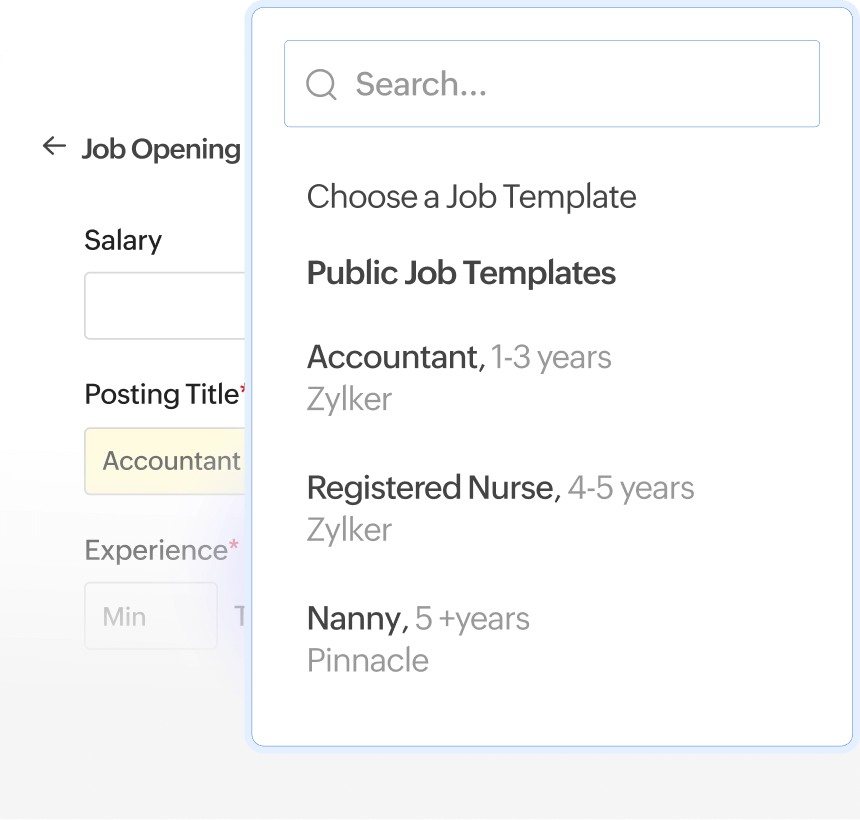
Draft a new opening from scratch or pick a template pre-filled with job descriptions, requirements, benefits, and more. Get a jumpstart every time.
Draft a new opening from scratch or pick a template pre-filled with job descriptions, requirements, benefits, and more. Get a jumpstart every time.
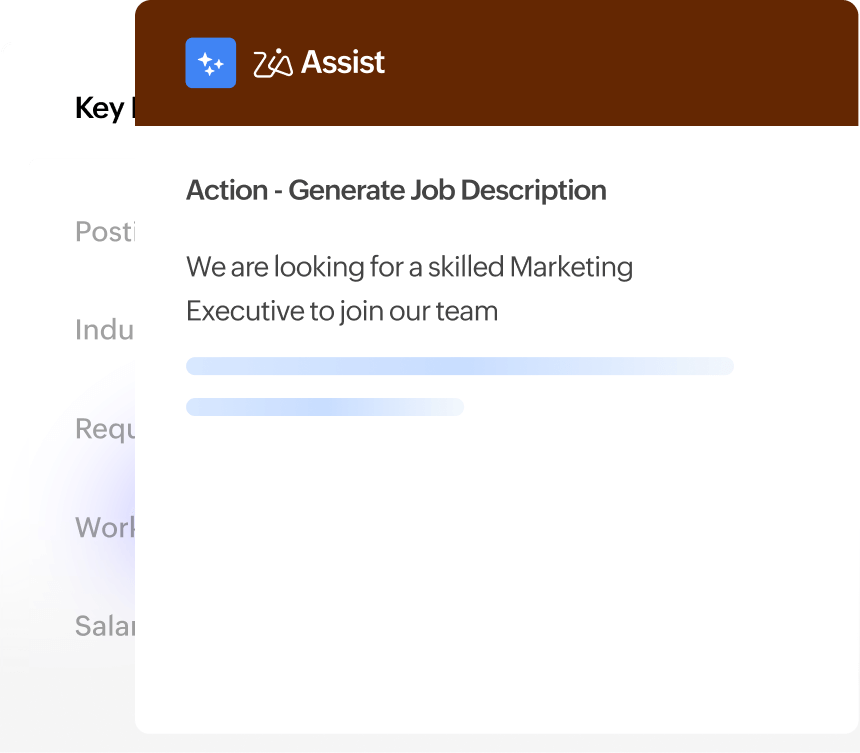
Why write job descriptions when you can generate them? Use AI Assist to prompt and generate professional, accurate job descriptions.
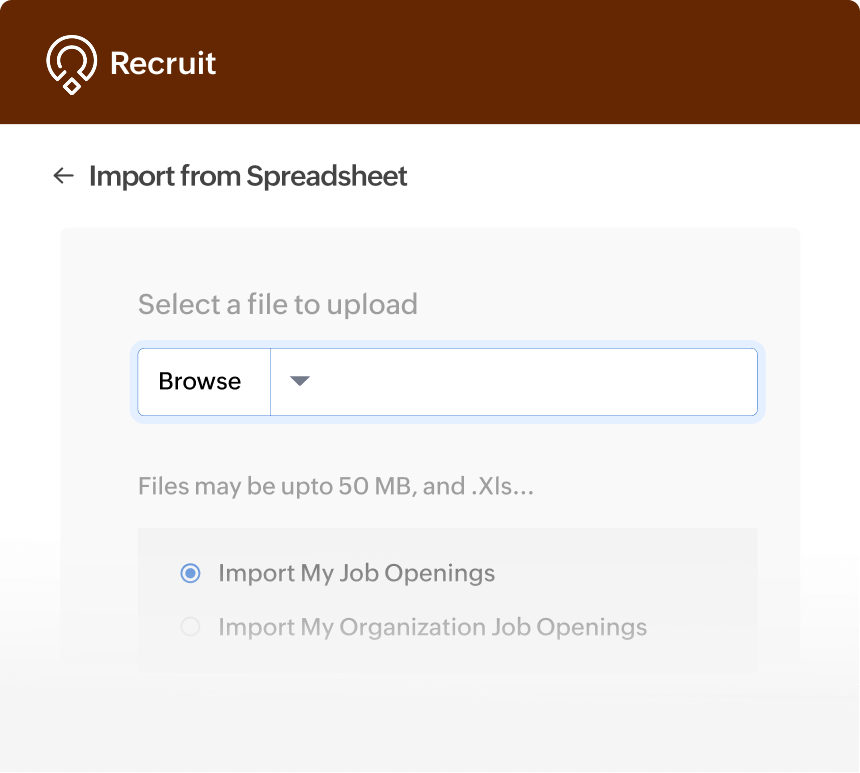
Move your job openings from other sources to Zoho Recruit in one shot. Import them through CSV, XLS, or VCF formats and instantly migrate to Zoho Recruit.
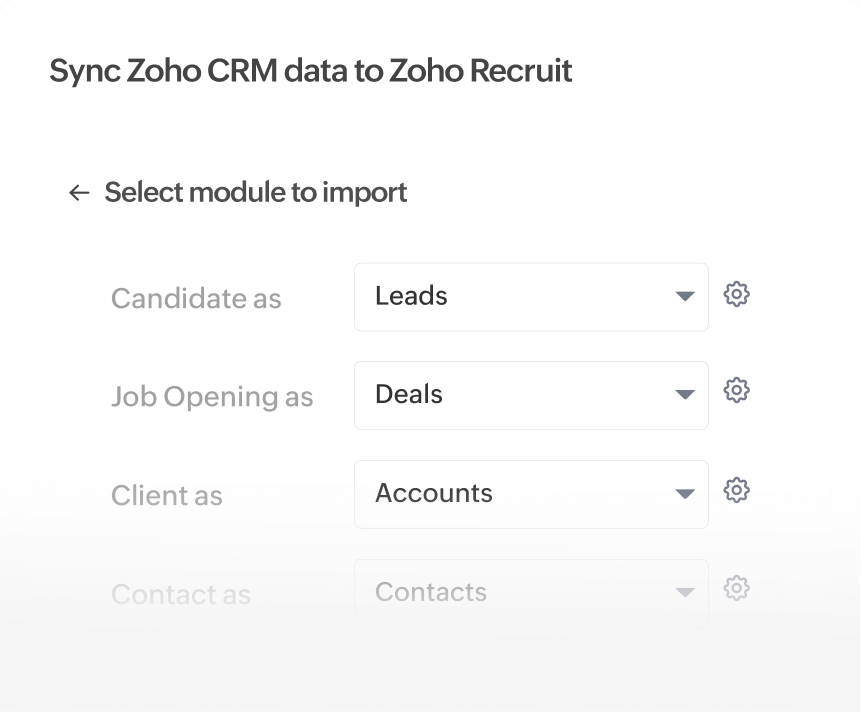
Staffing agencies can import candidates directly from Zoho CRM, so you can track and fulfill client deals in real time. Every closed deal appears right in the pipeline, instantly.
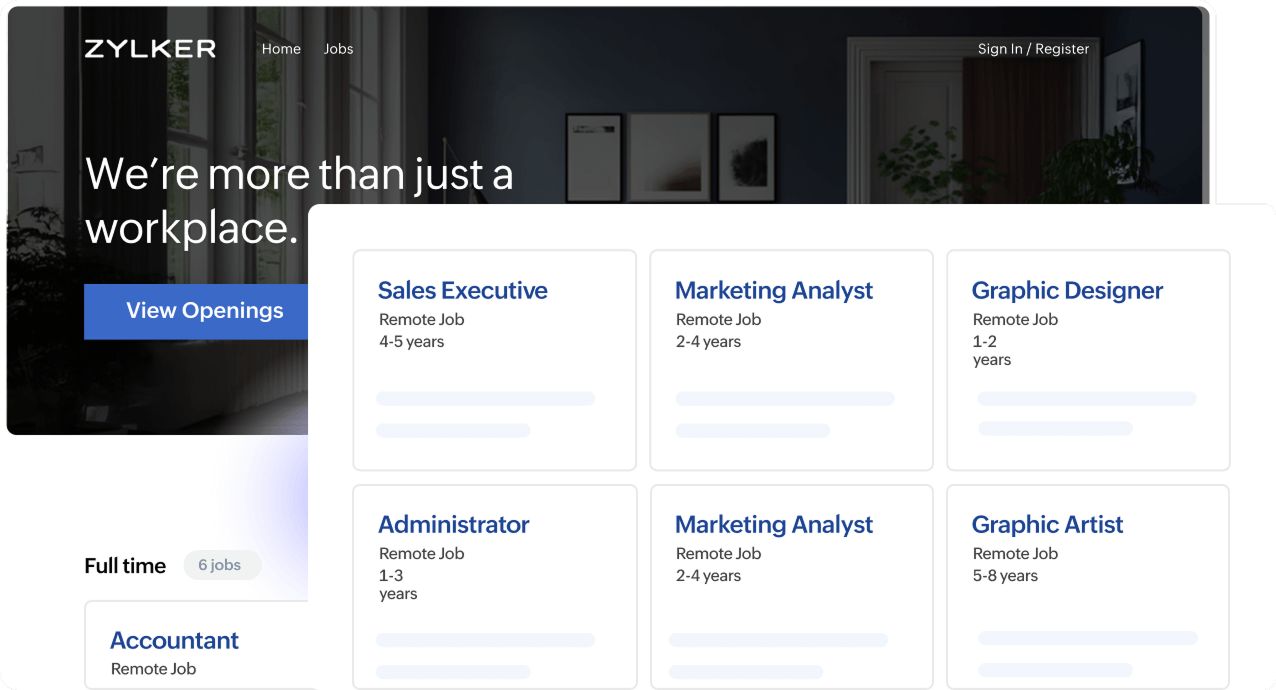
Publish job openings on your own customizable career site. Directly receive applications to Zoho Recruit, ready to be screened.
Explore career sitePublish openings to 70+ free and paid job boards integrated with Zoho Recruit. Increase your reach and tap into the best talent pools worldwide.
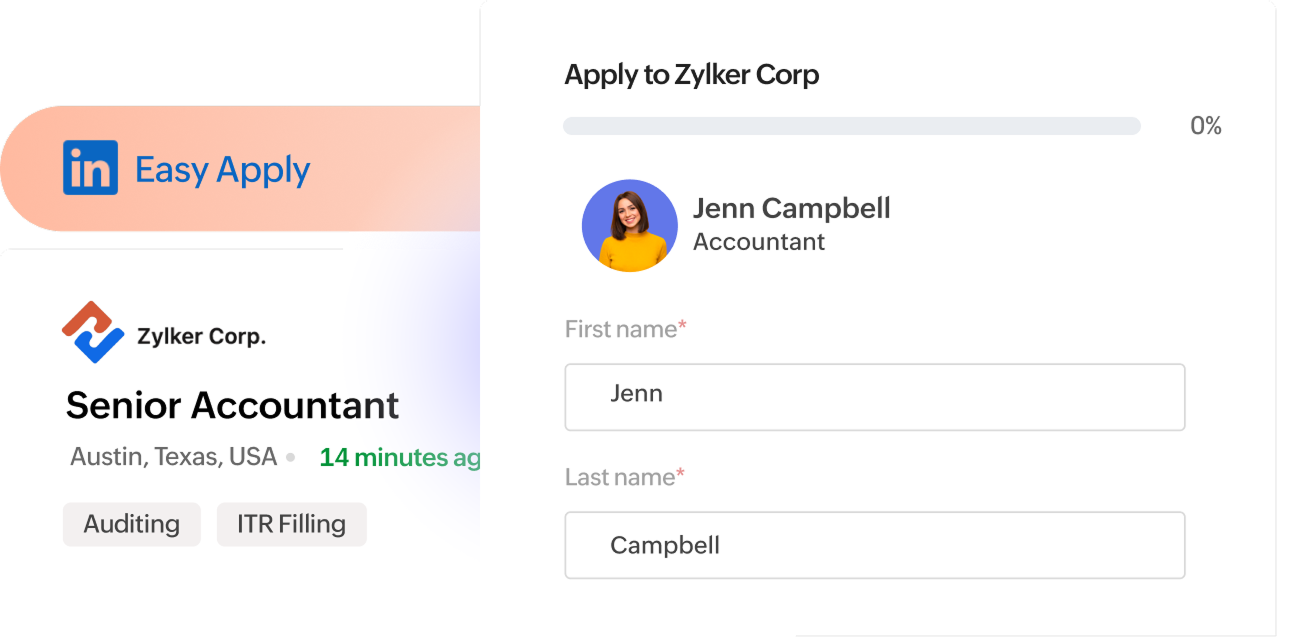
View supported job boardsPublish jobs instantly on LinkedIn and tap into a larger talent pool. Candidates apply and track application progress right in LinkedIn.
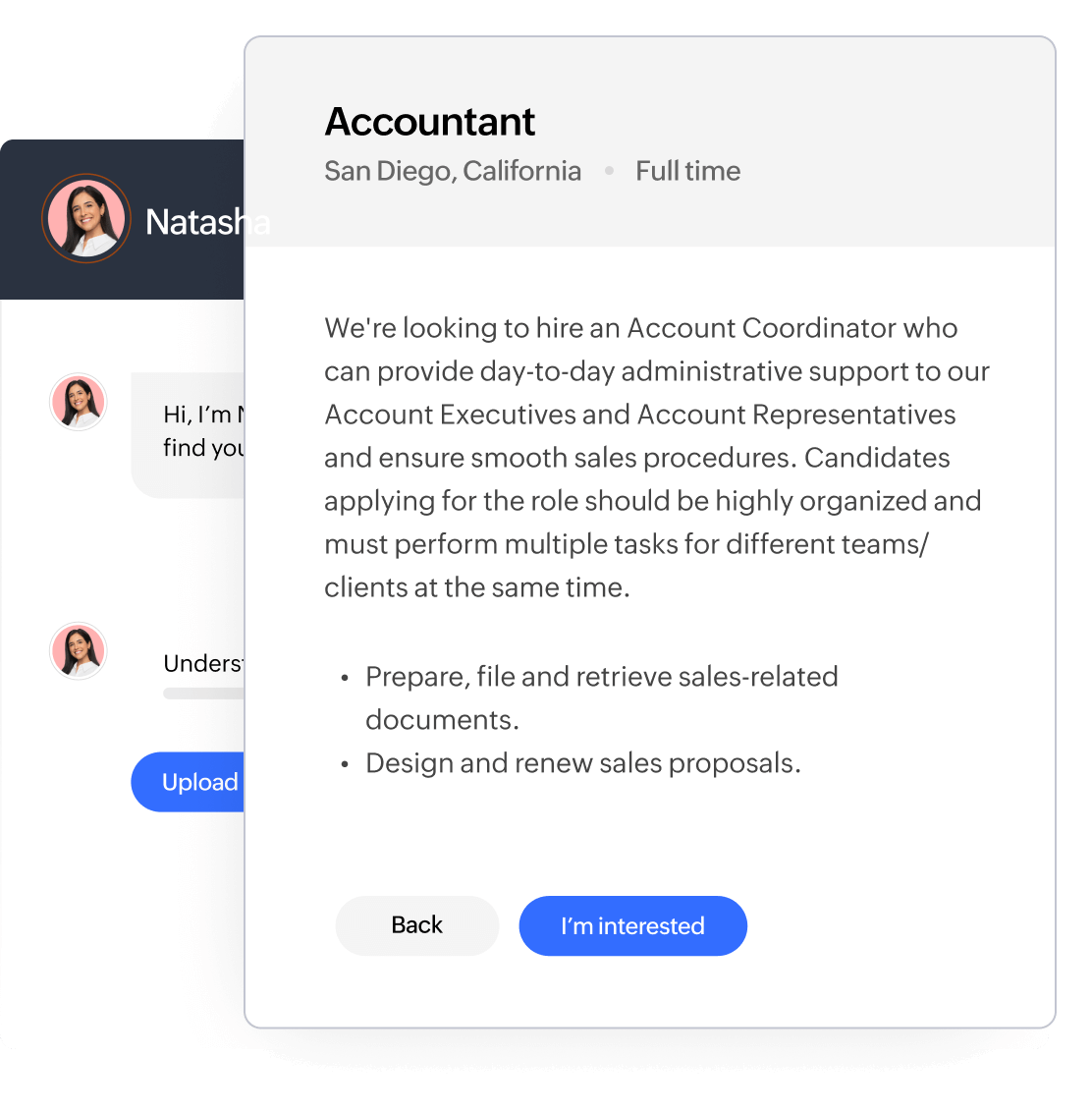
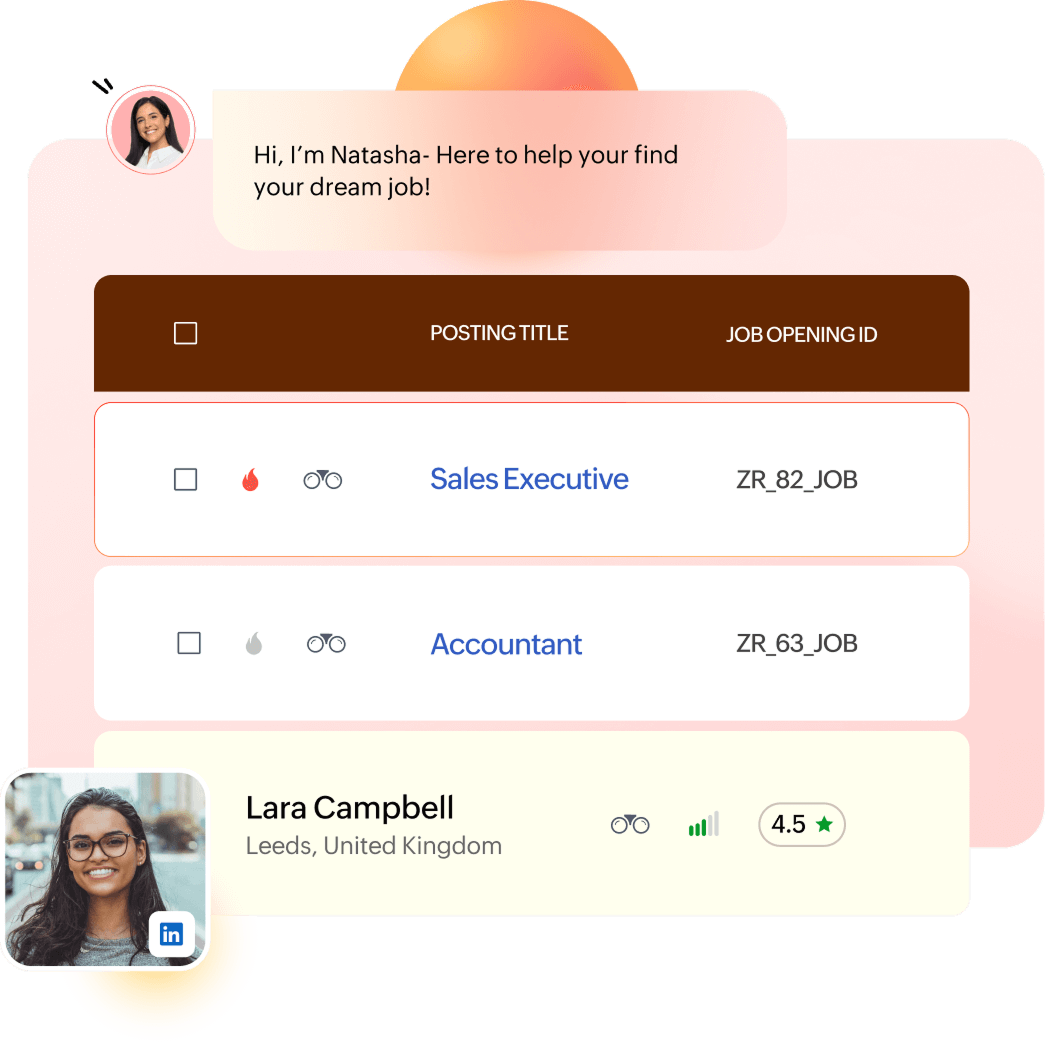
Explore LinkedIn Apply ConnectChatbots in the candidate portal strike up conversations with candidates. They show relevant openings to the candidates and conduct pre-screening assessments too.
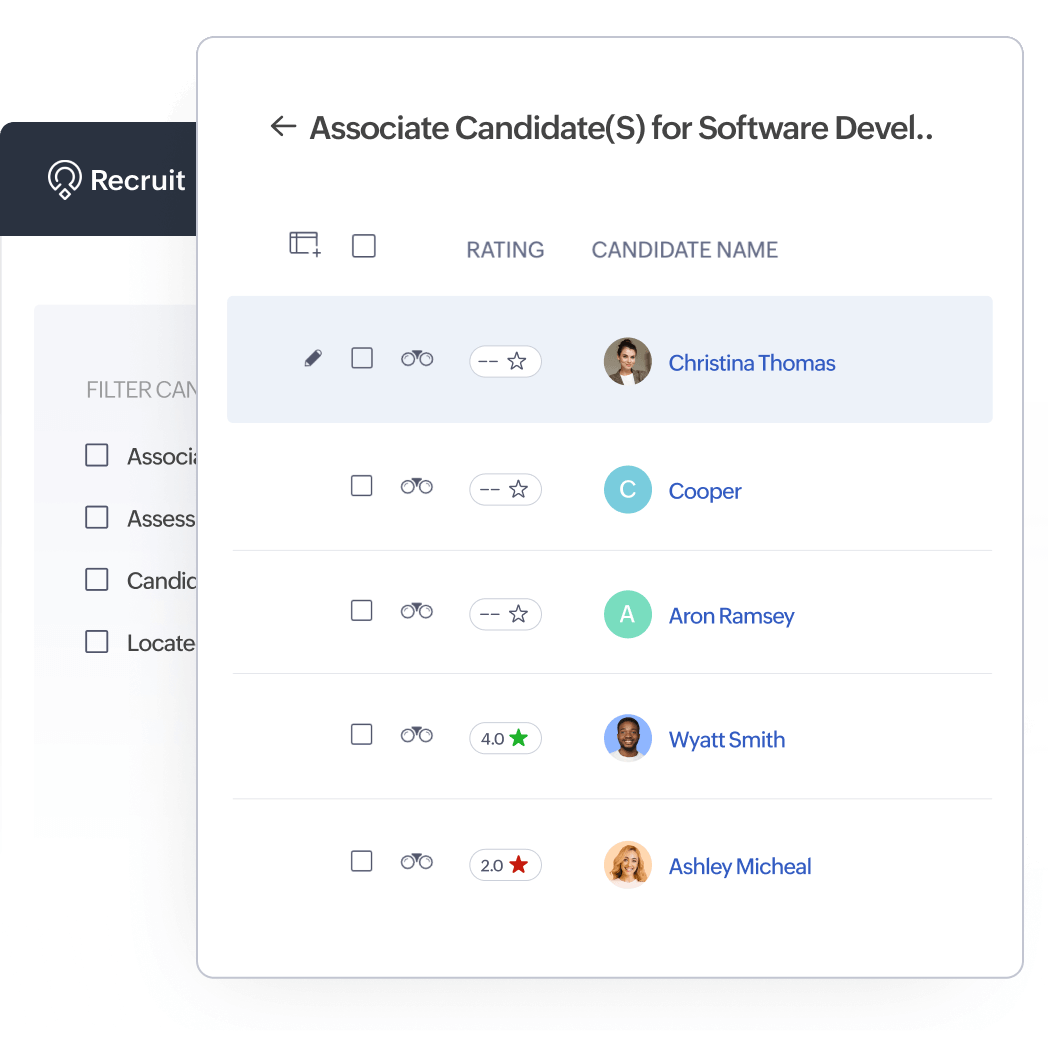
Sourcing and more AI featureOne candidate can fit several job openings. Associate them with multiple job openings and pick the best fit.
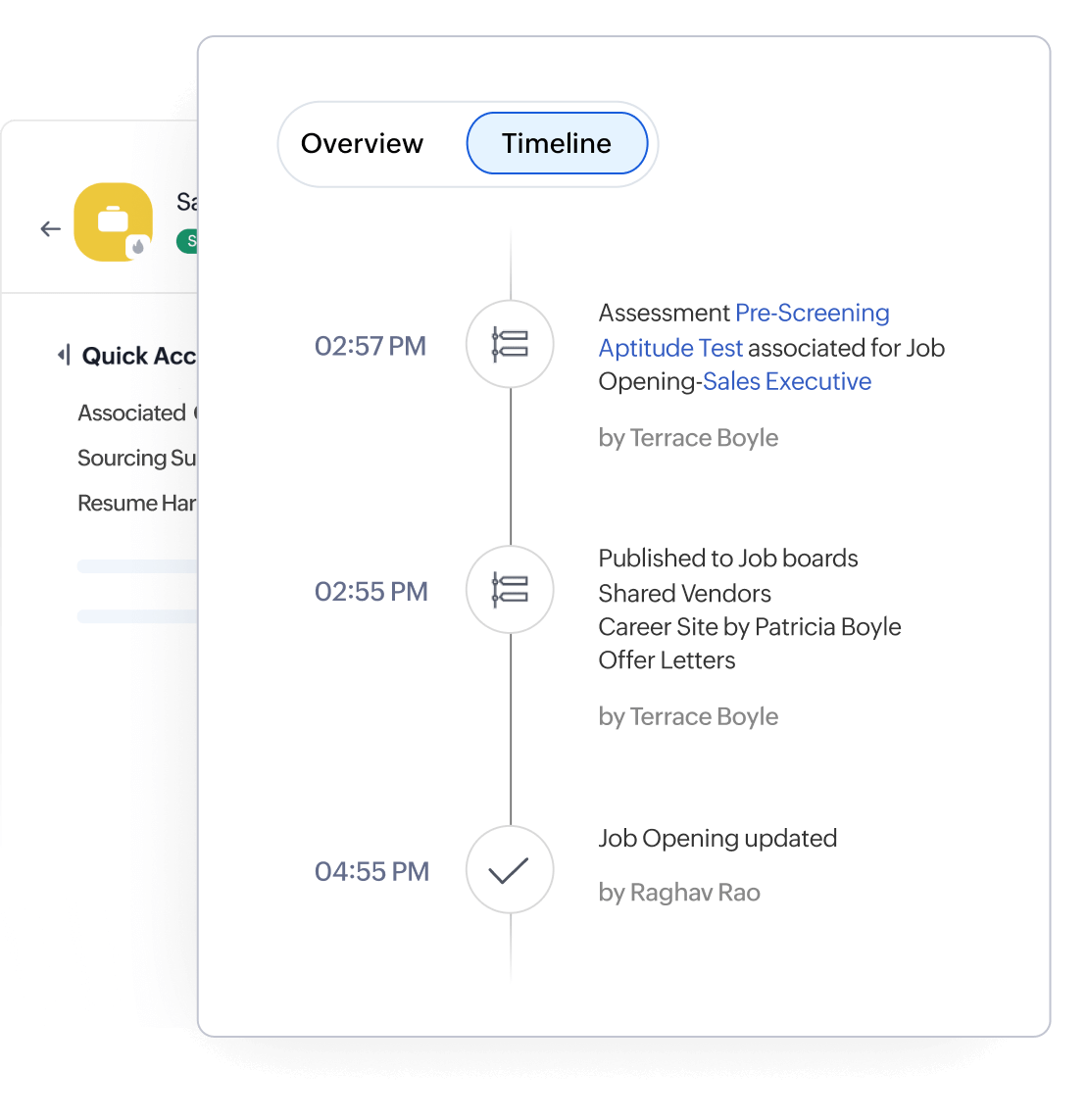
Find a detailed timeline capturing the progress of closing an opening including actions, edits, and communication.
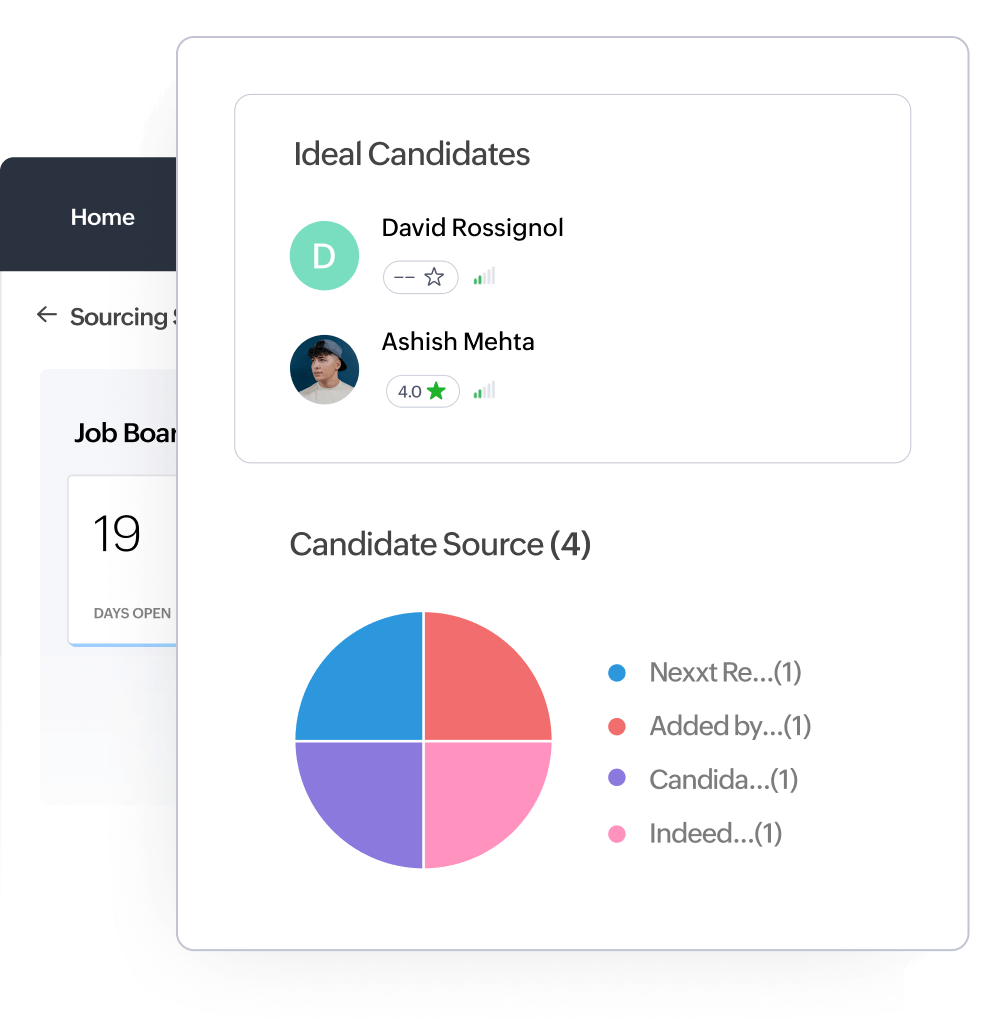
Get a detailed summary of all application sources—like job boards and your career site— to identify the best avenues, track ROI, and make smart bets.
Sit down with the hiring manager and define what success looks like for this role. Then, work backwards to pinpoint the responsibilities. Be direct—avoid vague phrases like "drive innovation and progress" and focus on what the person will actually do and own.
Simplify things for candidates by creating two clear sections: Requirements (must-haves) and Preferred (nice-to-haves).
You can reuse an old job description as long as it's up to date with the role's current requirements and goals. With Zoho Recruit's job templates, you don't have to start from scratch—simply choose a template and start working from there.
Aim for 400 to 700 words. That range is usually enough to convey role clarity, expectations, and company culture. Use bullet points, headers, and white space to make it easy to scan.
A professional and clear tone should be the go-to voice. Adding a conversational touch can help humanize the brand, but the overall style should be a reflection of the company you represent.
Only list the tools that are mandatory for the job. Adding too many details can overwhelm candidates.
Enter standard, popular job titles that candidates are familiar with. Avoid internally created job titles (e.g., Senior Developer Level 2).
Be clear about the mode of work (e.g., remote, hybrid from Bangalore, on-site in Mumbai). If the role is hybrid, mention the expected office days. Candidates often filter jobs by location and flexibility, so clarity here improves both reach and retention.
Include a range, like “2–5 years of experience in marketing," and let candidates know you're flexible by saying something like "We’re open to strong candidates with less experience and a strong resume.” This invites qualified candidates without limiting the talent pool.
Adding a salary range shows trust and transparency on your parts, which often increases candidates' likelihood to apply. It can actually improve your reach and help filter out mismatched candiates early on.
Use inclusive and clear language to describe the job. Skip buzzwords like "ninja" or "wizard," as these are vague and can discourage qualified candidates if they feel they don't fit the description. Add a disclaimer to the end of the job post like "Company A is an equal opportunity employer. We welcome applicants and employ people from all backgrounds."
Yes, these details help candidates make an informed decision when applying. Include working hours, shifts, and any standout benefits that come with the role.
Publish on major job boards (free and paid) and your career site. Ideally, you attract candidates directly to your career site, but that usually happens when you've built a strong employer brand. With Zoho Recruit, you can create job openings and quickly post them across multiple job boards and your career site.
General boards provide volume, while niche boards often bring in more relevant candidates, especially for specialized roles (like data science, product design, or software developement). Try both, and track which sources deliver the best quality applications over time for each role. Zoho Recruit offers tracking pixels that you can embed on your career site to capture the applicant source track which leads to better conversions over time.
It can if your job board or ATS is properly integrated with Google for Jobs. That usually means using structured data (schema markup) in the job posting. Most modern ATS platforms, including Zoho Recruit, handle this automatically.
Read the JD from a candidate’s perspective and use keywords that match how candidates search. Include standard job titles, relevant tools and technologies, and soft skills. Zoho Recruit's AI assistant lets you enter appropriate keywords to generate full-fledged job descriptions.
You can, but for an even easier approach, simply choose a template from Zoho Recruit that is pre-filled with the appropriate job details.
Use 2 to 4 role-relevant filters that help you quickly identify qualified candidates—like work authorization, years of experience in a key skill, or willingness to relocate. Avoid unnecessary hurdles unless they help you filter meaningfully.
With Zoho Recruit, you can ask pre-screening questions when candidates apply and rate them based on their responses. With the pre-screening bot, you can have candidates fill out questionnaires on the career site's chatbot or through email.
Definitely. In Zoho Recruit, each job opening has a timeline feature that captures a log of all changes made to the opening along with the user(s) who modified it.
Yes, Zoho Recruit's candidate portal can show all job openings that are posted on the career site.