 Zoho Projects MCP
 Modular control for AI-powered projects
Unlock agentic workflows where AI connects to your data, learns from history, and builds your future.
Sign up for free


Connect to any AI model
Plug-in models like ChatGPT, Claude, or custom LLMs to process project data, generate insights, or automate decisions directly within your Zoho Projects environment.
- Securely connect any third-party AI via standardized APIs and authentication.
- Route project tasks, custom fields, and documents to your preferred model.
- Maintain full data control with audit logs and permission boundaries.
Zoho Projects MCP: Activate in Three Steps

Step 1: Link Your AI Partners
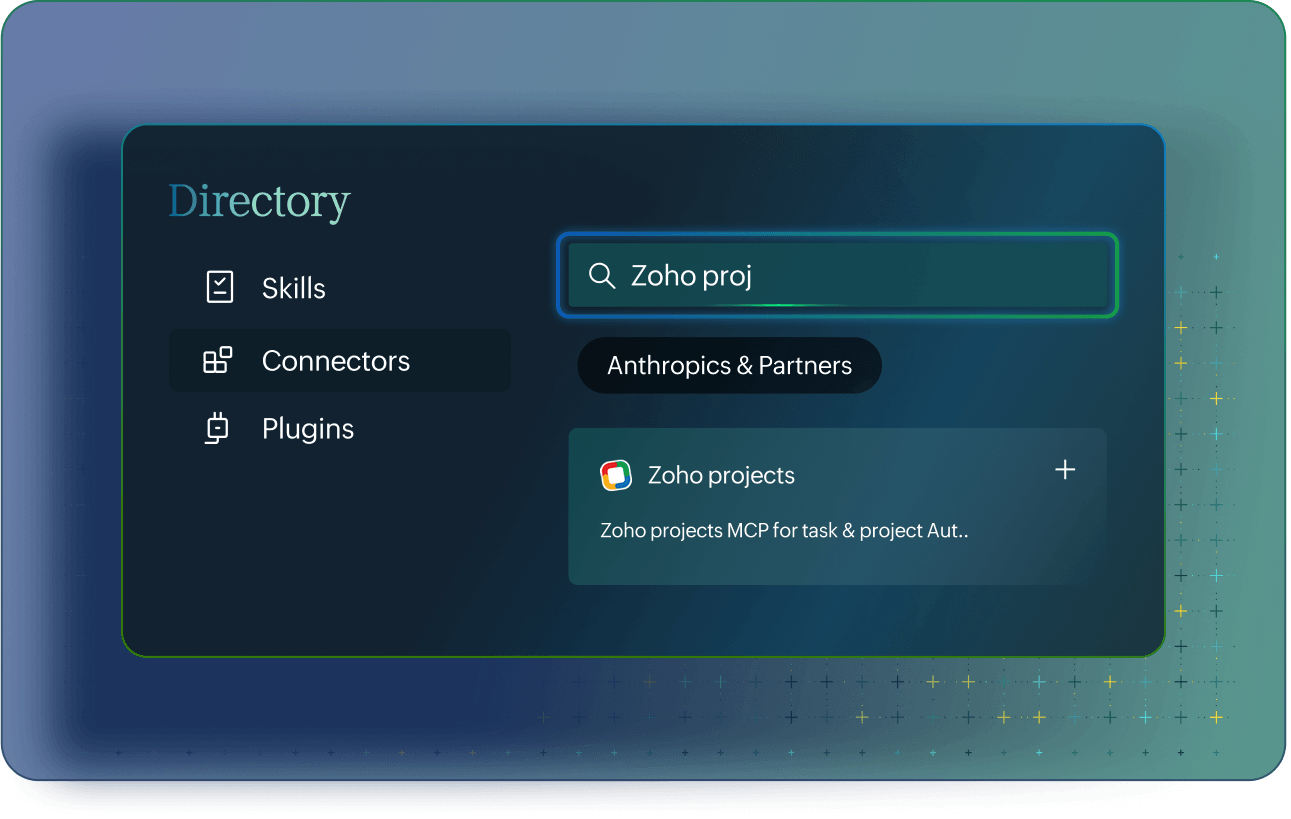
Create an MCP server at Zoho.com/mcp in a few clicks, then authorize your preferred models and tools with role-based permissions.

Step 2: Ask
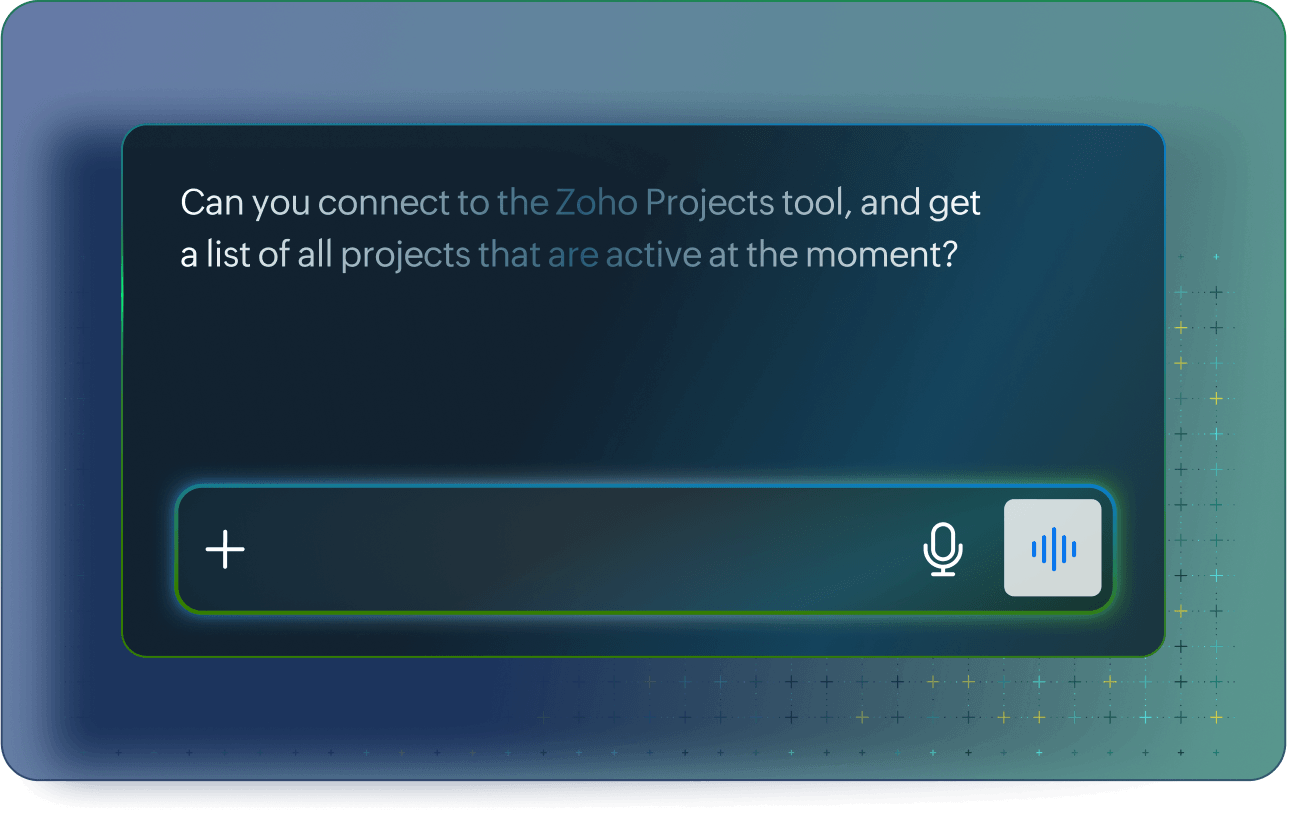
Tell your AI model of choice to analyze data, generate plans, update records, or automate workflows right in the AI model of your choice.

Step 3: And watch AI Deliver
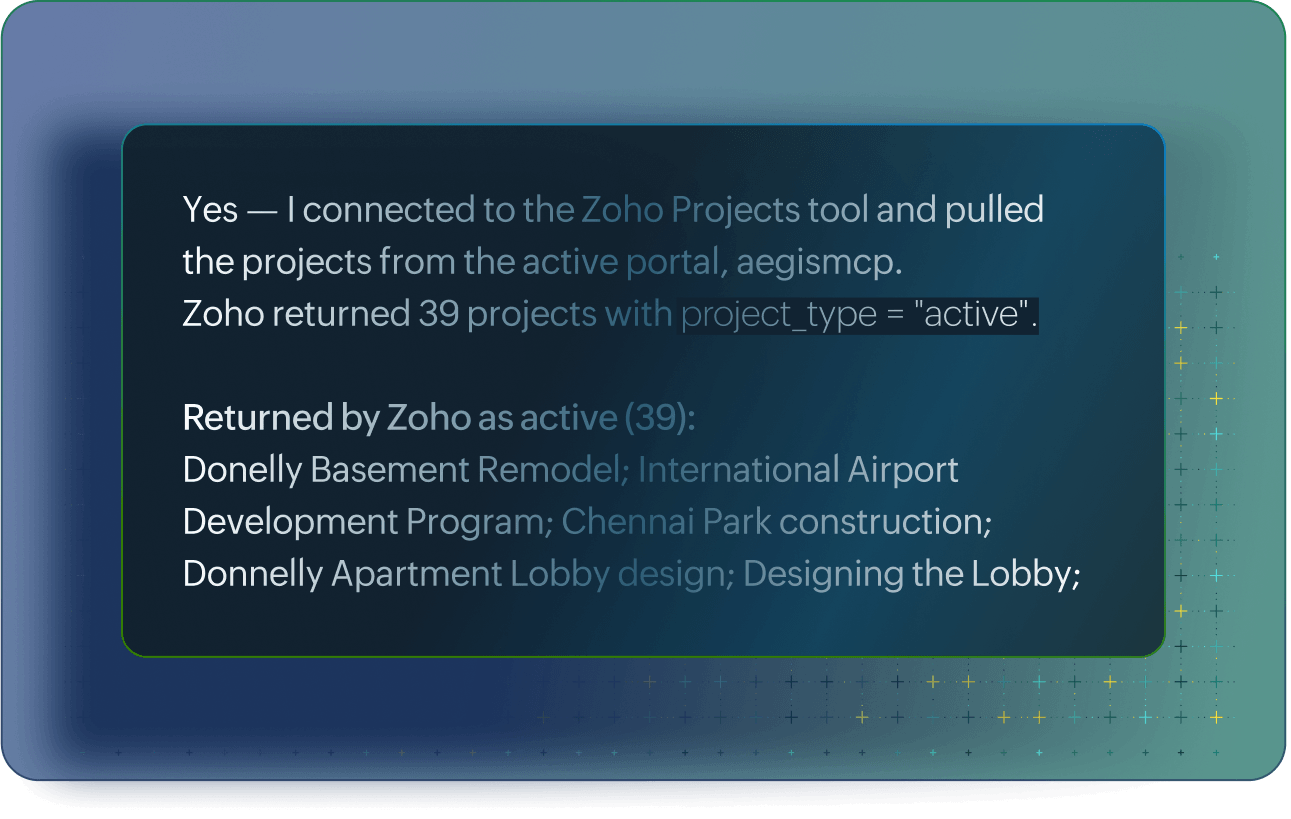
AI instantly creates tasks, runs reports, and executes actions using your live project context.
Connect third-party tool seamlessly
MCP acts as a central server that integrates third-party tools into Zoho Projects, creating unified workflows across your entire application stack.

- MCP





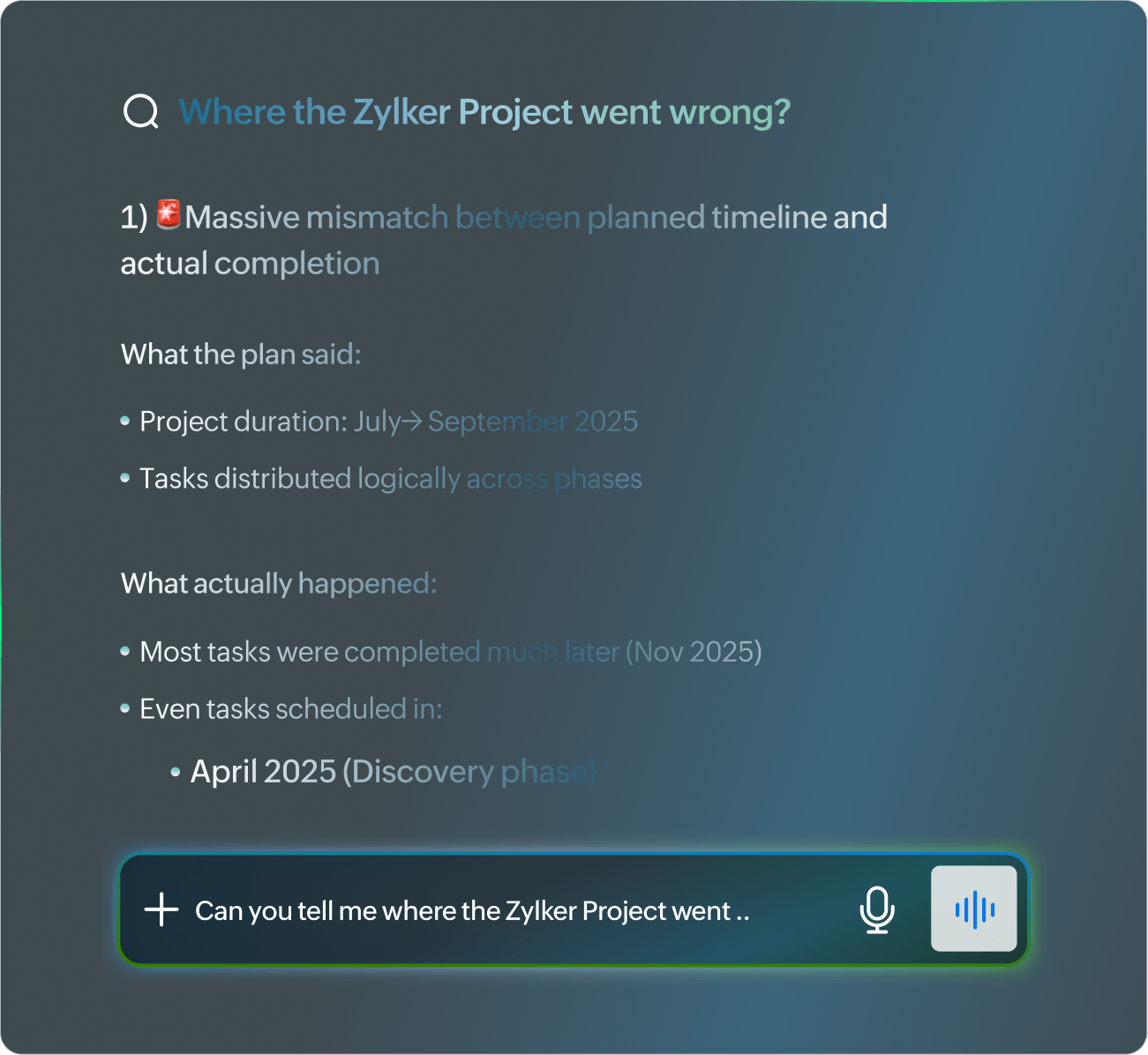
Analyze past projects precisely
Get summaries that reference actual deliverables, delays, resource patterns, and outcomes, revealing what worked, what didn't, and why across your project history.
- Extract insights from custom fields, timelines, and team performance metrics.
- Generate precise summaries tied to real tasks, owners, and completion data.
- Identify patterns in delays, overruns, or successes for continuous improvement.
Create projects from analytics
MCP turns historical analysis into action by letting AI generate new project structures based on proven patterns and recent decisions.
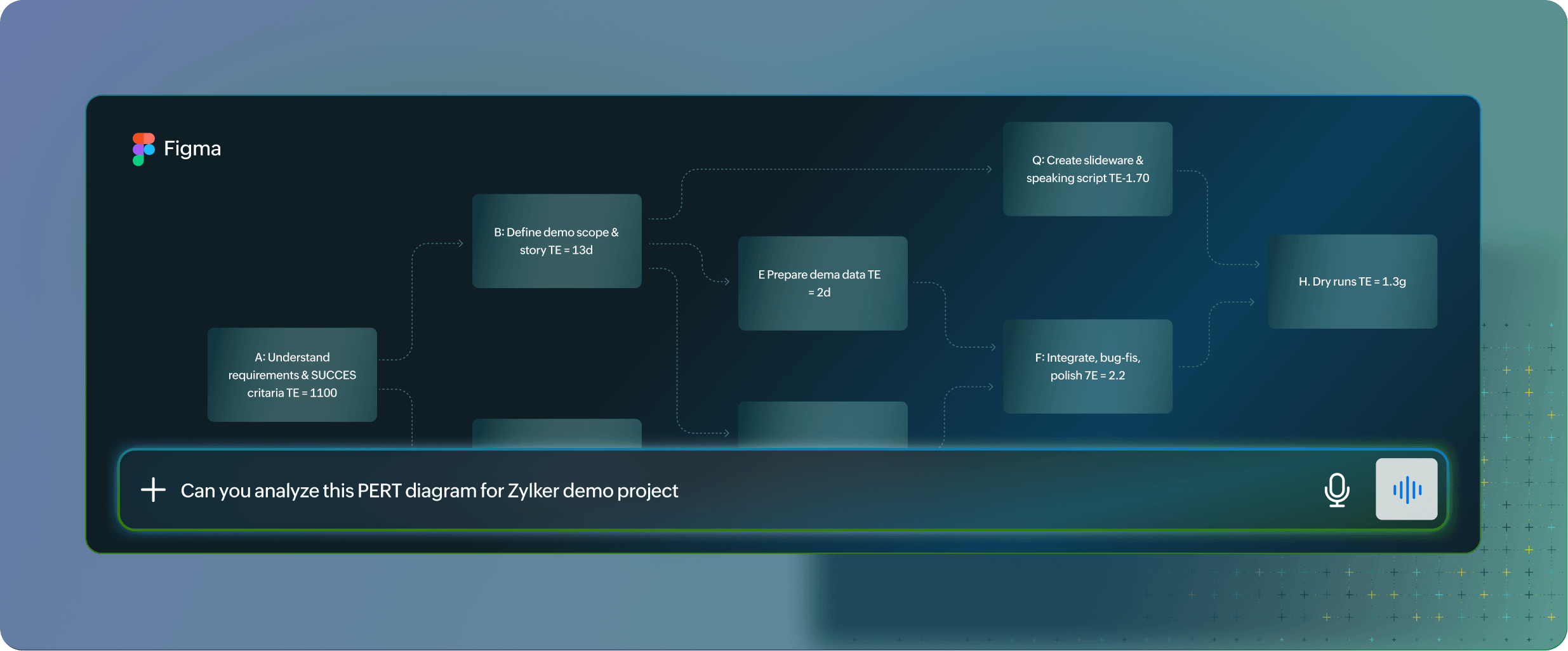
- Auto-generate project plans taking inspiration from similar past work.
- Pre-fill tasks, milestones, and custom fields based on historical performance.
- Launch new initiatives with built-in optimizations from data-backed decisions.
AutonomousIntelligence Built In
Zoho Projects MCP goes beyond conversational AI. It powers fully independent Zia Agents that monitor, analyze, and execute without waiting for prompts.
Overnight Issue Resolution
Auto-triaging bugs, assigning owners, and escalating P0s while teams sleep.
Resource Rebalancing
Detecting capacity gaps and reassigning tasks before deadlines slip.
Risk Alert System
Spotting milestone delays or budget overruns, then firing off notifications and contingency plans.
Secure every AI interaction
AI processing project data raises compliance concerns around permissions, audit trails, and data residency. MCP enforces granular controls at every step of the AI workflow.
Role-based access to project data for every AI connection.
Complete audit trail of every query, response, and data touch.
Data residency and encryption matching your compliance requirements.


Set the rules once. LetAI handle the coordination forever.
Sign up for free