

A complete guide to project management software for accountants
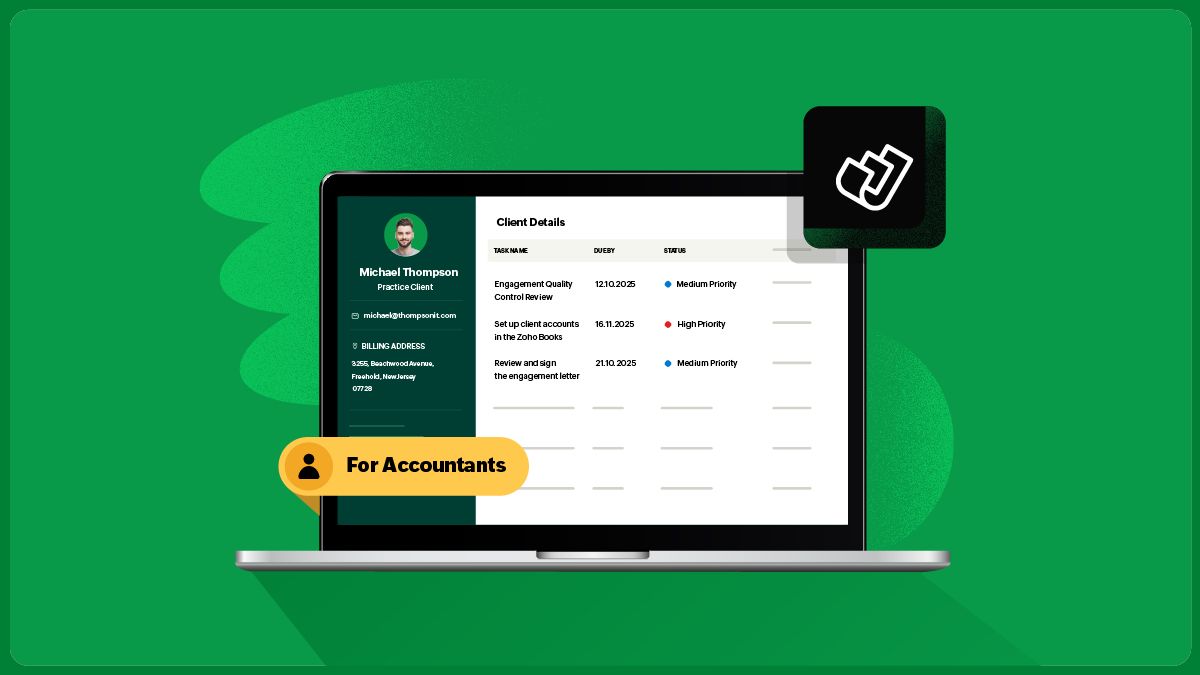
For most accountants, the real challenge isn’t the actual “work,” it’s the sheer volume, the deadlines stacked on deadlines, and the constant juggle between client expectations and compliance timelines. With audits, GST/VAT/Sales Tax, TDS, ROC filings, payroll, advisory, and endless documentation demands, staying organized can often feel like an uphill battle.
This is exactly where project management software has quietly become the backbone of modern accounting firms. It brings order to a world filled with recurring deadlines, heavy documentation, and unpredictable client behaviour.
In this guide, you’ll learn why project management matters for accountants, what features truly make a difference, and how the right platform can completely transform the way your firm operates.
Why is project management important in accounting?
Accounting is one of the most deadline-driven professions. Each month, quarter, and financial year comes with a recurring cycle of filings, reconciliations, approvals, and client coordination. Add regulatory changes, shifting client priorities, and team management and things can fall through the cracks quickly.
Project management tools bring structure to this chaos. They break work into clear tasks, assign responsibilities, streamline communication, automate follow-ups, and offer visibility across the entire firm.
This reduces firefighting, prevents errors, improves client satisfaction, and builds predictability into your practice. For growing firms, it becomes the foundation for sustainable, stress-free scaling.
Why accountants need project management software
Multiple deadlines across multiple clients
Accounting firms handle hundreds of recurring obligations every month. A centralized system with strong client management ensures nothing slips through the cracks.Manual tools don’t scale
Spreadsheet, WhatsApp, and email threads work only until your client base grows. After that, coordination becomes a job in itself—this is where dedicated task management and workflow automation tools make a difference.Clients now expect visibility and quick responses
A structured workflow improves communication, turnaround time, and perceived professionalism. Secure client portals let clients upload documents and track progress.Team coordination gets complicated as you scale
Even a five-member team handles enormous volumes of work. Visibility and workload planning become essential, and timesheet tracking helps understand capacity.Compliance errors have consequences
Automated reminders and predefined workflows significantly reduce penalties and client complaints.
What project management looks like in a CA firm
Accounting workflows are unique; they're recurring, documentation-heavy, compliance-bound, and often client-dependent. A good project management system supports this reality through:
Recurring projects for Taxes (GST/VAT/Sales Tax), TDS, ITR, payroll, audits, ROC, and more
Standardized task templates for consistency
Document collection workflows that reduce follow-ups
Approval flows for internal reviews
Client communication logs for clarity
Team workload visibility
Real-time status tracking to avoid last-minute chaos
In simple terms, it brings structure, speed, and predictability into your practice.
What features do accountants actually need in project management software?
Accountants need more than generic task lists; they need workflows tailored to compliance, documentation, collaboration, and multi-client management.
Financial & workflow management
Real-time budget tracking: Stay on top of project budgets, forecast profitability, and avoid overspending.
Smart time tracking: Log hours, manage timesheets, and accurately calculate billable hours for audits and consulting.
Task & deadline management: Create, assign, and track tasks with reminders, dependencies, and status updates.
Workflow standardization & automation: Automate recurring tasks, eliminate repetitive work, and maintain consistent processes across the team.
Detailed reporting & analytics: Gain insights into profitability, resource utilization, overdue tasks, turnaround time, and project health.
Client management & collaboration
Complete client work history: Maintain an audit trail of all activities, documents, and communication.
Client portal: Let clients upload documents, track progress, and respond faster without endless WhatsApp messages.
Integrated team communication: Discuss tasks, tag colleagues, and collaborate in one place instead of managing scattered messages.
Secure document management: Store, organize, and access all working papers, financial statements, and compliance documents securely.
Firm-level capabilities
Customizable workflow templates: Prebuilt templates for taxes, TDS, ITR, audits, ROC filings, etc., tailored for accounting related tasks.
Capacity planning: Spot overloaded team members and assign work more effectively.
Performance dashboards: Track turnaround time, utilization, delivery accuracy, and other key KPIs.
Integrations: Connect accounting software, CRM, email, and storage apps for seamless data flow.
What problems does project management software solve for CAs?
Missed statutory deadlines
Poor workload allocation
Inefficient document chasing
Unclear roles and responsibilities
Overdependence on memory
Difficult onboarding for new staff
Scattered communication with clients
Stressful peak-season firefighting
The right system turns reactive work into predictable operations.
How to choose the right software for your CA firm
If you manage heavy compliance work, choose tools with automations and recurring task cycles.
If your team is small, prioritize simplicity and quick adoption.
If your firm is growing, look for approvals, workload views, time tracking, and advanced reporting.
If security is critical, ensure role-based access, encryption, and audit logs.
If client coordination is your bottleneck, pick a system with client portals and document workflows.
Common questions CAs ask
Is it expensive?
Not really; practice-focused tools are affordable and save far more time than they cost.
Will my team actually use it?
Yes, if it’s simple and built for accounting workflows. Templates improve adoption.
Why switch from Excel?
Excel cannot automate reminders, manage documents, or offer visibility into workload or recurring tasks.
How long does setup take?
One to two days for basics, around a week for full adoption.
Does it reduce workload?
Absolutely—especially for recurring tasks and documentation follow-ups.
Do clients use the portal?
Most do. It cuts down back-and-forth and improves transparency.
Implementation tips for CA firms
Start with taxes, TDS, ITR, and payroll.
Build reusable templates and SOPs.
Train the team using simple walkthroughs.
Review dashboards during daily/weekly huddles.
Automate reminders wherever possible.
Expand gradually into audits, ROC, and advisory.
Within a few weeks, you’ll notice a more organized, predictable workflow—and a more productive team.
The ROI of project management software
30–40% fewer missed deadlines
25–50% faster turnaround
Smoother peak seasons
Better workload distribution
Higher client satisfaction
Clear visibility and control for partners
Ability to handle two to three times more clients without increasing headcount
This is how modern CA firms scale sustainably.
Conclusion
Project management software is no longer a luxury for accounting firms; it’s a necessity. With recurring compliance, heavy documentation, and rising client expectations, CAs need a structured system that brings clarity, automation, and predictability to their workflows.
Whether it's managing GST returns, audits, ROC work, payroll, or multi-client advisory, the right tool can transform the way your practice operates.
If you’re looking for a platform designed specifically for CA workflows, like recurring compliance, task templates, document management, and firm-wide visibility, Zoho Practice can help you.