Track clicks, scrolls, and user behavior with PageSense heatmaps
See how visitors interact with your website via a real-time visual report of your visitor clicks, scrolls, and engagement. Use these insights to run A/B tests, fix friction points, and scale conversions.
Start my free trial 4.5 /5
 4.1 /5
 4.5 /5
Multiple insights on one tab
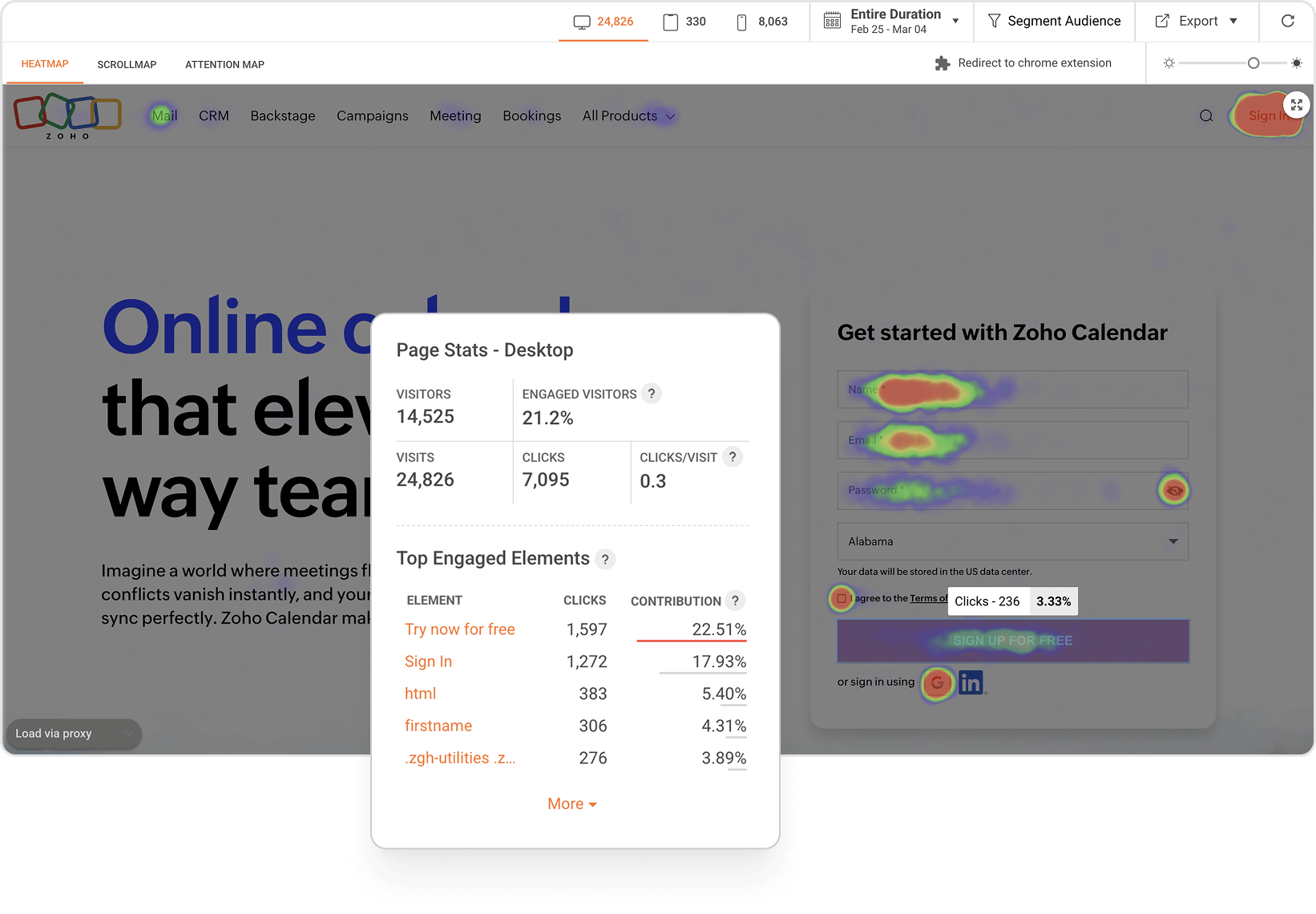
Click maps
See where users click, whether it’s on buttons, links, or even non-clickable elements. Verify if your CTAs are getting the attention they deserve and spot misleading or distracting elements on the page.
Scroll maps
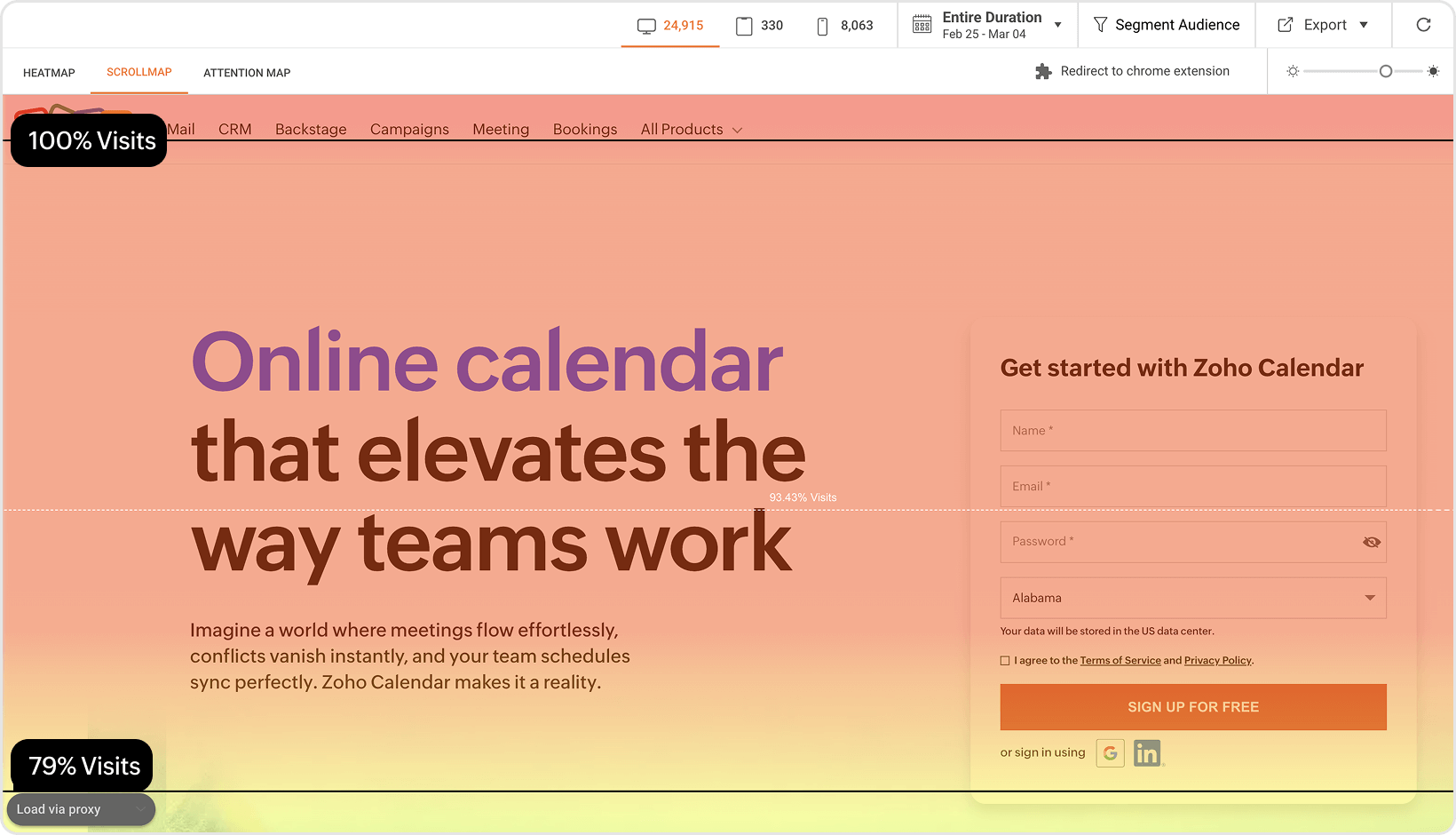
Visualize how far users scroll down a page to see where they lose interest or drop off. Ensure your key content like CTAs, forms, or offers has good visibility.
Attention maps
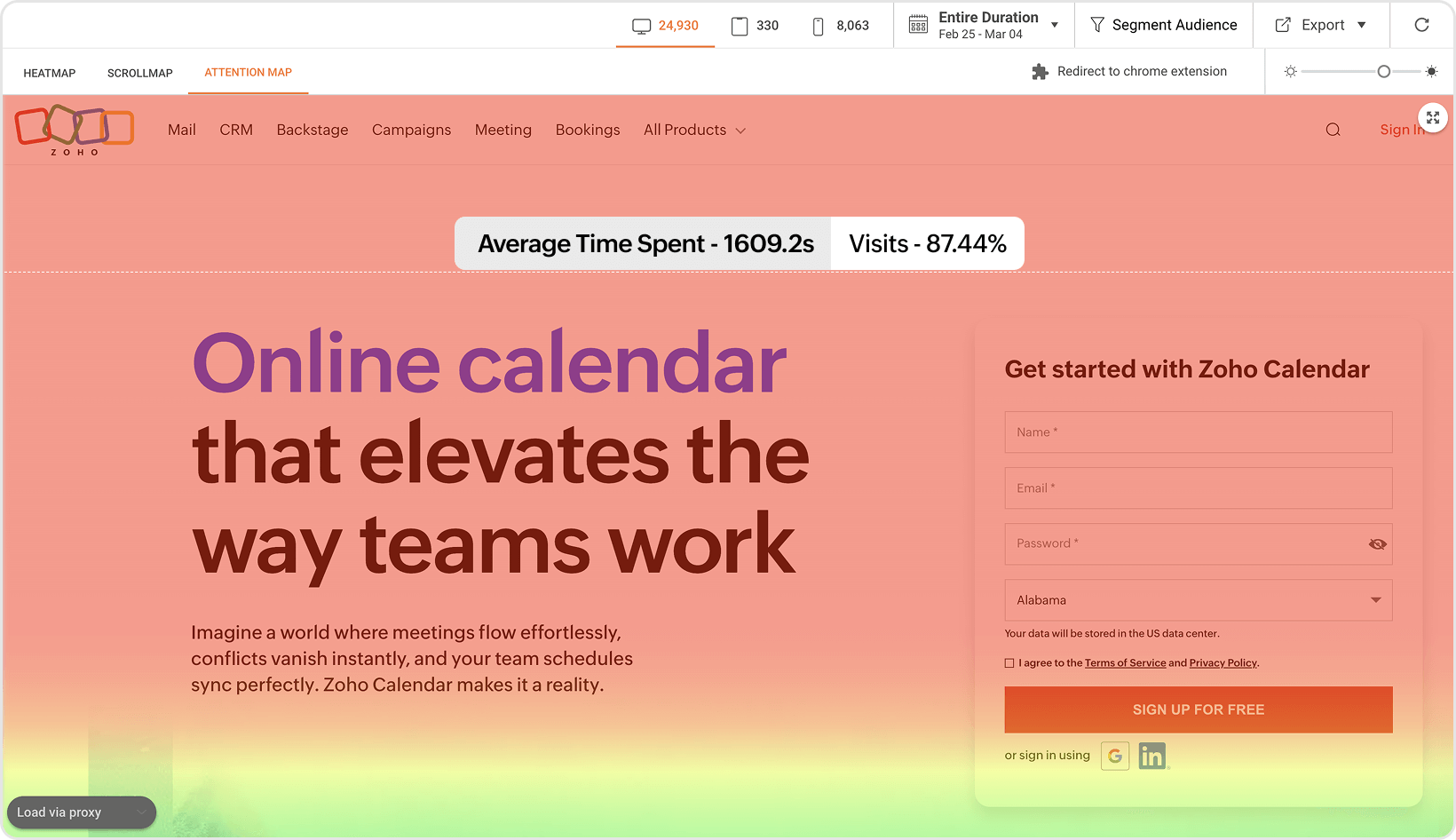
Track which parts of your page users spend the most time on, based on cursor movement and engagement. Find what gets the most attention, rearrange your layout, and highlight high-impact sections.
See what sets PageSense apart
| Zoho PageSense | Other Heatmap Tools | |
|---|---|---|
| Tracks all dynamic page elements | View clicks on dynamic elements like pop-ups, drop-downs, carousels, sliders, and tabs; not just static content. | Only tracks interactions on fixed page elements. |
| Works seamlessly with SPAs and dynamic URLs | Built to support single-page apps (SPAs), AJAX content, and JS-based routes; no extra setup needed. | Often breaks on modern frameworks or dynamic pages. |
| Live, real-time heatmaps | No snapshots or waiting; heatmaps update live as users interact with the page. | Shows delayed or outdated visuals, not actual behavior. |
| Advanced segmentation and filtering | Filter heatmap data by device, traffic source, conversion outcome, or user type. | Minimal or no segmentation in most tools. |
| Integrated with Form Analytics, A/B Testing, and other CRO tools | Use heatmap insights to spot friction in forms and launch A/B tests—all within the same platform. No fragmented insights. No tracking gaps. | Usually requires multiple tools, which might result in inconsistent tracking. |
| Mobile responsive | Separate heatmaps for desktop, tablet, and mobile with optimized rendering. | Most of them are primarily desktop-focused. Some aren't fully responsive. |
| Consolidated heatmaps | Toggle between click, scroll, and attention maps in one interface. | Very few tools offer this, but UI is not fully consolidated. |
Launch PageSense heatmaps in minutes
Add the tracking code
Install the PageSense tracking snippet on your website.
Choose the pages to track
Enter a specific URL or use URL patterns to track groups of similar pages (e.g., product pages). Apply device filters to focus on desktop, mobile, or tablet usage.
Hit "Start" and watch the data roll in
PageSense will immediately begin capturing user sessions, and you'll start seeing live heatmap visualizations as traffic comes in.
Zero in on the behavior that matters most
PageSense helps you focus on the user behaviors that truly matter to your goals.
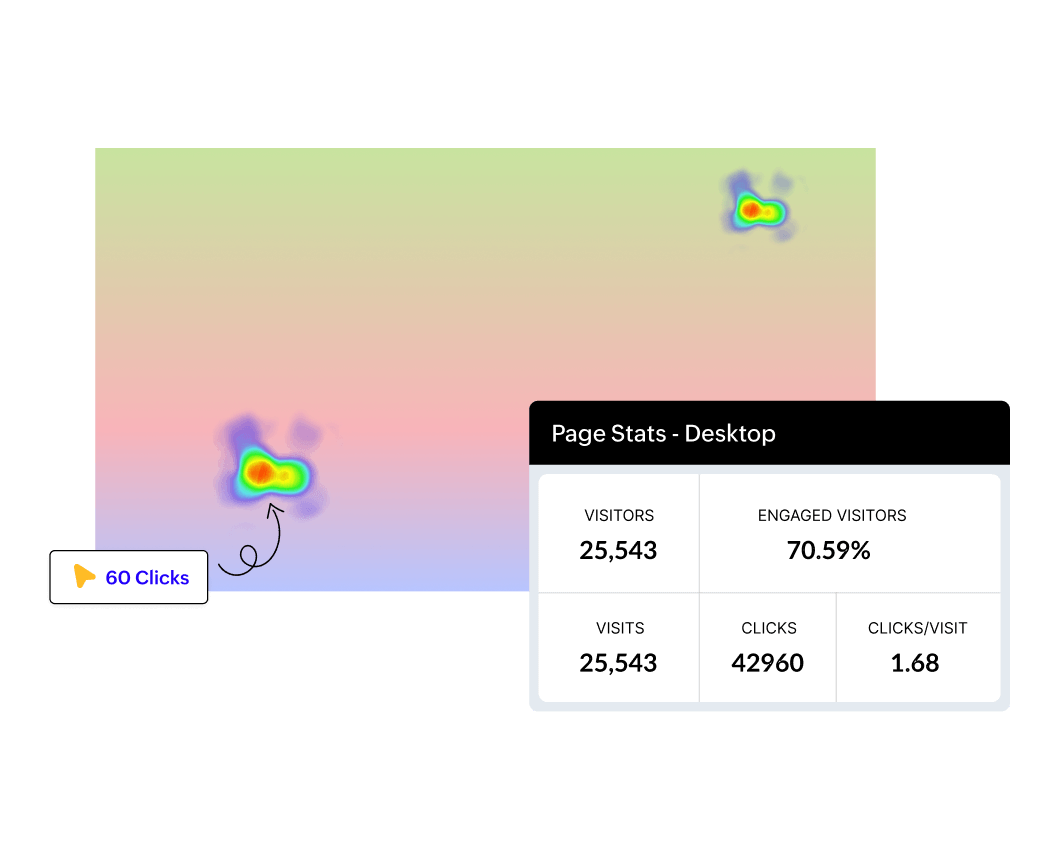
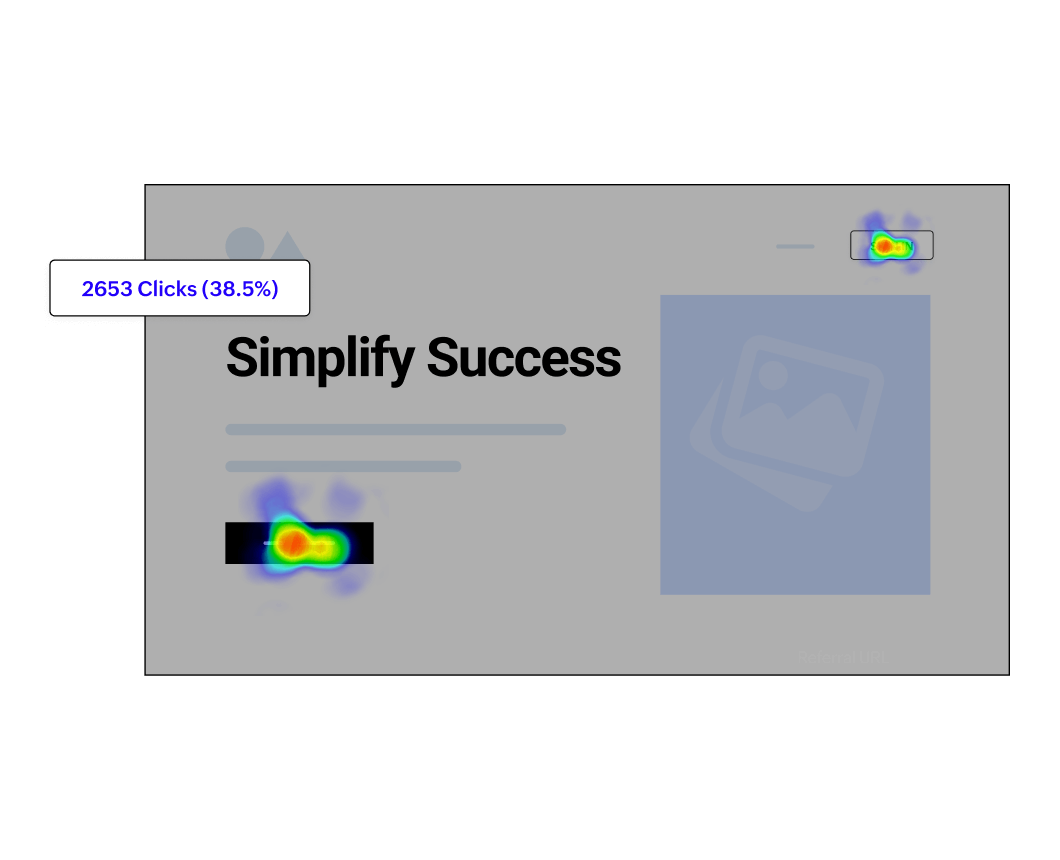

Track clicks on live, dynamic elements
From popups and dropdowns to sliding banners, capture user actions as they happen, not just on static pages.
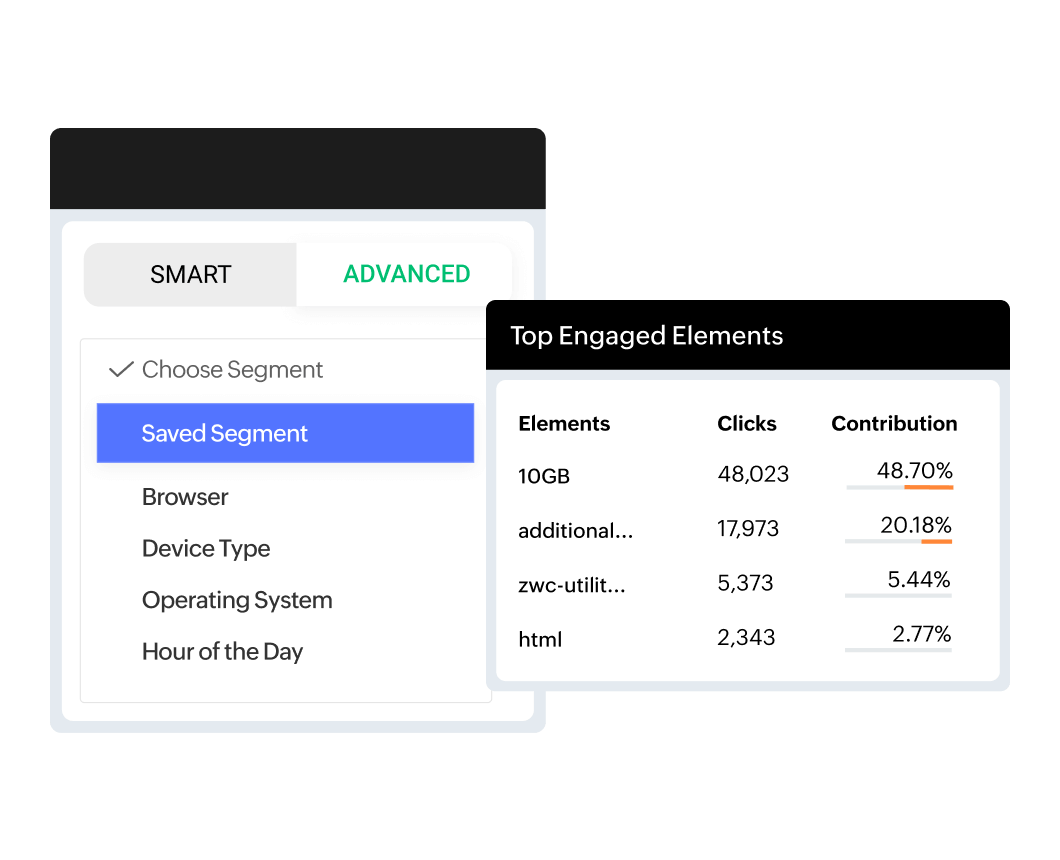
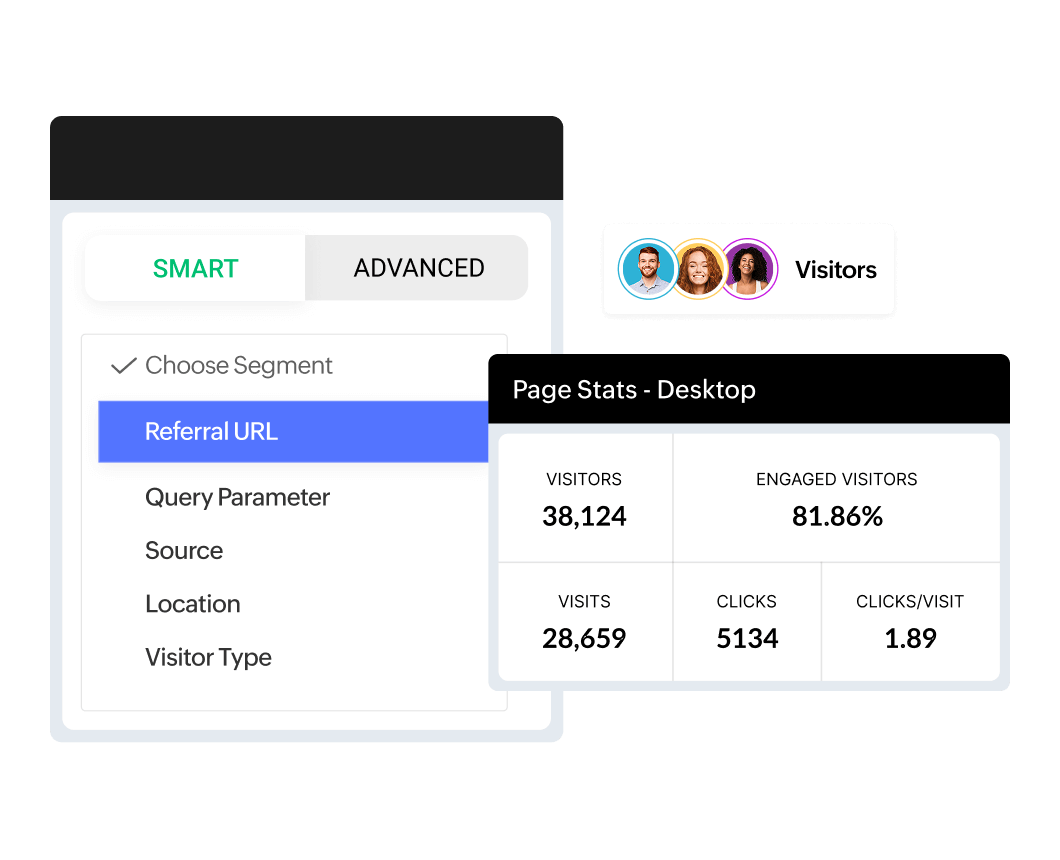
Smart audience segmentation
PageSense lets you segment heatmap data by user behavior, traffic source, device type, location, browser, and more. Want to see how new users from Google Ads behave on mobile vs. returning email subscribers on desktop? You can drill down with just a few clicks.
Advanced filters for deeper insights
Go beyond basic filters with advanced conditions based on conversion goals, session duration, and user paths. Analyze the behavior of high-intent users who scrolled past the fold but didn’t convert or visitors who clicked but bounced.
Consolidated heatmaps for pattern recognition
Instead of analyzing heatmaps page by page, PageSense gives you consolidated heatmaps across similar URLs or grouped pages (e.g., product, main menu bar). Identify broad UX patterns, content blind spots, or navigation issues across entire sections of your site.
Map behavior to A/B test variations
View heatmaps for each test version. Learn which design draws more attention, and back every UX decision with proof.
Collaborate better with shared heatmap insights
Download heatmaps
Export heatmaps as images with filters applied and share them with designers, marketers, or developers. Whether it’s a design misfire or a missed CTA, it’s easier to align when everyone sees the same data.
Cross-device heatmap views
Compare how users interact on desktop, mobile, and tablet. Spot layout issues, hidden content, or device-specific drop-offs and optimize responsively.
Always-on data collection
PageSense continuously captures behavior data in the background. While not live-streamed, your heatmaps reflect real user activity, updated regularly so you can trust the trends you're seeing.
Privacy-first approach
Built-in compliance with global privacy laws and complete control over tracking means you can respect user privacy while learning what works.





Free, multi-channel support whenever you need it
Get expert help at no extra cost. Reach us via email 24/7, or connect through chat and phone from Monday to Friday, 24/5. For quick self-help, explore our extensive resource library packed with guides, how-tos, and best practices to help you make the most of PageSense.
Book a DemoOne insight. Many experiments. One platform.
What sets Zoho PageSense apart is the ability to move seamlessly from insight to experiment without switching tools. Every insight from your heatmap can spark a test, a form optimization, a personalization experiment, or a user feedback loop.
Get access to over 12+ CRO tools in one platform. Experience a seamless workflow from analytics to optimization.
Mobile and Web Analytics
Heatmap and Session recording
A/B, Split URL, and Sever-Side Testing
Goals and Funnel Analysis
Form Analytics
Personalization
Polls, Push Notifications, and Pop-ups
Hear from our users

Peep Laja
Founder and CEO of CXL and Wynter
"I was impressed by how powerful yet easy to use, Zoho PageSense was. The interface was so intuitive I was able to set up an experiment right away. The speed of getting things done was on par with the best in the industry."

Steve Woody
Director, Online Mastery
“This year we cancelled our Hotjar account and now totally rely on PageSense. It’s an amazing tool that has already paid for itself within the very first month.”

Luke Terzino
Senior Social Media Manager
"Using PageSense, we have been able to improve campaign bounce rate, increase the average session duration on-page, and provide clear CTAs to improve landing page conversions."

Bill Hall
President, SimStudios
"Zoho PageSense is the single best tool I’ve found to measure my website’s effectiveness."