Customize your Org CRM in Zoho One
- Last Updated : July 21, 2026
- 42 Views
- 2 Min Read

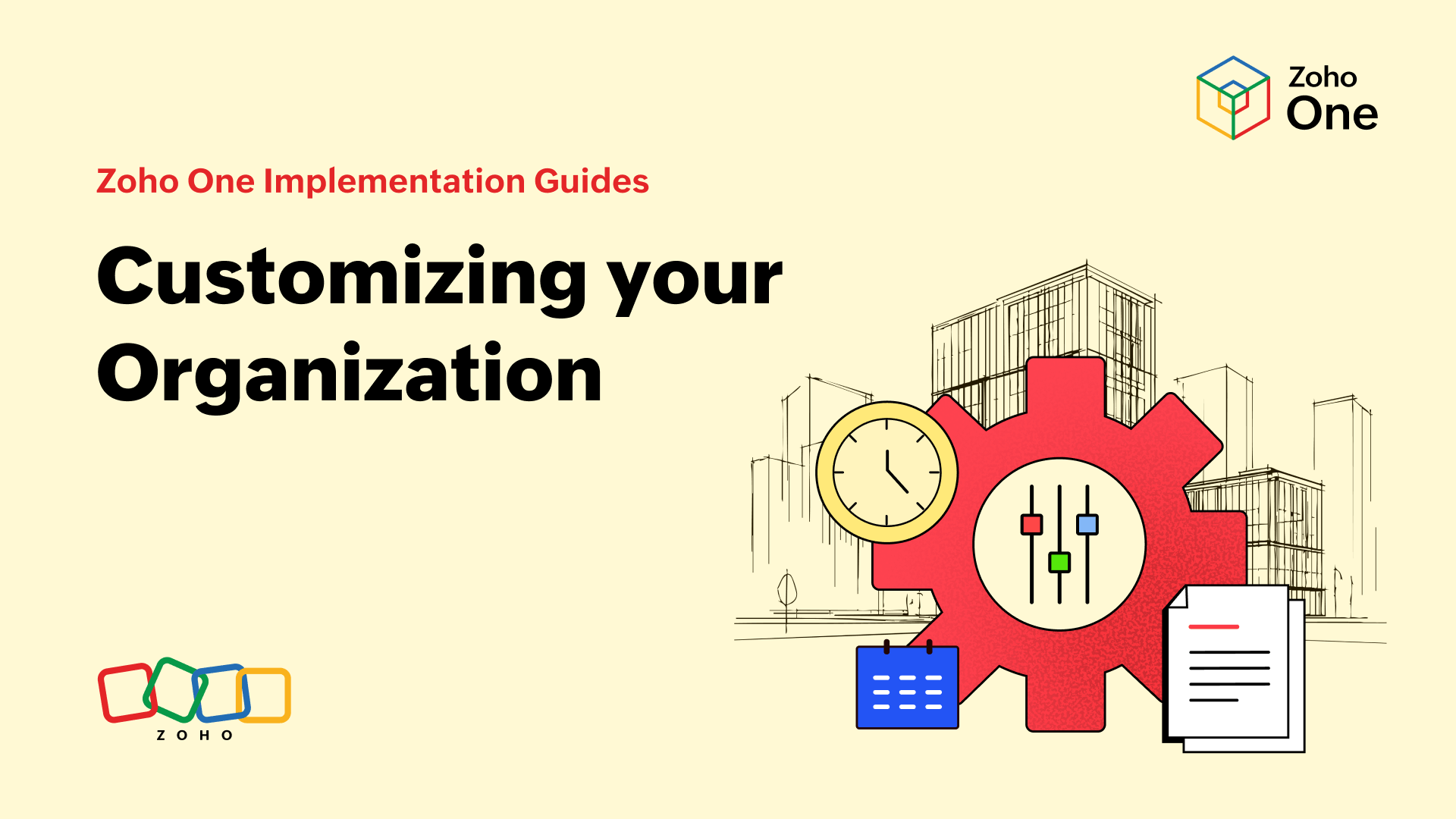
In this guide, we'll discuss five items you'll need to configure to setup your Organization in Zoho CRM. These setup items are essential to using the CRM. Our goal will be to explain why each item is important and provide links that show you how they can be configured.
Items:
Company Details
Time Zone
Fiscal Year
Business Hours
Local Currency
Super Admin
Company Details
Adding your company details includes your company's name, logo, address, phone number, and website. Once these details are entered, they can be reused in email templates and signatures.
Check out this help doc for more information on how to add your company settings.
Time Zone
Your time zone information is important for reporting and also for integrating Zoho CRM with other tools. Your time zone should correspond with the address you provided in the company details. When users are added to the system, they will also be able to set their time zone so dates and times are put in their local context.
Check out this help doc for more information on how to add your company settings.
Fiscal Year
Select the month that begins your fiscal year. This will be important for reporting and forecasting later.
Check out this help doc for more information on how to add your company settings.
Local Currency
Choose the currency that you do business in so your fields and reports show the one that is appropriate to you.
Check out this help doc for more information on how to add your company settings.
If you do business in multiple currencies, then you will need a more involved setup process.
Check out this help doc on multiple currencies.
Business Hours
Setting up business hours tells Zoho CRM when people in your organization are working. This is essential for determining a user's availability for automated actions, task assignment, and scheduled activities.
Check out this help doc for more information on how to add your company settings.
Super Admin
The Super Admin is a special role in Zoho CRM that gives someone full admin privileges while also naming them the point of contact for billing- and subscription-related communication with Zoho. Initially, the person who creates your Zoho CRM account is the Super Admin, but this can easily be updated.
Check out this help doc for more information on how to add your company settings.