

Self-service portal

The smarter way to manage service requests

Support operations slow down when requests are scattered, hand-offs are unclear, and there's no single thread connecting the customer to the right technician. With the self-service portal in Zoho Lens, you get more structure, speed, and full visibility for every service request—from submission to resolution.

Sign up for free
Settings and configuration gear iconClock icon representing fast response timeService queue dashboard with technician assignmentPortal navigation menu panelArrowCustomer support headset iconSupport chat dialog preview

What is the Zoho Lens self-service portal?

The self-service portal is a service request workflow that's integrated into Zoho Lens. It enables organizations to capture, manage, and resolve support requests through a structured, efficient process—eliminating the reliance on phone calls, fragmented ticketing systems, or back-and-forth email coordination.

In simple terms, the self-service portal connects an end user (customer/technician) directly to the right technician, every time.

How does the self-service portal work in Zoho Lens?

  1. 1

    Activate the portal

    Log into your Zoho account and go to Settings > General > Self-Service Portal. Use the toggle button to activate self-service portal for your organization. You can disable it any time.

  2. 2

    Configure departments

    Click Customize to enable department-specific portals and you'll get unique portal links for each department.

  3. 3

    Make the portal accessible

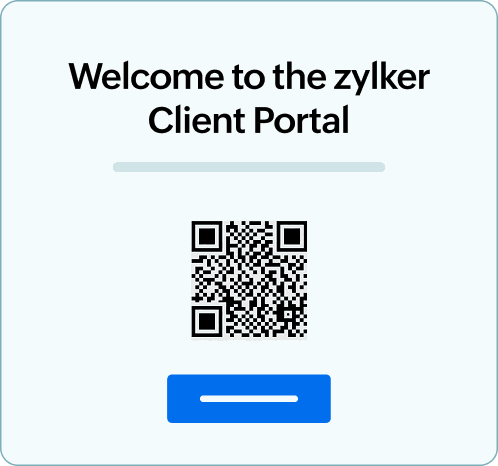
    Embed the portal link within your help button on the webpage. Alternatively, you can click the portal link to get an unique QR code and paste it in workspaces or machinery.

  4. 4

    Receive requests in your service queue

    Once customers start submitting their issues through the portal link (through a click or scan), their requests will land in your service queue.

  5. 5

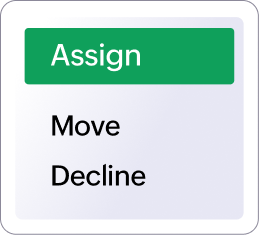
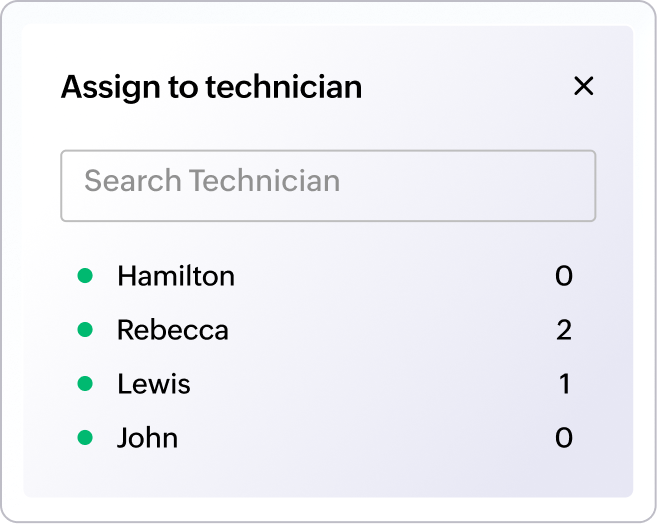
    Assign tickets to the right technicians

    Admins and team leads review incoming requests and assign each one to the most suitable technician based on skill set, availability, or department.

  6. 6

    Accept and resolve issues

    Once the technician accepts, an AR session launches instantly and the customer joins directly from the request page. With the full suite of AR tools at their disposal, technicians can resolve the issue in no time.

Experience streamlined support workflows with the self-service portal

Beyond the core workflow, the self-service portal is equipped with capabilities designed to give organizations greater flexibility, visibility, and control over their support operations.

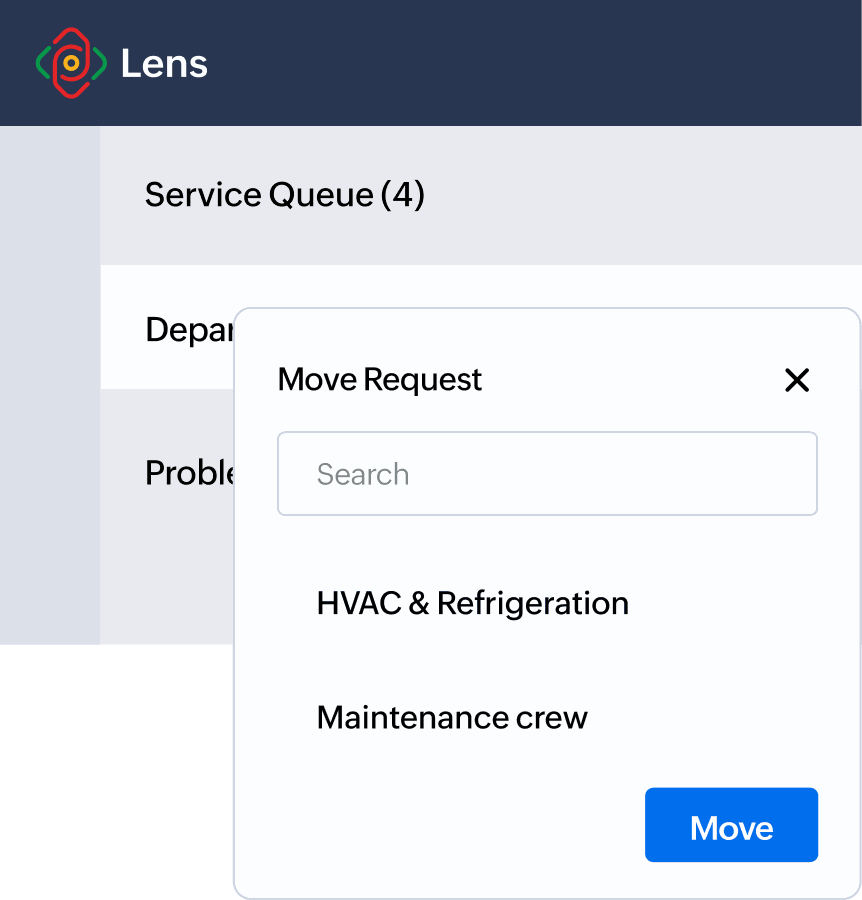
Intelligent request routing across departments.

Support requests don't always arrive at the right destination the first time. Zoho Lens' self-service portal allows technicians and admins to reassign requests to the appropriate department seamlessly, ensuring continuity without disruption or the need to restart the process.

BackgroundMove request dialog reassigning to HVAC & Refrigeration departmentDepartment routing indicator icon

Technician-managed request handling.

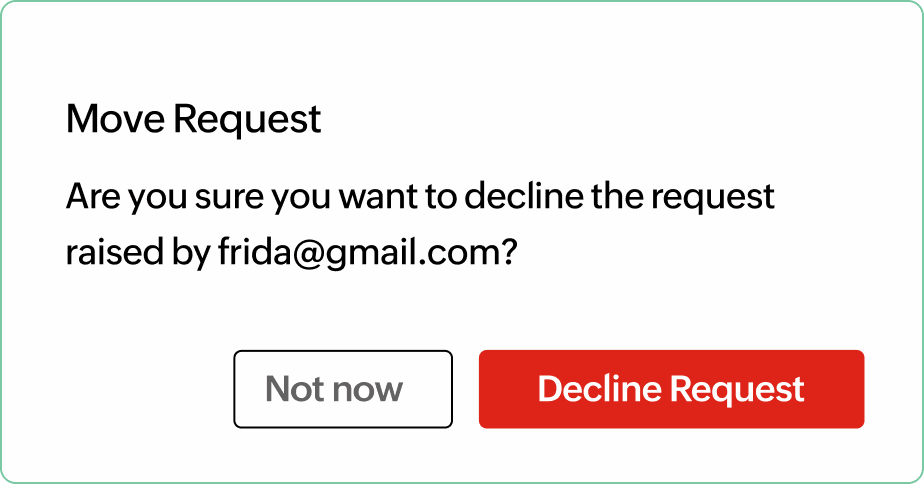
Technicians can decline requests that fall outside their scope or capacity. This keeps the queue accurate and ensures that customers are connected to the most qualified person for their specific issue.

BackgroundDecline request confirmation dialogDecline request buttonAccept request button

Department-specific QR codes.

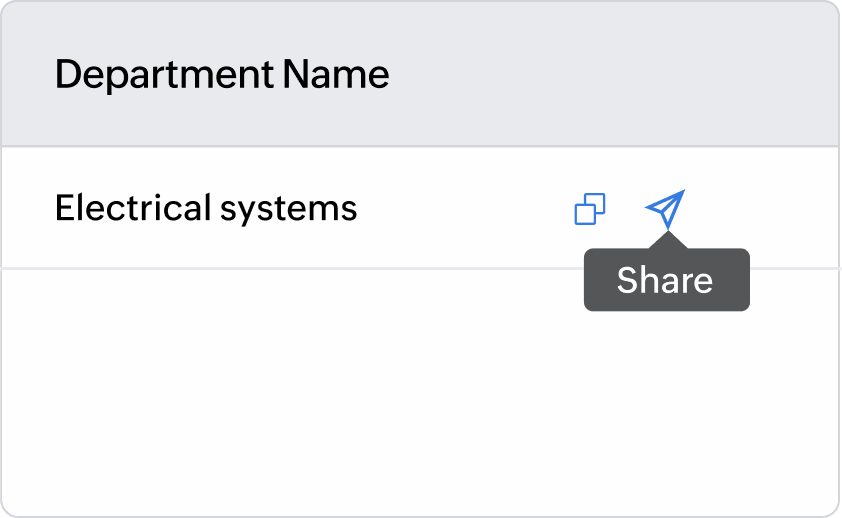
On configuration, each department gets a unique QR code, which can be shared directly with end users. This enables precise delegation from the outset, reducing misrouted tickets and improving the overall clarity of support operations, especially in multi-department organizations.

BackgroundDepartment portal link with share actionClient portal QR code preview

Comprehensive session reporting and audits.

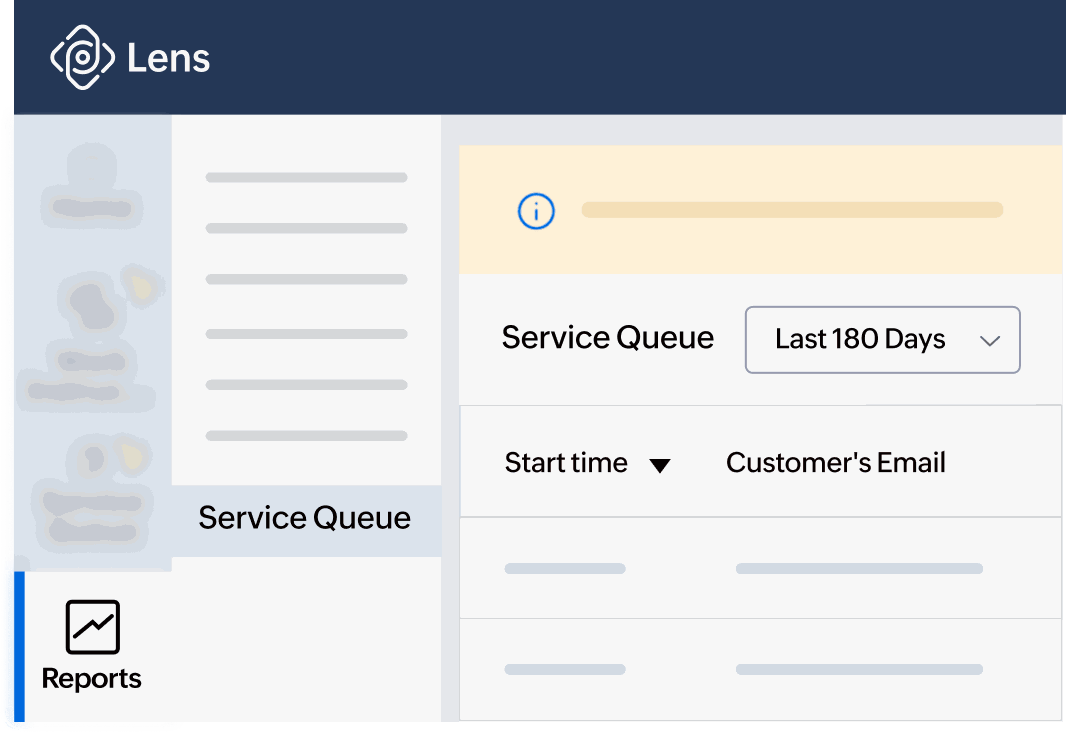
Sessions initiated from the self-service portal are fully logged and reportable. Dedicated reports provide a detailed view of each request, along with the final request status—completed or declined. This data offers a reliable foundation for performance tracking, process improvement, and compliance reporting for management teams.

BackgroundLens reports panel with service queue dashboardAudit log summary icon

Why do organizations opt for a self-service portal?

Rather than just an operational upgrade, a self-service portal delivers measurable value across the teams and customers that rely on your support function every day.

  • Reduced operational costs

    By replacing fragmented communication channels with a single, structured workflow, a self-service portal cuts down on the time and resources spent coordinating support. Fewer misrouted requests, fewer redundant touchpoints, and less manual intervention means your team is operating more efficiently—and at a lower cost.

  • Faster resolution times

    From QR code scan to active AR session, the entire process is designed to eliminate delays. Automatic session initiation, direct customer access, and clear technician assignment ensures that issues are addressed quickly without back-and-forth delays.

  • Greater team productivity

    Technicians spend less time on administrative coordination and more time resolving issues. With requests clearly assigned and flexibility in routing them, the daily workflow becomes significantly cleaner, enabling teams to handle higher request volumes without added strain.

  • A better experience for every customer

    Support interactions that are fast, structured, and easy to initiate leave a lasting impression. Customers scan, submit, and connect in minutes—and the quality of AR-assisted resolution reinforces trust in your organization's ability to deliver reliable, responsive support.

Real-world impact across every sector


A self-service portal is a versatile tool that can be repurposed for your business workflows. Whether you're managing factory floors, hospital wings, or retail outlets, it adapts to your operational demands and scales with your fluctuating service needs. Here's what that looks like across industries.

Manufacturing

When a machine goes down on the production floor, it's a direct hit to the expected outcome and revenue. In such cases, operators can use a self-service portal to report the issue on the spot, without leaving their workstation. As soon as the request is assigned to the right technician, they begin an AR session and start fixing the issue immediately. Department-specific portals ensure that requests from assembly, quality control, and packaging are never mixed up in the same queue.

Healthcare

Medical equipment failures at crucial moments can compromise patient care and delay treatments. Biomedical and facility teams can set up multiple self-service portals to manage device support requests across different wards, each with its own portal link and escalation paths. So when a nurse flags a malfunctioning infusion pump or imaging device, the request routes directly to a qualified technician. Session logs also serve as audit trails, which hospital management can be use to maintain compliance.

Retail

Fast-moving retail environments involve multiple issues like POS system glitches, digital signage failures, and stockroom scanner issues. Store managers can embed the self-service portal's link directly into their help interface or post QR codes near equipment so that store associates don't lose time tracking down their support team. For businesses managing multiple store locations, the portal gives full visibility into the volume and status of requests across every site.

Construction

Construction sites are dynamic environments and the number of service requests from each site can add up significantly within a day. A self-service portal can unify the request process and help regulate this volume through department routing and assigning a nearby technician for the job. By ensuring accessibility to the portal in each phase or floor, on-site workers capture issues early on, and departments and receive immediate guidance from the right expert.

Customer service

A self-service portal is a boon for customer service because customer requests are captured in one place and routed to the right expert from the start. Agents spend less time on triage and more time actually solving problems. With every session logged and recorded, team leads have the data to spot recurring issues, identify training gaps and improve processes in the long run.

Insurance

A self-service portal speeds up claim assessment processes and empowers policyholders with the means to submit a request immediately. The claim assessor should process the request within the specified time by remotely inspecting the damage through an AR session and gathering relevant information to move the claim forward. For insurance teams managing high claim volumes, this means faster turnaround, reduced travel costs, and a more consistent assessment experience across the board.

Start managing requests with the self-service portal today.

Start a free trial of Zoho Lens today and explore the self-service portal alongside the platform's full suite of AR remote assistance tools.

Sign up for a free trial