
Why small and medium-sized businesses need a landing page builder
Small businesses rely on strong first impressions to attract and win customers. Whether you’re a retail store, SaaS startup, consultancy, or service provider, you need landing pages that clearly communicate your value, capture leads instantly, and turn visitors into paying customers.
With Zoho LandingPage, you can:
- Launch tailored landing pages for product launches, festive offers, lead magnets, or seasonal promotions
- Capture customer details instantly through smart forms
- Showcase product benefits, success stories, and video testimonials
- Run targeted ad campaigns that maximize ROI
- Automate follow-ups using Zoho’s ecosystem so no lead goes cold
Whether you’re selling products, promoting a service, or running paid ads, Zoho LandingPage helps you convert intent into action.
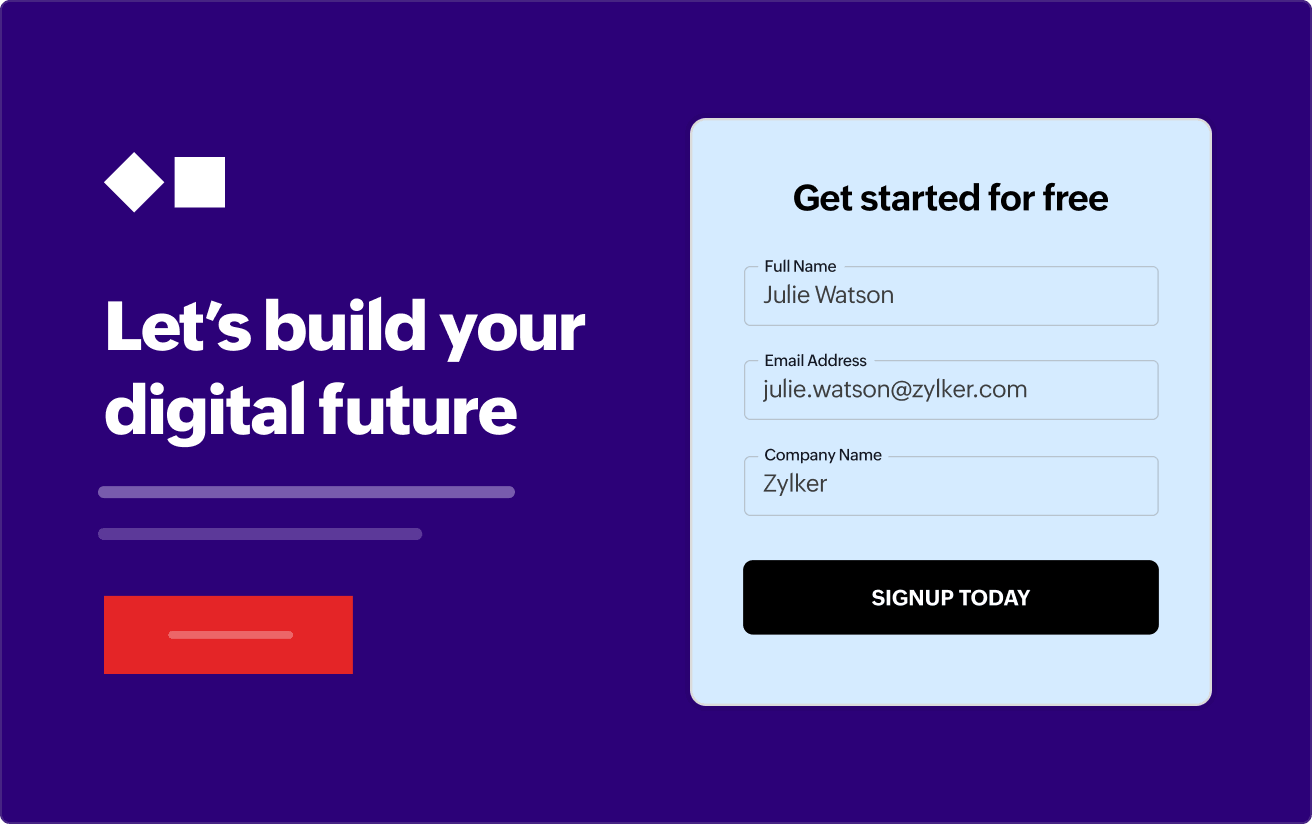
How Zoho LandingPage helps SMBs across industries
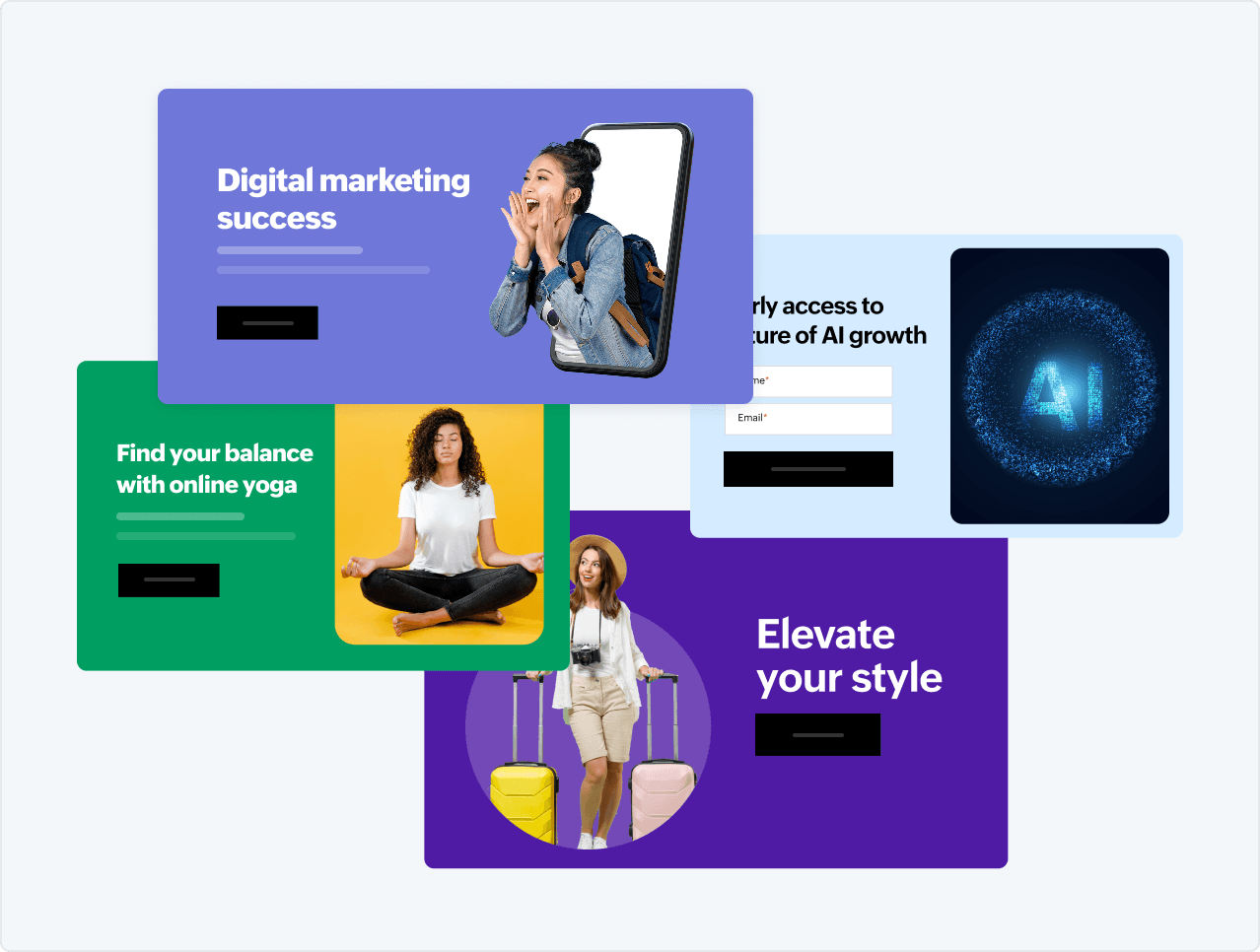
For retail and ecommerce businesses
Create product-focused landing pages for flash sales, festive discounts, and new arrivals. Choose a clean layout for your page to highlight key features, pricing, and customer reviews. Direct traffic from Google Ads to your landing pages that are built for conversions.
For service industries
From salons and fitness studios to interior designers and consultants, businesses can design landing pages for bookings, free trials, audits, or demo sessions. Integrate booking calendars, offer coupons via popups, and capture inquiries instantly.
For SaaS and tech startups
Launch pages for beta signups, free trials, or feature rollouts. Add explainer videos, trust badges, and success metrics. Connect seamlessly with CRM and email tools for pipeline visibility
For global businesses
Create location-specific landing pages for each branch or service area. Include maps, hours, testimonials, and seasonal offers. Track every visitor and automate follow-up messages.
For agencies and freelancers
Deliver high-converting landing pages for clients using customizable templates. Duplicate layouts, collaborate with teams, and manage multiple landing pages from one dashboard.
Design landing pages to showcase your brand
Choose from a variety of professionally designed SMB-focused templates for sales campaigns, webinars, product showcases, and lead-generation funnels.
Use flexible layouts to maintain a consistent brand identity with colors, fonts, and imagery across pages. Make it easy for visitors to understand what you offer, why it matters, and how to get started.
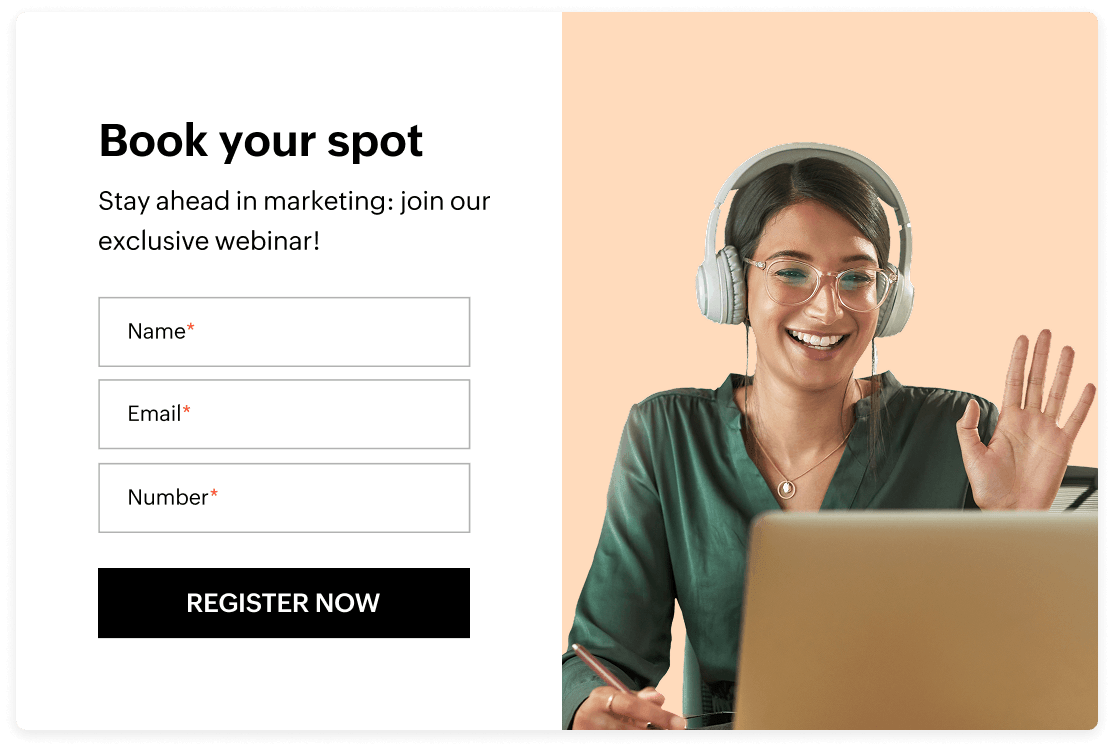
Boost sales and signups with smart landing page elements
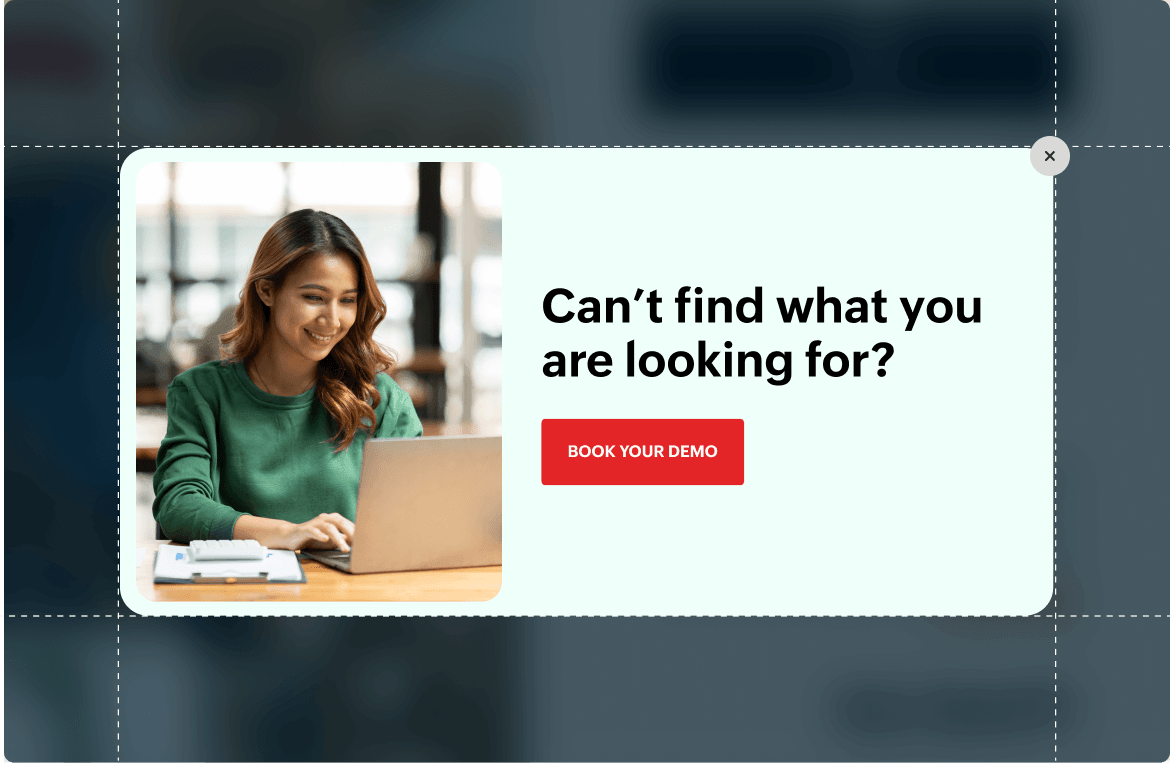
Use interactive components to guide visitors toward action:
- Popups to highlight limited-time offers, coupon codes, or new product arrivals
- Countdown timers for festive deals, flash sales, or early-bird pricing
- Sticky headers to keep CTAs like “Buy Now,” “Book a Demo,” or “Get Quote” always visible
- Counters to show how many customers have trusted in your brand
Place frictionless forms that convert interest into customers
Forms make or break your growth funnel, and for small and medium businesses, every enquiry counts. Zoho LandingPage lets you create clean, customizable forms for:
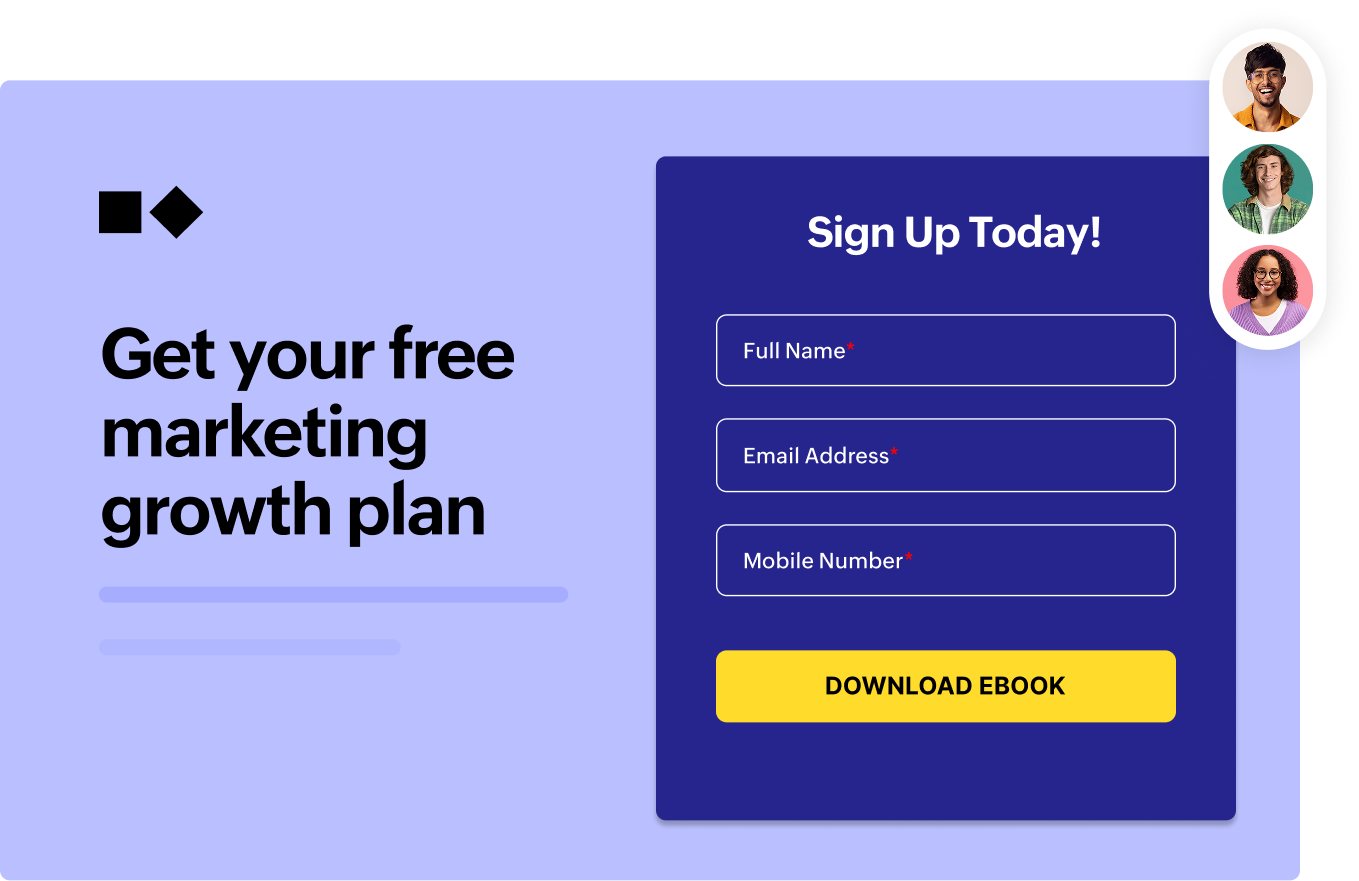
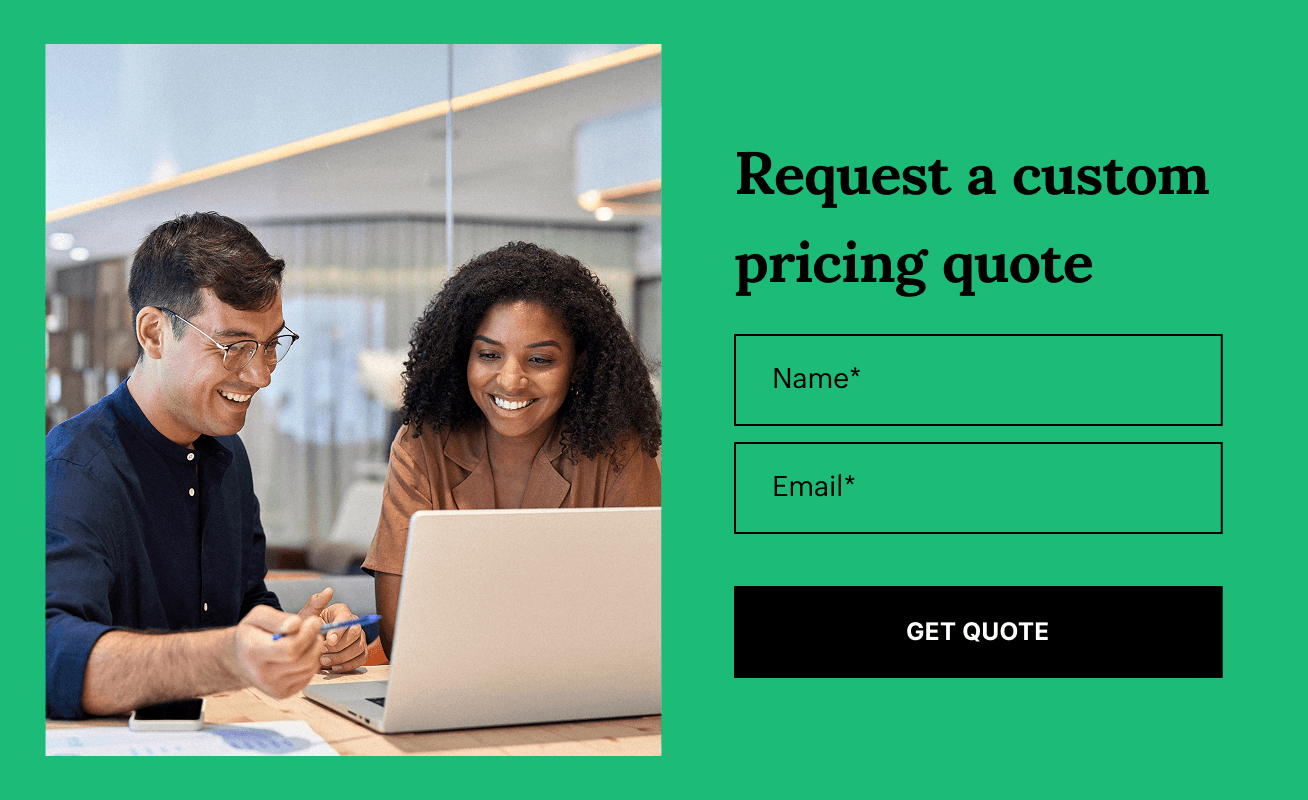
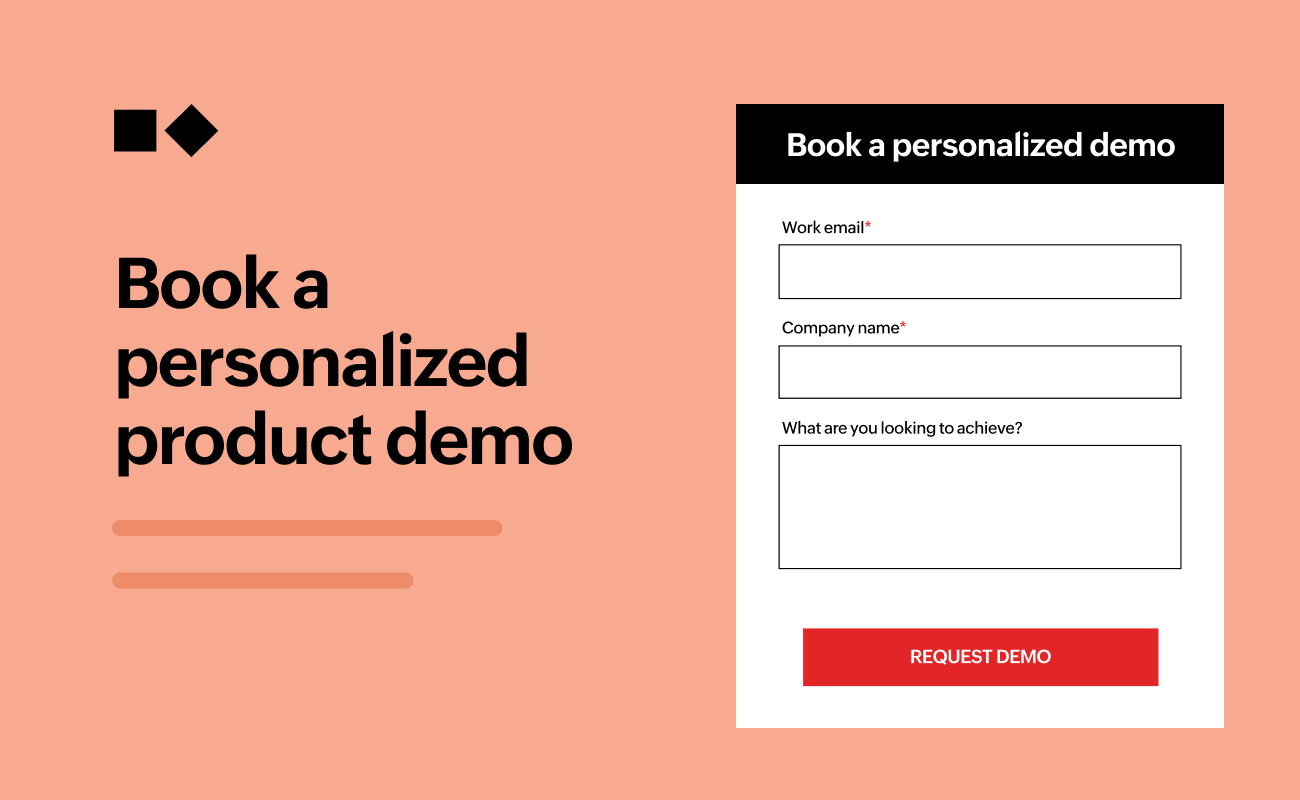
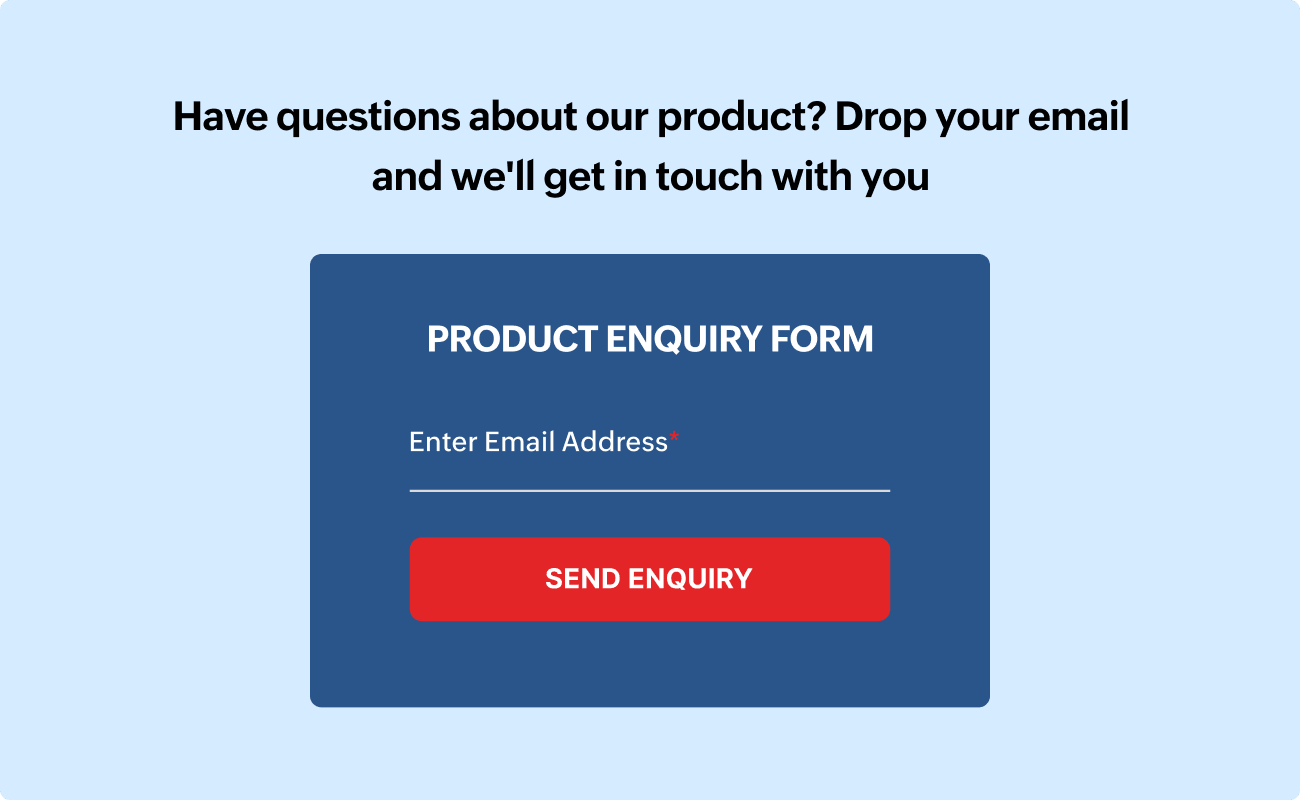

A/B test your landing pages to find what truly converts
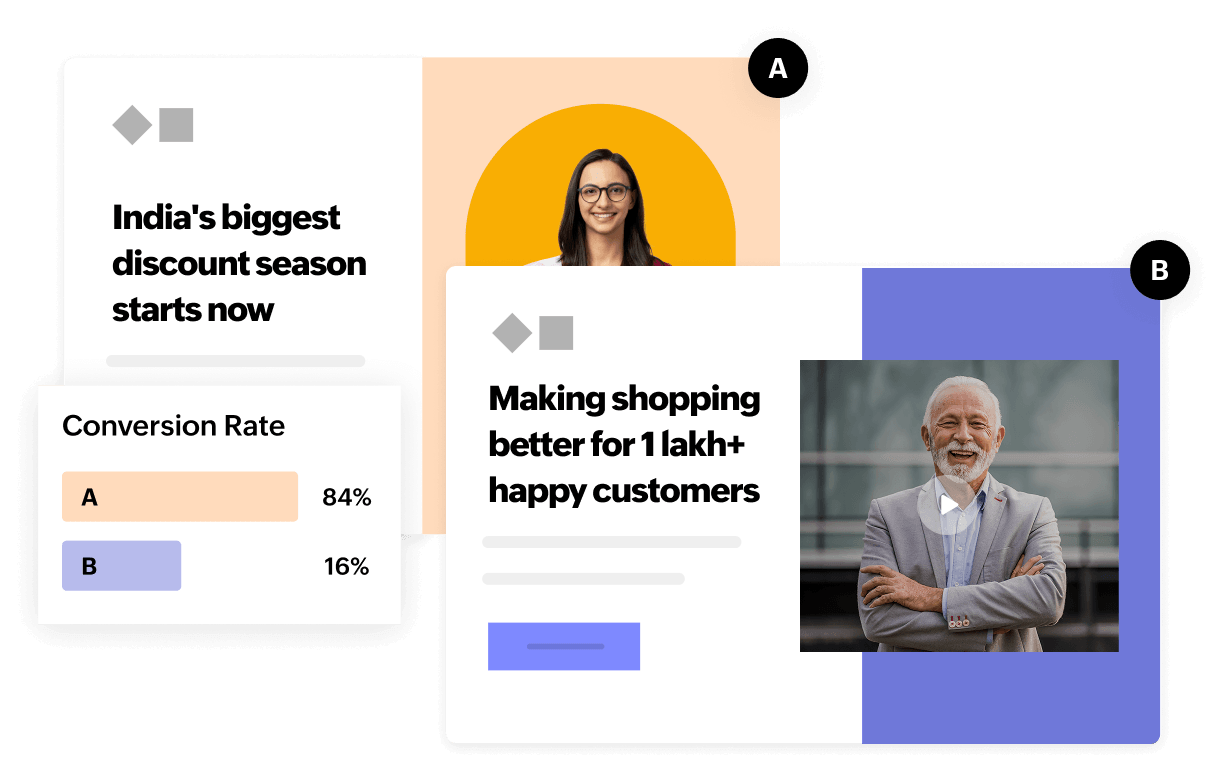
Experiment with different headlines, visual styles, CTAs, hero images, and value propositions. A/B testing your landing page versions helps you identify the ones that deeply resonate with your audiences.
Promoting a festive sale? Try one version featuring customer testimonials and another emphasizing discounts.
Promoting a service? Compare a video intro with a results-driven case study block.
Identify what brings more leads and scale your best-performing version.
Personalize content for every customer segment
Growing businesses often run multiple campaigns for different services, locations, or customer types. So, creating a separate landing page for each audience can quickly become unmanageable. Zoho LandingPage helps you personalize experiences at scale, without the overhead.
Dynamic text replacement
You can start with dynamic text replacement to tailor key messaging for different ad groups, locations, or customer segments, all within a single landing page. This ensures your visitors instantly see content that feels relevant to them.
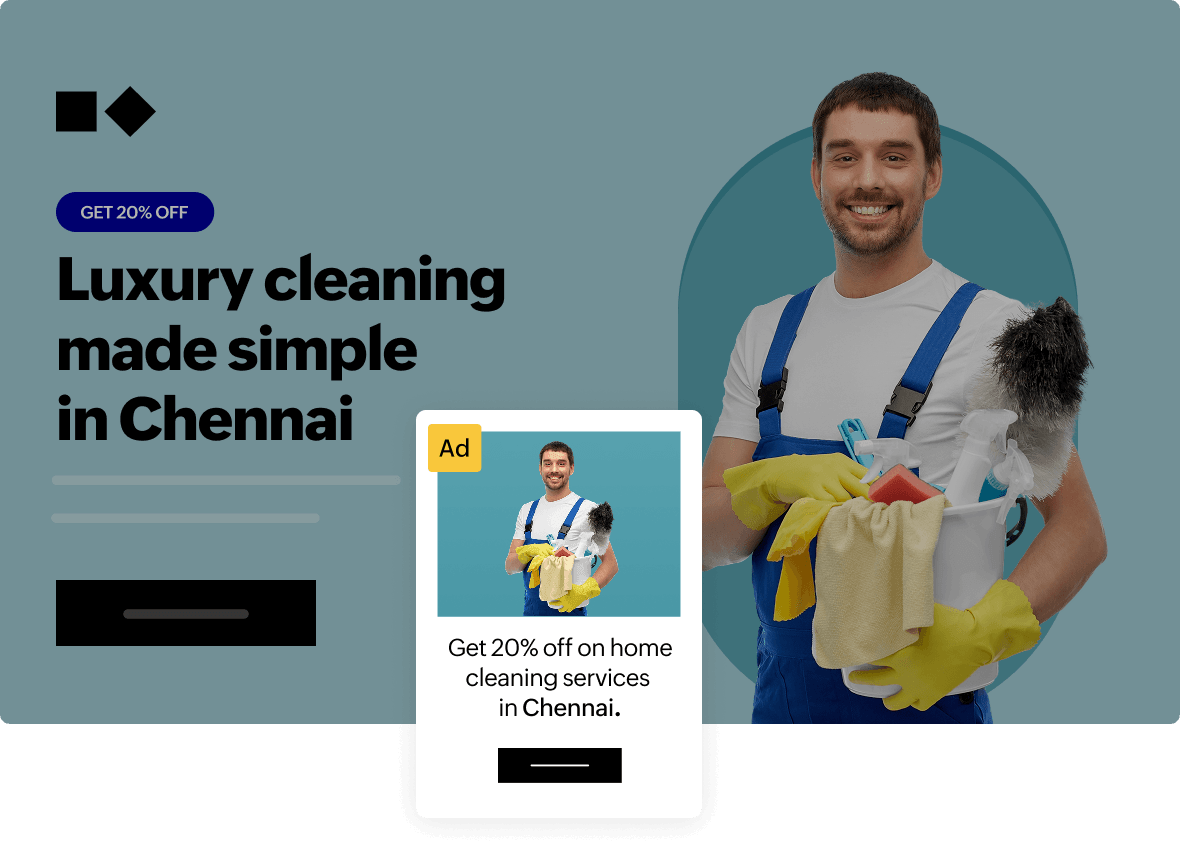
For example, imagine you’re running ads for your cleaning services in different cities. Someone in Chennai clicks on your ad, they will land on your page and they instantly see a headline that says, “Get 20% Off on Home Cleaning Services in Chennai.” But if someone from Bengaluru clicks on the ad, they see “Special 20% Discount on Home Cleaning Services for Bengaluru Residents.” The landing page automatically changes the message based on which ad the visitor clicked or where they’re coming from.
Here, the offer is the same but the message is localized. Visitors immediately feel like the service is meant for their city and not just a generic promotion. That small personalization builds trust, grabs attention faster, and increases the chances that they’ll go ahead and book the service.
Advanced personalization
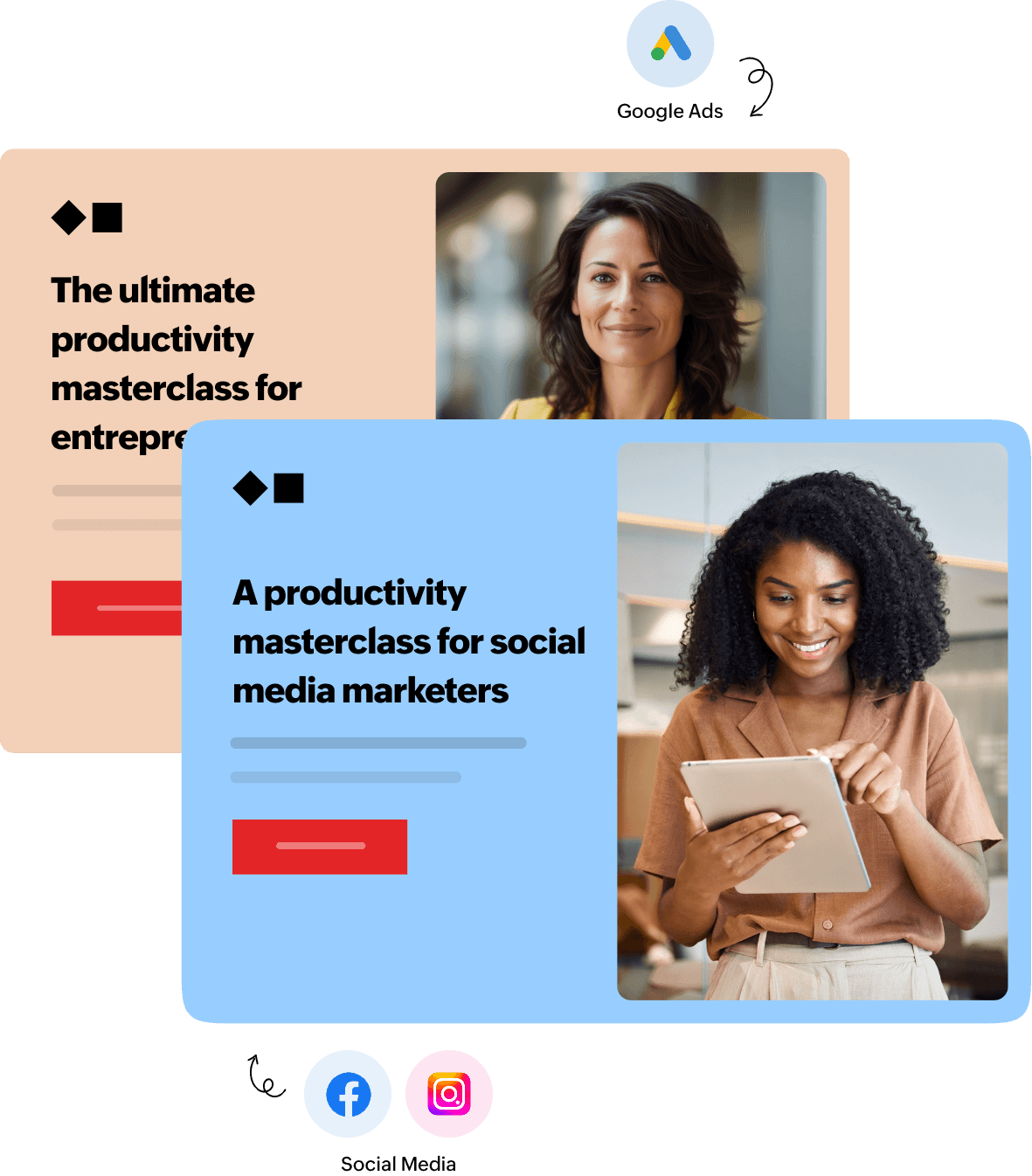
To take personalization further, Zoho LandingPage lets you create audience-specific versions of the same landing page. Instead of swapping just a word or headline, you can personalize entire sections of the page, including headlines, images, offers, CTAs, and content blocks based on factors like traffic source, campaign, location, device, or visitor type.
This means every visitor automatically sees the most relevant version of your landing page, helping businesses drive higher engagement, better conversions, and stronger ROI.
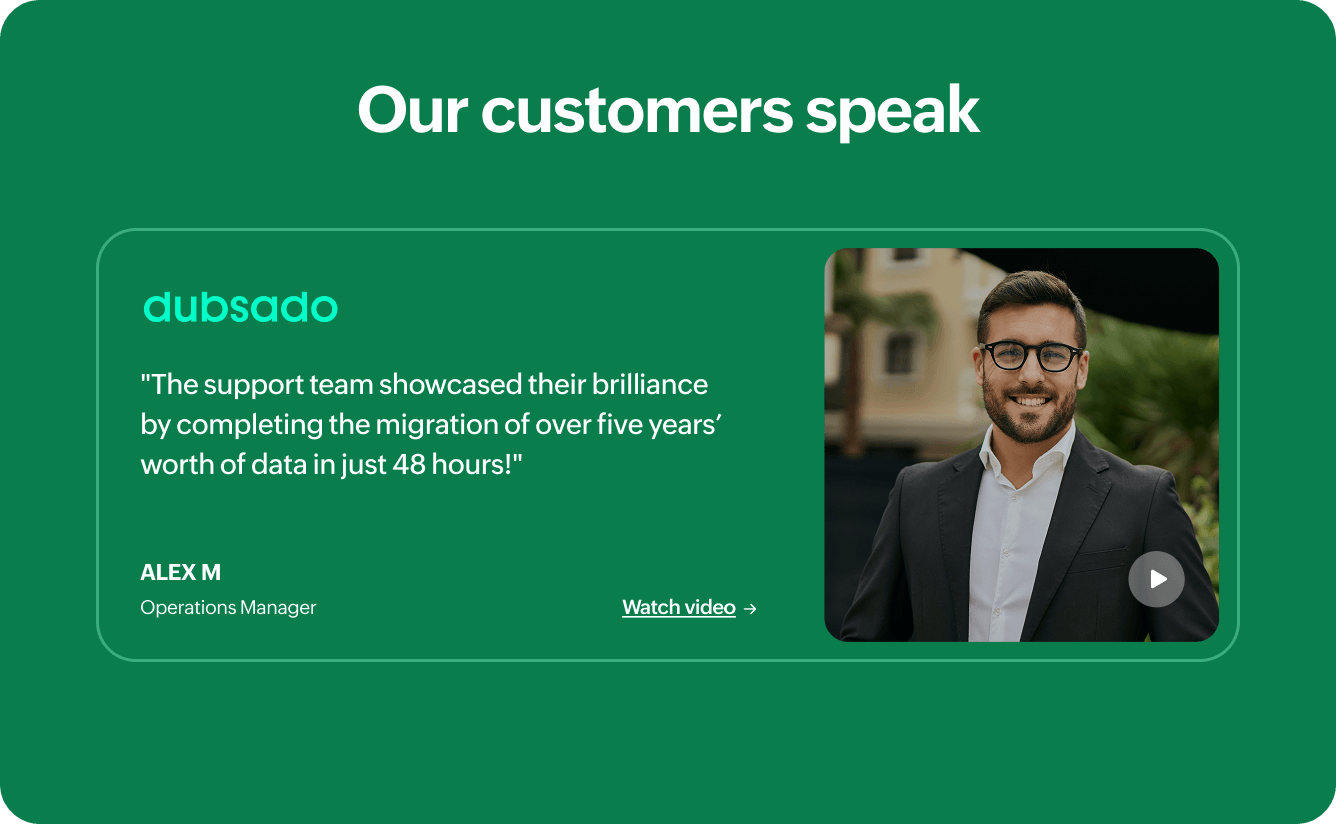
Build trust using testimonials, reviews, and case studies
Small businesses thrive on proof. Use pre-built sections to showcase:
- Customer reviews
- Before and after results
- Partner logos
- Video testimonials
- Case studies with measurable outcomes
When prospects see relatable stories, they feel confident to buy or book demos or consultations with your brands.
Track how customers click, scroll, and interact
For small and mid-sized businesses, every visitor, click, and lead matters. Unlike large enterprises, SMBs often work with limited budgets, smaller teams, and fewer chances to experiment. That means you can’t afford to guess what’s working on your landing page.
Behavioral analytics helps SMBs understand how real customers interact with their pages, so you can fix what’s not working, double down on what is, and improve results without increasing ad spend or redesigning your site from scratch.
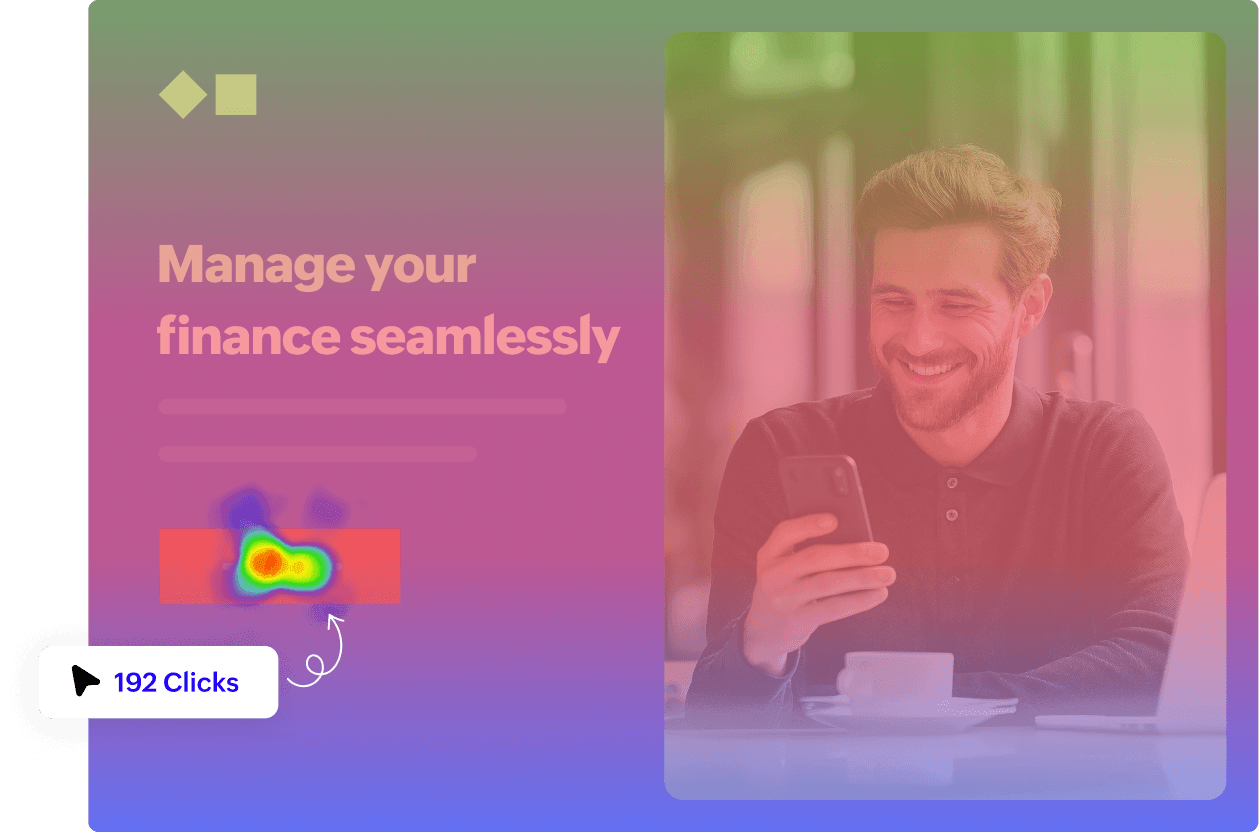
Using heatmaps, scroll maps, and attention maps, SMBs can easily identify:
- Which offers attract attention
- Where visitors drop off
- Which CTAs get clicked
- Which sections need improvement
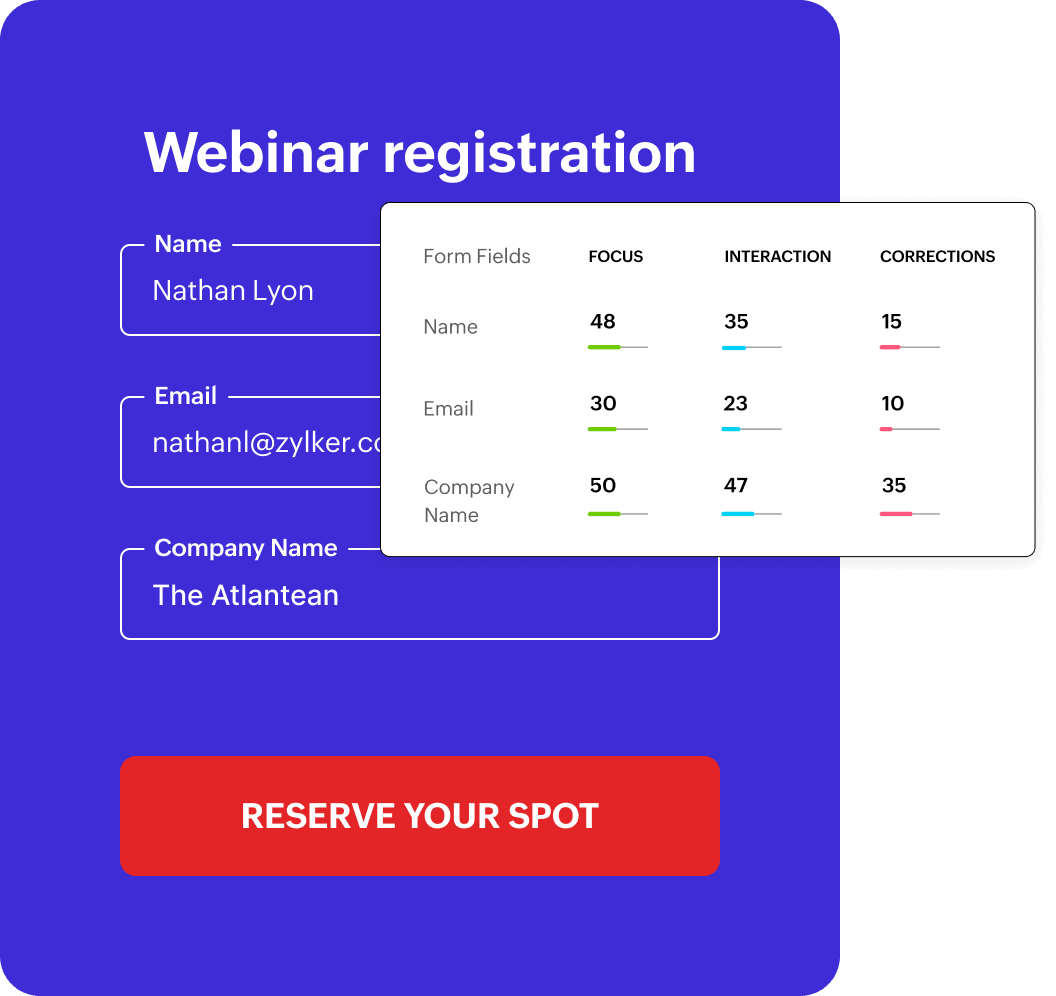
With form analytics, SMBs can uncover:
- Fields where visitors hesitate or abandon the form
- Questions that feel unnecessary or confusing
- The exact paths that lead to successful submissions
These insights help you simplify forms, reduce friction, and capture more high-intent leads.
With real-time tracking, SMBs can:
- Increase conversions without higher ad spend
- Improve lead quality for sales follow-ups
- Test and optimize pages quickly, even with lean teams
Sync every lead with tools you already use
Zoho LandingPage integrates seamlessly with the tools growing businesses rely on to capture, manage, and convert leads without adding complexity to your workflow.
- Unified lead management process
- Real-time chat support
- Targeted email campaigns
- Streamlined demo scheduling
- Seamless shopping experiences
Unified lead management process
Connect your landing pages with Zoho CRM, Salesforce, HubSpot, and more to ensure every lead is routed instantly to the right sales pipeline. This enables faster follow-ups, automated lead assignment, and better visibility into each prospect’s journey from the very first click.
Zoho CRM
Zoho Bigin

HubSpot
Salesforce
Real-time chat support
Many buyers and sellers have immediate questions as they browse listings. By adding live chat to your landing pages, you can provide real-time assistance, answer questions, and even help schedule property tours on the spot.You can also use these intelligent chatbots to answer frequently asked questions and guide users through the lead generation process.

Zoho SalesIQ
Targeted email campaigns
For consistent and timely engagement, integrate your landing page with Zoho Campaigns, Mailchimp, and other email marketing tools, making it easy to trigger personalized email follow-ups the moment a visitor submits a form. This helps small teams nurture leads automatically while saving time on manual outreach.
Zoho Campaigns

Mailchimp

Constant Contact

AWeber

Active Campaign
Streamlined demo scheduling
Need to book demos or consultations? Using integrations with Zoho Bookings, you can schedule product demos and integration with Zoho Meetings helps in making sales calls directly from your landing pages, reducing drop-offs and speeding up decision-making.
Zoho Bookings

Zoho Meeting
Seamless shopping experiences
If you sell products, services, or subscriptions, Zoho LandingPage also connects with Zoho Checkout, allowing you to collect payments and process subscriptions seamlessly from a single page.
Zoho Checkout
Create, launch, and scale your SMB campaigns effortlessly
Whether you're running a festive sale, promoting a new service, or generating leads for your business, Zoho LandingPage gives you everything you need to succeed from beautiful landing page designs, powerful integrations, to comprehensive insights that drive growth.
Frequently Asked Questions
Retail stores, ecommerce brands, SaaS startups, agencies, freelancers, consultants, and local service businesses. Any business that needs a page focused on converting visitors, not just attracting them.
Product pages, sales funnels, lead-gen pages, webinar pages, service booking pages, event pages, and coupon-based promotions. If you're running a campaign and need a dedicated destination, you can build it here.
Yes. Heatmaps, scroll maps, attention maps, and conversion reports show you where visitors drop off, what they click, and which sections go unnoticed. Concrete behavioral data, not just aggregate traffic numbers.
Yes. Zoho CRM, Bigin by Zoho CRM, Salesforce, HubSpot, Keap, and MoEngage are all supported. Leads route directly into your pipeline the moment a form is submitted.
Yes. You can collect leads and inquiries using built-in forms, popup forms, or embedded Zoho Forms, Zoho CRM forms, Bigin forms, and Zoho Survey for advanced requirements. Every submission can be captured, organized, and integrated with your preferred apps to help you manage and follow up with prospects efficiently.
Yes. Duplicate a layout, update the content, and publish. Most teams build one strong template and customize it for each new campaign.
You can create two or more versions of the same page with small changes like headlines, images, or buttons. Then run A/B tests to see which version gets more leads or conversions. The builder shows you the results so you can pick the best one.
Start with a ready-made template, write clear benefit-focused copy, keep forms short, include genuine customer reviews, and use A/B testing to improve before increasing ad spend. No designer or developer required.