


How do I modify or update my bank account number to receive payment for my invoices?

To modify or update your bank account number:
- Go to Settings and select PDF Templates.
- Click Invoices and choose the template in which you want to update the bank account number.
- Click Edit and navigate to Other Details on the left sidebar.
- Click Add your bank details under Payment Options. A pop-up will open where you can update your bank account details.
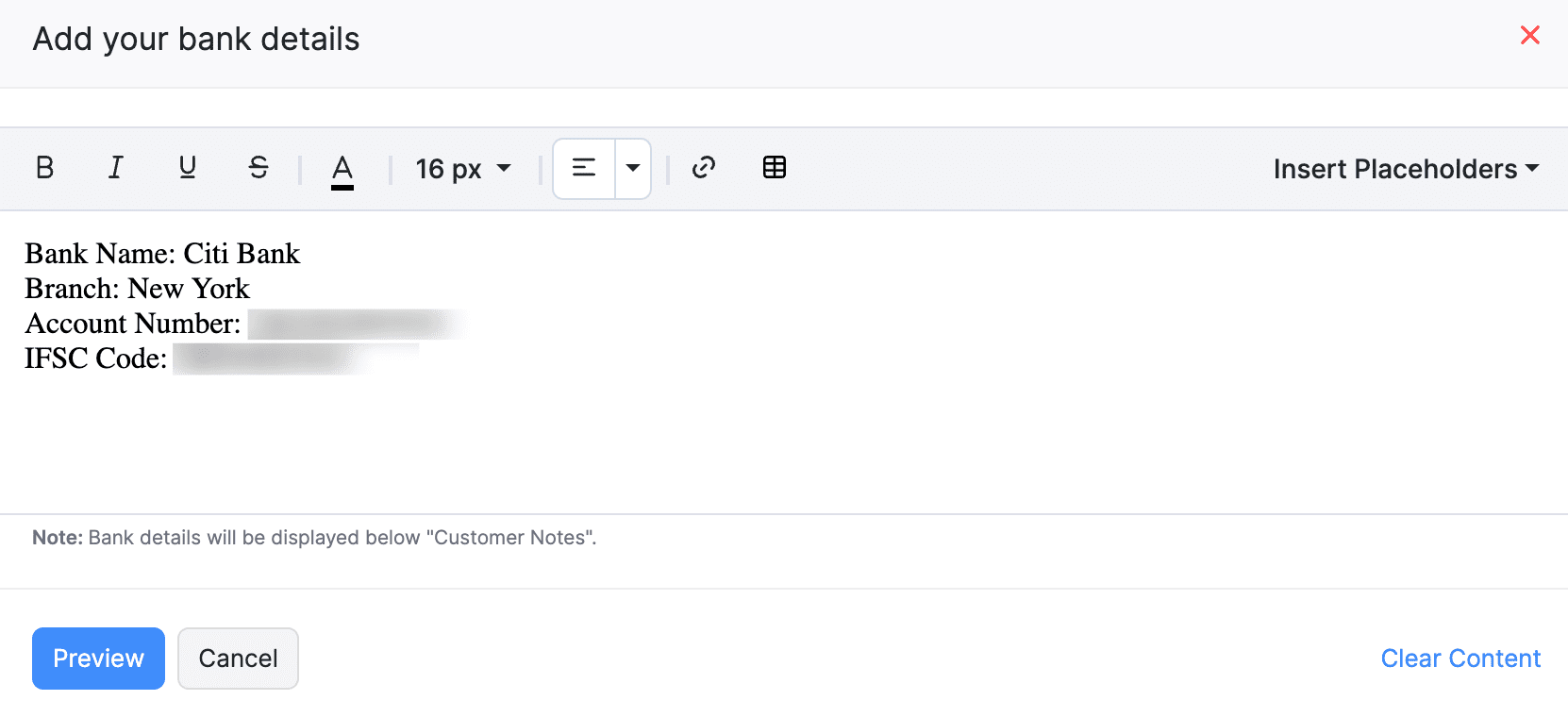
- Once changed, click Preview and check if the newly entered details are displayed on the invoice’s template properly.
- Click Save in the top right corner.
Now, the newly entered bank account number will be displayed on the invoice PDFs for your customers to make payment.
 Yes
Yes