


Integrate Zoho Inventory with Shiprocket

Shiprocket is a leading logistics and shipping platform in India that enables businesses to streamline their order fulfillment process. By integrating Shiprocket with Zoho Commerce, you gain access to a wide network of shipping carriers for efficient order fulfillment, real-time shipment tracking, and streamlined logistics management.
Benefits of Integration
- Automate order status updates with real-time shipment information from Shiprocket directly in Zoho Inventory.
- You can sync and deduct stock the moment a shipping label is created.
- Centralizes audit data to provide one reliable source for stock movement, fulfillment history, and inventory valuation.
Setting up the integration
To setup the Shiprocket integration:
- Log in to your Zoho Inventory organization.
- Click Settings in the top right corner.
- Navigate to Shipping under the Integrations & Marketplace.
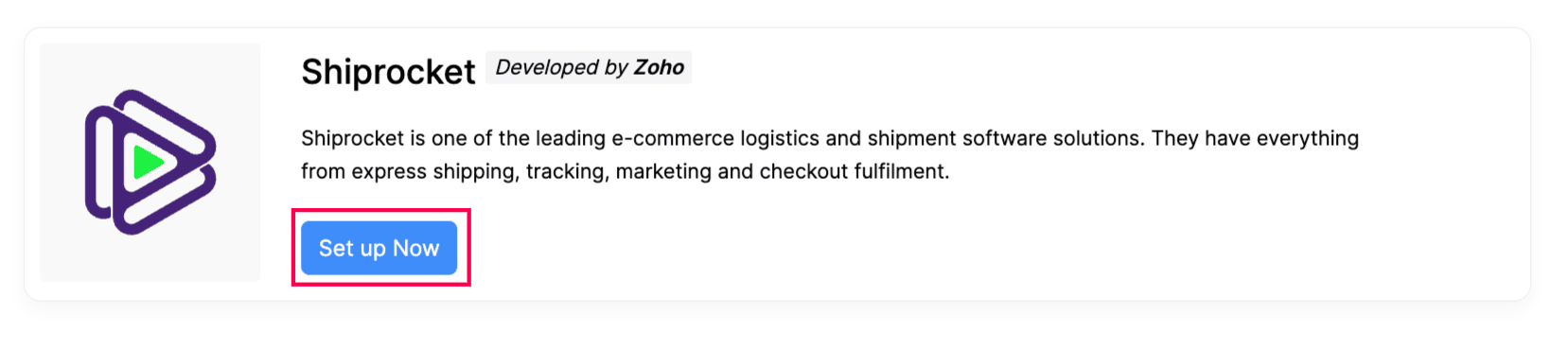
- Click Set up Now under Shiprocket.
- In the pop-up that appears, make sure you already have completed the following steps:
- Set Up an Account: To integrate, you’ll need a Shiprocket account. If you haven’t created one yet, click here to sign up.
- Create an API User: Next, you need to create a new API user in your Shiprocket account for integration. Learn how to create an API user.
- Enter the Login Credentials To Integrate: Enter your registered email and password to link your existing Shiprocket account with Zoho Inventory.
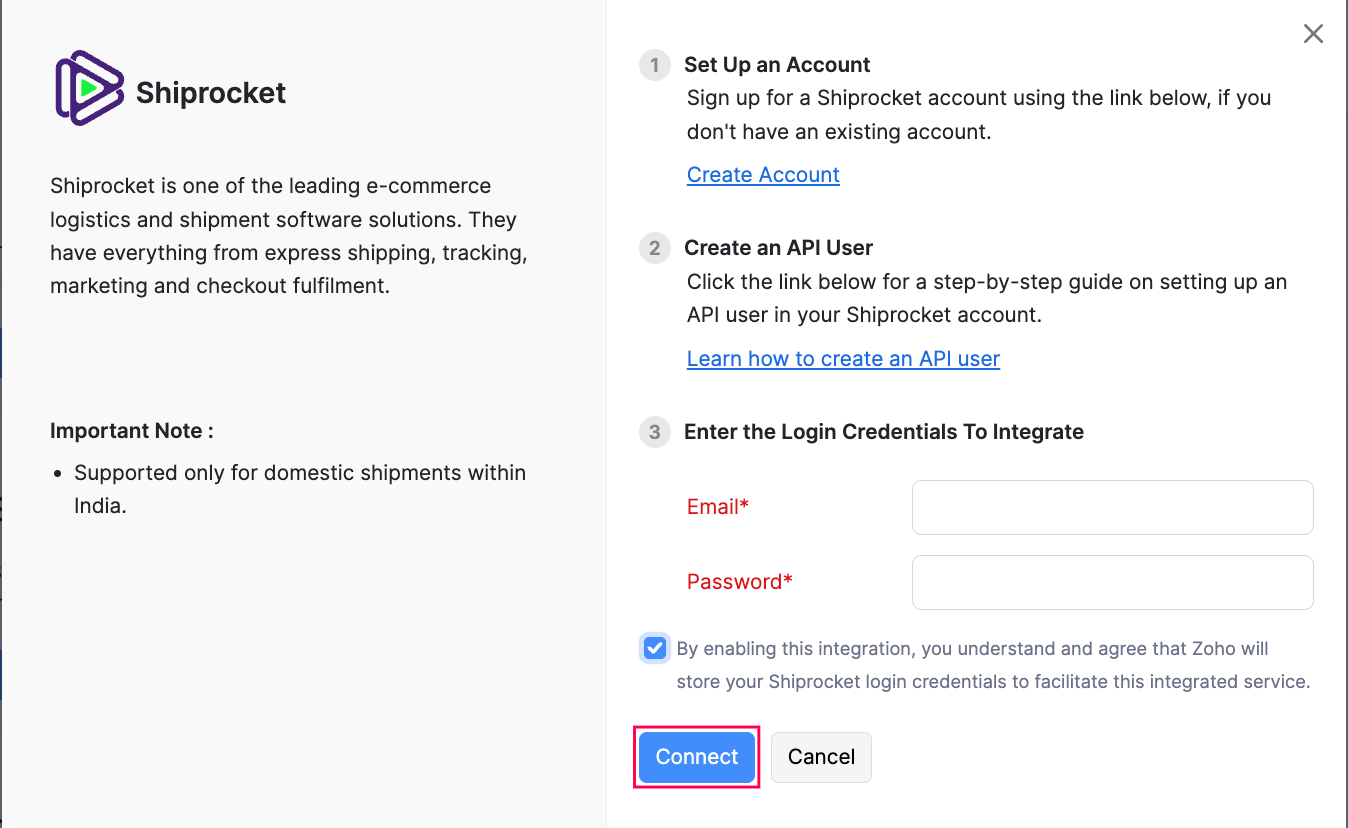
- Check the box to allow Zoho Inventory to securely store your Shiprocket login details for this integration.
- Click Connect to successfully integrate.
Edit the Integration
You can edit the integration if you want to update API credentials or switch your Shiprocket account.
To edit the Shiprocket integration:
- Log in to your Zoho Inventory organization.
- Click Settings in the top right corner of the page.
- Navigate to Shipping under Integrations & Marketplace.
- Click the Edit under Shiprocket.
- Make the necessary changes.
- Click Connect.
Delete the Integration
If you want to unlink the Shiprocket integration from Zoho Inventory. Follow the below steps:
Sign in to your Zoho Inventory account.
Click Settings in the top right corner of the page.
Navigate to Shipping under Integrations & Marketplace.
Click the Delete icon under Shiprocket.

In the pop-up, click Ok to confirm.