
View All Trips
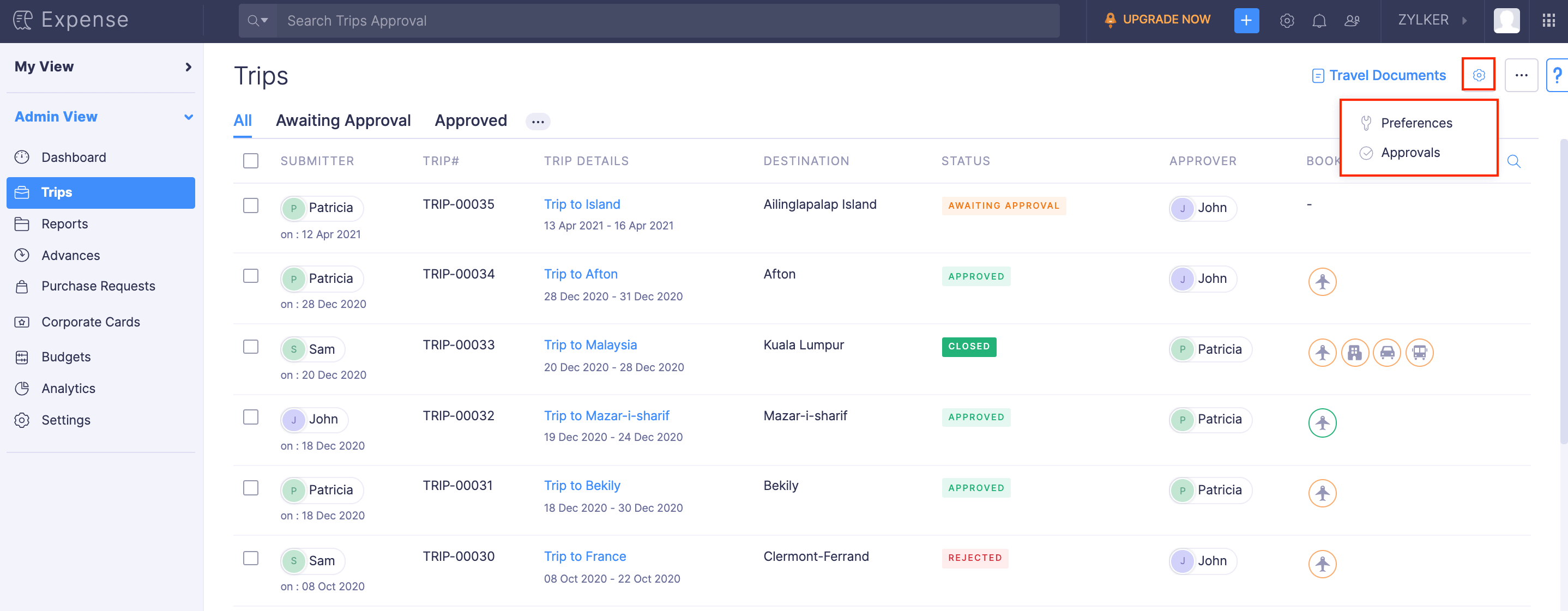
Under the Trips module in Admin View, you can view all the trips submitted by users across your organisation.
Get to know the users who go on business trips and the places to which users frequently travel by skimming through the trips list. You can view the status of every business trip along with the trip duration and its approver. To know more about a trip, click the trip. The trip itinerary and its expense report will be displayed.
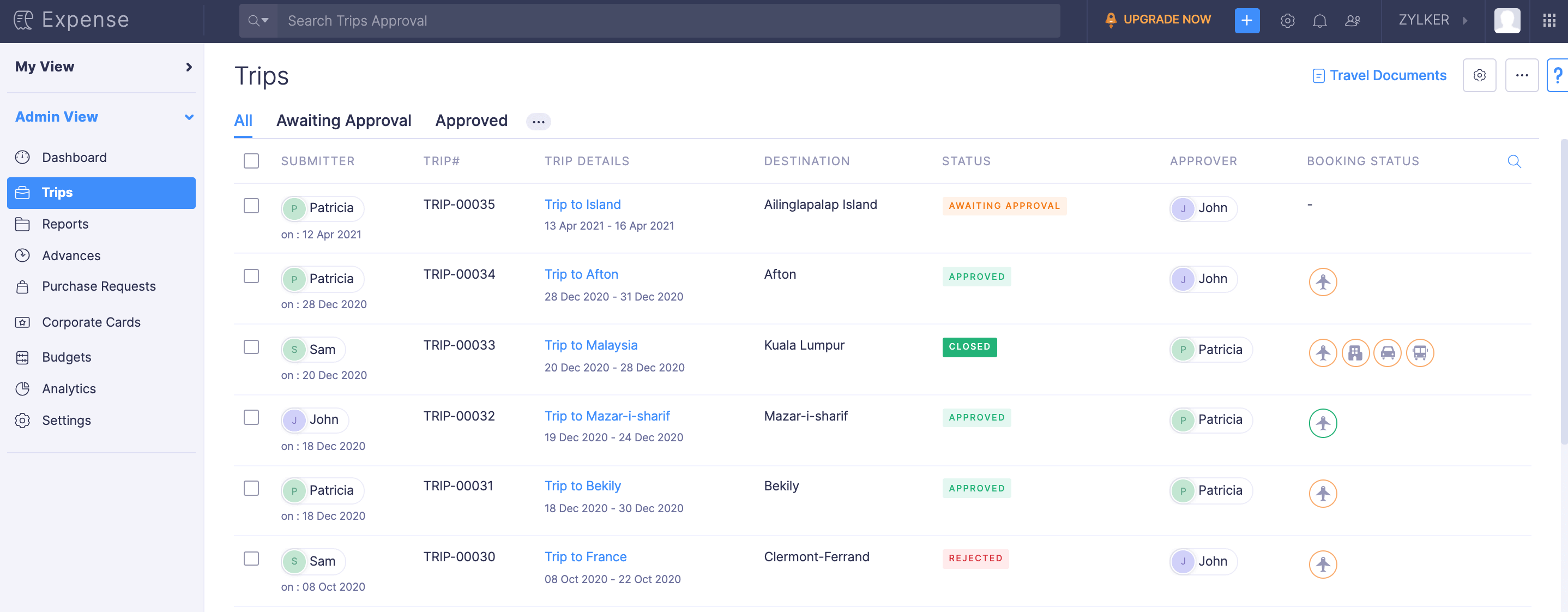
When you want to view a specific set of trips, such as trips that are approved, rejected, or awaiting approval, you can apply filters.
To filter trips, click the More icon next to the third filter in the top band and select the status by which you want to filter the trips. The trips will be listed based on the filter you’ve selected.
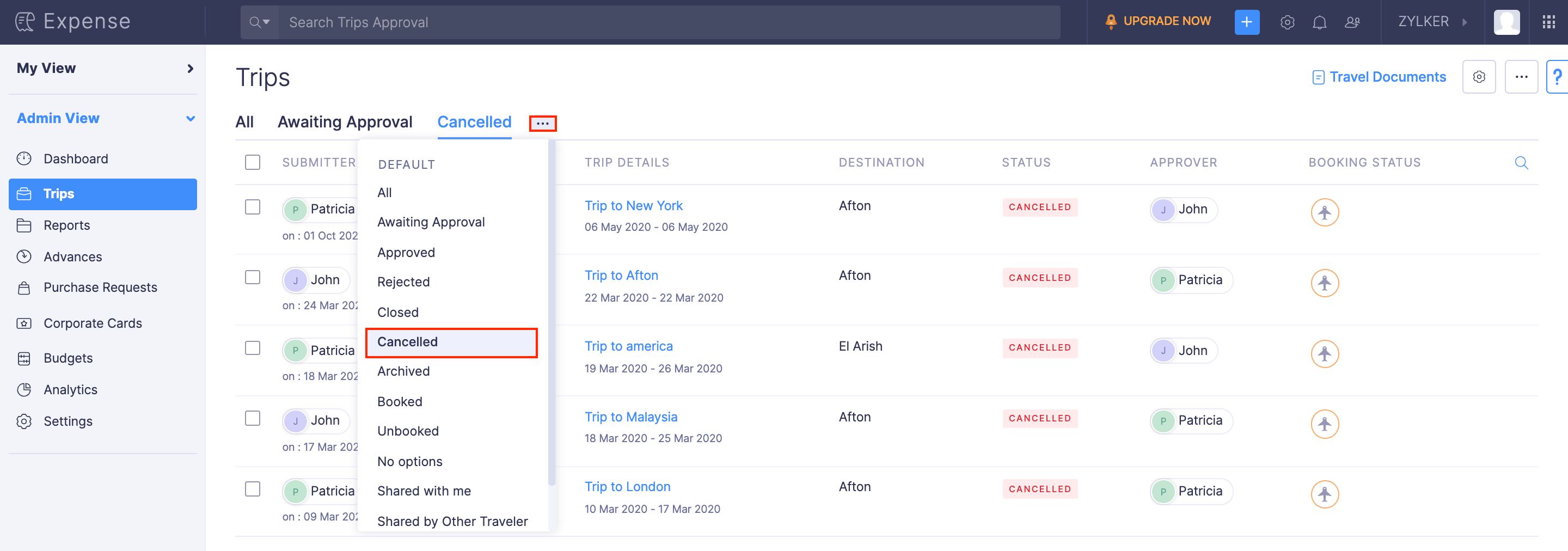
If you want to configure the preferences for the Trips module, click the Gear icon at the top right side of the page and select Preferences. To customise and configure the approval preferences, click Approvals.