


TDS Liabilities

TDS (Tax Deducted at Source) is the tax amount withheld by the payer from certain payments made to vendors and paid to the government on the vendor’s behalf. The withheld amount remains a liability for the payer until it is paid to the government and is referred to as a TDS liability.
Zoho Books lets you view all TDS liabilities, associate TDS challans with them, and record payments for the liabilities. You can also configure the expense accounts under which penalty and interest amounts from TDS challans are tracked.
Enable TDS Liabilities
Before generating the TDS liabilities, you need to enable the feature. Here’s how:
- Go to Settings.
- Go to Taxes and Compliance and select Direct Taxes.
- Under Income TDS Settings, check the Enable TDS Liabilities Report option.
- Select the month from which you want to generate the TDS liabilities in the Start Period field.
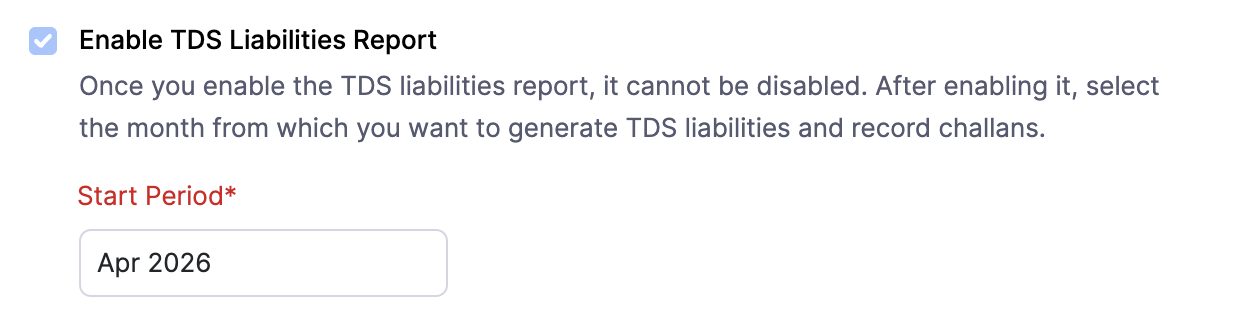
- Click Save.
TDS liabilities are enabled from the month you selected.
Select Accounts to Track Penalties and Interest
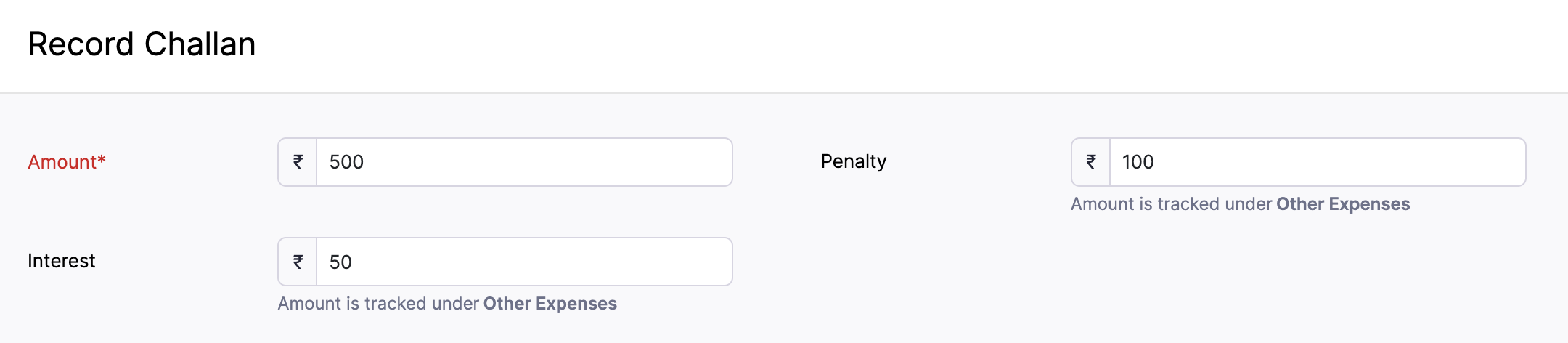
When you record a TDS challan, you can enter penalty and interest amounts, if applicable. You can choose the expense accounts to track these amounts. By default, both amounts are tracked under the Other Expenses account.
To configure the accounts:
- Go to Settings.
- Go to Taxes and Compliance and select Direct Taxes.
- Under Income TDS Settings, scroll to Select Account To Track Penalties and Interest.
- Select the Penalty Account and Interest Account from the respective dropdowns.
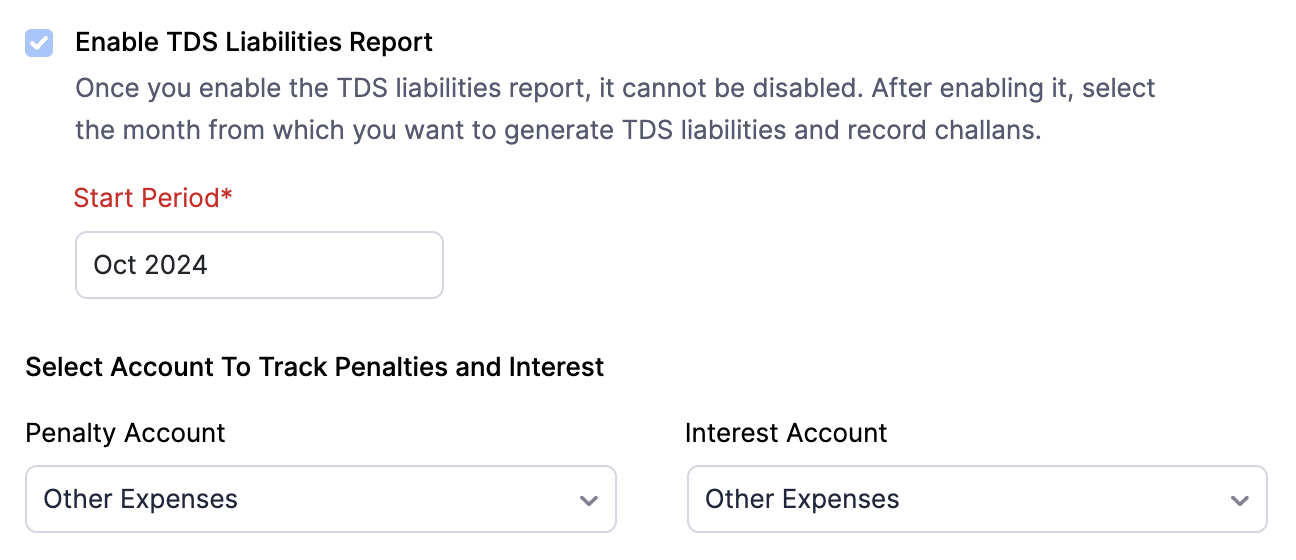
- Click Save.
The selected accounts will be used to track penalty and interest amounts when you record TDS challans. You can view the selected accounts below the Interest and Penalty fields on the Record Challan page.
View TDS Liabilities
After enabling the feature, the TDS liabilities will be generated starting from the month you selected. To view the TDS liabilities:
- Go to Filing & Compliance on the left sidebar and select TDS Liabilities.
- The TDS liabilities will be listed starting from the month you selected. Select a liability to view all the transactions from which TDS was deducted for that month.
The liability details include Total TDS, Paid Amount, and Balance.
 Yes
Yes