


Functions in Payments Received

Let us see the different functions that can be performed in the Payments Received module.
Payment Receipt Template
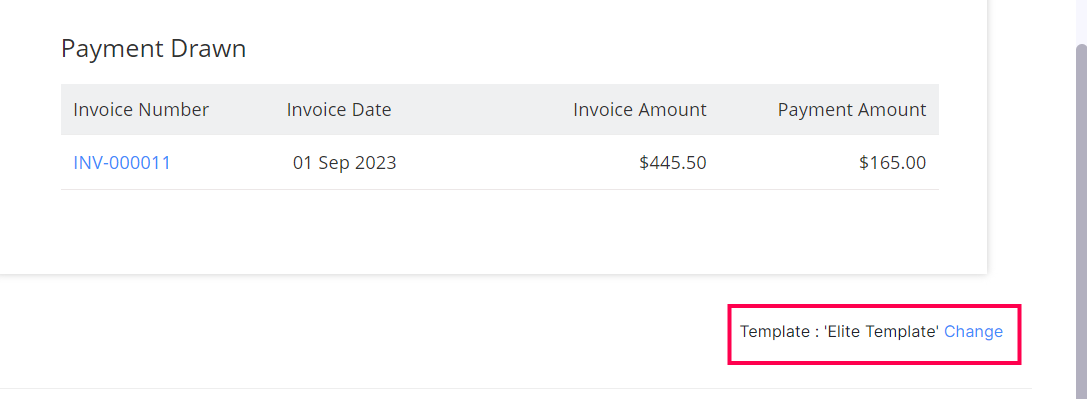
When you record a payment in Zoho Billing, it will be saved in a default template. However, you can change this template and select another one. Here’s how:
- Go to Payments > Payments Received.
- Select the payment for which you want to change the template.
- Scroll down to the Template section and click Change.
- Select the template of your choice.
- Click OK.
Learn more about Templates and Payment Receipt Templates.
Next >
Manage Payments Received
Related
- Overview - Payments Received
- Basic Functions in Payments Received
- Other Actions in Payments Received
- Payments Received Preferences


Loading response
Ask Zia is powered by AI. Responses are helpful but not always perfect.
 Yes
Yes