


More with Expenses


Let’s take a look at some actions that can be performed within an expense in Zoho Billing.
Cloning Expenses
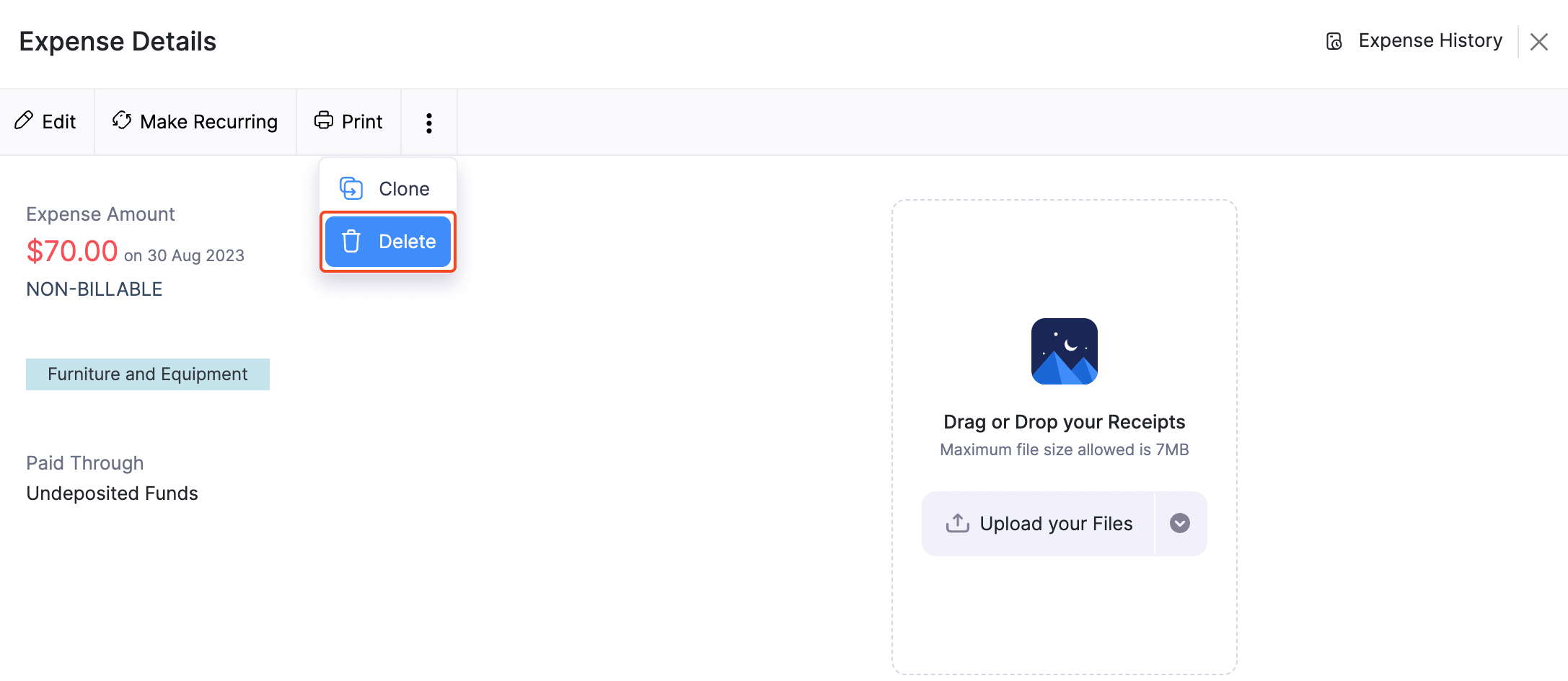
- Clone - You can clone or duplicate an expense in Zoho Billing by:
- Navigate to Expenses.
- Select an expense.
- Click More > Clone.
- Modify the details of the expense accordingly.
- Click Save.
This expense will be identified and tracked separately, thus avoiding any chance of confusion.
Deleting Expenses
- Delete - You can delete an expense by:
Navigate to Expenses.
Select an expense.
Click More > Delete.
Modify the details of the expense accordingly.
Click Save.
Note: This action cannot be reversed.


Loading response
Ask Zia is powered by AI. Responses are helpful but not always perfect.
 Yes
Yes