Trusted by businesses worldwide






What can you automate?
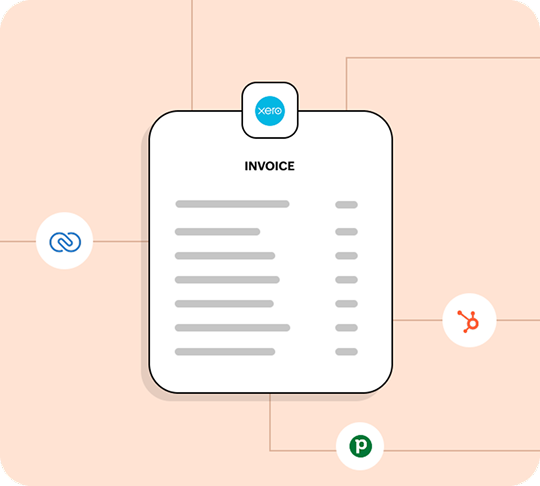
Create invoices in Xero when deals close in a CRM
When a deal is closed-won in Zoho CRM, HubSpot, Salesforce, or Pipedrive, an invoice gets created in Xero automatically, with details of each invoice entry mapped as a separate line item.
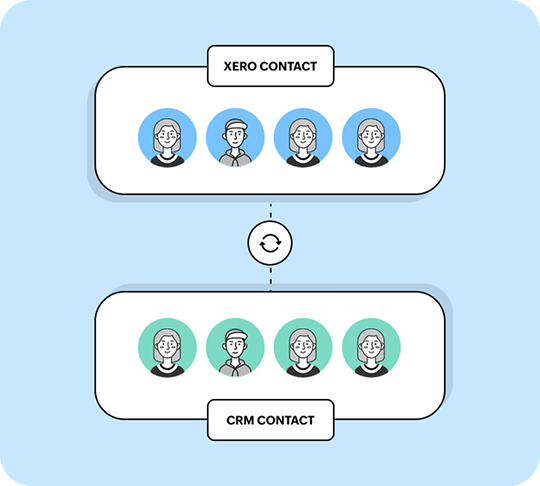
Keep contact information in sync across CRMs and help desks
Sync contact details between Xero, your CRM, and your help desk in both directions. When a contact is created or updated in one system, Zoho Flow syncs the change in the other without creating duplicates.

Send payment notifications to Slack, email, or a team chat tool
When a payment is recorded in Xero, Zoho Flow sends a notification on Slack, Zoho Cliq, or email. Choose to set conditions to only alert on payments above a certain amount or to flag overdue invoices.
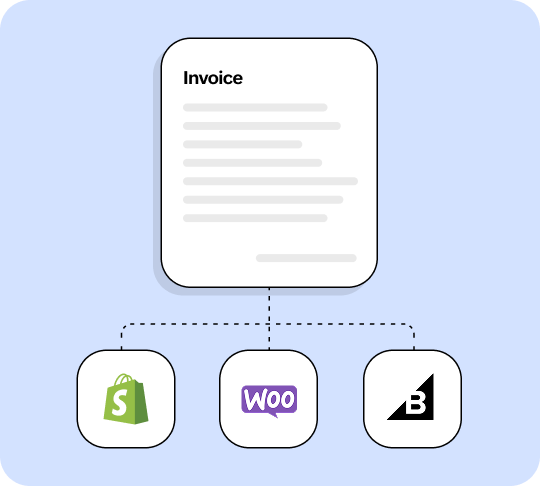
Generate invoices for ecommerce purchases
Connect ecommerce platforms like Shopify, WooCommerce, and BigCommerce to Xero. New Shopify orders automatically generate invoices with line items mapped individually.
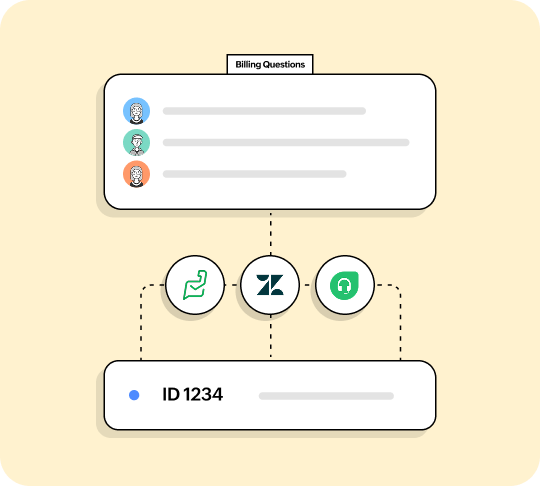
Pull billing context into support tickets
When a customer raises a billing question, Zoho Flow pulls their invoice or payment status from Xero into Zoho Desk, Freshdesk, or Zendesk. Your agent sees billing details without leaving the ticket.
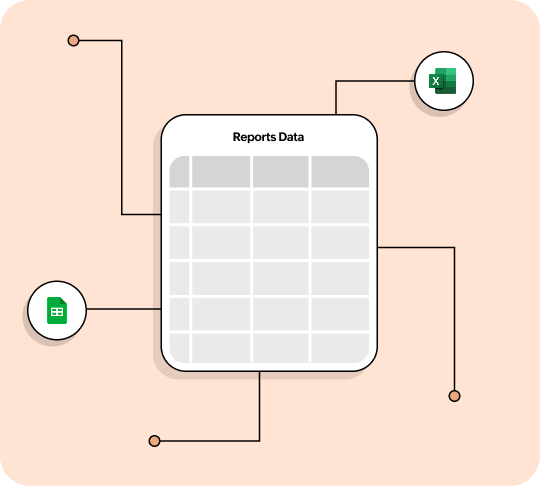
Log Xero invoices and payments in spreadsheets for reporting
When an invoice is generated and a corresponding payment is received, log all details in Google Sheets or Excel for custom reporting and dashboards.
Native line item support
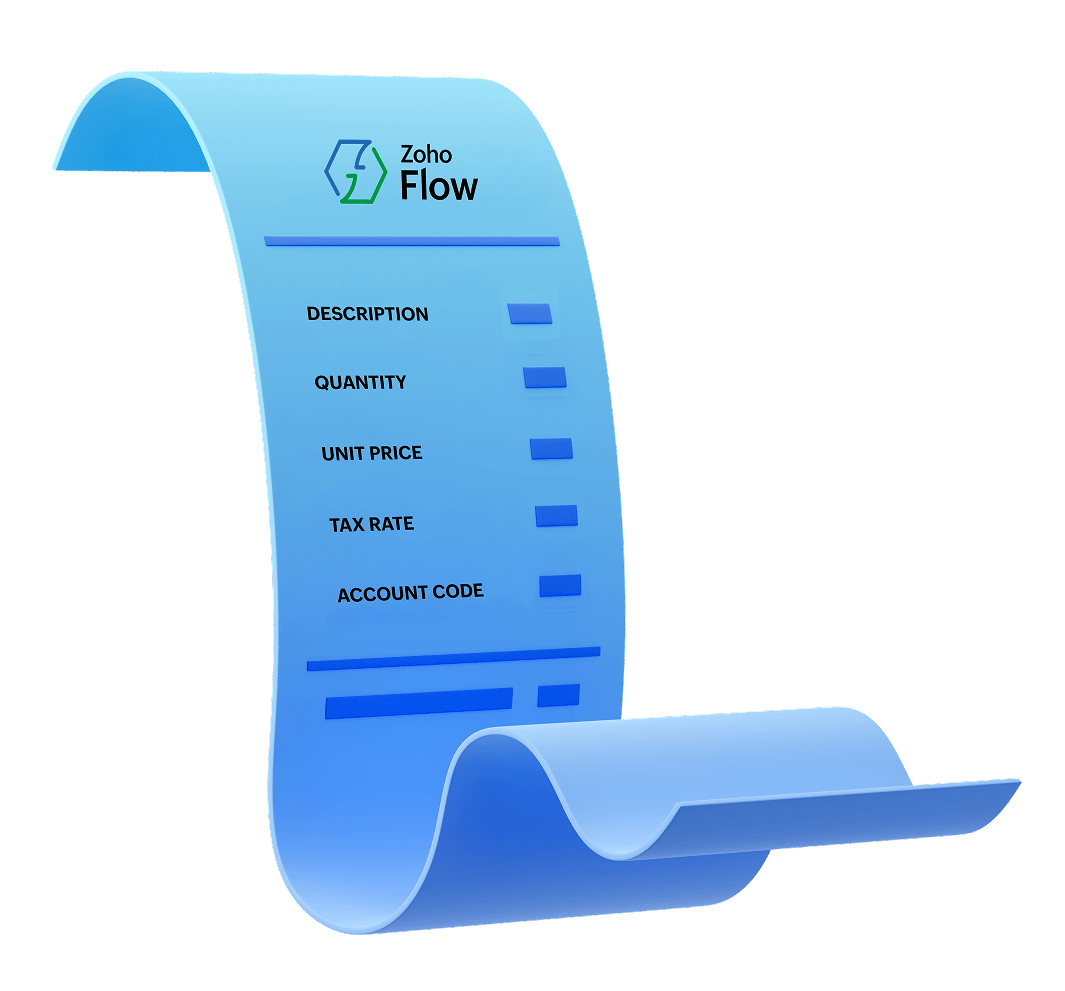
Most integration platforms can't handle multi-line invoices without custom code. Zoho Flow maps each line item natively, including description, quantity, unit price, tax rate, and account code directly from your workflow builder. You get accurate invoices for GST and VAT reporting—no scripting required.
Popular integrations you can try right now
Create Xero invoices for closed deals in Zoho CRM
Try this flow
Sync new Xero contacts to HubSpot
Try this flow
Send Slack notifications for Xero payments
Try this flow
Create Xero invoices for Shopify orders
Try this flowAdd Zoho CRM contacts to Xero
Try this flow
Create Xero POs from Zoho Forms
Try this flow
Notify Zoho Cliq for overdue Xero invoices
Try this flow
Create Xero invoices for Pipedrive deals
Try this flow
Sync Xero contacts to Google Sheets
Try this flow
Log Zoho Expense claims in Xero
Try this flow
Why integrate Xero using Zoho Flow?
1,000+ app integrations
Connect Xero to your CRM, ecommerce, support, communication, and project management tools. Zoho Flow supports 1,000+ cloud and on-prem apps with 25,000+ prebuilt templates.
Visual workflow builder
Build multi-step workflows with conditional branching, time delays, and custom functions. Go beyond simple trigger-action automations.
Native line item support
Create Xero invoices and purchase orders with multiple line items mapped individually. No custom code needed.
Your data stays yours
Flow is GDPR compliant, AES encrypted, and built on Zoho's own infrastructure. Zoho doesn't sell or share your data with third parties.
Certifications
 ISO 27001
 ISO 27017
 ISO 27018
 Soc-2 type II
 GDPR
GDPRDeep Dive
Automating Xero workflows with Zoho Flow
How do businesses use Zoho Flow with Xero?
Zoho Flow lets you connect Xero with 1,000+ cloud and on-prem applications to automate invoicing, contact syncing, payment notifications, and other accounting workflows. Xero is used by over 4.2 million subscribers worldwide, with the majority of its user base in Australia, New Zealand, and the UK. Here's how businesses use Zoho Flow to connect Xero to the rest of their tech stack:
Creating invoices automatically when deals close in a CRM
This is the most common friction point between sales and finance. A deal closes in your CRM, and someone has to manually recreate the customer details, products, quantities, and pricing as an invoice in Xero.
With Zoho Flow, a deal moving to closed won in Zoho CRM, HubSpot, or Pipedrive triggers the automatic creation of an invoice in Xero. The flow maps each product or service as a separate line item, preserving quantities, unit prices, tax rates, and account codes. Your finance team can review the invoice before it goes out, or you can add a step to send it to the customer automatically.
Invoices go out faster, line items match the deal exactly, and nobody is retyping information that already exists in your CRM.
Keeping contacts in sync across systems
When a new customer is added in your CRM, that same contact usually needs to exist in Xero for invoicing. When contact details change (a new billing address, updated email, different company name), both systems need to reflect it. Doing this manually means either duplicating the effort or accepting that your records will drift apart.
Zoho Flow syncs contacts between Xero and your CRM, help desk, or marketing tools in both directions. When a contact is created or updated in one system, the flow mirrors the change in the other. This works with Zoho CRM, HubSpot, Zoho Desk, Freshdesk, and hundreds of other apps.
Notifying your team about payments and overdue invoices
In most setups, finding out whether a customer has paid means logging in to Xero and checking. Your sales team doesn't have Xero access. Your project manager doesn't know if the deposit cleared.
With Zoho Flow, when a payment is recorded in Xero, you can automatically send a notification to Slack, Zoho Cliq, or email. You can set conditions to only notify for invoices above a certain amount, flag overdue invoices, or update a record in your CRM so the sales rep sees the payment status without leaving their workspace.
Pulling billing context into support tickets
When a customer raises a support ticket about a charge or payment issue, the agent typically has to leave the help desk, open Xero, search for the customer, find the relevant invoice, and relay the information back.
But Zoho Flow can automatically pull the customer's recent invoices or payment status from Xero and attach that context to the support ticket in Zoho Desk, Freshdesk, or Zendesk. The agent sees billing details without switching tabs. Faster resolution, less context-switching.
Creating invoices from ecommerce orders and form submissions
Manually creating invoices for every Shopify order, WooCommerce sale, or Zoho Forms submission doesn't work once volume picks up. Zoho Flow connects ecommerce platforms and form builders to Xero so that new orders or form responses automatically generate invoices or purchase orders, with each line item mapped individually.
Logging expenses and updating financial records
When an expense report is approved in Zoho Expense, the flow creates a corresponding bank transaction in Xero. When a project milestone is completed, the flow can update the associated purchase order. These workflows keep Xero accurate without manual data entry.
How does Zoho Flow handle Xero line items?
Invoices and purchase orders in Xero aren't single values. They carry arrays of line items, each with its own description, quantity, unit price, tax rate, and account code. Most integration platforms treat this as a single text field or require custom scripting to handle properly.
Zoho Flow handles Xero line items natively. You can read, map, and create invoices or purchase orders with multiple line items directly inside the drag-and-drop workflow builder.
Here's what that looks like in practice. Suppose a deal in your CRM has three products:
| Line Item | Qty | Unit price | Tax rate | Account code |
|---|---|---|---|---|
| Annual software license | 1 | $4,800 | 10% GST | 200 |
| Implementation consulting (5 days) | 5 | $950/day | 10% GST | 210 |
| Data migration service | 1 | $1,200 | 10% GST | 210 |
When that deal closes, Zoho Flow maps each line item individually into the Xero invoice, preserving every field. Your finance team receives a complete invoice ready for review—not a lump sum or a single line with a total amount, but the full breakdown.
This is particularly relevant for businesses in Australia, New Zealand, and the UK, where GST or VAT reporting requires accurate line-level detail. The same native line item handling applies to purchase orders, quotes, and credit notes in Xero.
Frequently asked questions
How do I connect Xero to Zoho Flow?
Log in to your Zoho Flow account, create a new flow, and select Xero as your trigger or action app. Click Connect, sign in to your Xero account, and grant Zoho Flow access to your Xero organization. The connection takes less than a minute.
Can I create Xero invoices automatically from my CRM?
Yes. You can set up a workflow where a deal closing in Zoho CRM, HubSpot, Pipedrive, or another supported CRM triggers the creation of an invoice in Xero. Zoho Flow maps the deal details, including individual line items, directly into the Xero invoice.
Does Zoho Flow support Xero line items?
Yes. Zoho Flow handles Xero line items natively for invoices, purchase orders, quotes, and credit notes. Each line item keeps its own description, quantity, pricing, and tax rate—no custom code required.
What Xero triggers and actions does Zoho Flow support?
14 triggers and 20 actions are supported, covering invoices, contacts, payments, purchase orders, quotes, credit notes, bank transactions, and projects. See the full trigger and action tables, or visit the Xero app gallery page.
Is Zoho Flow free for Xero integrations?
Zoho Flow offers a 15-day free trial of all premium features. Xero is available as an integration on the Professional plan and for customers using Zoho Flow through Zoho One or Zoho Creator 6.
How does Zoho Flow compare to Zapier for Xero integrations?
While Zapier has a larger app library, Zoho Flow's advantages for Xero specifically are native line item handling without custom code, on-prem app support, deeper integration with the Zoho ecosystem, GDPR-compliant infrastructure with no third-party data sharing, and lower pricing for equivalent task volumes. See the comparison.
Can I use Zoho Flow to sync Xero with on-premise applications?
Yes. Zoho Flow supports on-prem integrations, allowing you to connect Xero with applications running on your local network. This is relevant for businesses that use a mix of cloud and on-premises software.
Does Zoho Flow handle GST and VAT correctly in Xero invoices?
Zoho Flow maps the tax rate field at the line-item level. When you create an invoice in Xero through Zoho Flow, each line item can carry its own tax rate (GST, VAT, or any other rate configured in your Xero account). The tax calculation itself is handled by Xero, based on the rates and rules you've configured there.