
Trusted by businesses worldwide





Receive webhook data instantly
Any event, in any app, can trigger your workflow in real time. The moment a form submission, a payment, or a status change happens, Flow is on it.
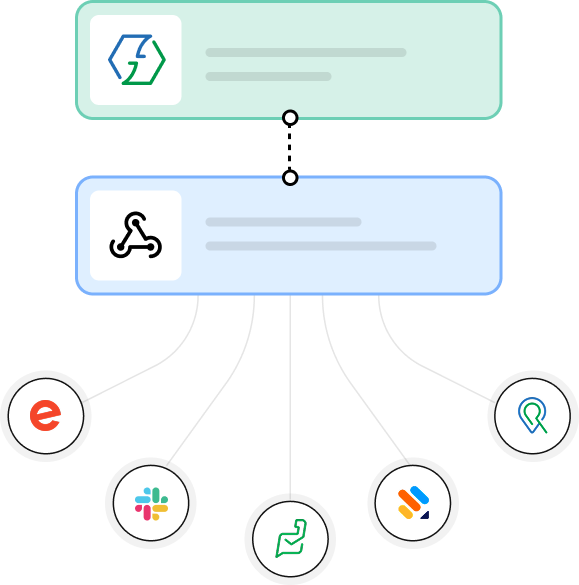
Send data to any app through outgoing webhooks
Push data to any app that accepts webhook calls, at any point in the workflow, and perform tailored actions across every system.
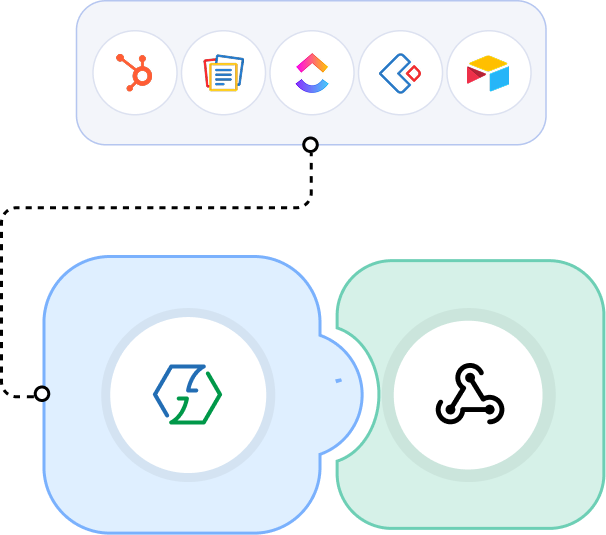














Connect almost any app with webhooks
Webhooks extend your reach beyond the 1,000+ apps natively supported by Zoho Flow, offering you the flexibility to integrate almost any app, third-party tool, or custom-built in-house application—on-prem systems included.
Explore Zoho FlowExtend your integrations with powerful webhook capabilities
Perform any API action from your workflow
Read, create, update, modify, or delete data in any external system with GET, POST, PUT, PATCH, and DELETE requests, configured directly within Zoho Flow, without having to code.
Extensive customization and control over your payloads
Configure headers, query parameters, and request bodies to send and receive data in desired payload formats. Zoho Flow supports JSON, form data, plain text, and XML.
Configure and manage APIs from within
Configure, test, and inspect your webhook calls directly within Zoho Flow, similar to how you would work in Postman. There's no need to switch tools or leave your workflow to verify if an API call is working as expected.
Securely connect to any API
Securely integrate any app, internal system, or API with Basic Auth, OAuth v1.0a, OAuth v2, and API key authentication, and keep them uninterrupted with auth profiles and automatic token refresh.
What you can automate
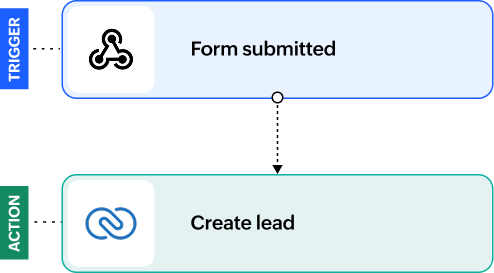
Capture leads from custom websites
Automatically capture leads from custom-built websites or proprietary lead sources and sync them directly to your CRM in real time.
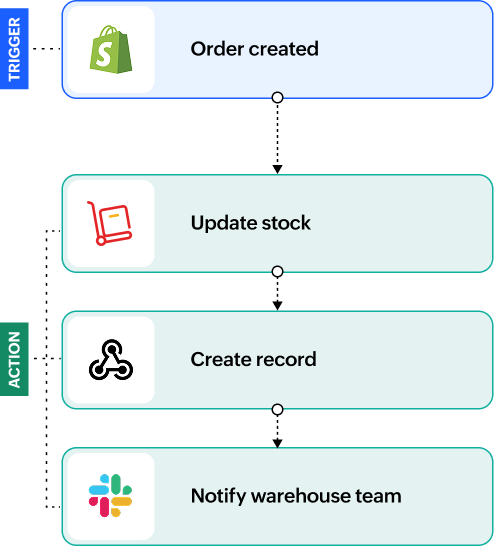
Connect your in-house ERP to the rest of your tech stack
When a new order is placed on your ecommerce platform, automatically update your inventory, notify your warehouse team, and send data to log the order in your in-house ERP solution through an outgoing webhook.
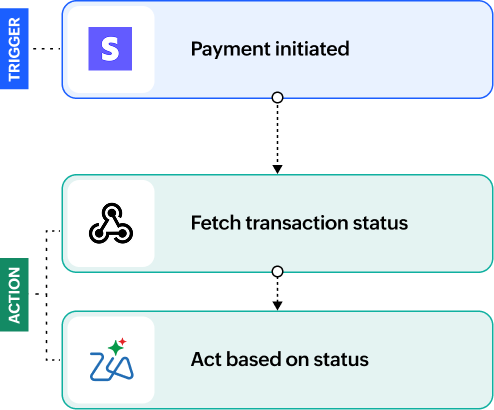
Keep payment gateways in sync with your systems
When a payment is initiated on your gateway, fetch the transaction status through a webhook call and let your workflow act on the response, so every record stays accurate without manual checks.
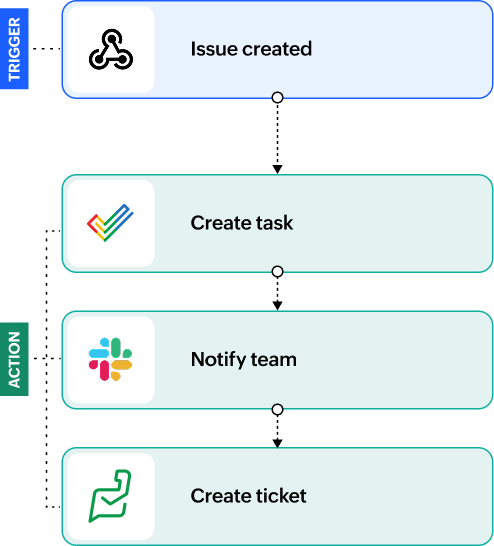
Turn monitoring alerts into tracked work
When your monitoring tool raises an issue, an incoming webhook can create the task, notify the right team, and open a ticket, so nothing waits on someone noticing an alert.
Frequently asked questions
What is a webhook?
A webhook is a message an app sends the moment something happens in it. Instead of your workflow checking an app over and over for new data, the app calls a URL and hands the data over as soon as the event occurs.
What is the difference between incoming and outgoing webhooks in Zoho Flow?
An incoming webhook receives data from another app and starts your workflow. An outgoing webhook does the reverse: it sends data from your workflow to any app or system that accepts webhook calls.
Do I need coding knowledge to use webhooks in Zoho Flow?
No, you can set up, configure, and manage webhooks entirely through a visual interface, without writing a single line of code.
Which apps can I integrate using webhooks?
Any app that can send or receive a webhook call. That covers third-party tools beyond the 1,000+ apps Zoho Flow supports natively, custom-built in-house applications, and on-prem systems.
What data formats does Zoho Flow support for webhooks?
Zoho Flow supports JSON, form data, plain text, and XML, so you can send and receive payloads in whichever format the other app expects.
Can I trigger a webhook at any point in a workflow?
Yes. An outgoing webhook is an action like any other, so you can place it at any point in the workflow, and add as many as your automation needs.
How secure are webhooks in Zoho Flow?
Webhook calls run over HTTPS and are authenticated, and credentials are held in auth profiles rather than in the workflow itself. Zoho Flow runs on Zoho's own cloud infrastructure with 24/7 monitoring and full disk encryption.
What API methods does Zoho Flow support for outgoing webhooks?
GET, POST, PUT, PATCH, and DELETE, so you can read, create, update, modify, or delete data in any external system.
What authentication methods are supported for outgoing webhooks?
Basic Auth, OAuth v1.0a, OAuth v2, and API key authentication. Auth profiles keep these connections uninterrupted with automatic token refresh.