


Getting “empty string as column header” error when importing CSV/XLS. How to fix?

The error may be caused because of an additional separator (Comma in the case of a CSV file, Tab in the case of a TSV file) or an empty column present on a particular line. Remove the separator and empty columns and save the file. Finally, import the file into Zoho Invoice, match the corresponding fields and it should work perfectly fine.
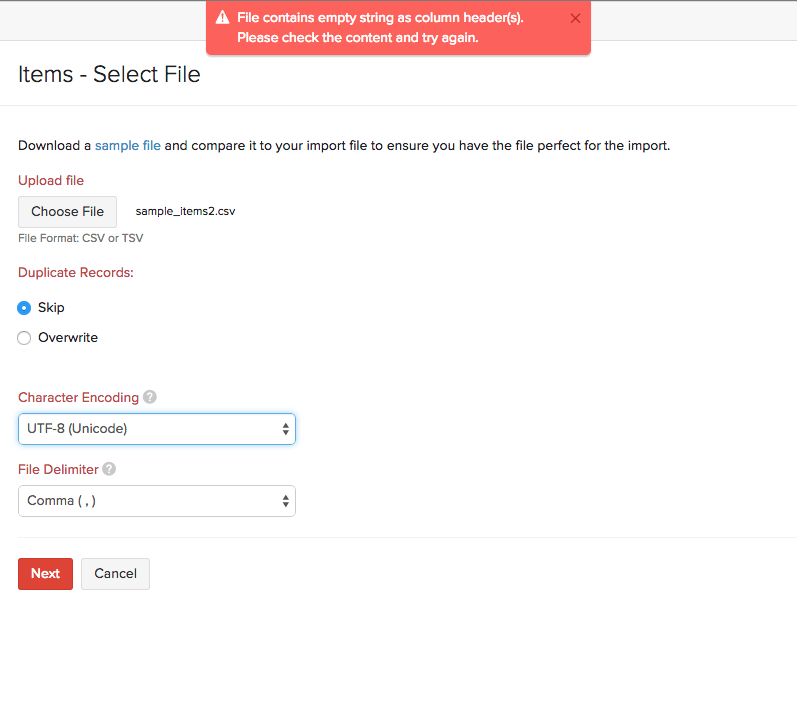
P.S: Also, while importing files, make sure the columns do not have unnecessary separators(Commas or Tabs) or characters as this might lead to causing the above error.
 Yes
Yes