

Tax Reports

The Taxes section includes the tax reports in Zoho Invoice.
View the TDS Receivables Summary
The TDS Receivables Summary report is a summary of all taxes deducted in your sales transactions such as estimates, invoices, recurring invoices, payments received, and credit notes. You can view the total value of taxes deducted for all your sales transactions during a period.
To view your TDS Receivables report:
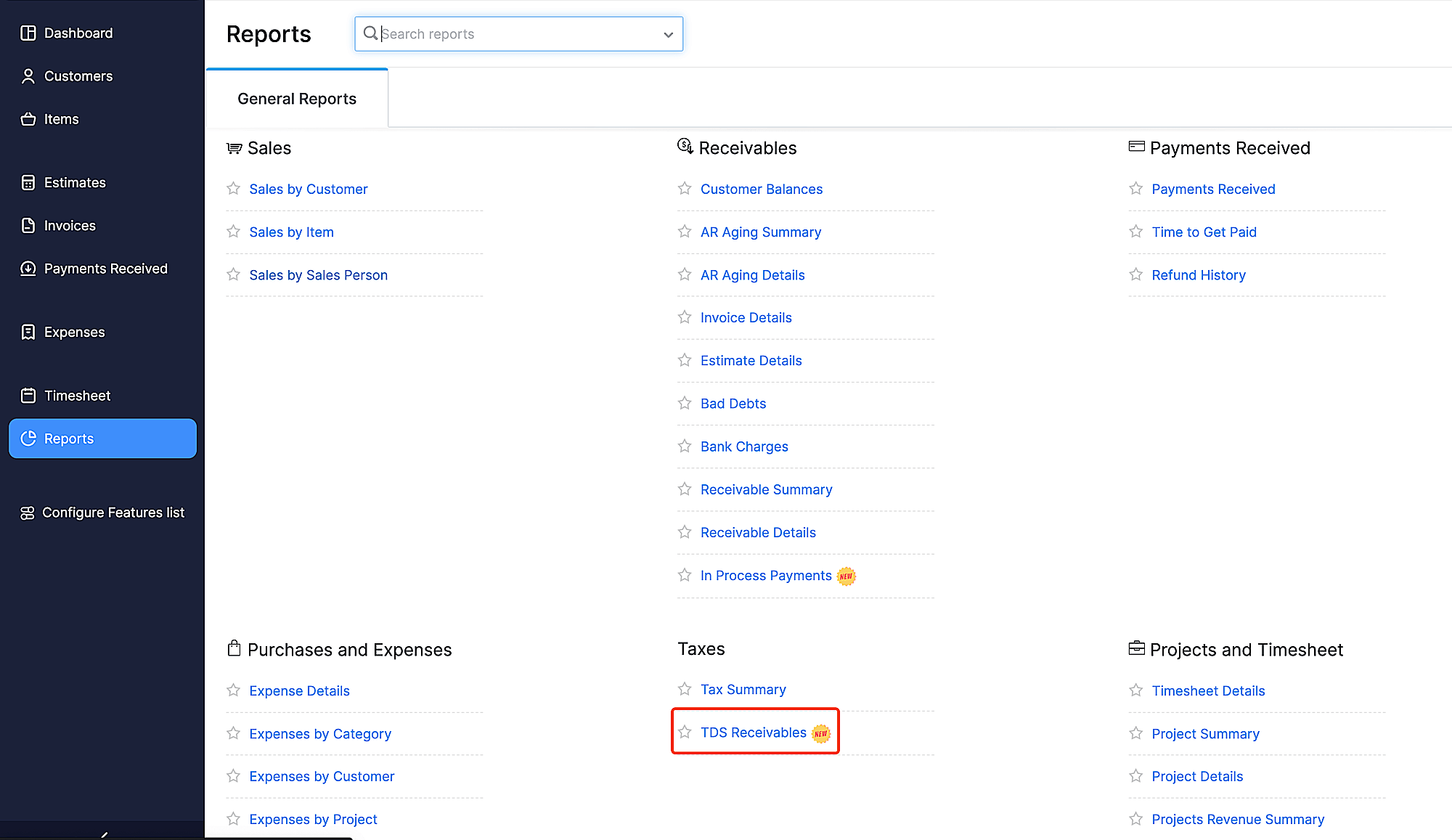
- Go to Reports on the left sidebar.
- Select TDS Receivables under Taxes.
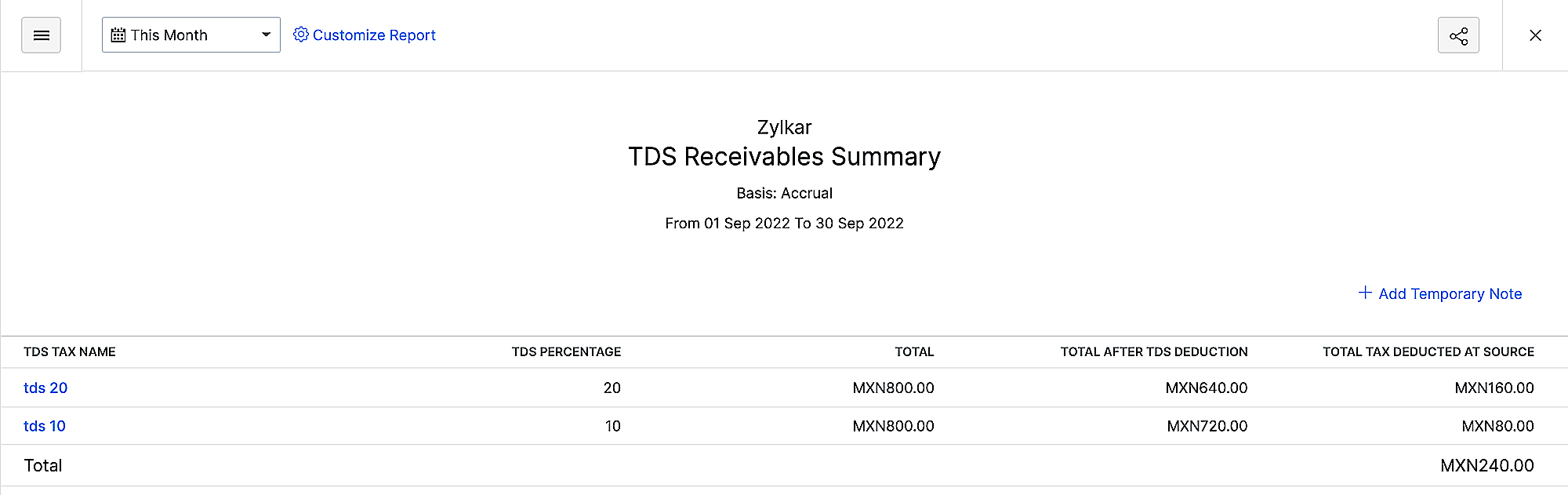
The TDS Receivables report will contain the following columns:
| Title | Description |
|---|---|
| TDS Name | The TDS applied to a particular transaction. |
| TDS Percentage | The TDS percentage at which the particular goods or service is charged. |
| Total | The sales transaction’s total before deducting TDS. |
| Total After TDS Deduction | The sales transaction’s total after deducting TDS. |
| Total Tax Deducted At Source | The total TDS deducted for the sales transaction. |
Customize Report
To customize this report:
- Go to Reports and select TDS Receivables under the Taxes section.
- Click Customize Report at the top of the page.
| Field | Description |
|---|---|
| Date Range | Select the date range for which you want to generate the report. |
| Report Basis | Select if you want the report to be generated on an accrual or cash basis. |
| Group By | Group the report by customer or TDS rate. |
- Click Run Report.
 Yes
Yes