


Credit Note Preferences

Basic Settings
To configure your credit note preferences:
- Go to Settings.
- Under Module Settings, go to Sales and select Credit Notes.
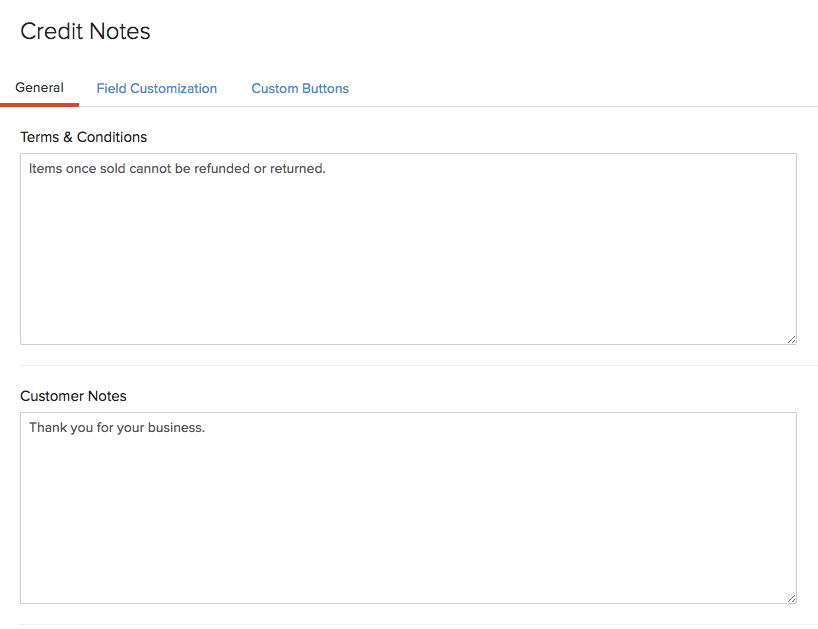
Terms & Conditions
Enter the Terms and Conditions of your business to be displayed in your credit notes.
Customer Notes
Enter any notes of your business that you want to display in your credit notes.
- Click Save.
Field Customization
You can add multiple custom fields for the Credit Notes module and assign different data types for each of them. Learn more about Field Customization.
Validation Rules
If you want to set restrictions on creating or updating credit notes, you can use Validation Rules. Read our help document on Validation Rules to learn more.
Custom Buttons
You can create new buttons in the Credit Notes module to perform specific actions for your transactions, or to open external links. You can create them using deluge script and execute actions based on the functions you add. Learn more about Custom Buttons.
 Yes
Yes