- HOME
- Accounting trends & insights
- How to select the best mobile accounting software for Singapore businesses: Manage finances on-the-go
How to select the best mobile accounting software for Singapore businesses: Manage finances on-the-go
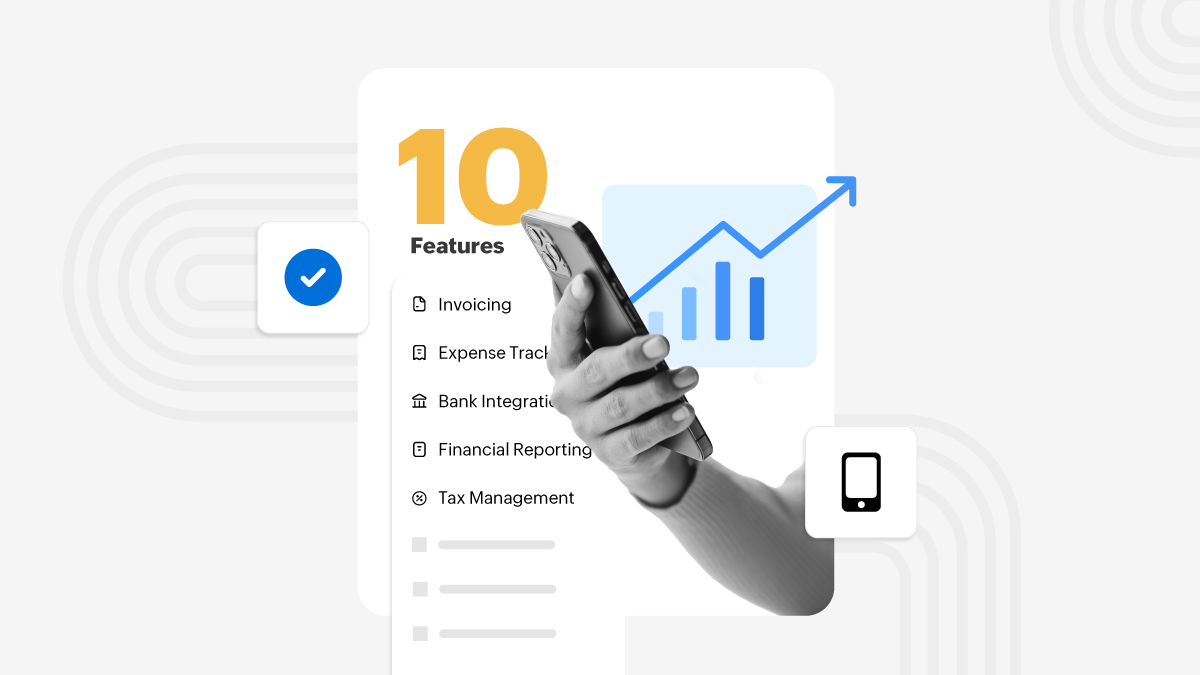
For most Singapore businesses, work doesn’t happen only at a desk. Teams are on the road, moving between sites, or balancing multiple responsibilities at once. In these situations, keeping financial records updated can be challenging. That’s where mobile accounting becomes useful, letting you manage essential tasks using the device you already carry everywhere.
Here’s what really helps when using mobile accounting to manage your finances on the move.
Accounting in your pocket
Mobile accounting apps turn your smartphone into a dependable financial workspace. You can record expenses, review balances, or send invoices wherever you are. Since everything syncs through the cloud, updates appear instantly across all authorized devices. It’s a simple way to keep information current, even on the busiest days.
Built for Singapore’s digital environment
Singapore encourages strong digital record keeping and timely electronic submissions. Mobile accounting supports this by helping businesses document transactions at the moment they occur, keeping audit trails clean and GST-related information complete. This reduces both compliance risk and the usual end-of-month rush.
Everyday tasks made easier
Mobile tools blend neatly into daily routines. Whether you’re finalizing an order, closing a sale, or reviewing a payment, you can complete related accounting steps right away.
Typical on-the-go actions include:
Sending invoices immediately after a job
Capturing receipts as photos
Checking receivables or payables between meetings
Logging expenses from the field
This leads to faster updates and fewer forgotten entries.
A natural fit for mobile-first teams
Singapore’s strong connectivity and high smartphone adoption make mobile accounting easy to introduce across teams. Employees already rely on mobile apps for scheduling, communication, and operations, so recording financial information becomes an intuitive extension of existing workflows.
Invoicing without delays
Billing delays often lead to slower payments. Mobile invoicing allows teams to create and send invoices the moment work is completed. Since the system updates instantly, the transaction enters your books straight away, helping maintain a healthier cash flow rhythm.
Paperless expense capture
Instead of dealing with physical receipts that get lost or damaged, mobile accounting lets you snap a photo and automatically scan the details of the transaction. The accounting app should read key information—amount, date, merchant—and categorizes the expense for you. This creates clear documentation, simplifies GST claims, and removes the last-minute effort usually needed during reconciliation.
Reconciliation on the move
Through bank feeds, transactions flow automatically into your accounting system. Mobile access lets you review and match entries throughout the day, turning reconciliation into a light, ongoing process instead of a large monthly task.
Real-time stock awareness
For product-based businesses, mobile accounting provides helpful visibility into inventory. Team members in warehouses, delivery units, or retail spaces can:
Check stock availability.
Record item movements.
Update counts directly on site.
Create or confirm orders.
When these updates connect seamlessly with accounting, CoGS, valuation, and profitability reports remain accurate.
Approvals that keep pace
Financial approvals can slow operations when they depend on desk access. Mobile workflows allow managers to review and approve bills, claims, and purchase requests from anywhere, reducing bottlenecks and helping teams stay productive.
Clarity you can check anytime
Mobile access gives you up-to-date insights into cash flow, outstanding payments, GST amounts, and daily financial activity. Decisions become easier because you’re working with the latest numbers, not outdated reports. Even a small service team, like air conditioning technicians moving between jobs, can log expenses or issue invoices on the spot, giving the finance team real-time visibility without waiting for end-of-day updates.
Choosing a mobile-ready accounting system
When selecting a platform, remember to consider:
A clean, intuitive mobile experience
Real-time syncing across devices
Strong integration with banking, inventory, payments, and operational tools
Robust security and role-based access
Support for Singapore’s GST framework
Scalability as your business grows
A well-designed system should simplify your work, not add more steps.
Adopting mobile accounting is no longer just a convenience; it’s a natural extension of how modern Singapore businesses operate. It supports compliance, streamlines daily tasks, and keeps your financial picture clear and current. With the right system, like Zoho Books, staying organised becomes easier, faster, and far more intuitive. Our mobile apps on the Play Store and App Store are updated regularly with new features and improvements, ensuring users always have a smooth, reliable, and evolving experience.
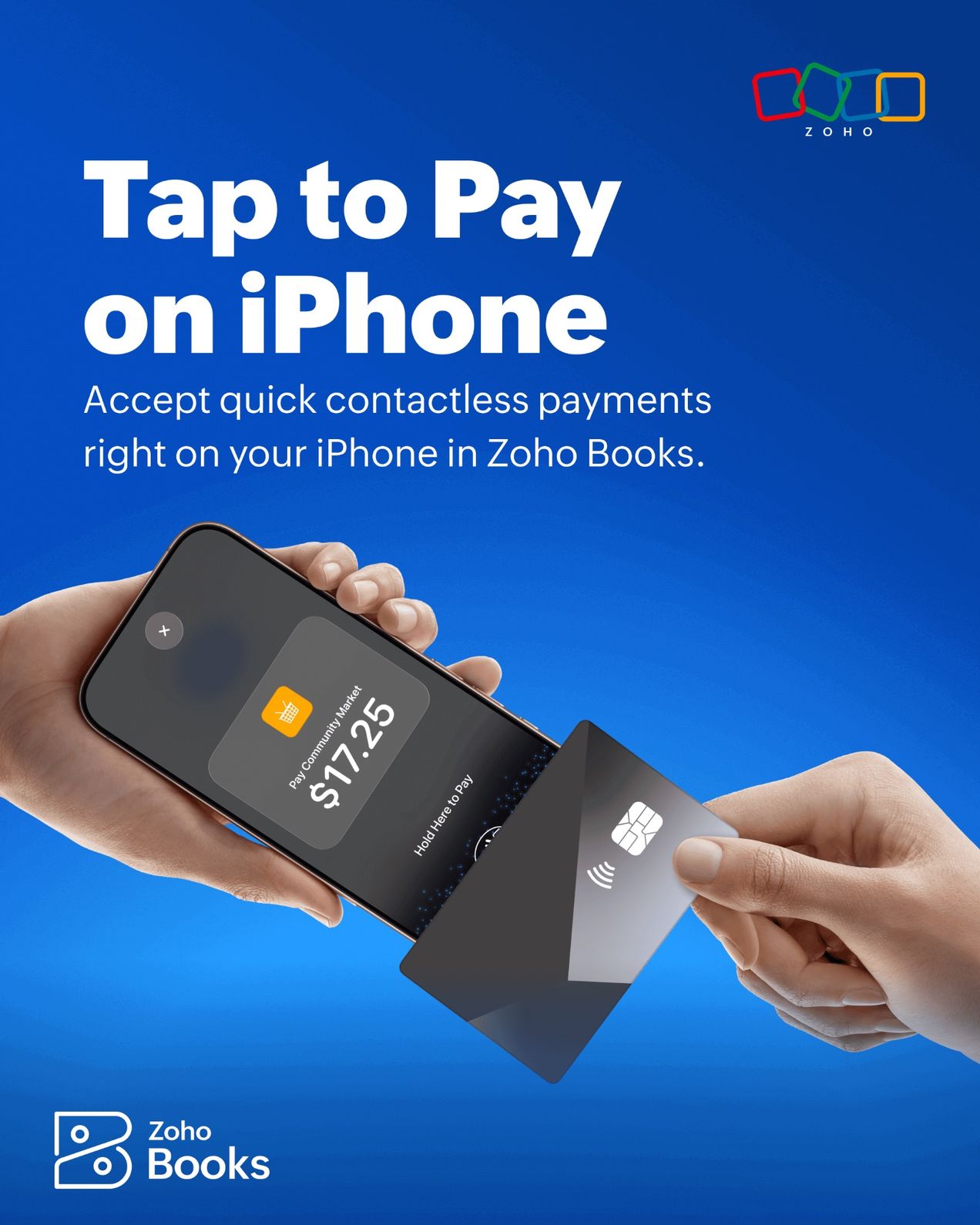
Introducing Tap to Pay, now available in Singapore.