
How Do I Record an Advance or Excess Payment From a Customer?

You can still record an advance or excess payment received from a customer in the France edition. This is useful when a customer pays more than the amount currently due, or pays an amount before it is applied to an invoice.
To record an excess payment:
- Go to Sales on the left sidebar and select Payments Received.
- Click + New.
- Select the customer for whom you want to record the excess payment.
- In the Amount Received field, enter the excess amount.
- In the pop-up that appears, select No.
- Enter the other required details.
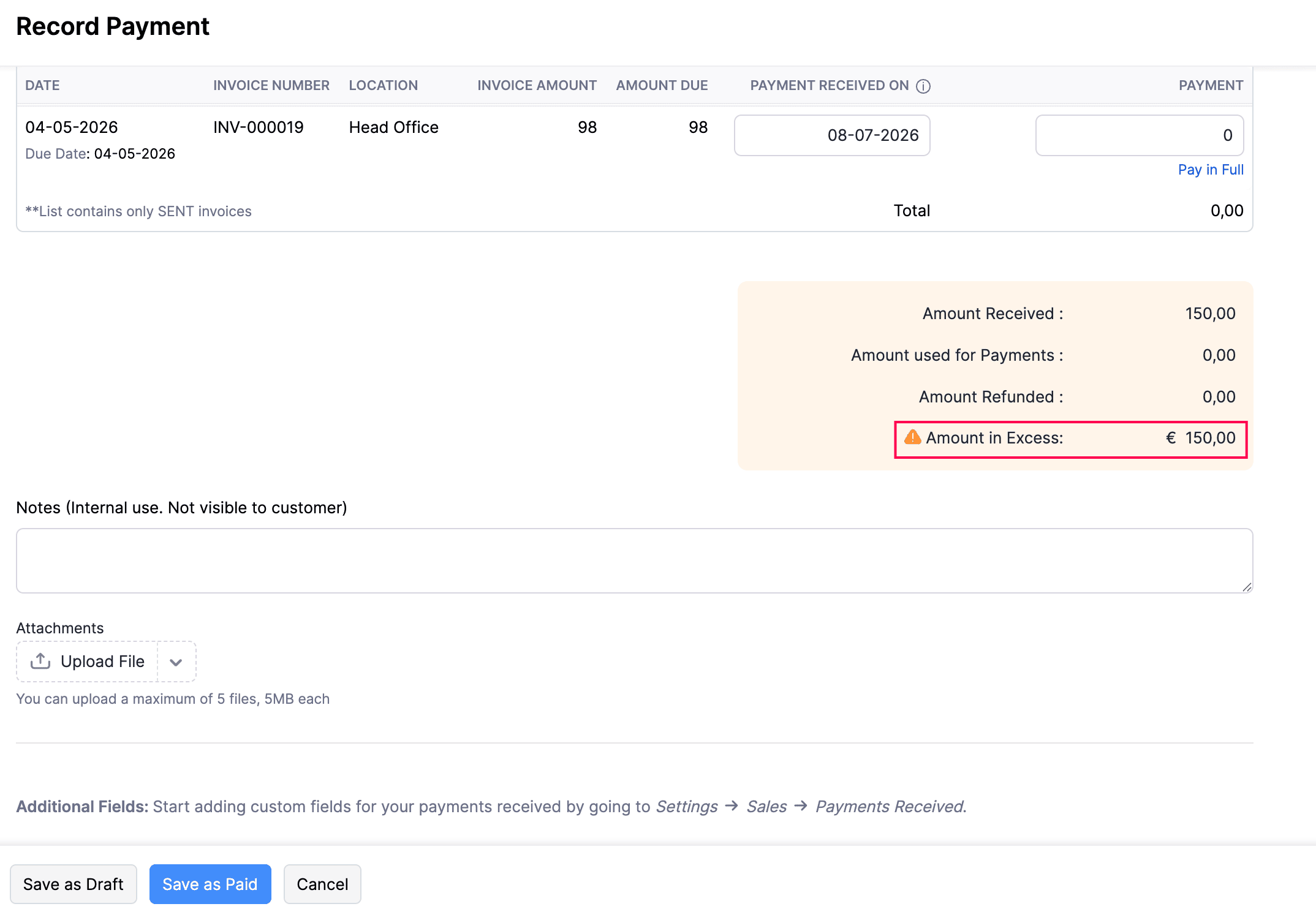
- Check the Amount in Excess field to verify the excess amount that will be recorded.
- Click Save as Paid.
The entered amount will be recorded as an excess payment for the customer. You can apply it to an invoice later when required.
Note: This is different from issuing a deposit or advance invoice. Since the native Retainer Invoice module is not available in the France edition, deposit invoices should be handled using a standard invoice.
 Yes
Yes