


Wie bearbeite ich die Eröffnungsbilanz, die falsch eingegeben wurde?

Sie können die Eröffnungsbilanz, die Sie in Zoho Books eingegeben haben, bearbeiten. So geht’s:
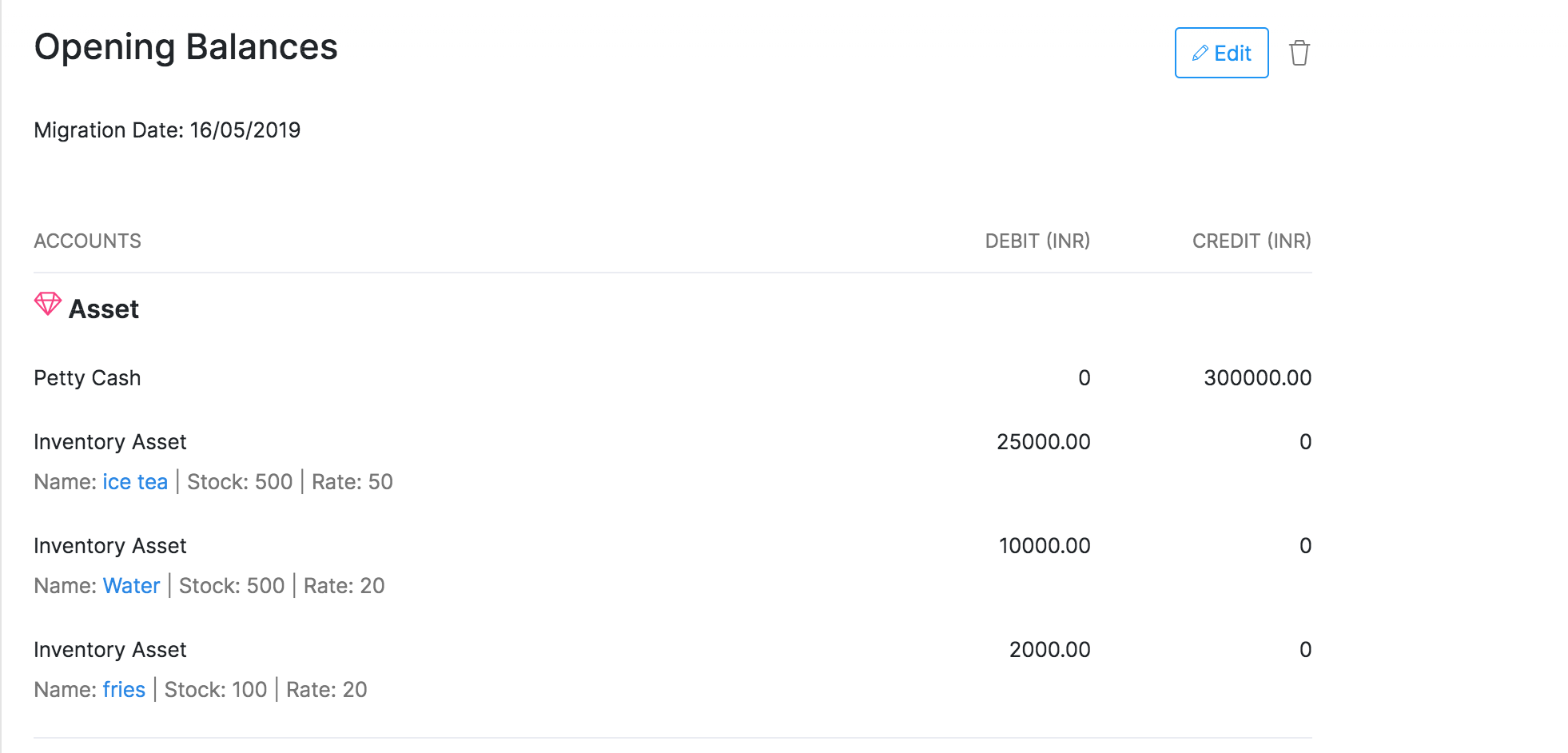
- Gehen Sie zu Einstellungen und wählen Sie dann Eröffnungsbilanzen.
- Klicken Sie auf die Schaltfläche Bearbeiten in der oberen rechten Ecke der Seite.
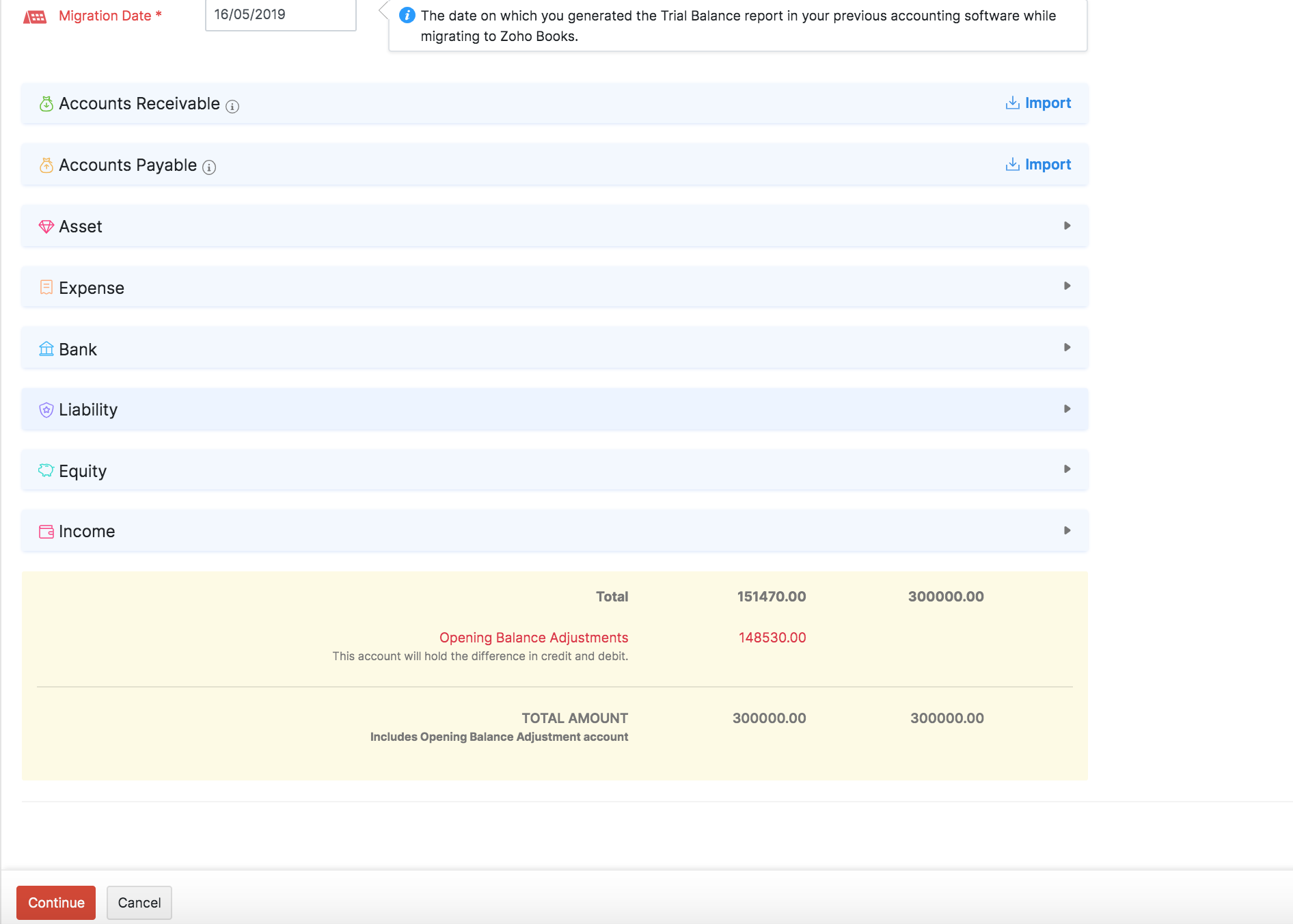
- Klicken Sie auf Importieren, um die Salden für Ihre Forderungen und Verbindlichkeiten zu importieren.
- Geben Sie die Salden für Ihre Bank Konten ein.
- Klicken Sie auf einen Kontotyp (Vermögenswert, Aufwand oder Verbindlichkeit), um deren Soll- und Haben-Salden einzugeben.
- Klicken Sie auf Weiter, nachdem Sie alle Salden eingegeben haben.
- Überprüfen Sie alle Salden auf dem nächsten Bildschirm und klicken Sie auf Bestätigen.
 Ja
Ja