





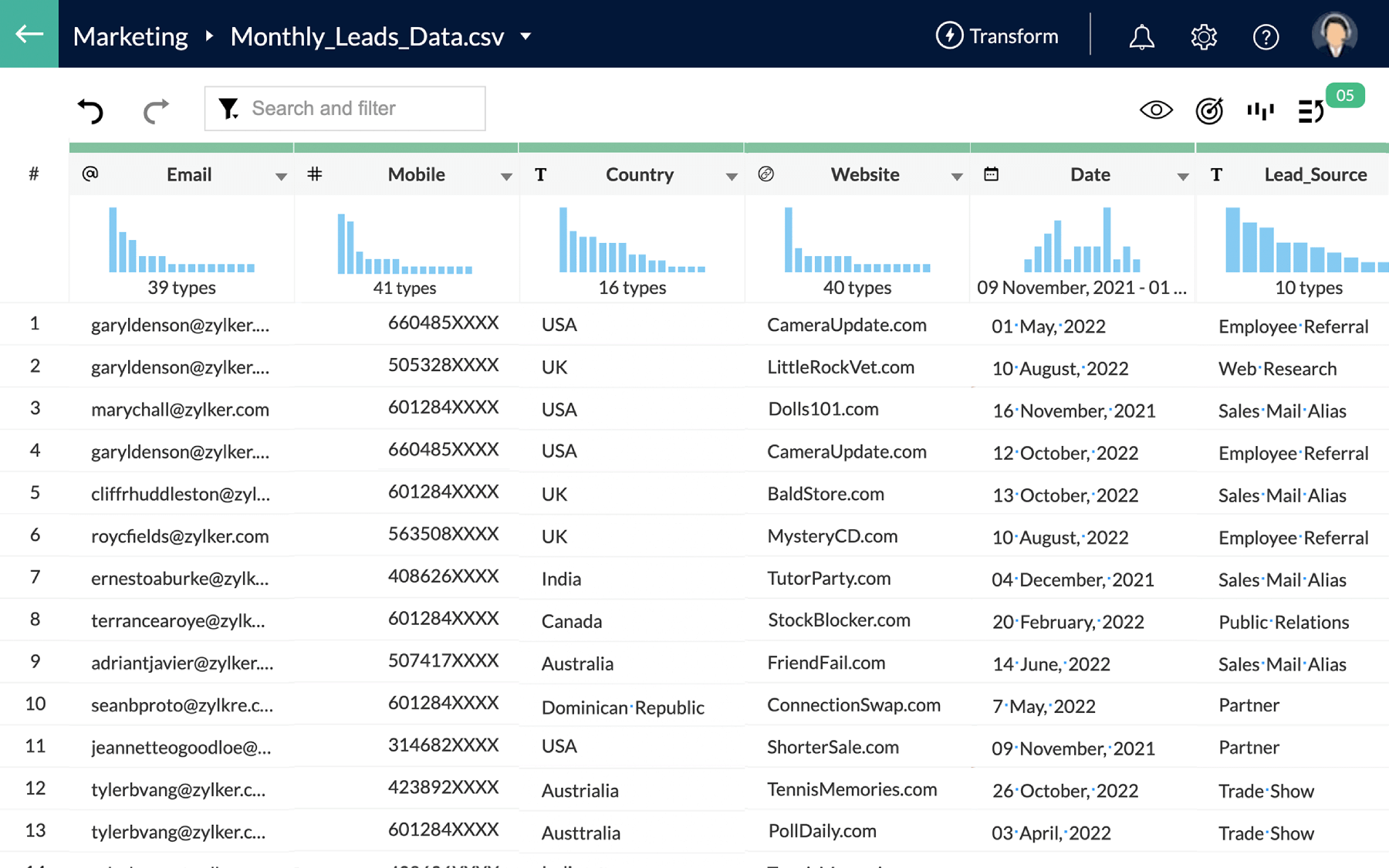
Why Zoho DataPrep for your Zoho CRM hygiene
Bad CRM data is the root cause of ineffective marketing campaigns and lost sales opportunities due to missing or incorrect customer information. If you're unable to trust your Zoho CRM data, then DataPrep can help!
Consolidation of leads from multiple sources
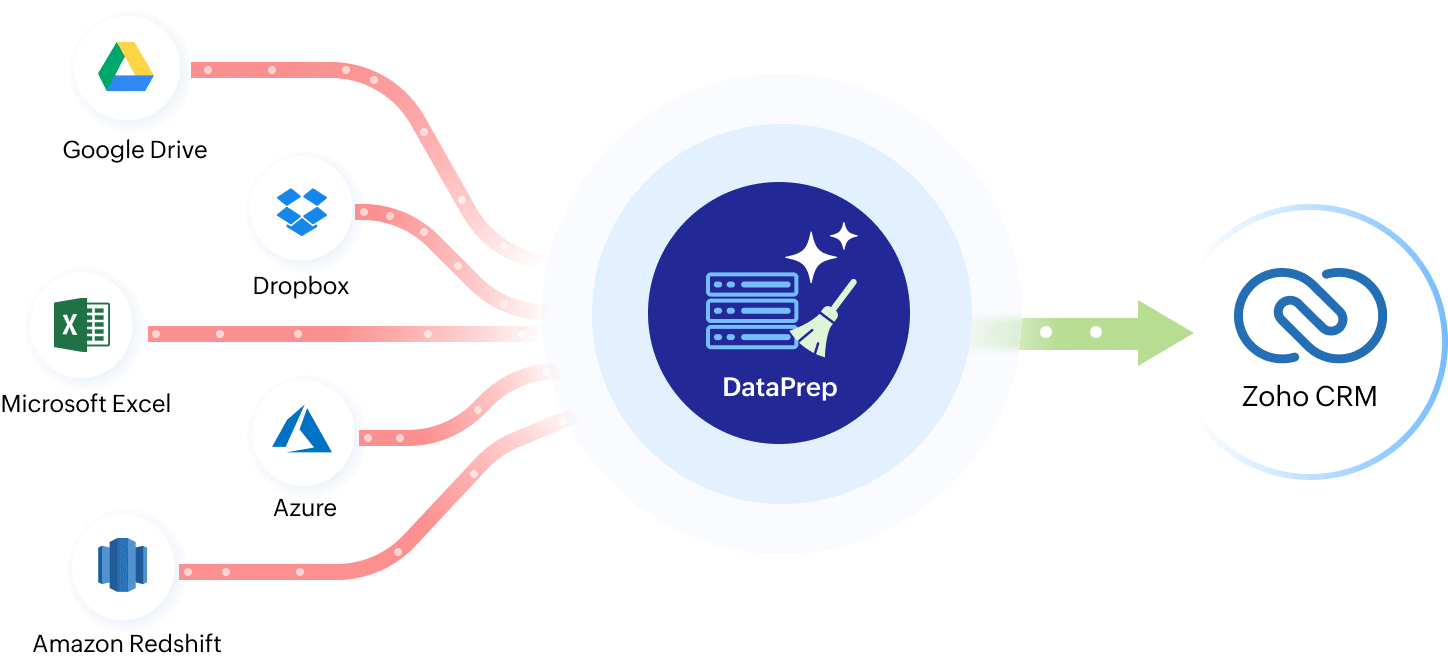
Your Zoho CRM has a constant influx of data from cloud storage, spreadsheets, URLs, and more. Whether offline events or online campaigns, you can easily consolidate all of your data and transform it into the same format to seamlessly import it to your CRM.
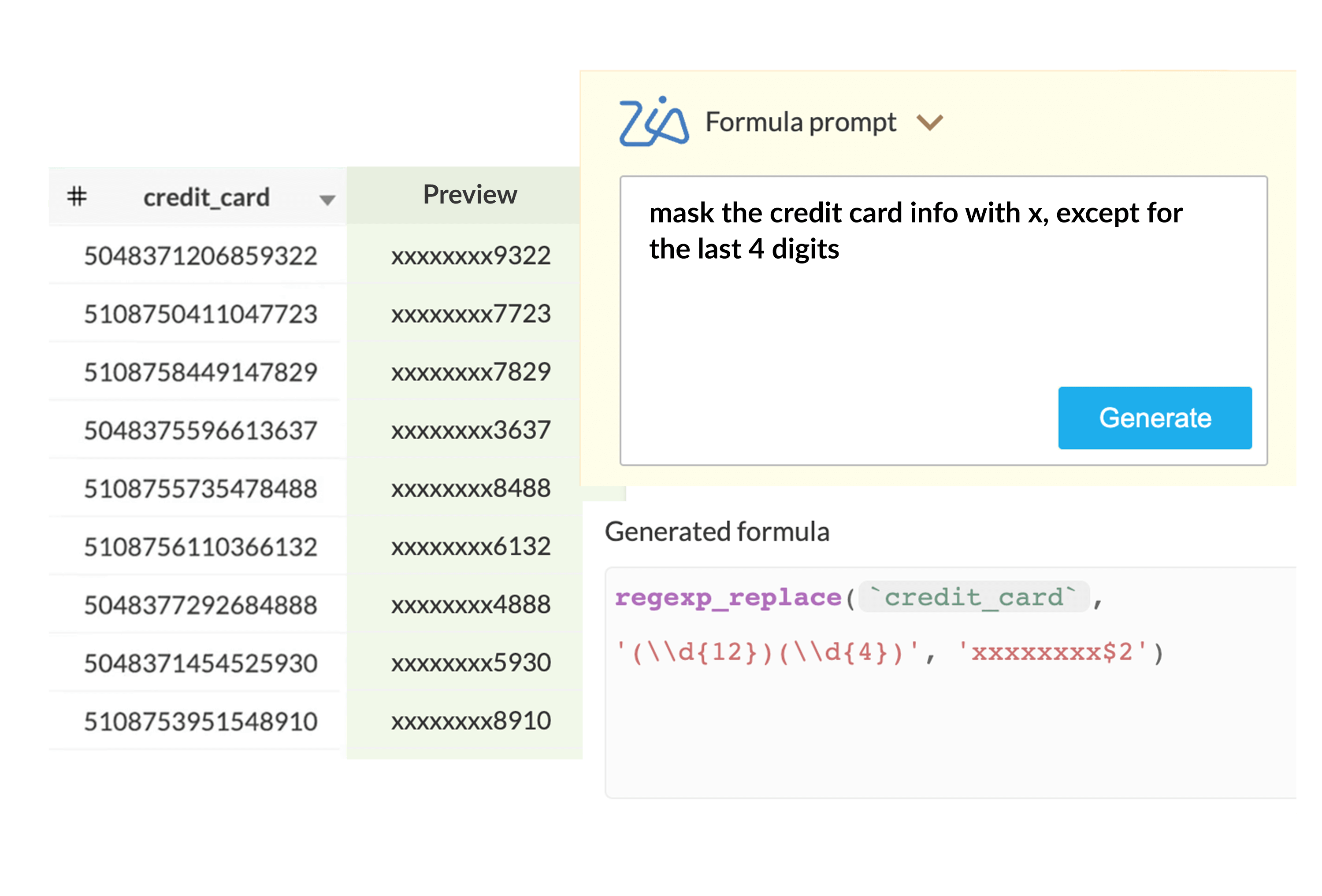
AI-assisted data cleanup and enrichment
Duplicated and inconsistent data, missing information, incorrect formatting, and even language mismatches—Zoho DataPrep helps you discover and fix them in just a few clicks. We also have OpenAI integration that lets you run complex fixes in plain English.
Saving time and money for sales and marketing
Investing in data preparation gives access to cleaner and more accessible data for your sales and marketing teams; sales will have better understanding of each lead and marketing can run more efficient campaigns that achieve better ROI.
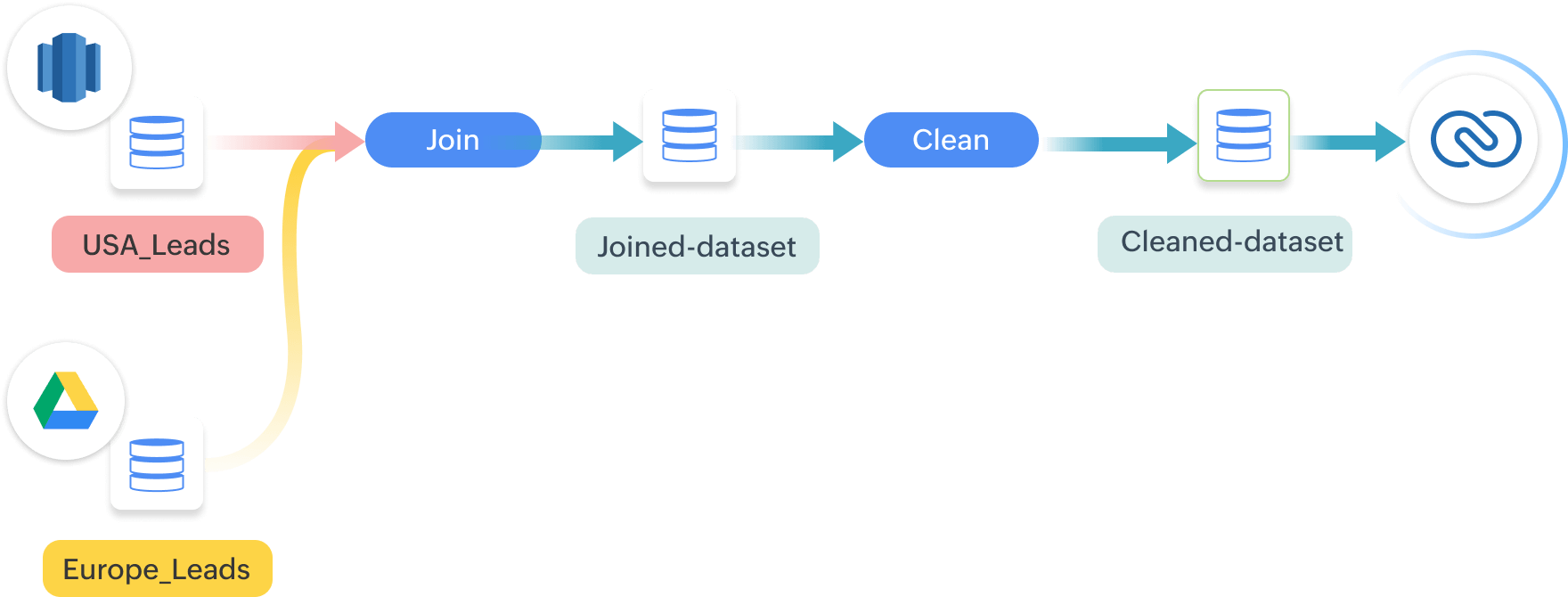
Automated data pipelines ensure clean data
You'll always have ready-to-go data in Zoho CRM with DataPrep’s data pipeline capabilities. Collect leads from multiple sources, then prepare and export them to Zoho CRM. Set it up once and you'll have consistently clean and enriched data moving forward.
Secure migration and backing up of your Zoho CRM data
Safely migrate your data from external sources or other CRMs to Zoho CRM with DataPrep. Ensure only clean data is migrated to ease data management. You can even automate CRM data backup to external data warehouses by setting up periodic schedules.
Automate your CRM data management without breaking the bank
GET A PERSONALISED DEMOZoho CRM Use Cases
Powered by Dataprep
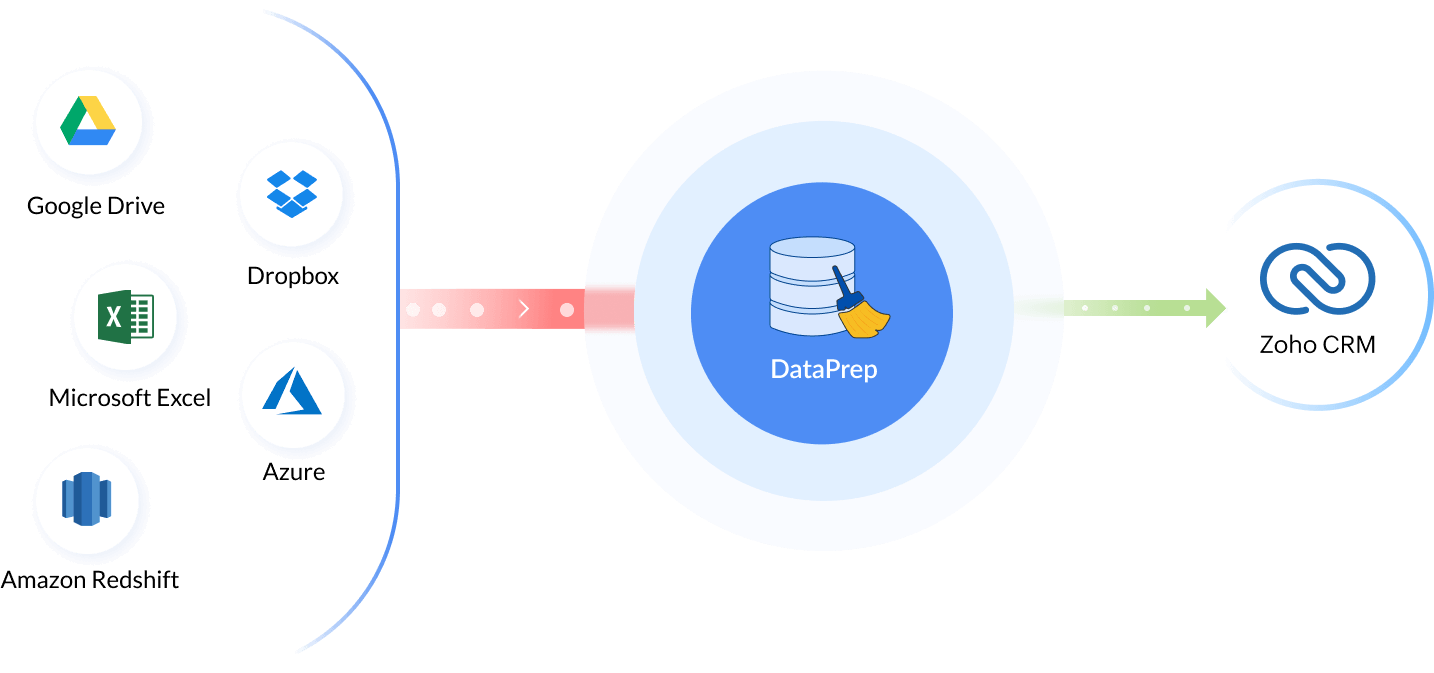
Automate Data Movement from 70+ sources to Zoho CRM
Automatically sync your customer data from local database, legacy systems and other business apps into Zoho CRM.
- Bring in customer data from 70+ sources (eg, Drive, spreadsheets, databases).
- Apply 250+ transformations to clean, standardize, and map fields correctly.
- Export the cleansed data using the Zoho CRM connector.
- Use schema validation to prevent data model mismatch and ensure integrity.
Improve CRM Data Quality with AI
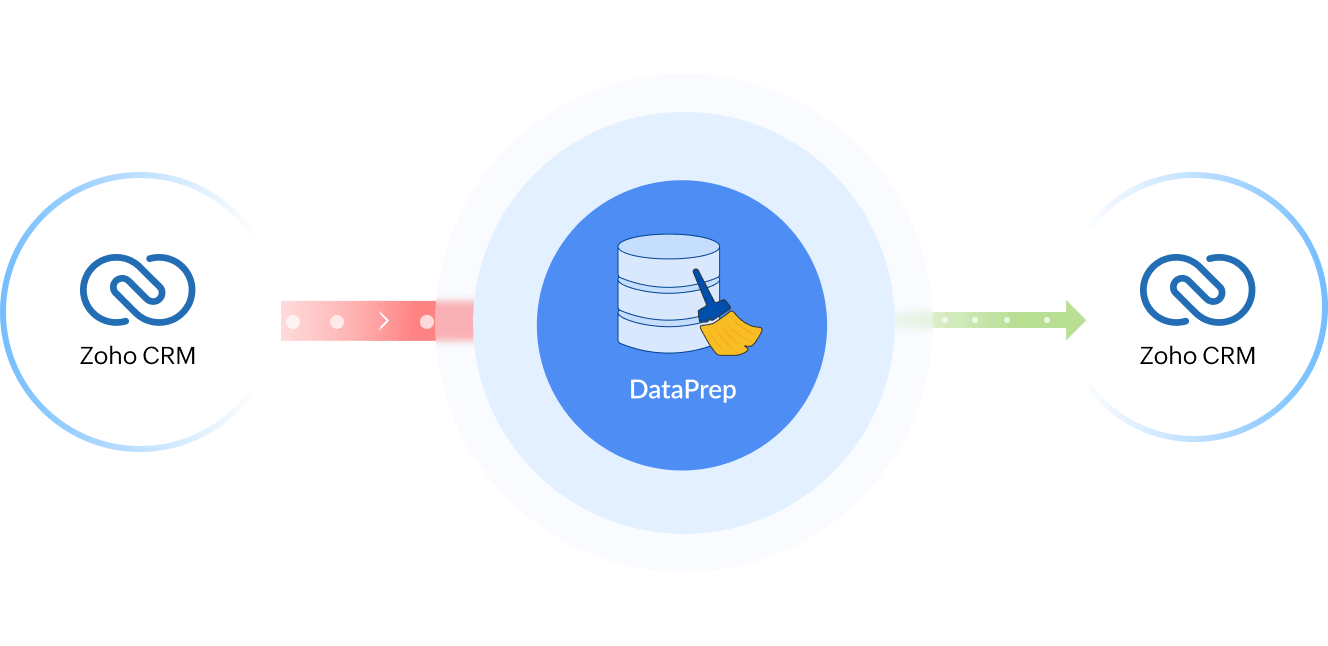
Boost CRM Data Quality with AI-Powered Cleansing for Smarter Sales, Marketing and business operations.
- Schedule bulk clean-up of Zoho CRM data to maintain data quality by deduplicating contacts, correcting invalid emails, and flagging incomplete records.
- Schedule data cleansing during non-business hours to avoid workflow disruption.
- Normalize data on the go, ensuring country, state, and phone number formats are standardized.
Seamless Data Migrations from other CRM systems
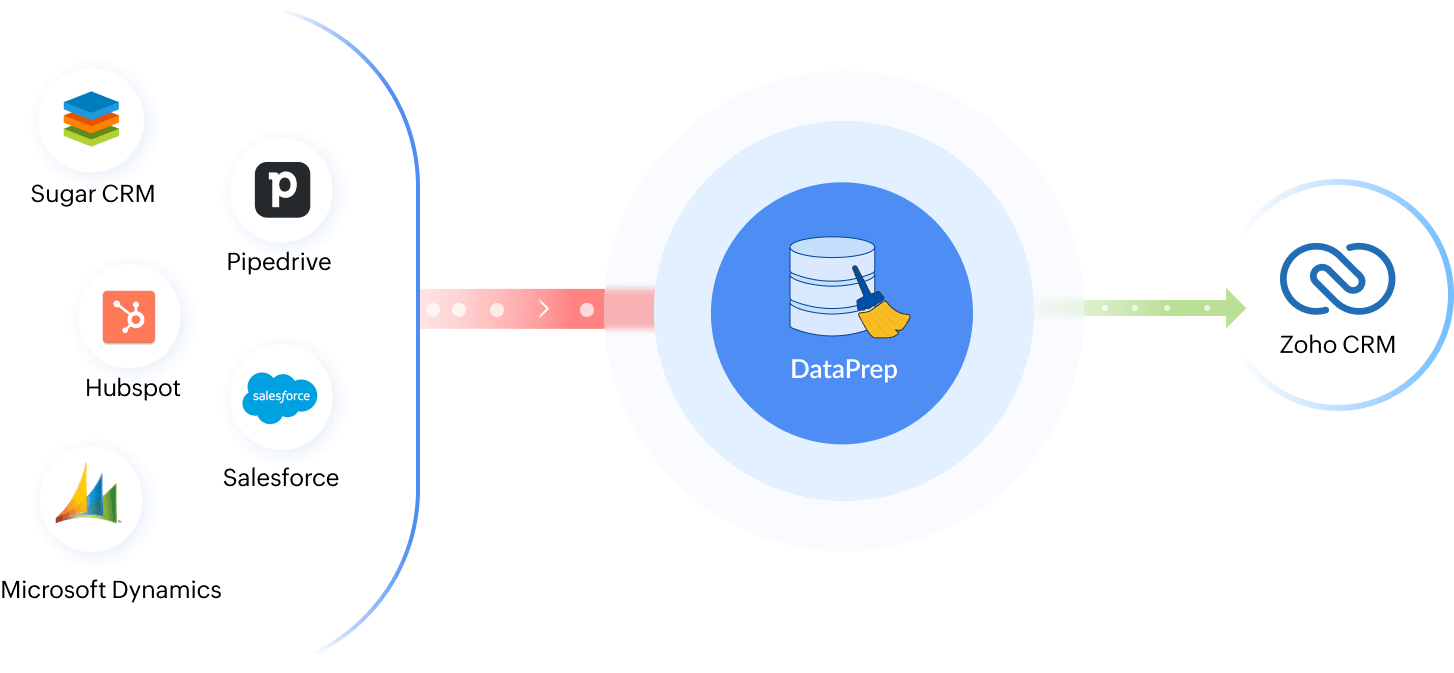
Seamlessly Migrate your Data from Other CRM Systems to Zoho CRM
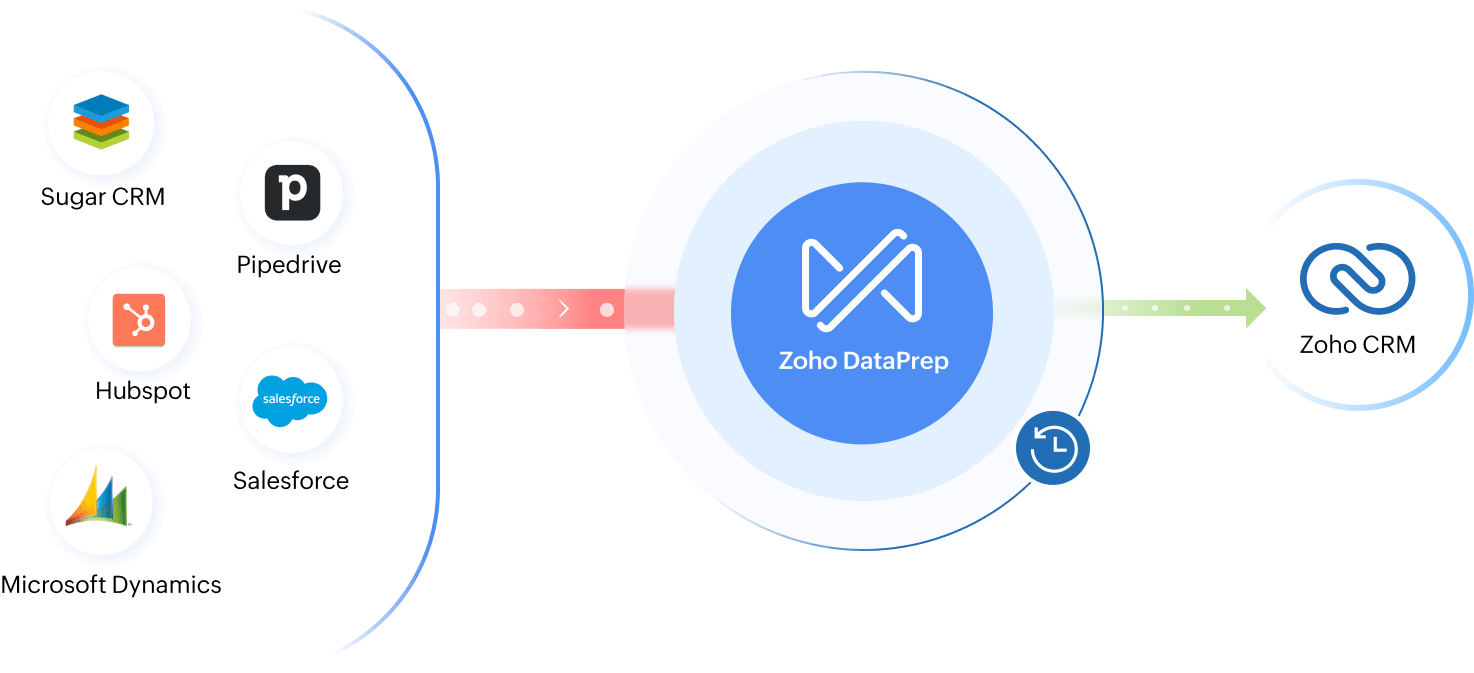
- Migrate your customer data scattered across other CRM and support systems. (includes sources from hubspot, pipedrive and salesforce)
- Fix errors and standardize data before migrating to Zoho CRM for a unified view.
- Remove inconsistencies and duplicates during migration for a clean data.
Safeguard your Zoho CRM Data with Automated Backups
Back up your Zoho CRM Data for secure storage and recovery
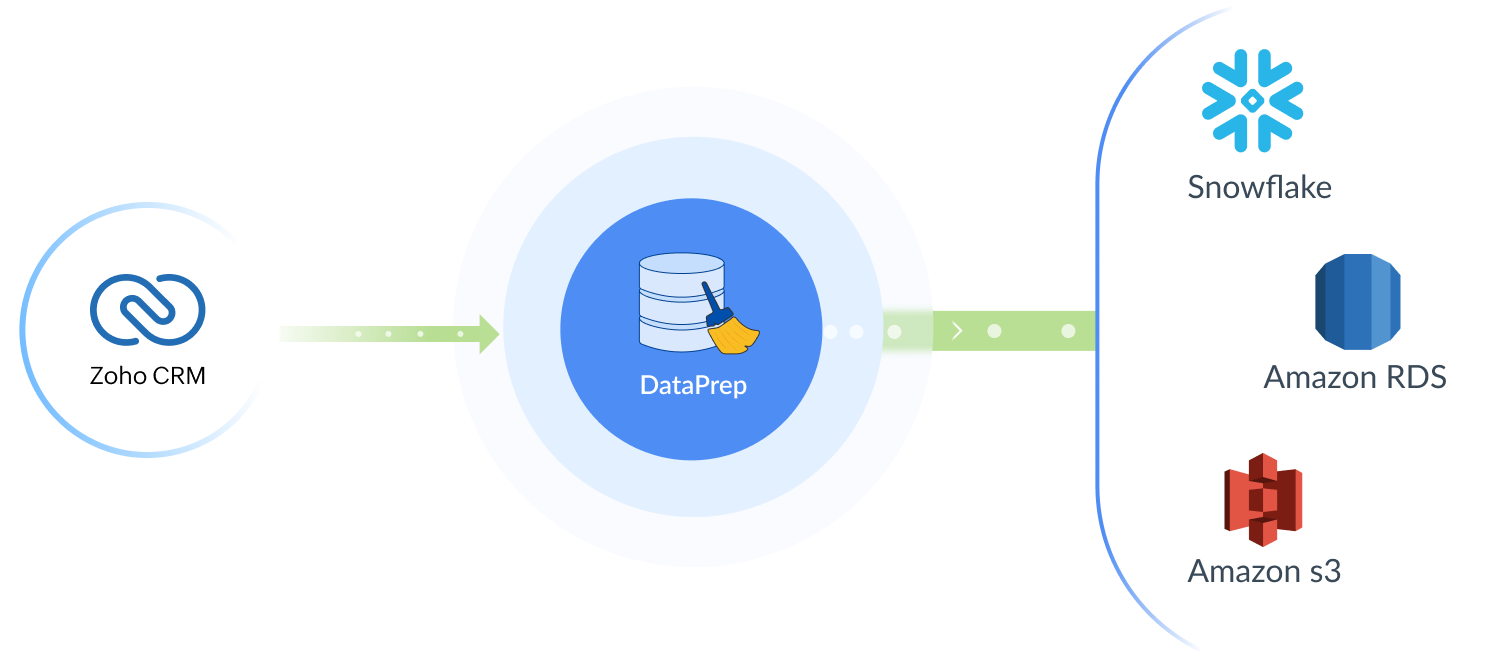
- Schedule automated back-up of your Zoho CRM data to external data warehouses.
- Enable disaster recovery of customer experience (Cx) data in case of emergencies.
- Securely use the backed-up, historical data for trend analysis, forecasting, and machine learning models.
Delivering high quality data has never been easier
Free up valuable time for your sales reps
According to industry estimates, 10-25% of contacts in B2B records contain errors. The burden of dealing with duplicate entries, invalid data, and mismatched records shouldn't fall on your sales reps. Use Zoho Dataprep to bring your data on point. Let your sales team focus on what they love to do—win deals.
Watch DataPrep in Action


Controlled data sync
Once the data is prepared, choose how to integrate them to your CRM - add only new records, only update existing records, or add and update records. DataPrep's granular controls provides the option to strategize as per your requirements.
Set up end-to-end pipelines
Schedule the data preparation or data sync process to run in a periodic manner. Monitor the data pipelines for continuous execution, and get notified in case of errors or a drop in data quality.
Use target matching for consistency
Zoho DataPrep's powerful target matching feature checks if the schema of your prepared data matches with the CRM module to which you are exporting beforehand. Address schema mismatches before executing your export, and stay error free.
Rollback, if needed
If you have mistakenly synced unwanted data to your CRM, no need to despair. Zoho DataPrep will allow you to rollback the change.
What our customers are saying

"Zoho DataPrep has taken the time it takes to clean and import our data from multiple hours down to minutes. I am able to provide my clients better tracking of their key statistics because I now have an automated way to take in their third-party data."
Bob Sullivan JD
COO, Vector Solutions

"Zoho DataPrep has allowed us to reduce manual data cleansing and cut down on clunky, additional scripts for transforming the data. With Zoho DataPrep we have been able to streamline our ETL processes and move towards a leaner ETL framework, with much of the transformation work now being done within Zoho itself."
Connor Nobert
Director, Pulse LLC

"We spend a lot of time writing and maintaining custom scripts to import data, fix errors and transform the data. Using Zoho DataPrep, we easily found the errors in the data and fixed them all from within the tool. We are now looking to eliminate manual scripts and use Zoho DataPrep to automate data preparation."
Claudio Cabeza
Business Development Director, Grupo Premo